post

Printing Disassembler

In 1982 I wrote/composed a program to have disassembled code on paper, with page numbers.

The core routine of the disassembler is the well-known Steve Wozniak/Allen Baum 1976 article A 6502 Disassembler from Apple
The program is a TTY program. I build it with the then current hardware and software of my KIM-1:

  • 32K RAM from $2000
  • Video terminal uppercase 24×32 on the KIM TTY serial in/output
  • A parallel ASCII keyboard connected to the second 6532 RIOT port
  • A serial connected, at 9600 baud, Heathkit H14 matrix printer
  • Dual audio cassette records under motor control
  • MICRO ADE assembler/Editor, extended and with video TTY as output, parallel keyboard as input and could print at the H14 printer

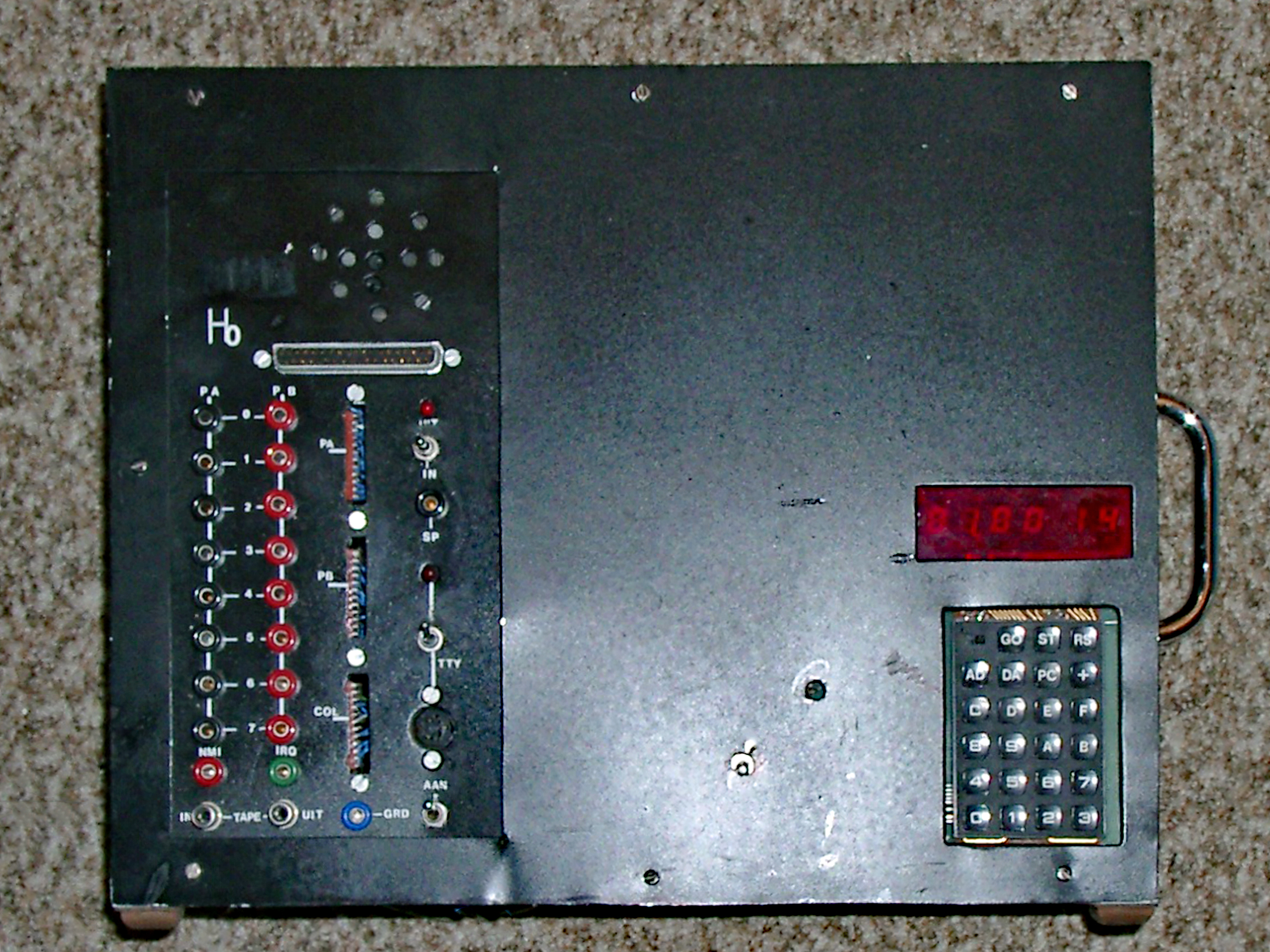
Only the KIM-1 survived today this setup and is now on display above my desk in an acryl case. Most of the software is converted from tape and is on this site in the KIM Software page.

The program was written to have a disassembled printed listing of software like the Microsoft Basic KB9 and other binary only software, so I could analyze, make notes and patch it at will to my hardware and more. It was located at location $B000, out of the way of where most programs were loaded, like $0400 or $2000.
The program prompts for output to video or to video + printer. If printer is selected the output will be paginated with page numbers and it asks for a header text.
I still have the printed output of Microsoft Basic with my hand written notes on it.
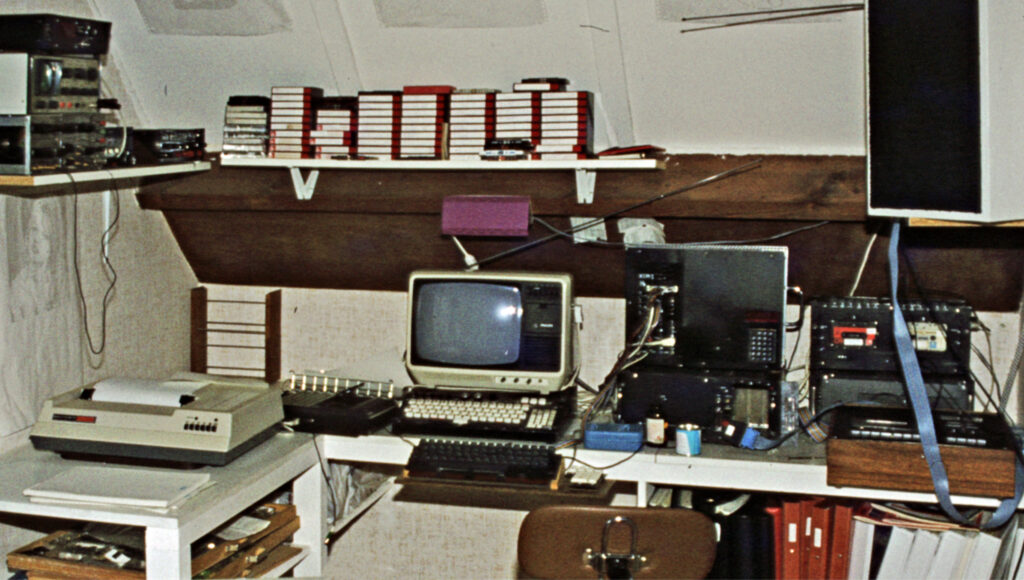
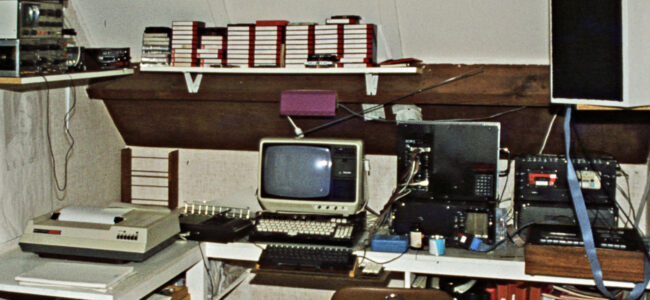
My workplace setup in 1982: KIM-1, dual cassette, tv monitor, H14 printer, ASCII keyboard

The original source and binary (restored from cassette, the previous version on the website was incomplete):

Printing disassembler, load and start address is $B000
Source of disassembler
Requires a parallel keyboard for character input at the free 6530 PIA port. H14 printer output if print is requested.

As is not fit for a standard KIM-1!

PRDIS Version 2

In January 2023 Glen Deas, K5GED, approached me about this program. He found out the binary was missing the last bytes (now corrected). He also showed me how he converted the MICRO ADE source to AS65 format and made it use the KIM-1 standard TTY I/O again.
Printing disassembler, load and start address is $B000 for KIM-1, Glen Deas version

  
   ; VERSION 1.1 JANUARY 2023  SYNTAX MODIFIED FOR THE
   ;  A65 CROSS ASSEMBLER   GLEN DEAS, K5GED  USA
       INVOKE A65:  A65 -L -M -H D6502TTYV2.S
   ; Version 2.0  MODIFIED TO USE THE KIM-1 SERIAL I/O INSTEAD OF PARALLEL KEYBOARD
   ;               USING KIM'S TTY ROUTINES - BY DEFAULT IT OUTPUTS TO THE VIDEO 
   ;               MONITOR/TTY VIA THE OUTCHK CALL TO THE KIM-1 MONITOR 
   ; Set up Procomm up for 7 data, Mark parity, and 2 stop bits, no echo

PRDIS Version 3
I could not resist to spent an afternoon on the source Glen Deas has given me. So much fun to work on code 40 years later. Grateful to Glen for his work on his vesion.

Here is my latest version, running fine in the KIM-1 Simulator.
Source and binary in papertape format V3 of PRDIS
Improvements in V3:

  • No problems with echo or 7 bit anymore, all standard KIM-1 monitor
  • Lowercase messages
  • Code for H14 printer or parallel keyboard commented out, reducing size
  • Rommable, variables moved to RAM $0200, program at $B000
  • Stops output after every 16 lines, any key but Enter stops program
  • Source formatted and syntax for TASM32, license added
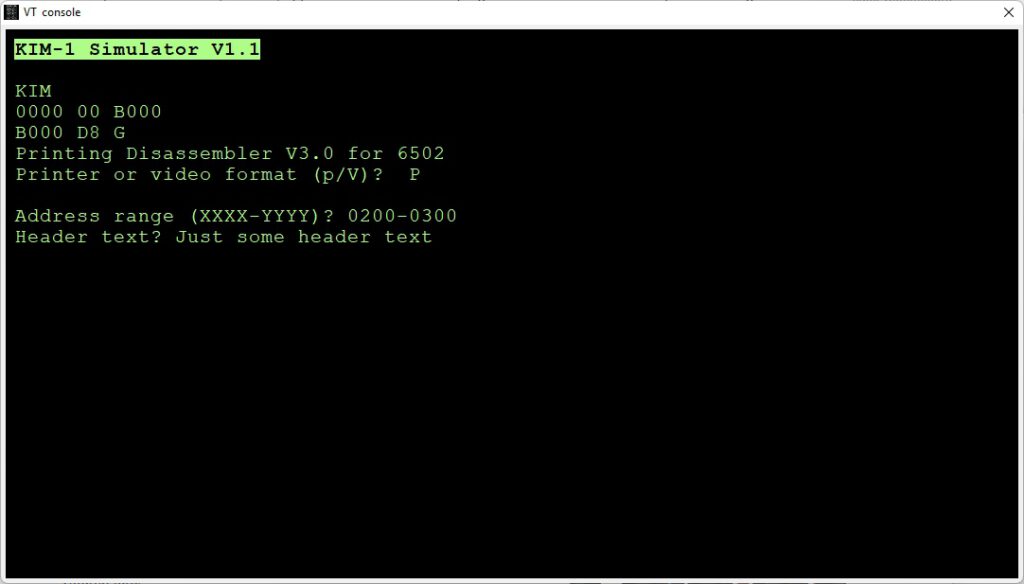

Example session, PRDIS disassembling itself without and with Pagination:

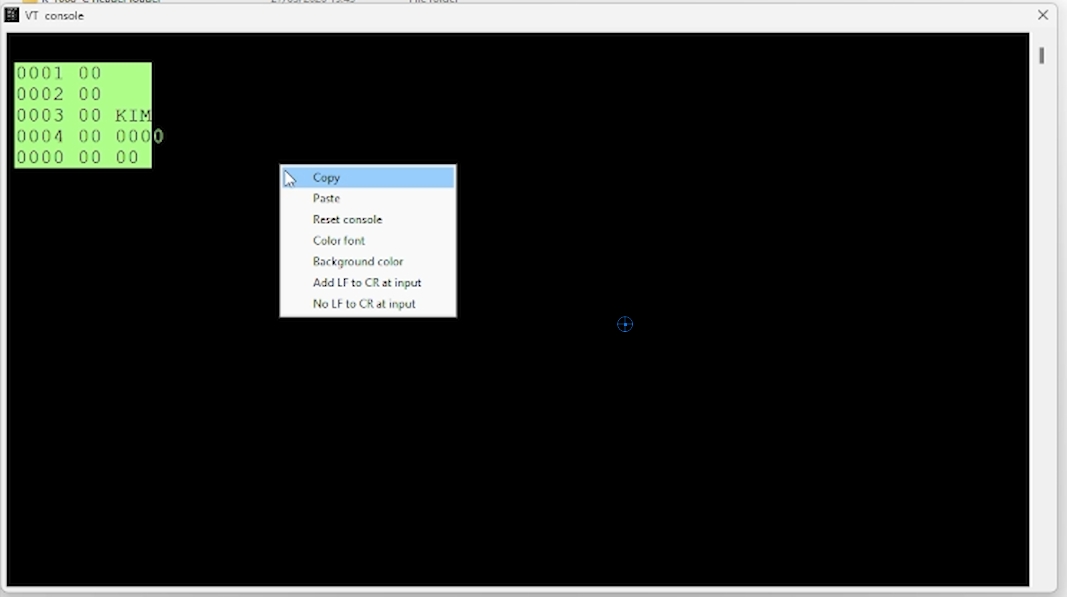
KIM
B000 D8 G
Printing Disassembler V3.0 for 6502 
Printer or video format (p/V)?  

Address range (XXXX-YYYY)? B000-B100
Disassembly: 
B000  D8          CLD 
B001  A2 FF       LDX #$FF
B003  9A          TXS 
B004  A9 01       LDA #$01
B006  8D 00 02    STA $0200
B009  A9 00       LDA #$00
B00B  85 EE       STA $EE
  .
  .
  .
B0F6  C9 22       CMP #$22
B0F8  F0 13       BEQ $B10D
B0FA  29 07       AND #$07
B0FC  09 80       ORA #$80
B0FE  4A          LSR 
B0FF  AA          TAX 

KIM
B000 D8 G
Printing Disassembler V3.0 for 6502 
Printer or video format (p/V)?  P

Address range (XXXX-YYYY)? B000-B200
Header text? PRINTING DISASSEMBLER

PRINTING DISASSEMBLER                                             Page 01

B000  D8          CLD 
B001  A2 FF       LDX #$FF
B003  9A          TXS 
B004  A9 01       LDA #$01
B006  8D 00 02    STA $0200
B009  A9 00       LDA #$00
B00B  85 EE       STA $EE
B00D  8D 01 02    STA $0201
B010  20 2A B3    JSR $B32A
B013  A2 B4       LDX #$B4
B015  A0 AC       LDY #$AC
  .
  .
  .
B1C6  60          RTS 
B1C7  A5 F0       LDA $F0
B1C9  38          SEC 

PRINTING DISASMBLER                                             Page 05

B1CA  A4 FB       LDY $FB
B1CC  AA          TAX 
B1CD  10 01       BPL $B1D0
B1CF  88          DEY 
  .
  .
  .
B1F9  33          ??? 
B1FA  D0 8C       BNE $B188
B1FC  44          ??? 
B1FD  00          BRK 
B1FE  11 22       ORA ($22),Y

KIM
B000 D8 

KIM-1 Rockwell sticker

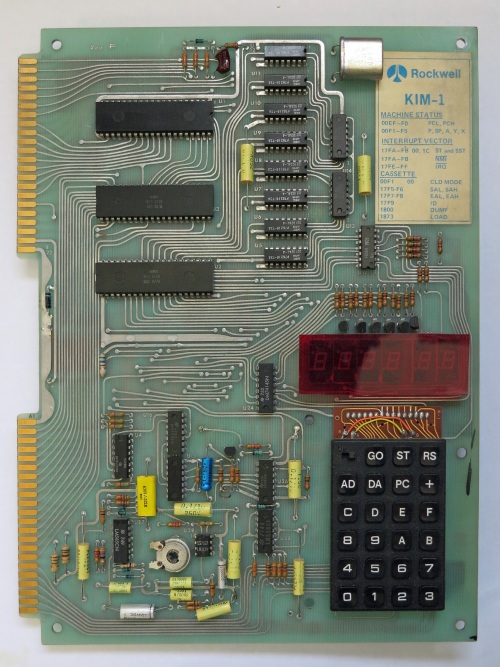
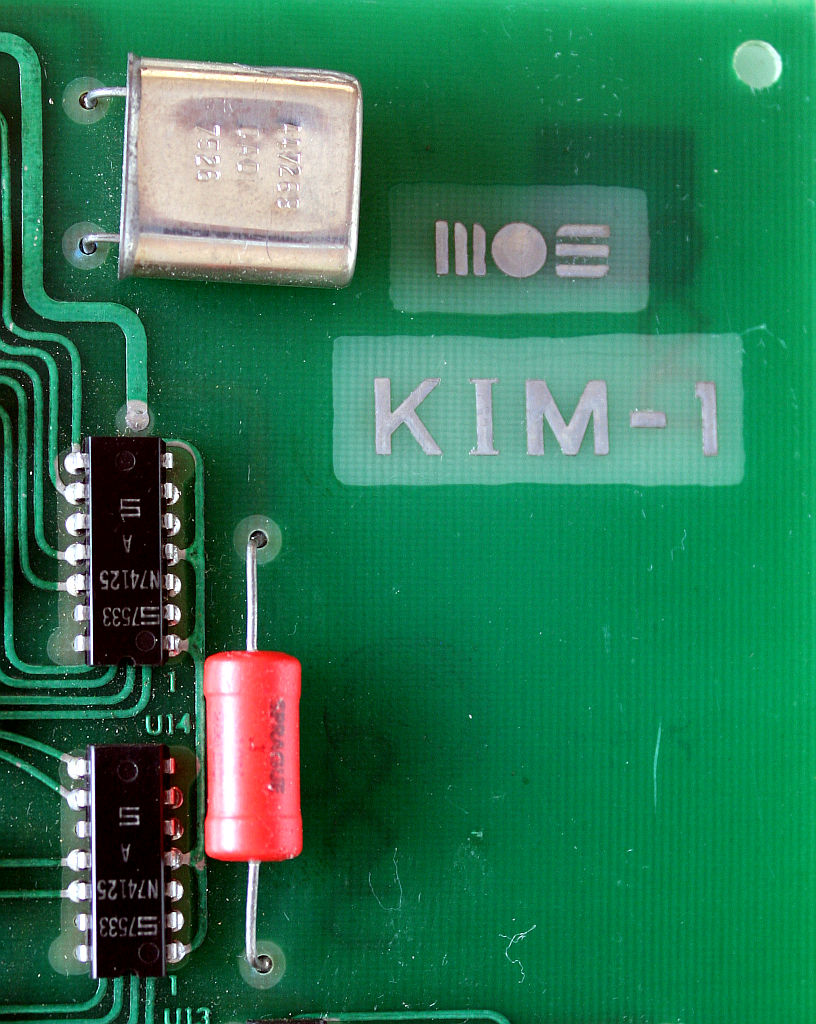
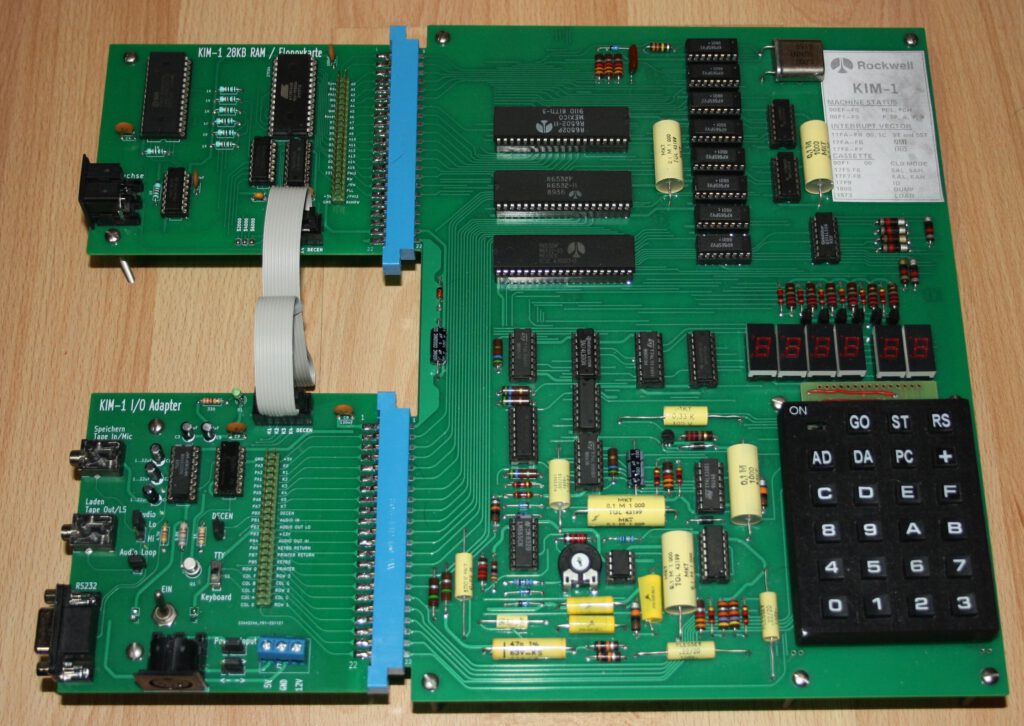
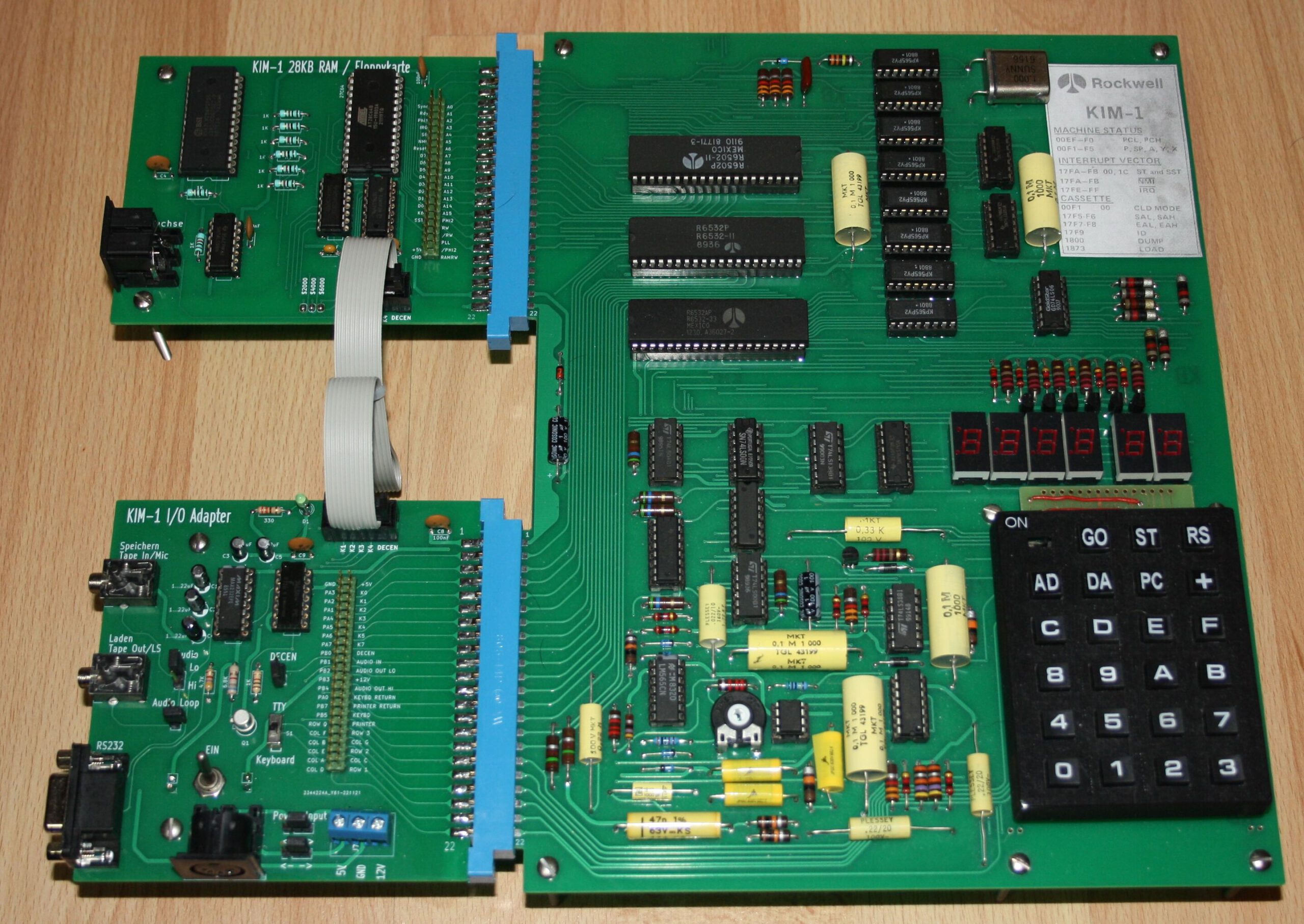
My KIM-1 came as an Rockwell OEM kit. The Rev F board is made by Commodore MOS Technology, the packaging and manuals are the original MOS Technology books, but Rockwell branded.

The logo on the KIM-1 is covered with a sticker, of course to have the Rockwell logo on the board. But some one was so clever to add essential information and addresses of the KIM-1 monitor.

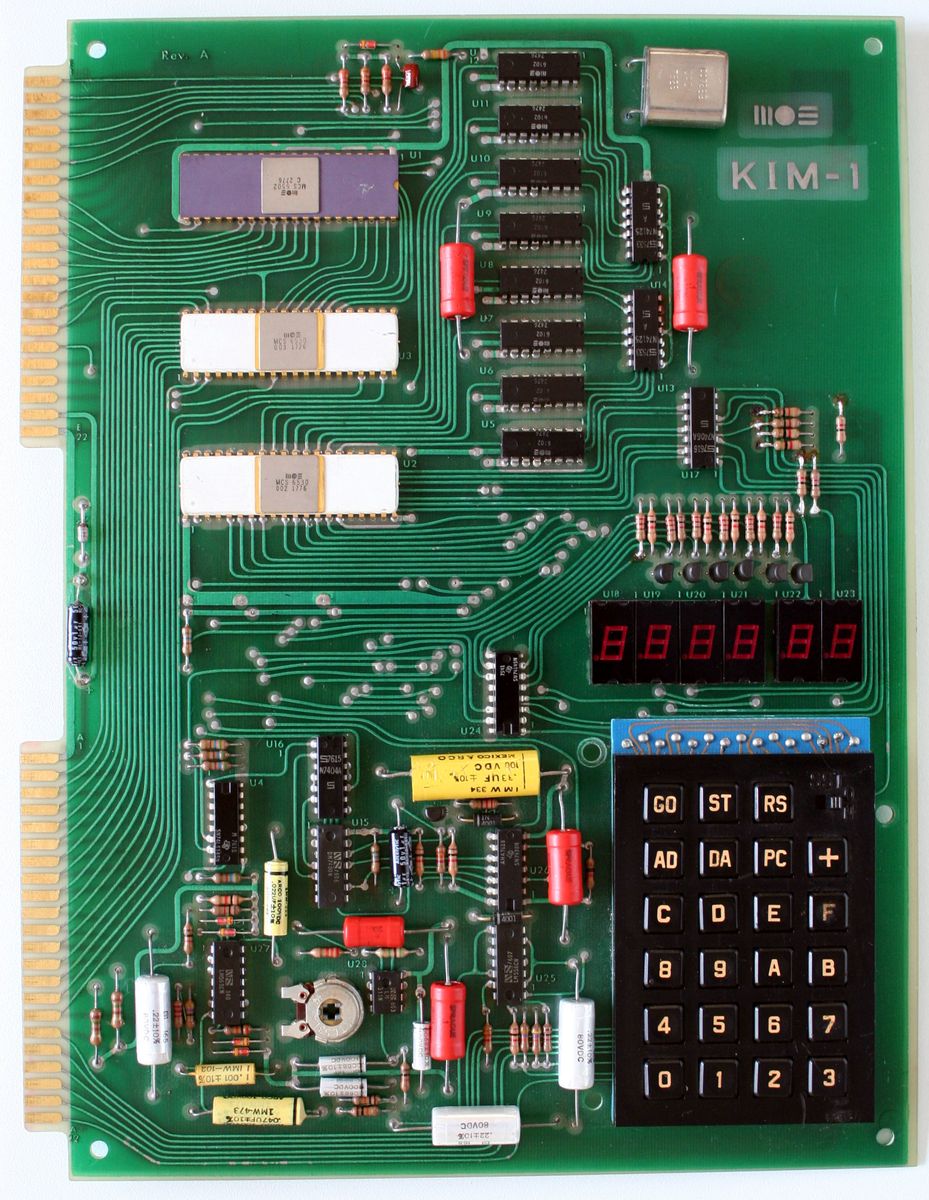
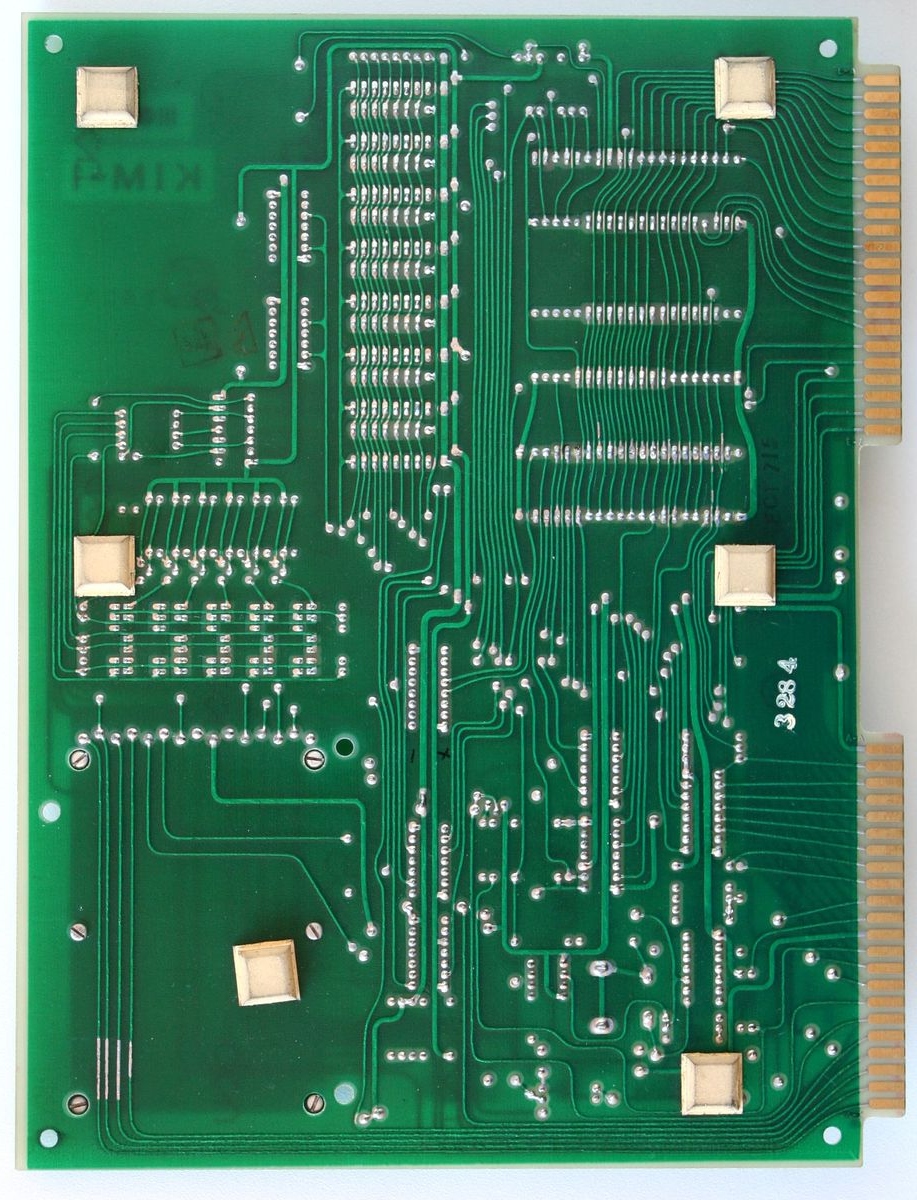
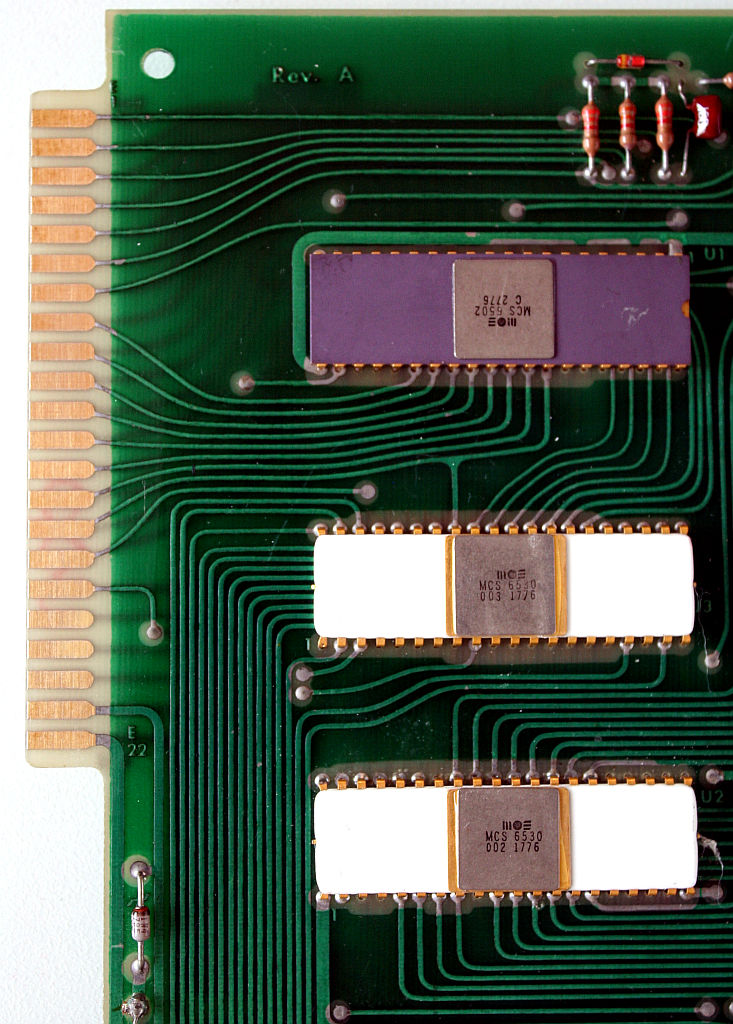
KIM-1 Rev A Photos

Guido Lehwalder gave me photos of his KIM-1 Rev A. Thanks!
Note the different colors of components.

I added these to the KIM-1 Revisions page.

Rev A, photo by Guido Lehwalder


Rev A, photo by Guido Lehwalder

Tor-Eirik Bakke Lunde a.k.a TEBL created several computer systems with detailed documentation.

The RC-ONE is a KIM-1 clone, inspired by the design by Ruud Baltissen, which can be built in a compact to much expanded format.

TEBL separated functionality into separate boards so that each version would cost only around 5$ per piece instead. It means it’s no longer a single board computer, but if it means more people can build it as a fun project then that’s a plus in my book. The main setup does not include the additional 15 I/O lines due to space requirements, but you can add those back to the system by including the 65K Expansion (in addition to the backplane module) if you want to. If you just want to play around with the system and try your hand at machine language coding, you can get started with the CPU board, UI board and a keypad module.

The whole design is documented on TEBLs github page, from circuit diagrams to PCB design.

The manual is an excellent guide to the system, read that first!

RC-ONE a KIM-1 clone

Tor-Eirik Bakke Lunde a.k.a TEBL created several computer systems with detailed documentation.

The RC-ONE is a KIM-1 clone, inspired by the design by Ruud Baltissen, which can be built in a compact to much expanded format.

TEBL separated functionality into separate boards so that each version would cost only around 5$ per piece instead. It means it’s no longer a single board computer, but if it means more people can build it as a fun project then that’s a plus in my book. The main setup does not include the additional 15 I/O lines due to space requirements, but you can add those back to the system by including the 65K Expansion (in addition to the backplane module) if you want to. If you just want to play around with the system and try your hand at machine language coding, you can get started with the CPU board, UI board and a keypad module.

The whole design is documented on TEBLs github page, from circuit diagrams to PCB design.

The manual is an excellent guide to the system, read that first!

Instandsetzung und Nachbau eines KIM-1

Ralf (Ralf02, forum64.de) started a thread on the forum64 called Instandsetzung und Nachbau eines Kim-1 in March 2022.
99 pages further of designs and discussions in the thread, delivered a working KIM-1 that is closer to the original KIM-1 than any KIM-1 replica designed. A great achievement and a well deserved compliment to Ralf!

The work of Ralf is not limited to the KIM-1 replica itself. He also designed a KIM I/O module and a 1541 IEC/RAM/ROM module.
Noteworthy is the replica of the KIM-1 keypad.

Read all about it here!

post

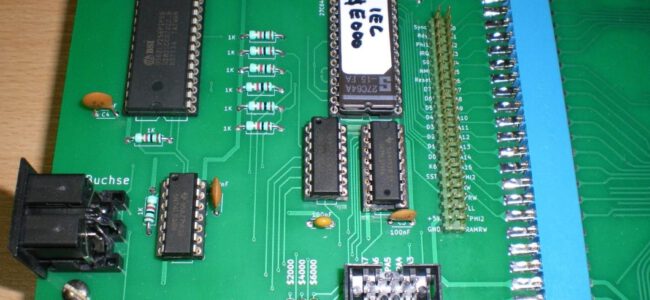
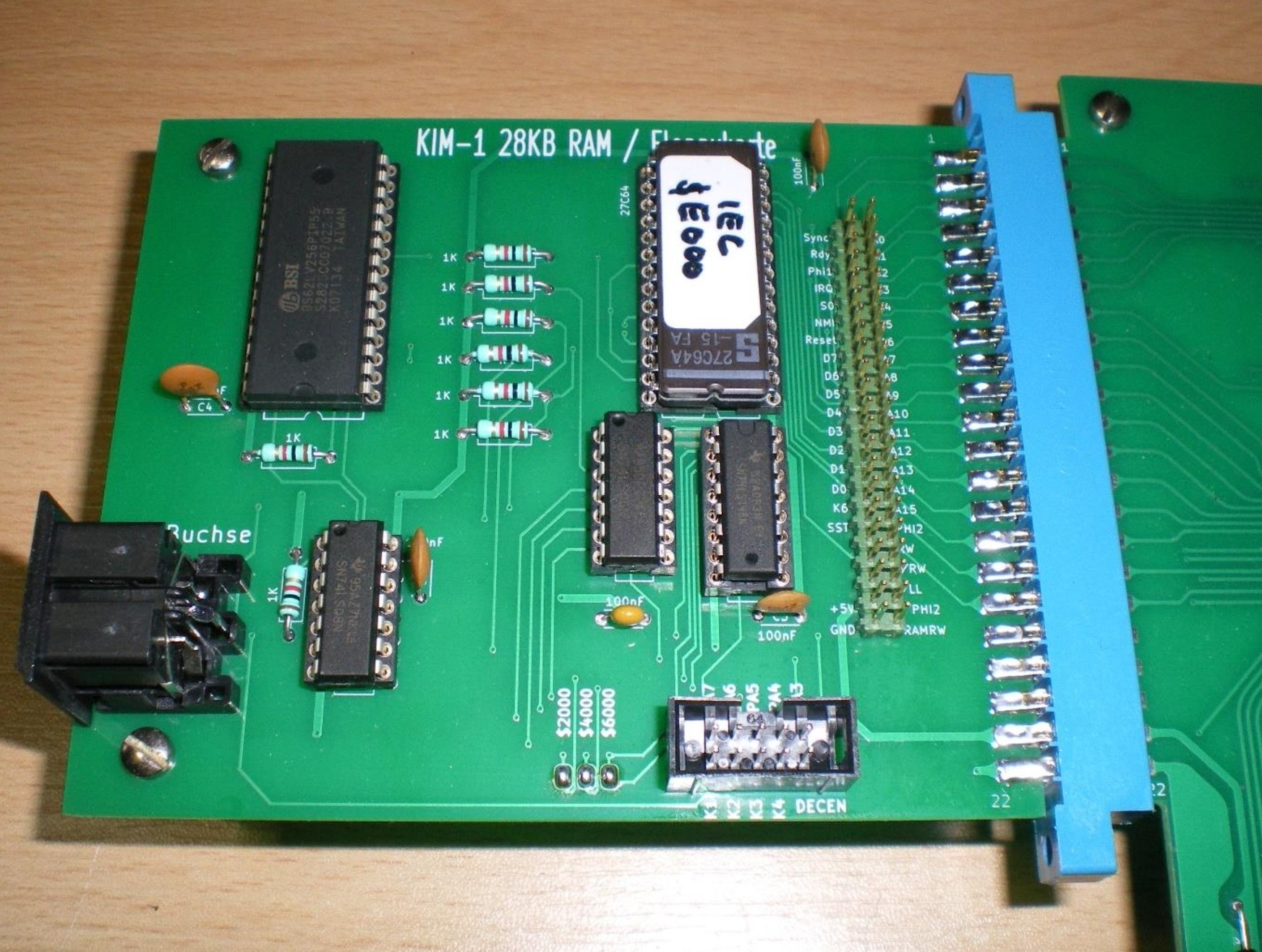
IEC/RAM/ROM card

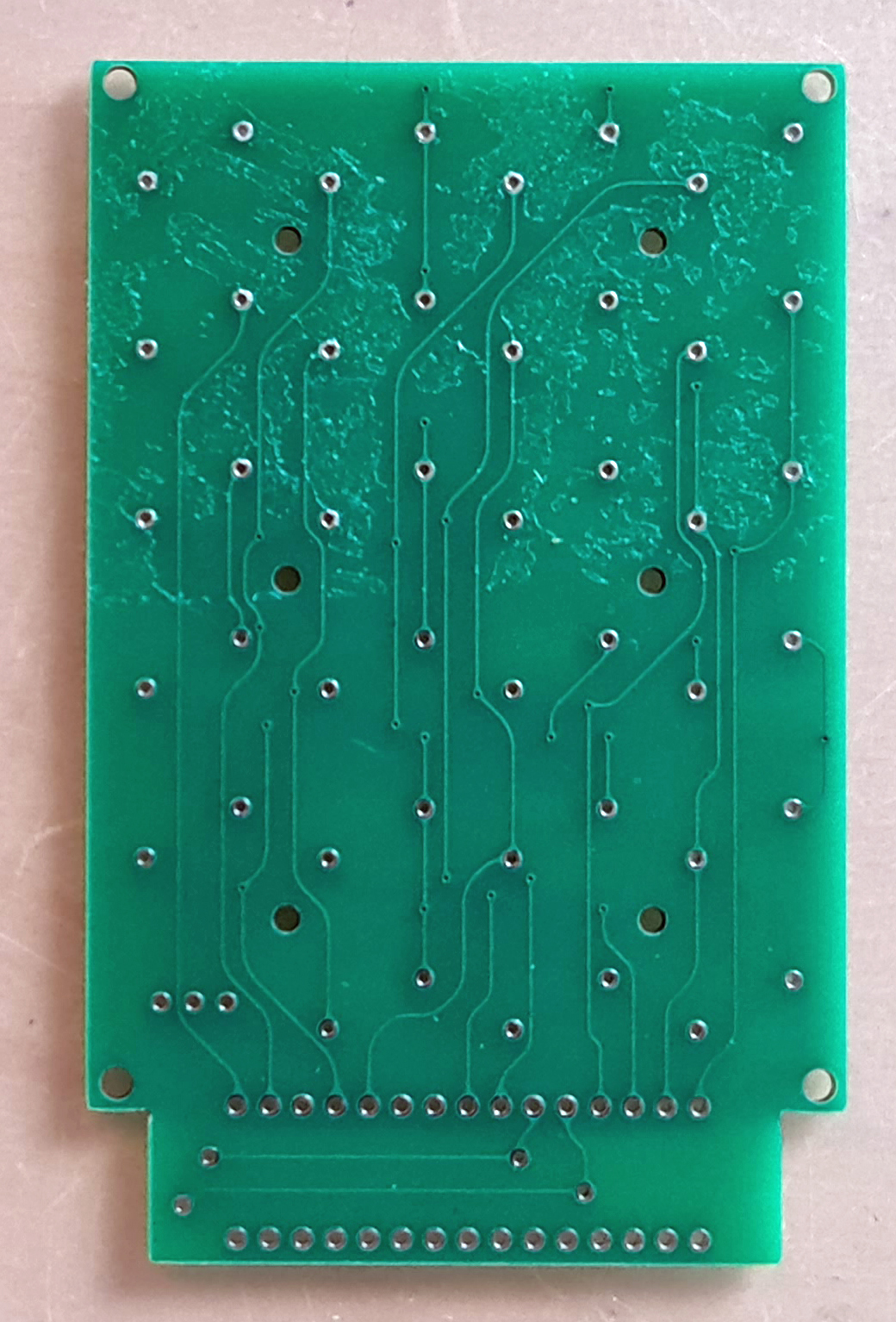
The IEC-floppy/RAM card is a card connected to the Extension connector of the KIM-1 (any KIM-1, original and replica).

post

KIM-1 I/O-Platine

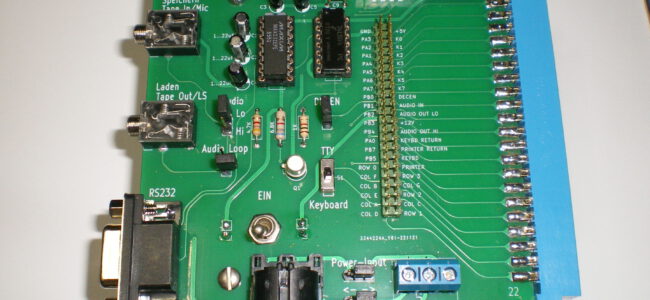
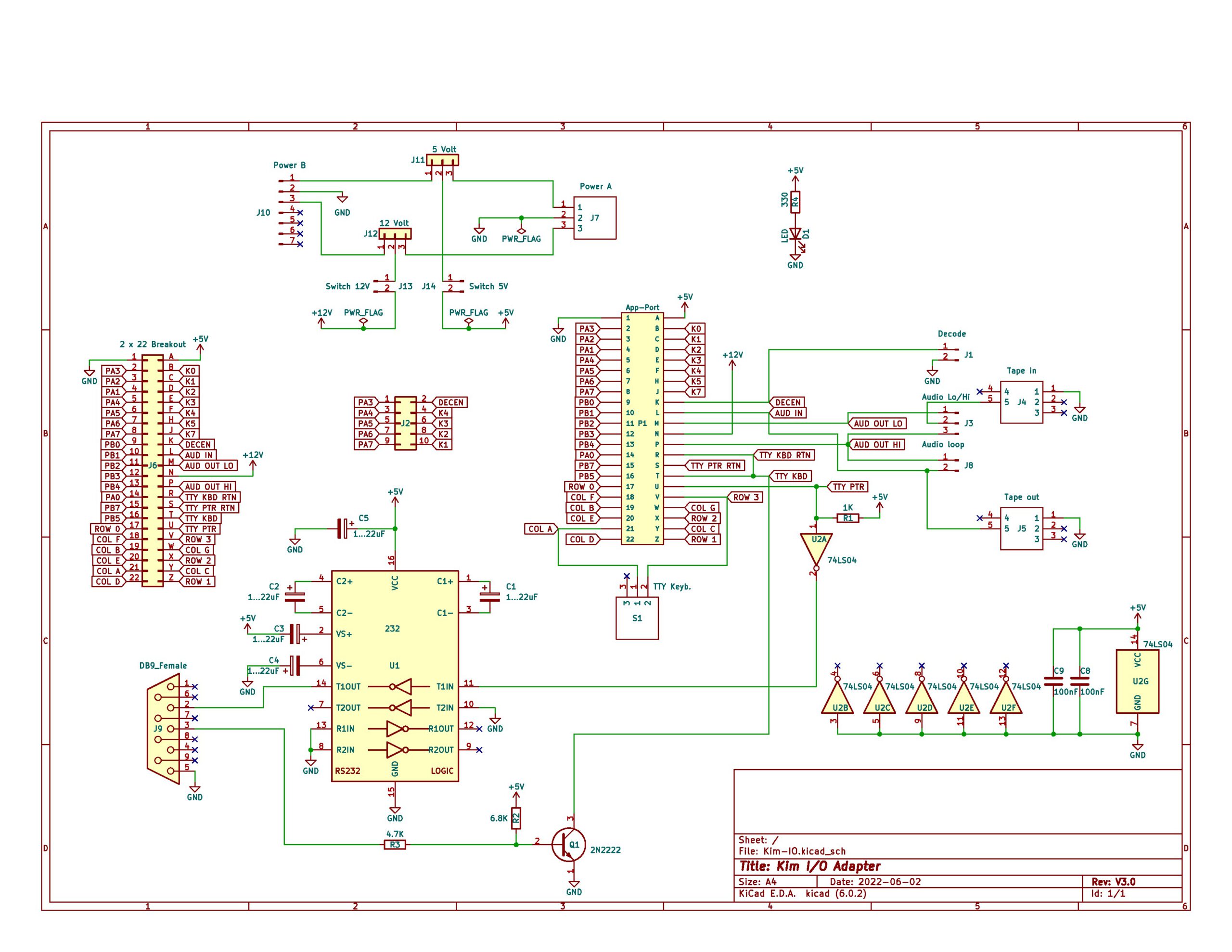
The I/O card has connectors for Power, audio in/output for data save and load, and a RS232 connector. All signals on the Application connector are made available on 2×22 pinheader.
To connect the IEC/RAM/ROM card there is a 2×5 pinheader.

Available downloads:

post

Nachbau KIM-1

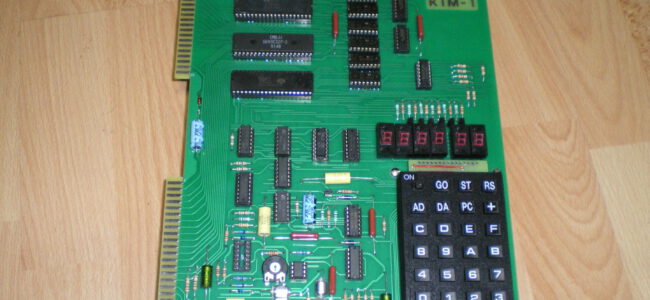
The replica is yet another implementation of the idea from my Dutch friend Ruud Baltissen: Build a KIM-1 with 6532s replacing the 6530-002/003.

What makes this replica special is:

  • It is a KIM-1, with everything the KIM-1 has: two 6532, audio, 1K RAM, 6530-002 and 6530-003 ROM, exactly the same logic for TTY and audio, application and extension connector.
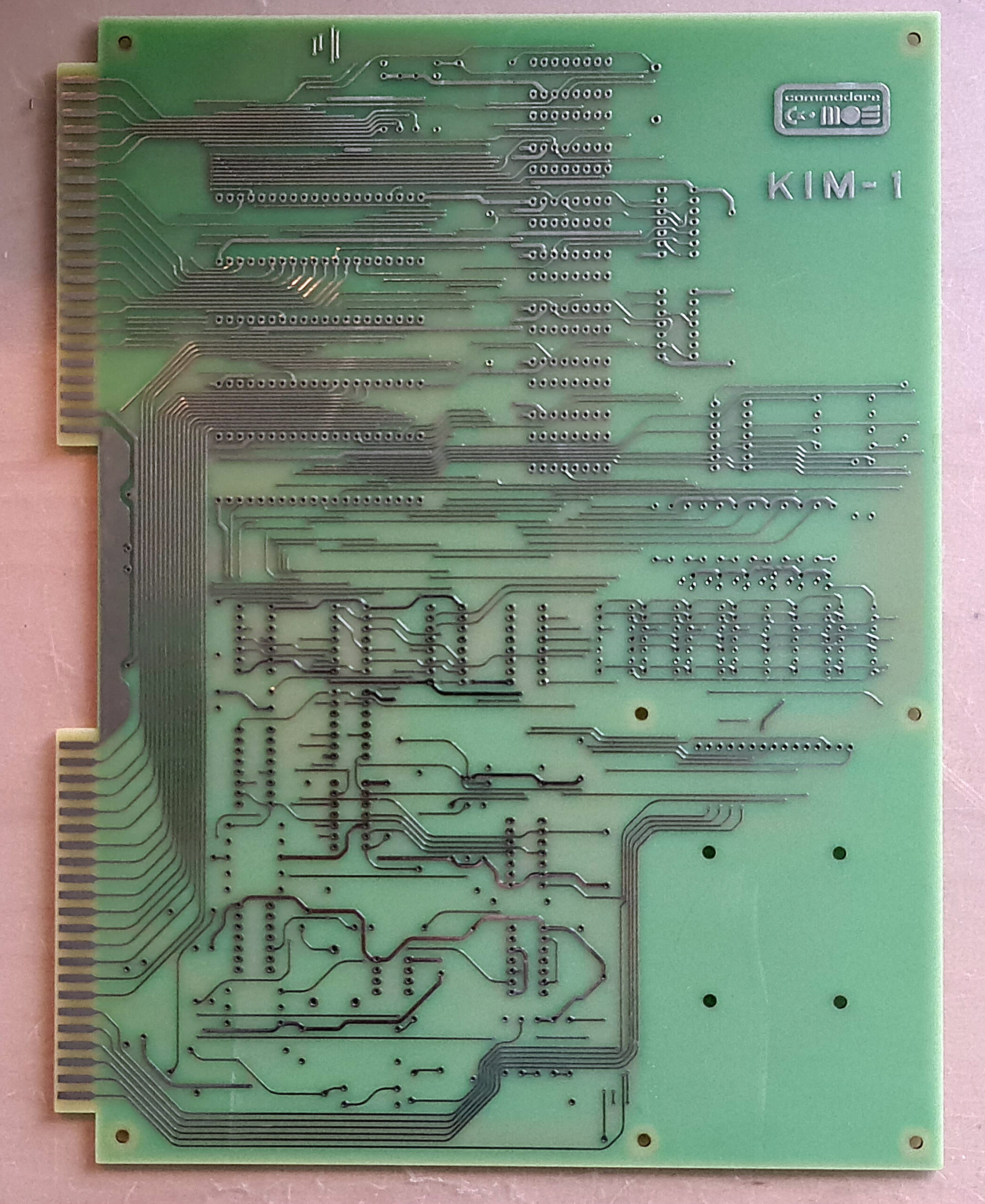
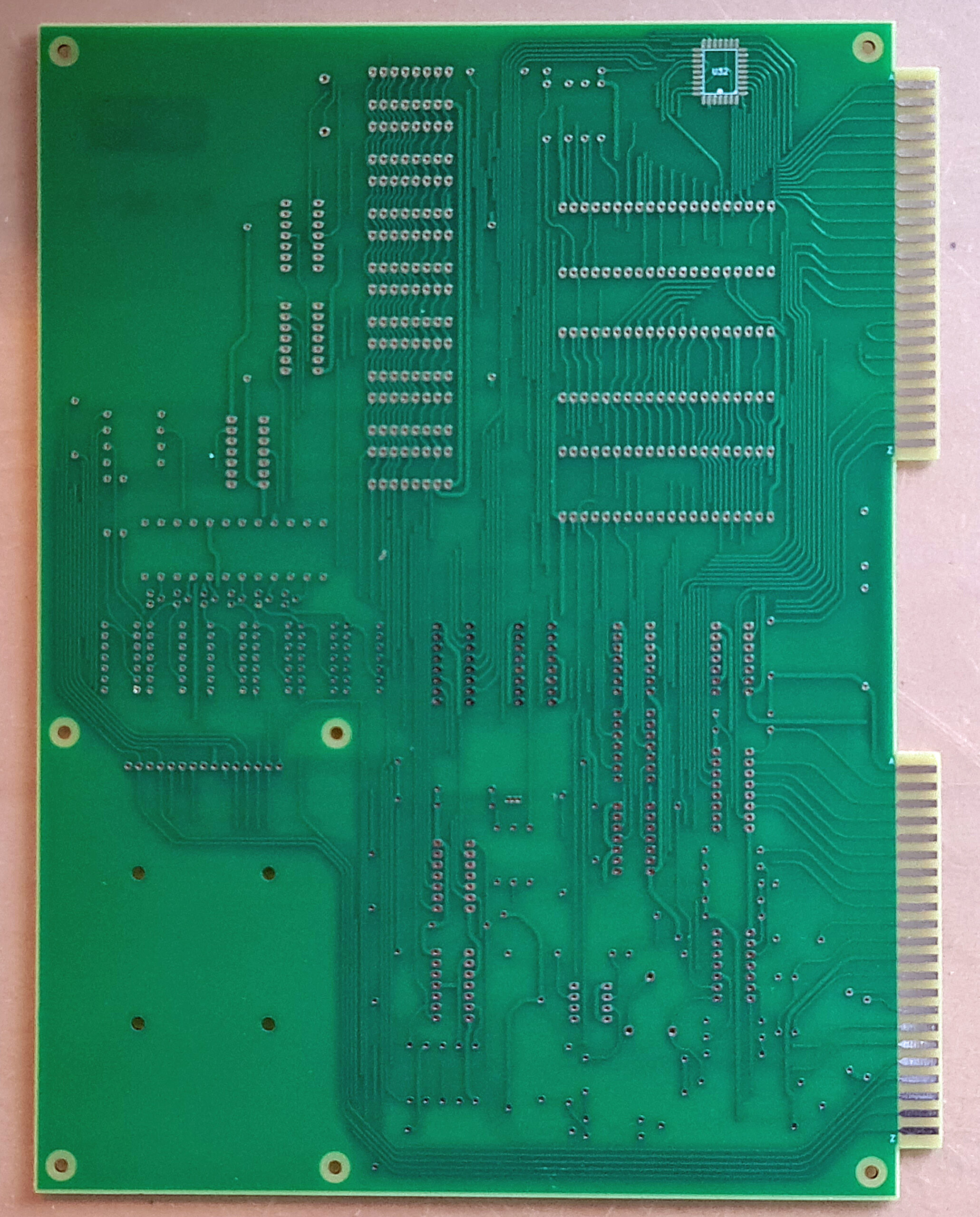
  • The layout is in size and layout nearly equal to the KIM-1, it looks as close as possible as the original
  • The extra ROM is hidden on the back of the PCB
  • The PCB traces are not straight with sharp corners, but are bended like the hand layed out KIM-1 PCB

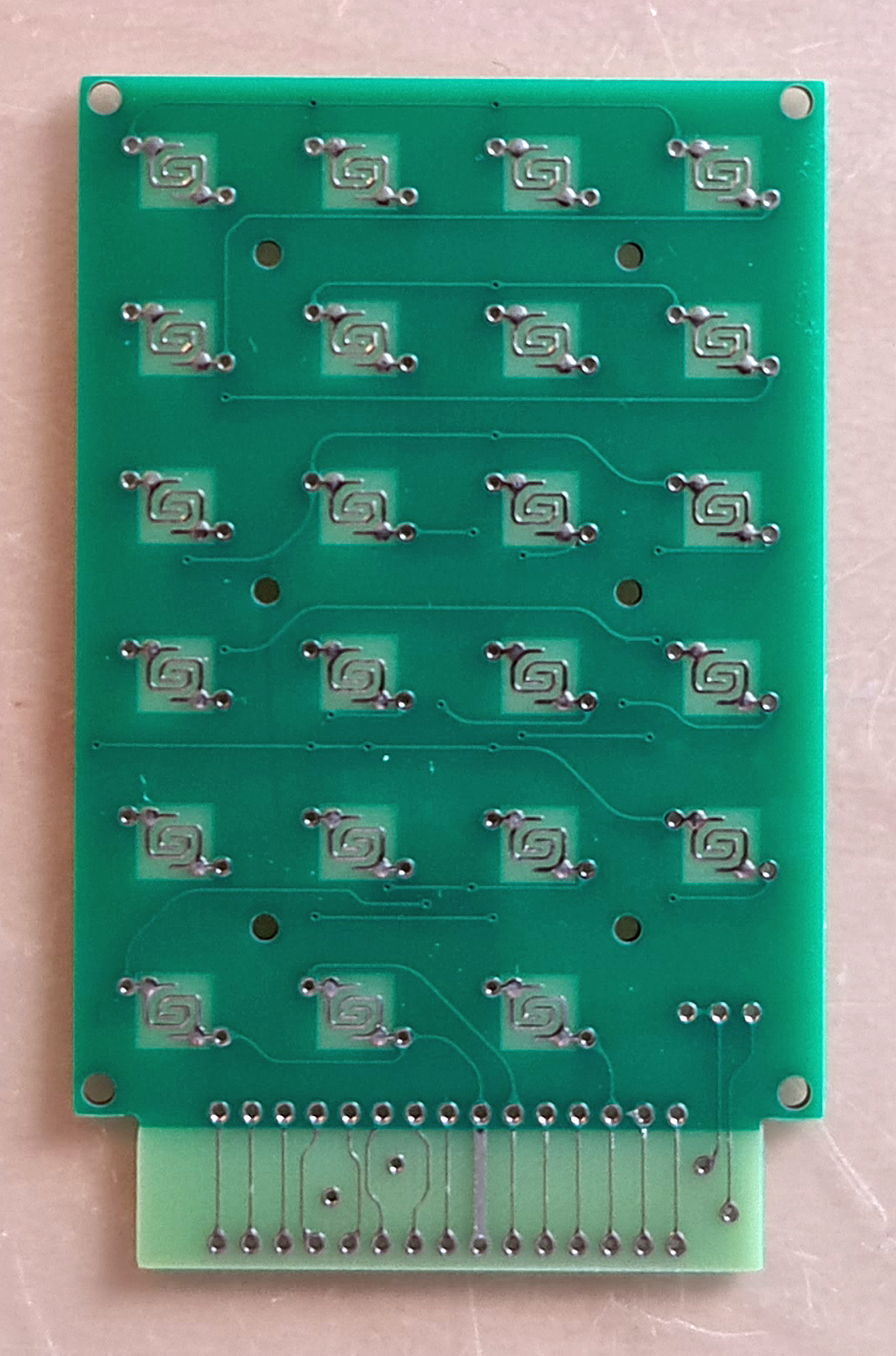
The keyboard is the best replica of the KIM-1 keyboard ever seen, see the KIM-1 replica keyboard page for details.
Ralf made available the gerbers of the Nachbau KIM-1 PCB and wrote a (in German) construction guide.
Here are the available downloads:

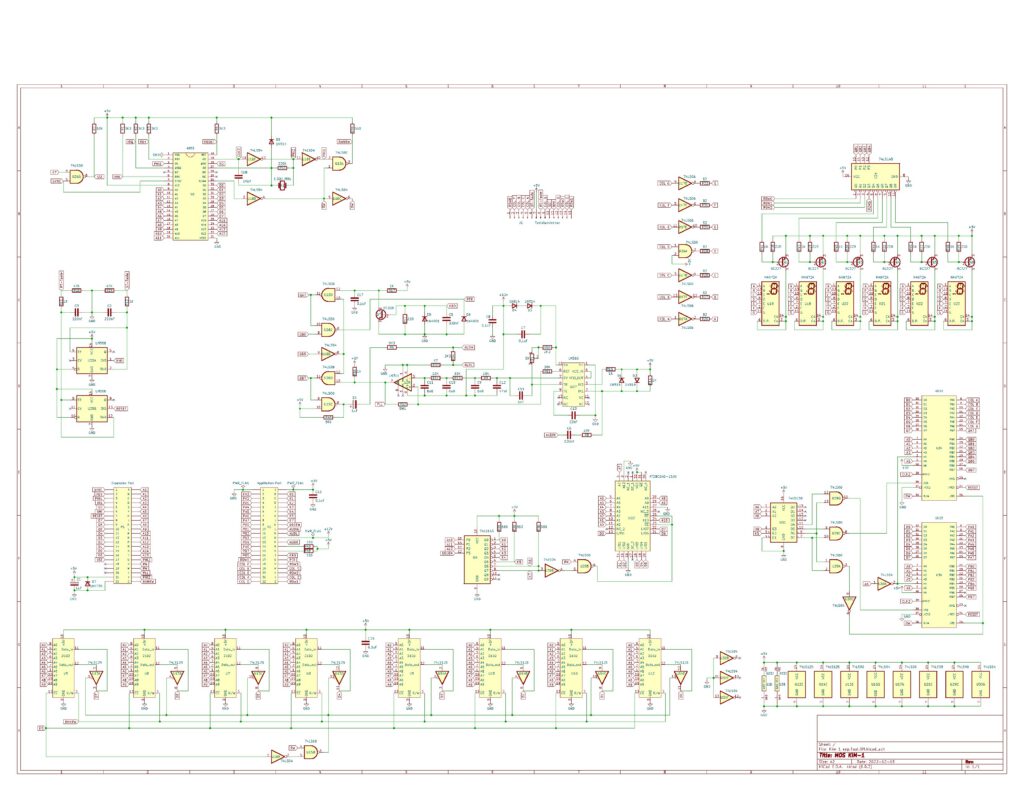
KIM-1 Nachbau Circuit diagram

Bare PCBs (thanks Micha!), not the latest, but will give an operational KIM-1

post

Ruud Baltissen: Build a KIM-1

Ruud Baltissen started the whole KIM-1 Replica world by publishing a page many years ago about Building a KIM-1
All replica’s, from the MICROKIM to the Nachbau followed his design.

Replicated here the are relevant text and schematics by Ruud.

Build a KIM-1

The goal of this project is to rebuild the KIM-1. This isn’t “Just take the schematic of the KIM and go ahead!”. The KIM-1 uses two 6530s that are custom ICs and therefore cannot be bought in any shop. This project uses replacement parts.
The troubleshooter: 6530
As said, the KIM-1 has two 6530s on board. For more info about this IC, please read about the 6530 here. Anybody who is a little bit familiar with the hardware market can tell you that you cannot buy the 6530 as a regular part. And the 6530 is a custom IC: Commodore made various types but all were branded 6530. For example, the 6530 found in the CBM 4040 drive is different from the ones of the KIM. Even the two 6530s of the KIM itself are different: in this case it is the content of the builtin ROM.
Happily enough there is another IC available that can be used as replacement: the 6532.

The 6532 has 16 I/O lines, an internal timer and 128 bytes of RAM onboard, but no ROM. For this project we’ll use an external EPROM as replacement. The pin out of the 6532 is completely different but that should not be a problem.
Another difference is that a 6532 has pin PB6 available where a 6530 hasn’t. See it as a bonus as I haven’t found any reason how it could jeopardize our project.
The 6530 can generate a IRQ but in case of the KIM-1 this feature isn’t used. The main reason is that pin PA7 is needed to output the signal and it is used for other things. The 6532 has a separate IRQ output. I used two jumpers, J54 and J5, to enable someone to use this function if needed.
The last and major difference however lays in the way the registers are selected:

function:       RS:  A6:  A5:  A4:  A3:  A2:  A1:  A0:  R/W: 
                                                            
RAM              0    x    x    x    x    x    x    x    x   
                                                            
DRA              1    x    x    x    x    0    0    0    x     A
DDRA             1    x    x    x    x    0    0    1    x     B
DRB              1    x    x    x    x    0    1    0    x     C
DDRB             1    x    x    x    x    0    1    1    x     D
                                                            
PA7, IRQ off,                                               
      neg edge   1    x    x    0    x    1    0    0    0     F
PA7, IRQ off,                                               
      pos edge   1    x    x    0    x    1    0    1    0     G
PA7, IRQ on,                                                
      neg edge   1    x    x    0    x    1    1    0    0     H
PA7, IRQ on,                                                
      pos edge   1    x    x    0    x    1    1    1    0     I
                                                            
read interrupt                                              
       flag      1    x    x    x    x    1    x    1    1     E
                                                            
read timer,                                                 
       IRQ off   1    x    x    x    0    1    x    0    1     J
read timer,                                                 
       IRQ on    1    x    x    x    1    1    x    0    1     K
                                                            
Clock / 1,                                                  
       IRQ off   1    x    x    1    0    1    0    0    0     L
Clock / 8,                                                  
       IRQ off   1    x    x    1    0    1    0    1    0     M
Clock / 64,                                                 
       IRQ off   1    x    x    1    0    1    1    0    0     N
Clock / 1024,                                               
       IRQ off   1    x    x    1    0    1    1    1    0     O
                                                            
Clock / 1,                                                  
       IRQ on    1    x    x    1    1    1    0    0    0     P
Clock / 8,                                                  
       IRQ on    1    x    x    1    1    1    0    1    0     R
Clock / 64,                                                 
       IRQ on    1    x    x    1    1    1    1    0    0     S
Clock / 1024,                                               
       IRQ on    1    x    x    1    1    1    1    1    0     T

In total 5 address lines are used, meaning 32 registers. But 11 of the 19 registers have one or more mirrors.

Read:          J E J E         K E K E         J E J E         K E K E 
Write:         F G H I         F G H I         L M N O         P R S T 
R/W:           A B C D         A B C D         A B C D         A B C D         

As we can see, the last 16 registers equal the 16 of the 6530 itself. So now we have to develop some logic which will do the following:

  • The I/O of the 6532 is only visible within a range of 64 bytes
  • The first 16 bytes represent register 16 to 31
  • The next 48 bytes are mirrors of the first 16
  • Only 64 bytes of RAM are used

Conclusion:

  • Input A6 won’t be used and can be tied to GND
  • Input A4 is connected to address line A4 of the 6502 via a NAND gate.
  • The second input of that NAND gate is connected to the /CS2 input.
    The idea behind this is simple: The moment that the I/O part of the 6532 is selected, the NAND gate outputs a (H) thus selecting the wanted last 16 registers. If needed, the user can select the other 16 registers as well by connecting the second input of the NAND gate to +5V.
  • A 74LS138 enables the /RS and /CS2 lines at the right moment.

ROM and RAM
Here we have a luxury problem. We only need 2K of (EP)ROM like the 2716. The problem is that the 2716 is hard to find and more expensive then the 2764 or its bigger brothers. When we use a bigger EPROM we could tie the unused address lines to GND.
The same problem occurs with the RAM. In this case I have chosen for a 62256, a 32 KB RAM. This looks like a massive overkill but see later.
If we have to use bigger RAMs or EPROMs anyway, it is quite easy to use other parts of that chip by OR wiring the CS line with more Kx outputs of the main 74145. In case of the EPROM we also can connect switches to the surplus address lines and have the advantage of a multi-KERNAL system.

Extra address range
KIM-1 only supported an address range of 8 KB in the first place. The pin DECEN at the Userport can be used to extend that range but HAS to be connected to GND for the original configuration. The idea is that external cards can use this input to alter the range.
I added an extra 74145, IC7, and two jumpers that enable the user to make a more efficient use of the hardware. Both jumpers, J2 and J3, have to be closed to start with.
If you don’t want to use the 74145 at all, only close jumper J1.

The first thing one can do is to let the binary start at address $F800. Your self built KIM will still behave as usual. Now you can add your own RAM from address $0000 on up to $E000 and the only thing you have to do is remove jumper J2.
If you are only interested in adding RAM, a better idea is to use the original one, IC4, the 62256 32 KB RAM. You only have to remove the jumpers J13..17 and to close one or more pair of pins of jumper block J18. By closing all four pair of pins you make use of the full 32 KB.
Jumper J3 is only needed if you want to expand your self built KIM even further and want to use, for example, the $E000/$FFFF range for (EP)ROM.

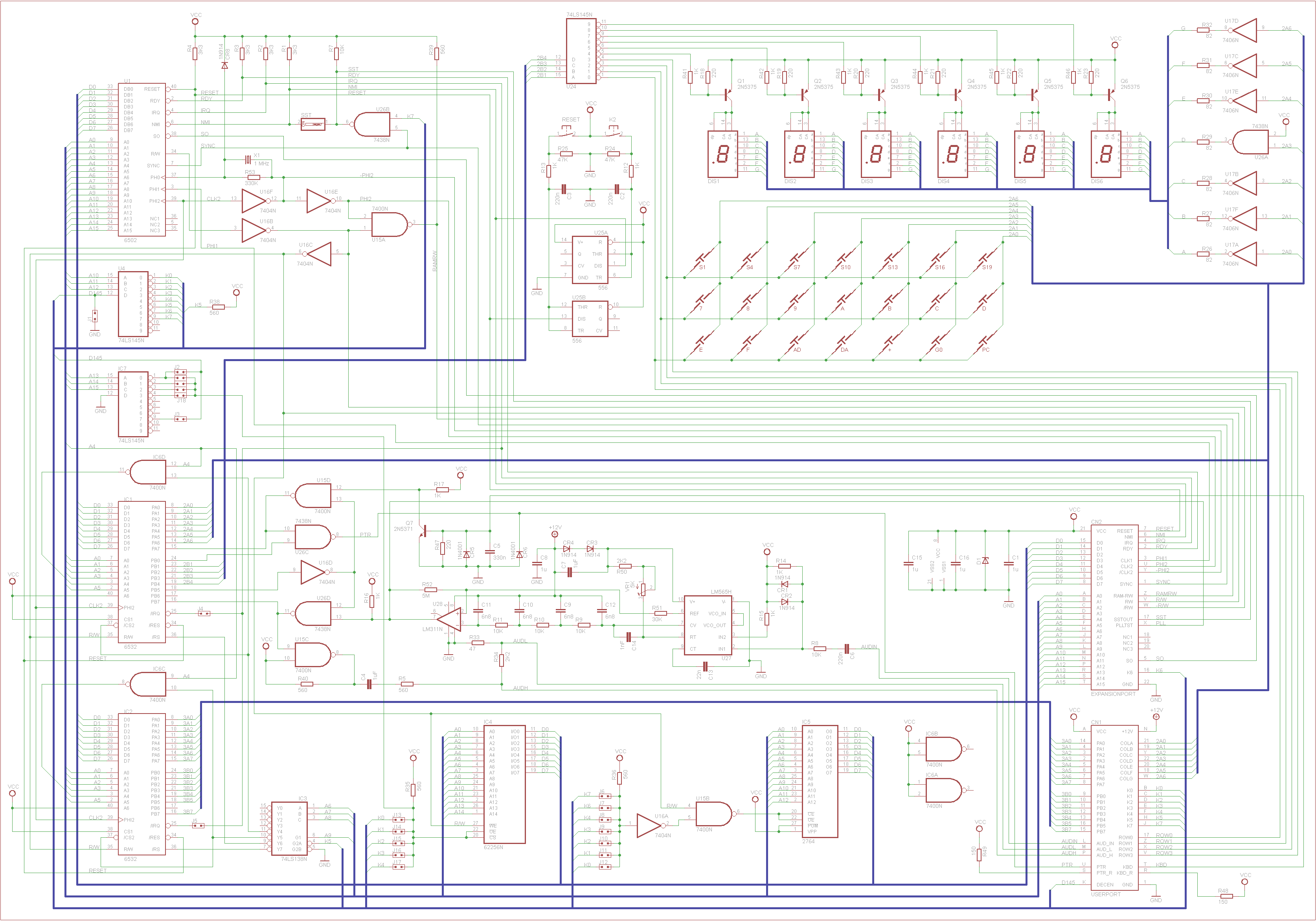
Schematics of the new KIM-1

What are the major differences with the original schematic?

  • Replacement of the 6530s by 6532s.
  • Addition of two NAND gates to handle the 6532s.
  • Addition of an EPROM.
  • Replacement of the 6108 RAM ICs by a 62256 or equivalent 32K*8 SRAM.
  • Addition of a 74LS138 to decode the RAM and I/O of the 6532s.
  • The resistor for K6 has been dropped.
  • Addition of jumpers to enable the combination of other K lines.