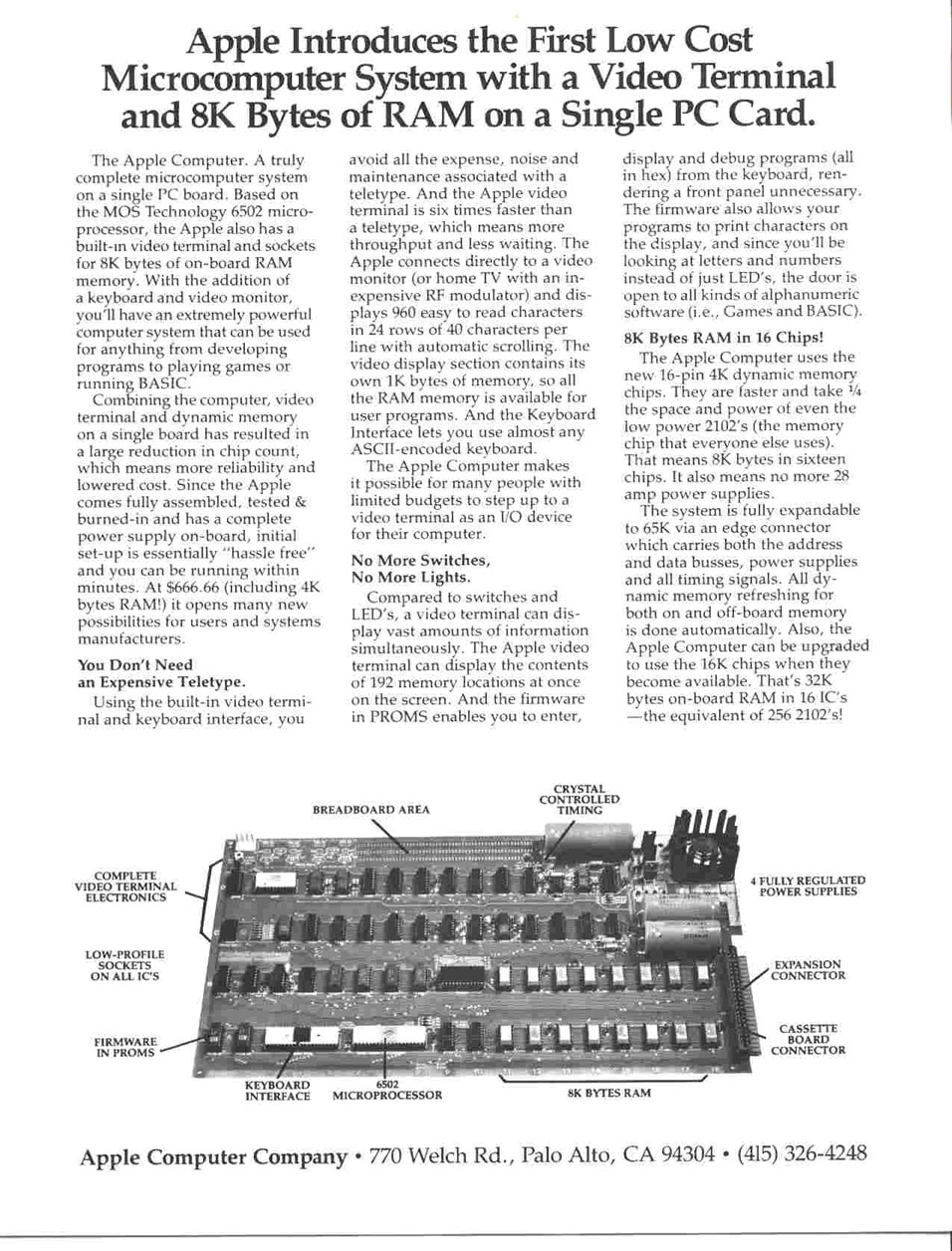
What is an Apple 1?
Besides being the first product of Apple Computers and designed by Steve Wozniak, the Apple 1 featured as one of the first a complete computer, with keyboard and video, on one board, based on an affordable and powerful microprocessor, the 6502.
Not many were build. The hype around it and the rarity make it one of the most expensive computer collector items.
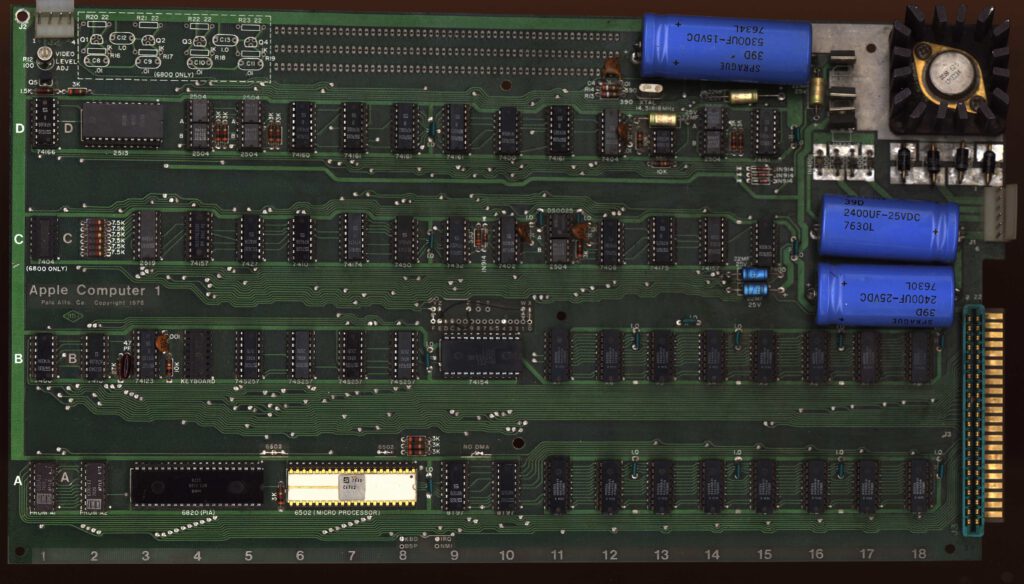
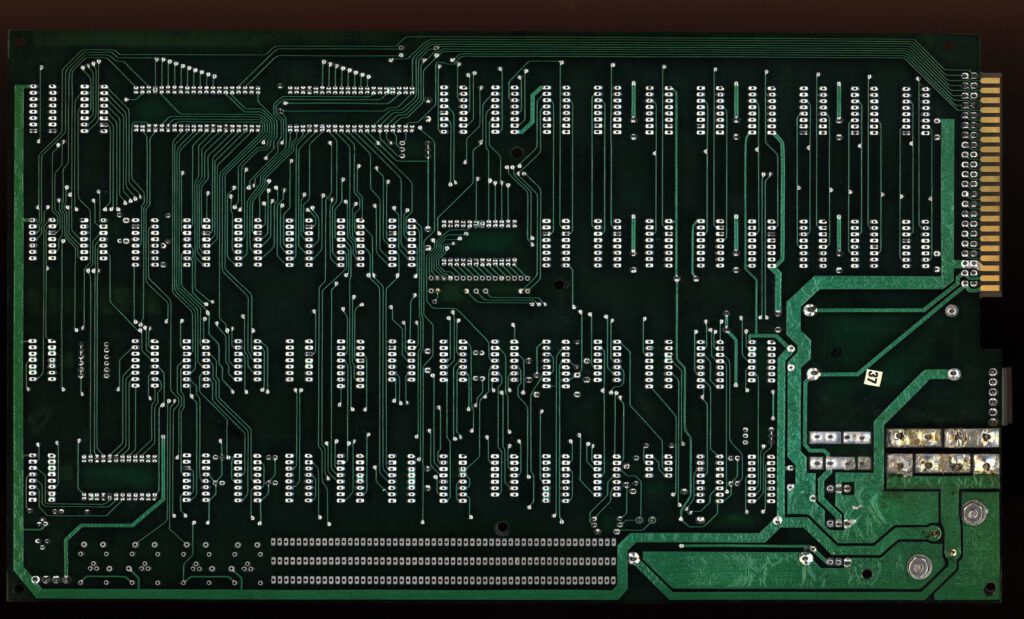
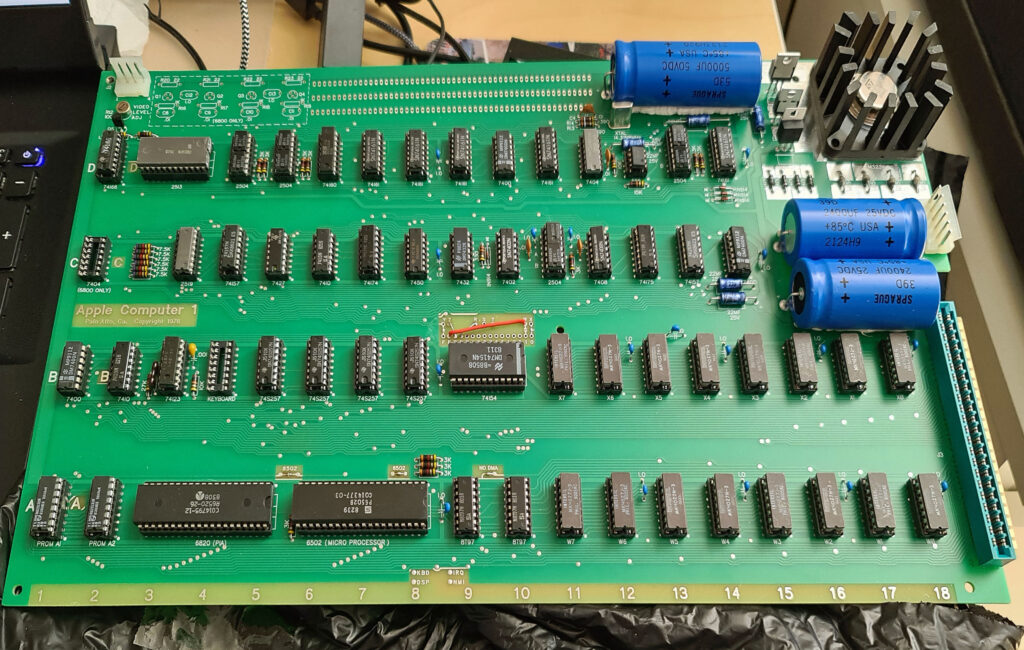
My Apple 1 replica built by Armin Hierstetter
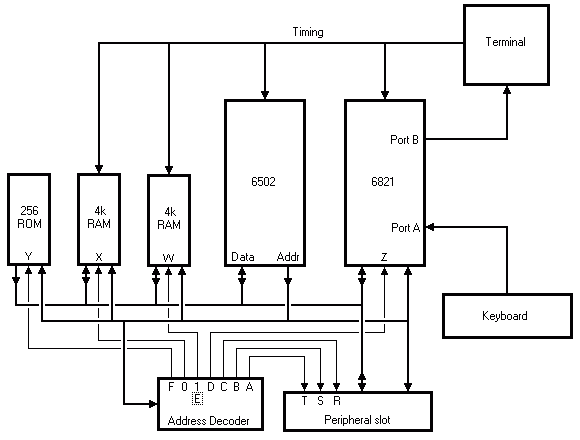
Specifications from from the original manual
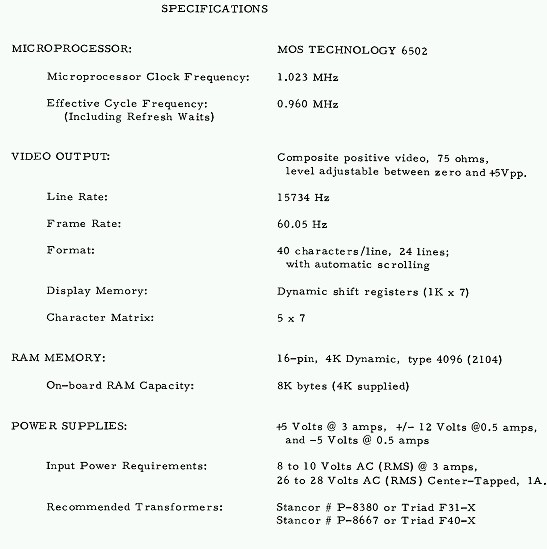
The Apple 1 is made up of:
- A 6502 based microprocessor system with 4K RAM (dynamic ICs) and 256 bytes ROM
- A ‘monitor’ program called WOZmon (written by Steve Wozniak, in 256 bytes)
- A video terminal, made with dynamic shift registers, a uppercase only character generator (the famous Signetics 2513 character ROM)
- Connector for parallel ASCII keyboard
The microprocessor and he terminal part are glued together via a PIA 6821. One 8 bit parallel port reads the ASCII keyboard, the other port delivers the characters to be displayed on the video terminal.
 |
APPLE I Operation Manual |
 |
Apple 1 Basic Manual |
 |
Apple 1 Cassette Interface manual |
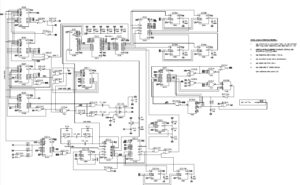 |
Redrawn Apple 1 circuit diagram, see below |
The various published circuit diagrams may some errors:
- The “R” and “T” signals are swapped in the drawing of the expansion connector J3.
- The errors are present only in the drawing on the page with the power supply schematics, in the schematic of the Computer part they are good.
- ACI manual is also fine. J3 drawing seems to be wrong in the corrected version of the schematic,
- The correct configuration is: pin 21 –> “R” pin 11–> “S” (unchanged) pin L –> “T”
- Address line 7 is connected to pin 15 of the PROM at location A2
- Address line 1 is connected to pin 6 of the PROM at location A2
- Some inputs to the counters are left floating and not bussed together. These are D6 pins 3&5, D7 pins 3,6, 11, D8 pin1 and D9 pin1
- Signal VINH is described differently in the two places it appears, once as /VINH (D8-7 & D9-7) and once as VINH (D15-13). It is the same signal.
- The 6800 section is connected different from the actual board
- Connection of capacitors C8 and C9 to digital circuit is switched with capacitors C10 and C11.
- R16 and R18 are connected to gnd.
- R17 and R19 are connected to +5V.
- R22 and R23 is connect to O1, not DBE
- R20 and R21 is connect to DBE not O1
Signetics ICs in the APPLE 1
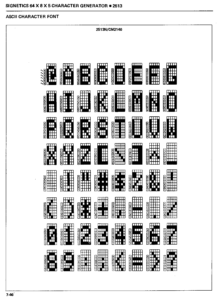
The typical look and feel of the Apple 1 comes from the 2513 character generator ROM. A very popular, upper case only raster character set.
(I used a 2513 also in my homebuild videoterminal in 1978, still have the IC).
Datasheets of the now rare Signetics ICs in the Apple 1 (available on every Apple 1 page, but they are all the same documents, scanned by me in 2005 from a Signetics manual in my library)
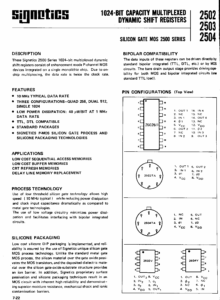 |
Signetics 2504 datasheet 1024 bit dynamic shift registers |
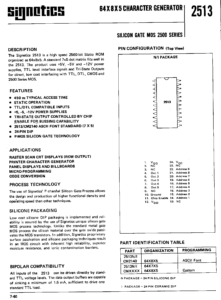 |
Signetics 2513 datasheet character generator |
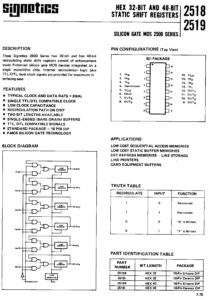 |
Signetics 2519 datasheet shift registers |
 |
Truetype Apple 1 (2513 IC) font |
|
Opentype Apple 1 (2513 IC) font |
|
Binary dump of 2513 character generator |
 |
Assembler source of 2513 character generator ROM |
Software
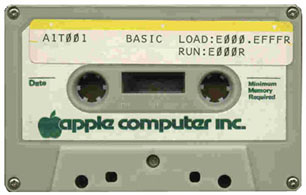
An archive with my collection of Apple 1 software, hex files, bin files, sources, extended monitor, games, utilities, assembler. See also the Replica 1 and A-ONE pages for more software.
Apple 1 monitor
The Apple 1 comes with the WOZ monitor. A very small but smart program, since there is only 256 byte available in the PROM of the original.
It can do just the basic:
1. The prompt is ‘@’
2. Enter one or two hex numbers, separated by a dot, and it shows you the content of memory from first to last number
3. Enter a hex number to be put in memory, by specifying the address, a ‘:’ and then the hex number for that memory location. Or as many bytes for consecutive locations.
4. Run a program from a memory location.
The monitor is so simple, smart enough to be usable for the replica’s. Via the serial interface you can dump standard hex files to the Apple 1!
When the optional cassette interface is added, some more command are added to read and write data from and to an audio cassette tape recorder. Be warned, the Apple 1 cassette interface is very strict about the quality of the tape and the qualiy of the power supply! With other words, its a disaster to work with.
Apple 1 API
Dont worry about the Apple 1 API, since the API of the Apple 1 is not much more than:
- Read a line from the keyboard.
$FF1F GETLINE
This is the official monitor entry point. If your program is finished and you want to return to the monitor you can simply jump to this location. It will echo a CR and from then on you are back in the monitor. - Write a character on screen
$FFEF ECHO
This simple routine prints the character in the Accumulator to the terminal. The contents of the Accumulator are not disrupted, only the flag register will be changed.
Although this is a fairly short routine it may take up to some 16.7ms before it returns control to the user program. For more details about this behaviour please read the page about the terminal. - Read a single character from the keyboard (blocking).
Add this code to your program:KBDIN LDA KBDCR See if there is a character available BPL KBDIN Not as long as b7 remains low LDA KBD Get the character and clear the flag - Write a hex string to the screen.
$FFDC PRBYTE
This routine prints the byte which is held in the Accumulator in hexadecimal format (2 digits). The contents of the Accumulator are disrupted. -
$FFE5 PRHEX
Prints the least significant 4 bits of the Accumulator in hexadecimal format (1 digit). The contents of the Accumulator are disrupted.
Apple 1 Basic
Steve Wozniak wrote, by hand, no assembler used, a Basic interpreter for the Apple 1, fitting in 4K. No floating point, a pre-runner of Integer Basic for the Apple 1.
Good enough to run simple Basic programs, 4K is not much memory. Mostly text based games. Some are still available.
Krusader and A1 Assembler
Ken Wessen has produced an assembler, disassembler and debugger and even added a small powerful machine monitor . The program is called Krusader and it fits in 4K. Built in in the Apple 1 Replica and the A-ONE.
Visit the Replica 1 software page where also a working version of the Apple 1 emulator POM-1 can be found.
San Bergmans produced also an assembler package for the Apple 1, called A1 Assembler. A small sister or subset of his impressive SB-Assember. More powerful than the Krusader assembler, but no debugger. Can be used on any Apple 1 replica and is built in in the A-ONE.
You can find a large collection of Apple 1 software in the githib archive of Jeff Trantor.
Programming languages
Ports of Lee Davison’s excellent 6502 Basic, and Figforth are available. For these you will need the A-ONE or Replica since these have 32K RAM to play with.
Cross assembling/compiling
Any 6502 assembler on another platform that can produce hex files can be used to develop programs on the Apple 1.
The CC65 package, a C compiler and assembler for the 6502, can also be used with the Apple 1 CC65 patches