
You can assemble the sources with the assemblers with one of these fine assemblers:
- ptasm, a simple portable 65(C)02 assembler with Intel hex and Mos Tech papertape output, see nelow
- TASM Telemark assembler, used before ptasm was written by me
- A65 assembler, run in DOSBOX or VDOS.
- ASM.80 online assembler
- the assembler from the CC65 suite, powerful, overkill for small programs
Other tools that may help you:
- binary file compare (I use freeware WinMerge)
- hex editor (plugin for Notepad++)
- convert between different 8 bit binary files format such as MOS Papertape, Intel Hex, Motorola S-Record, hex dumps. I use my own tool for that: Convert 8bit hex formats
Note that all these assemblers have a different idea about pseudo ops.
- Some require a ‘.’ in front of a pseudo-op like .org
- db, dw instead of .byte, .word
- 0X or $ to indicate hexadecimal notation
Easy to edit with a Search and Replace usually.
ptasm – Notepad++ integration
Install plugin NPPEXEC
- Place ptasm in a folder on your disk, e.g. C:\TASM
- Add c:\ptasm to the PATH
Create a NPPEXEC script:
Create a MOS Technology papertape:

ptasm -65 -x3 -g1 -s -l "$(FILE_NAME)" "$(NAME_PART).pap"  "$(NAME_PART).lst" "$(NAME_PART).sym"
or to produce Intel hex for a programmer:
ptasm -65 -x3 -g0 -s -l "$(FILE_NAME)" "$(NAME_PART).ihex"  "$(NAME_PART).lst" "$(NAME_PART).sym"

(-x3 to allow 65C02 instructions)

Now you can edit a source file, save it (CTRL-S), and press CTRL-F6 to execute the NPPEXEC script. The output of ptasm is shown in the windows below the source.
If all is well, a hex file (Intel, MOS), a listing and a Symbol file is produced.

<strong>ptasm</strong>
<a href="https://github.com/HansOtten/ptasm">ptasm V1.0 is born. Written in portable Freepascal, a CLI command line assembler for the 65(C)02.</a>

[code]
PTASM 6502/65C02 Assembler. Version 1.0
Usage: ptasm -65 [-options ...] src_file [obj_file [lst_file [exp_file [sym_file]]]]
Options:
  -65      6502 instruction set (default). -t65c02 = -65 -x3
  -a[mask] Assembly checks: 2=unused data in MS byte, 4=duplicate labels (default 4)
  -c       Object file written as one contiguous block
  -dname   Define a macro (-dname=value gives it a value)
  -e       Show source lines after macro expansion
  -fXX     Fill memory with byte XX (hex)
  -g0      Intel hex object (default)
  -g1      MOS Technology hex (paper tape) object, same as -m
  -h       Hex table of the object code in the listing
  -i       Ignore case in labels
  -l[al]   Label table in the listing (a=all labels, l=long form)
  -m       MOS Technology hex (paper tape) object
  -oXX     Bytes per object record (hex, default 18 = 24 bytes)
  -p[n]    Page the listing, n lines per page (default 60)
  -q       Quiet: no listing file
  -s       Write a symbol table file
  -x[mask] Extended instructions: -x3 65C02, -x5 R65C00/21 MUL, -x = all
  -y       Time the assembly
Default files: src.obj, src.lst, src.exp, src.sym
Environment:   TASMOPTS holds default options
See also:
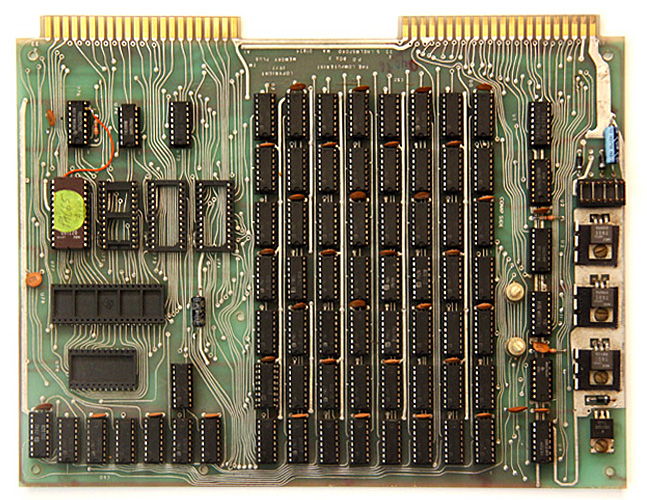
MEMORY PLUS
MEMORY PLUS: 8K RAM, 8K ROM, VIA 6522, 2716 EPROM programmer
The MEMORY PLUS board is a RAM/ROM expansion board for ...
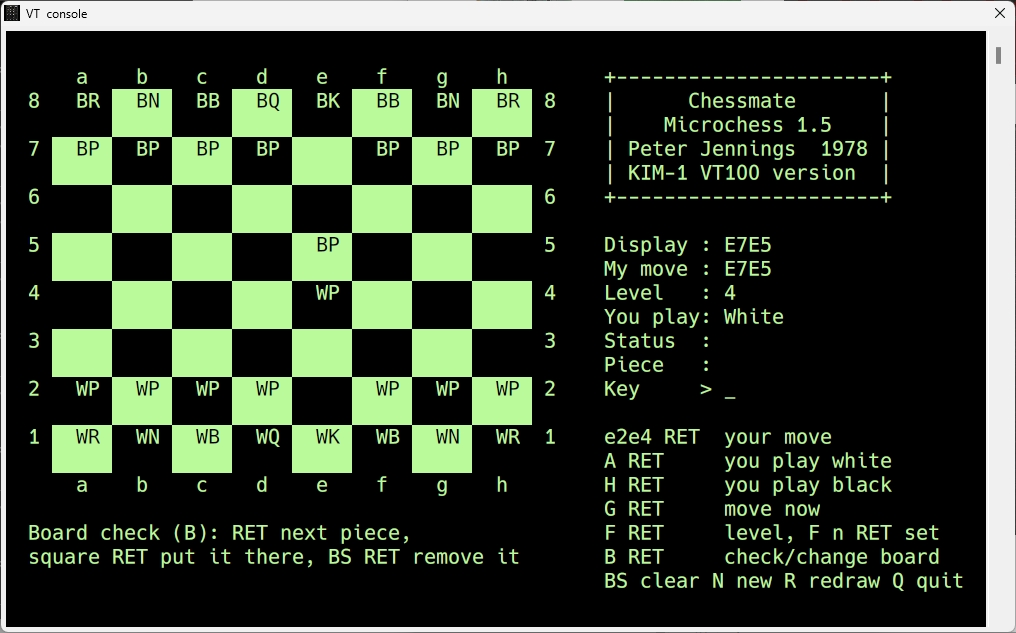
Chessmate for the KIM-1
Since I have a well documented source of the Chessmate ROMs and made a VT100 version of Microchess I made a VT100 versio...
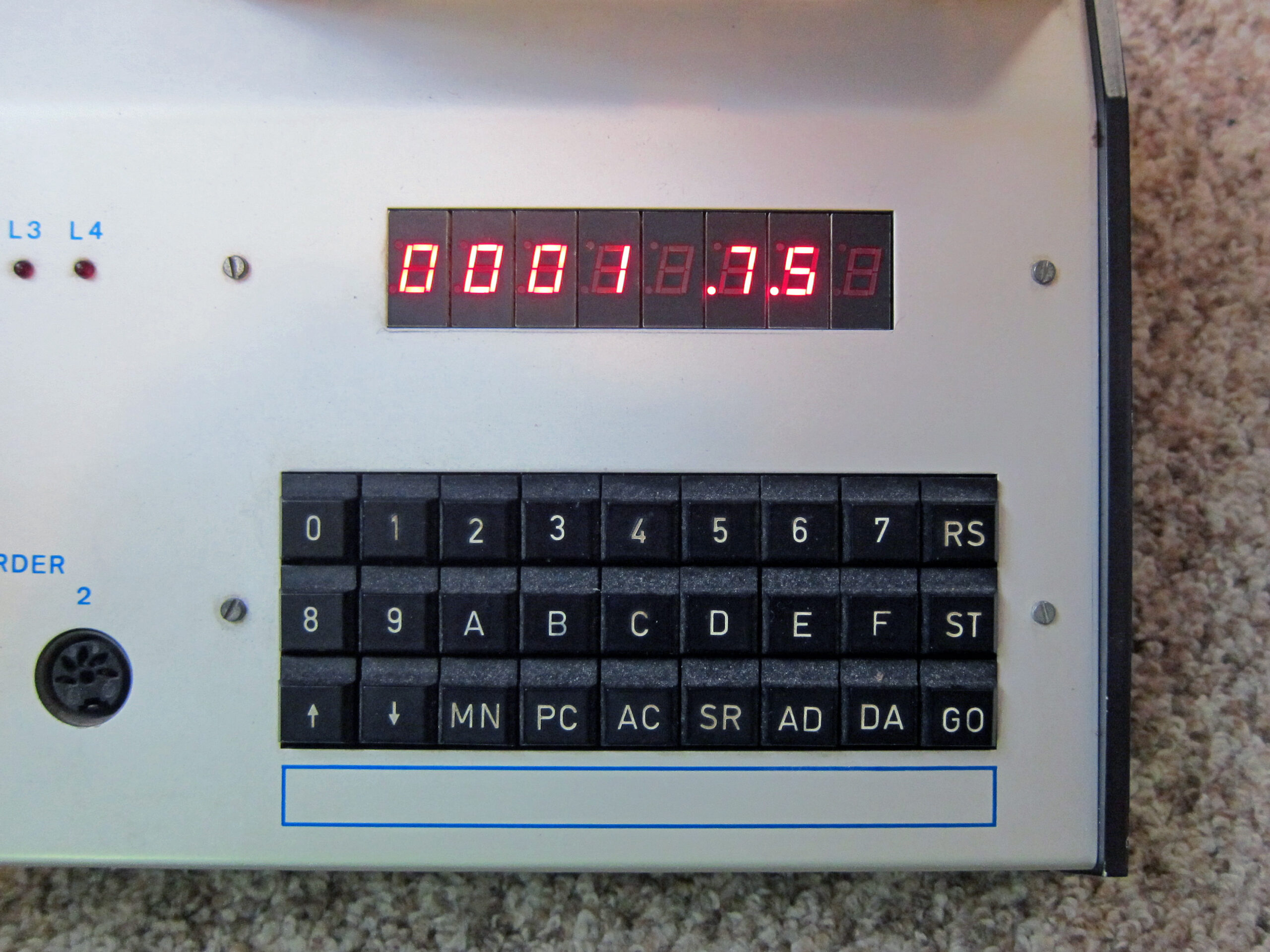
MCS Alpha 1
MCS Alpha 1
The ALPHA-1, made by Berliner Unternehmens MCS ("Micronic Computer Systeme GmbH") is an early computer, pro...
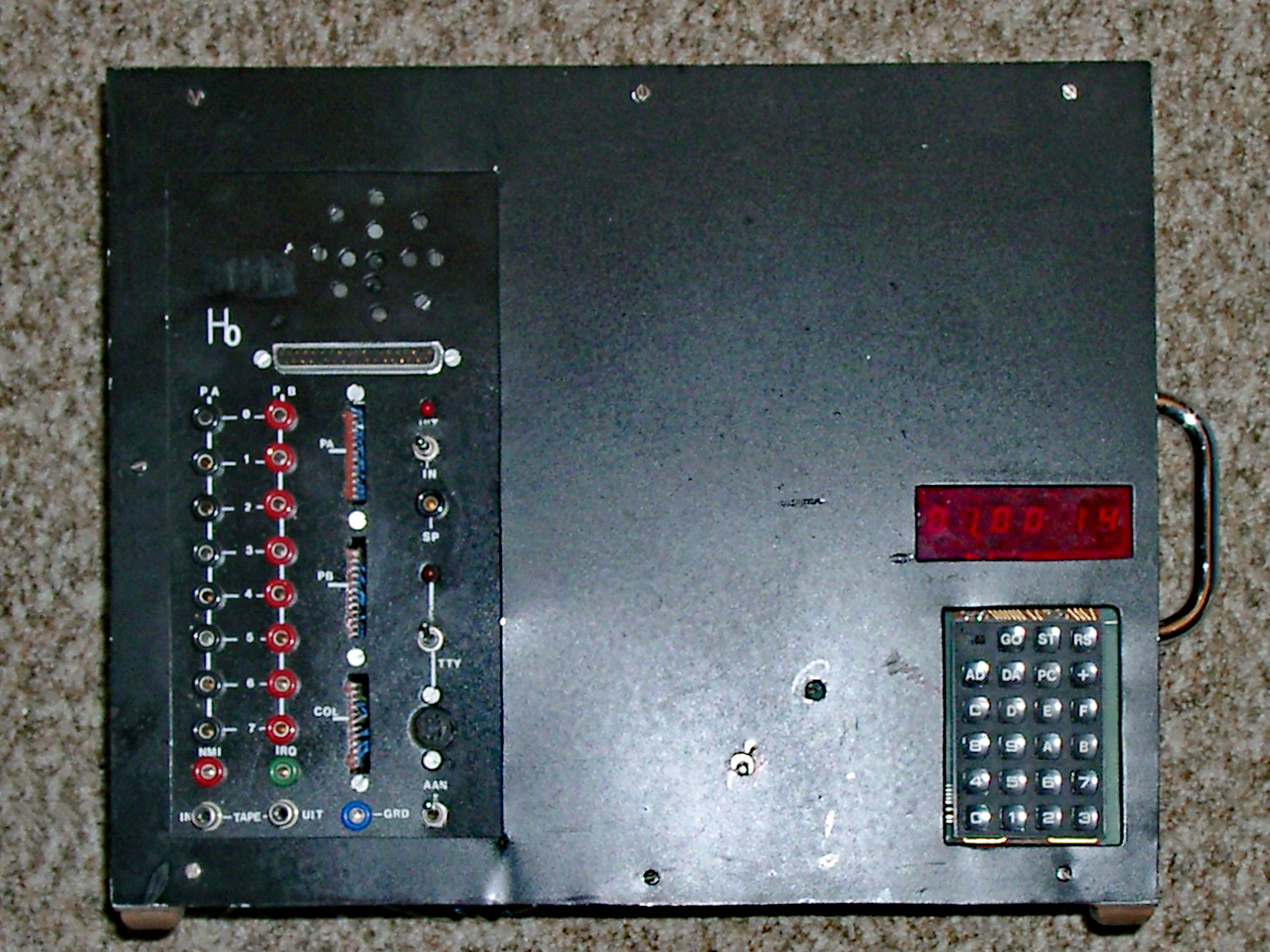
My KIM-1 expansions in Radio Bulletin
KIM-1 expansions in Radio Bulletin"
My KIM-1 system was based upon what we had published in Radio Bulletin. These artic...