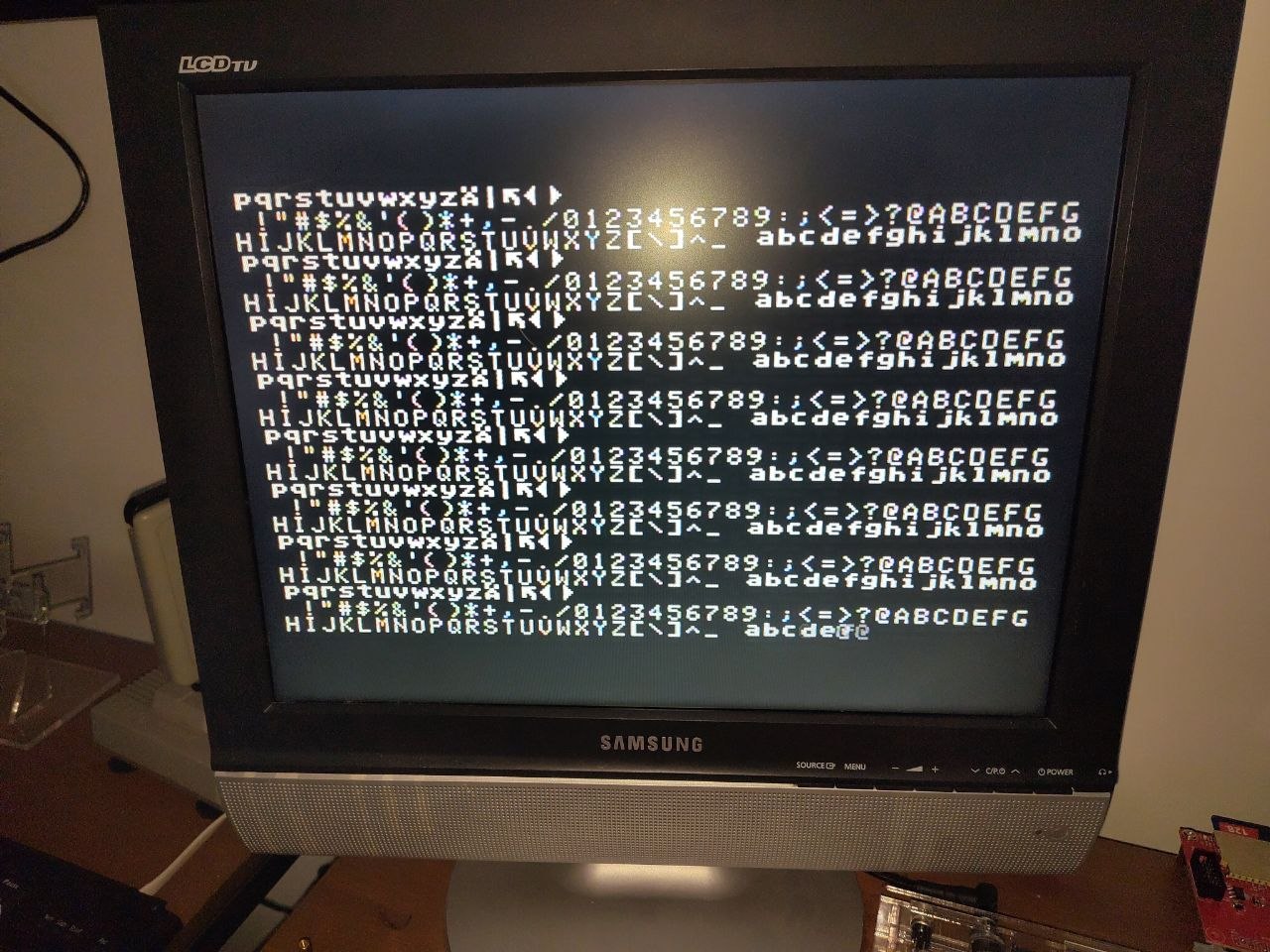
KIM-1 TTY command summary
– Connect the application connector with a TTY switch
– Serial port in your terminal emulator settings 9600 bps (or less, 4800 or 2400 work best), 8N1
– Add character and line delay in your terminal emulator, see the TTY problems page
– Press Enter (or any key with odd ASCII value after Reset to initialize serial bit rate.
After startup give the NMI and IRQ/BRK vector a known value
NMI Initialization for Single Step and Stop
17FA 00
17FB 1C
IRQ Initialization for BRK
17FE 00
17FF 1C
Make sure you are not in decimal mode:
00F1 00
Machine Context saved/restored by ST/GO
00EF PC low
00F0 PC high
00F1 Status Register (flags)
00F2 Stack Pointer
00F3 A
00F4 Y
00F5 X
Breakpoints
– Write BRK instruction ($00) at desired address, program will be stopped here.
– ST button: Pressing will invoke NMI interrupt.
– Single Step: Set SST switch to on, type G to step one instruction from current location.
Cassette Load and Save
12 Volt power source is only required when reading tapes
Save to tape
– Store $00 in $00F1 (to ensure CPU is in binary mode).
– Save start address (low/high) in $17F5, $17F6.
– Save end address+1 (low/high) in $17F7, $17F8.
– Write tape ID ($01-$FE) in $17F9.
– Start tape in record mode.
– Run address $1800 (DUMPT) to save.
Load from tape
– Store $00 in $00F1 (to ensure CPU is in binary mode).
– Write tape ID ($01-$FE, $00 loads any ID, $FF loads using start address values (low/high) in $17F5, $17F6) to $17F9.
– Run address $1873 (LOADT) to load.
– success of load: current address is 0000, error is FFFF
TTY commands
<hex address>         Show data at current address
                      (hex characters shifted in to the left)
<hex data&>.          Write to current address
<Return>              Next address
<Line Feed>           Move to previous address  (CTRL/J)
L                     Load program from paper (error if ERR KIM is displayed)
Q                     Save memory to paper tape, saves from current address
                      to end address stored at $17F7 (low), $17F8 (high)
G                     Start program at current address
                      (note: set F1 00 if not in SST mode)
RUB OUT               restart the KIM-1 monitor
Note that pressing RUB OUT in current terminal emulators is not a standard key. I have done it with some customization in Teraterm for Windows.
In the KIM-1 Simulator the RUBOUT is patched to CTRL-G.
See also:
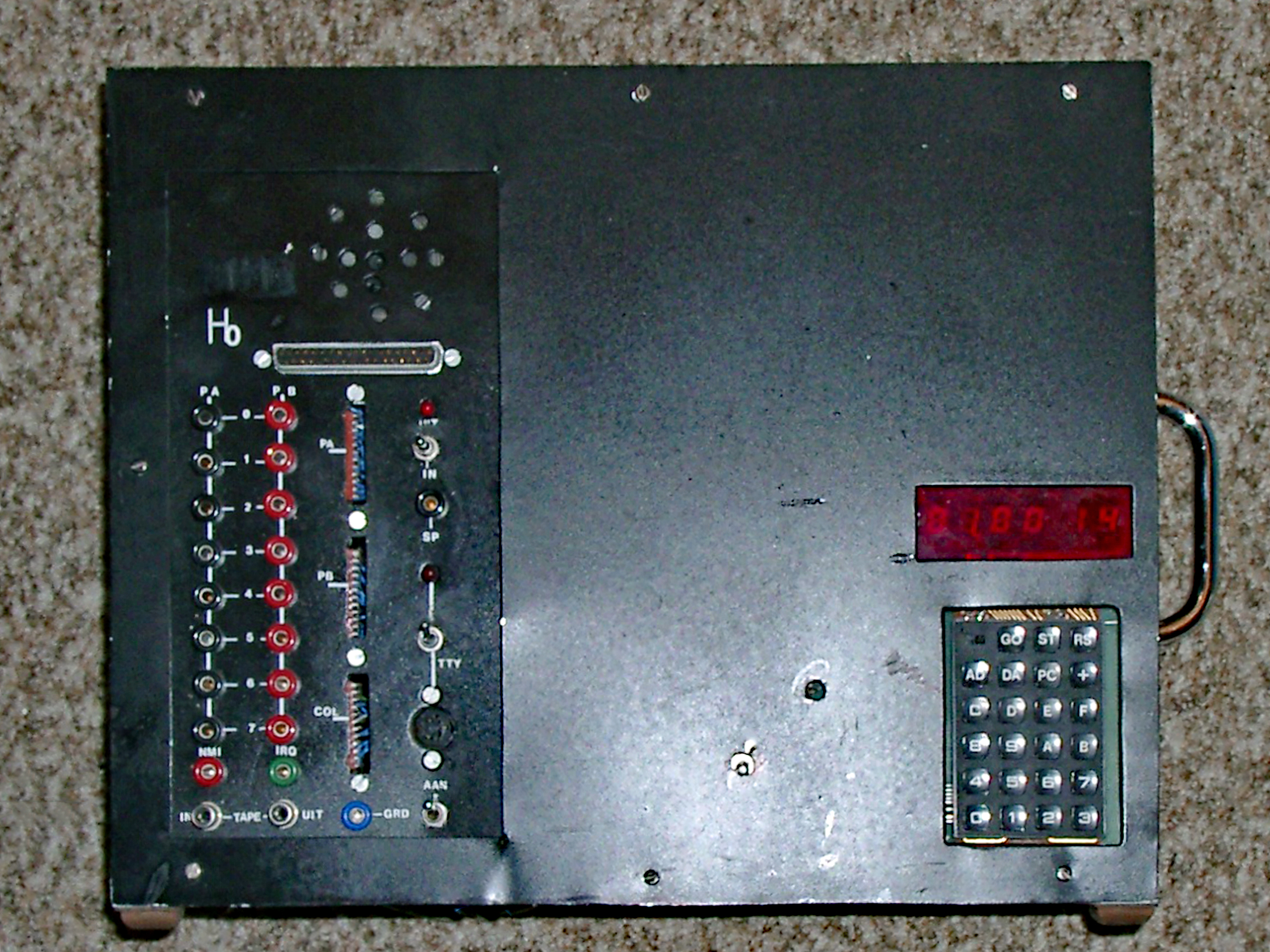
My KIM-1 expansions in Radio Bulletin
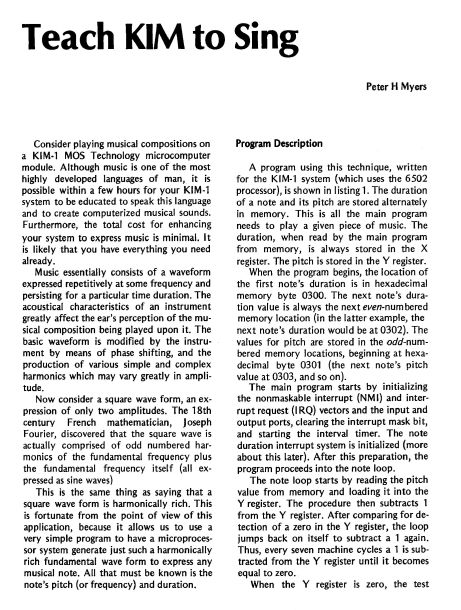
Teach KIM to Sing
Radio Bulletin articles in English