
A utility to convert an audio file with data created with a KIM-1 or clones to binary and to create an asuio file from a binary.
These are KIM-1 audio cassette data files as described in the KIM-1 User manual.
KIMTAPE version 1.0  (Free Pascal port of KIMTAPE 0.5)

Use:  KIMTAPE [options] infile[.typ] [outfile[.typ]]

-C    console output              -M    make wavefile
-Bn   HYPERTAPE speed  2x 3x 6x   -I    invert wavefile
-U    SYM-1 high speed format     -V    VOC wavefile
-Fn   offset  -127 to 127         -R    RAW wavefile
-Hn   hysteresis  0 to 127        -Ln   leader (sec)
-Gn   timing  -2 to 2             -T    sine tone
-An   load address (hex)          -Dn   prog ID (hex)

Additional options in this version:
-K    classic decoder (zero crossings, as KIMTAPE 0.5)
-En   high tone boost 0..4 (default: automatic)
-N    no automatic DC/level adjust  (-K and SYM-1 decoding)
-Pn   channel  0=mix 1=left 2=right  (decode, stereo files)
-Sn   sample rate: output wavefile (encode, default 22050)
      or RAW input file (decode, default 22050)
-Wn   sample width 8 or 16 bits  (encode, default 8)
-O    overwrite output file without asking

Several recordings of the same tape can be combined:
  KIMTAPE rec1.wav+rec2.wav+rec3.wav outfile

default: decode WAV file, KIM-1 format
         load address=0200, file ID=00
Recording tips
- Turn off automatic gain control (AGC) and any “enhancements” on the sound card input. AGC makes the start of a recording overdriven and then fades the level, which damages the first part of the data.
- Record at a moderate level with no clipping; 16 bit, 44.1 or 48 kHz, mono or stereo.
- Also turn off noise suppression, noise gates and limiters. They cut quiet parts to silence and squash the loud parts.
- Record the whole program plus a few seconds of silence after it.
- A quiet recording is fine; clipping or a limiter is not.
- If KIMTAPE reports a high tone boost, the player’s head is probably not aligned with the recorder that made the tape. Adjusting the azimuth screw for the brightest sound helps.
- If one stereo channel is cleaner, select it with -P1 or -P2.
- Several recordings of a difficult tape can be combined (+).
See also:
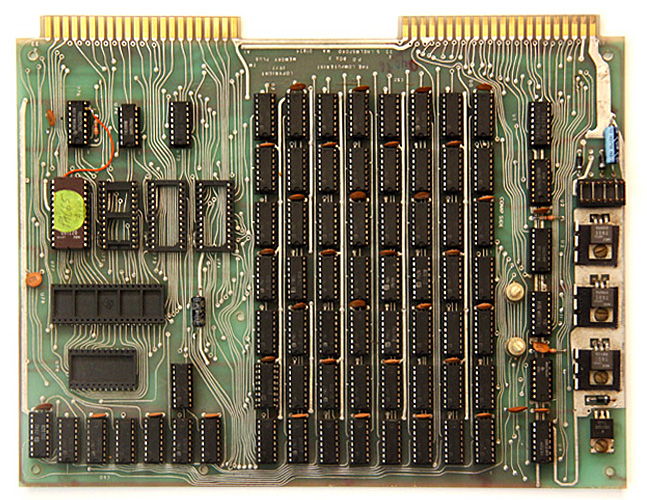
MEMORY PLUS
MEMORY PLUS: 8K RAM, 8K ROM, VIA 6522, 2716 EPROM programmer
The MEMORY PLUS board is a RAM/ROM expansion board for ...
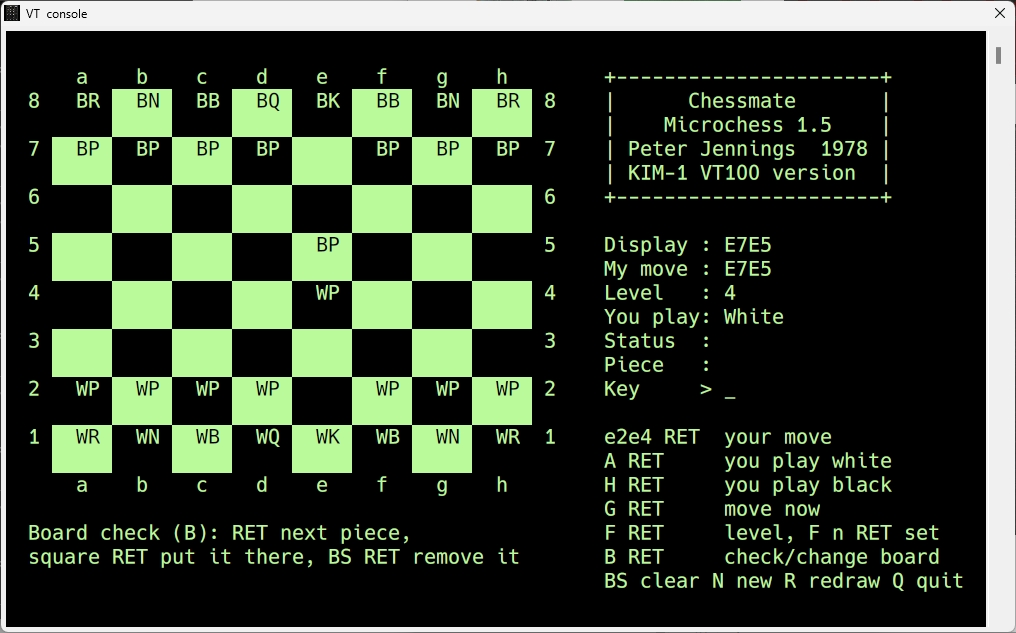
Chessmate for the KIM-1
Since I have a well documented source of the Chessmate ROMs and made a VT100 version of Microchess I made a VT100 versio...
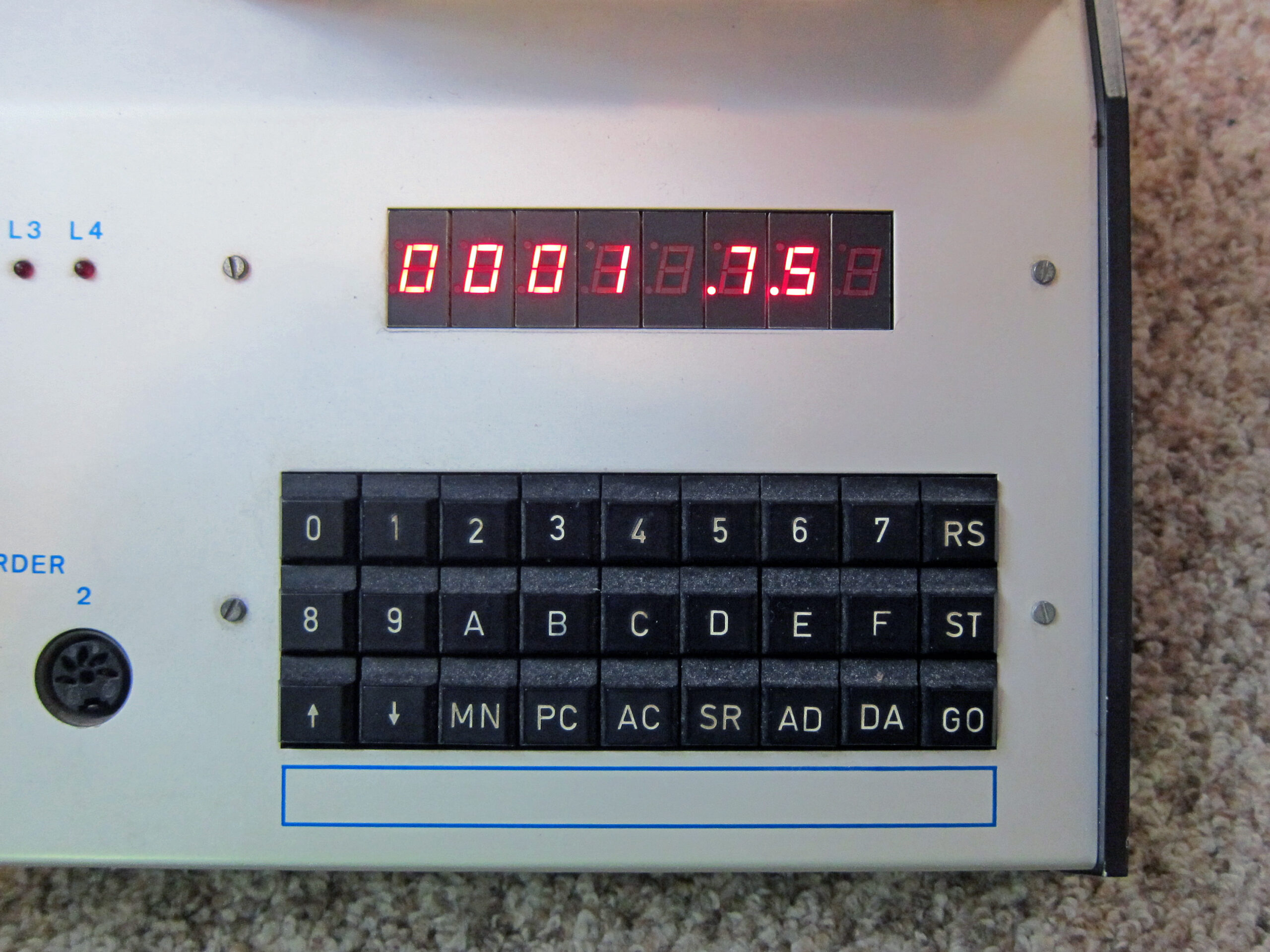
MCS Alpha 1
MCS Alpha 1
The ALPHA-1, made by Berliner Unternehmens MCS ("Micronic Computer Systeme GmbH") is an early computer, pro...
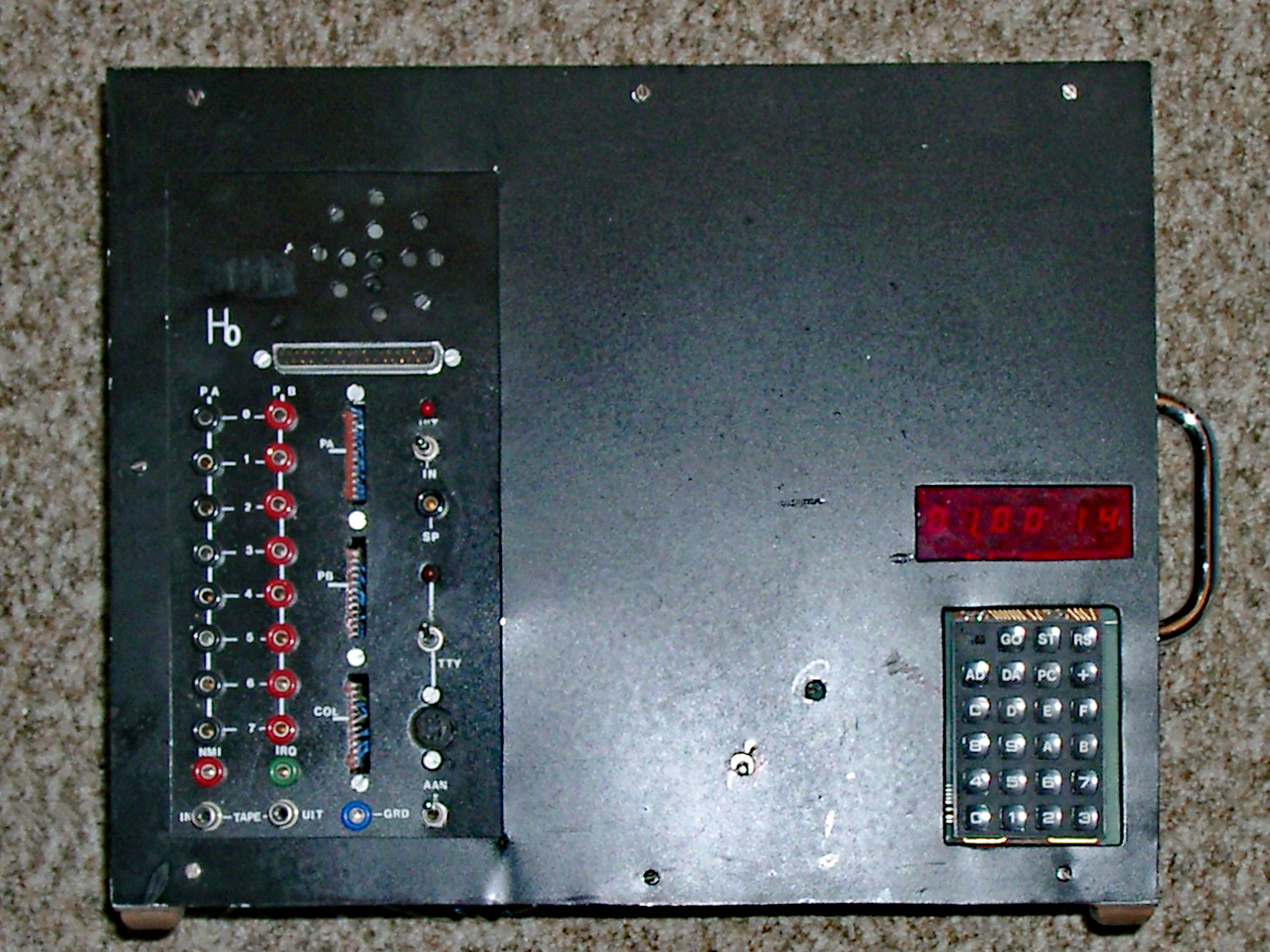
My KIM-1 expansions in Radio Bulletin
KIM-1 expansions in Radio Bulletin"
My KIM-1 system was based upon what we had published in Radio Bulletin. These artic...