KIM Clone Proto Board

|
KIM Clone Proto Board User Manual |
About small SBC systems
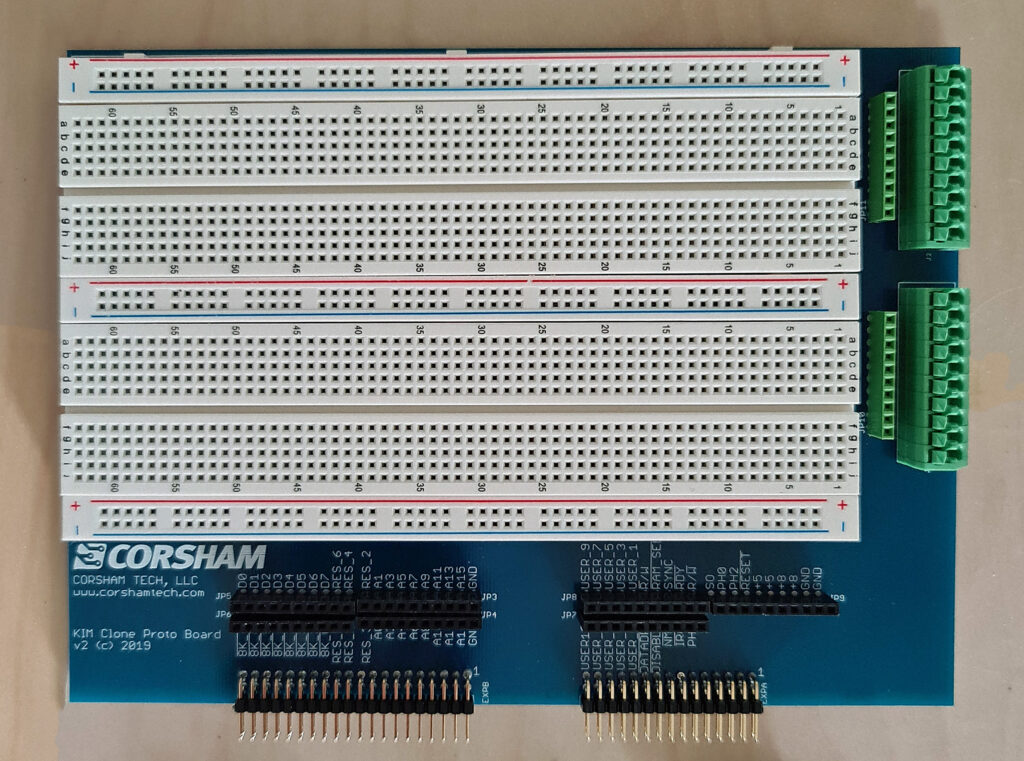
KIM Clone Proto Board

|
KIM Clone Proto Board User Manual |
SD Card System.
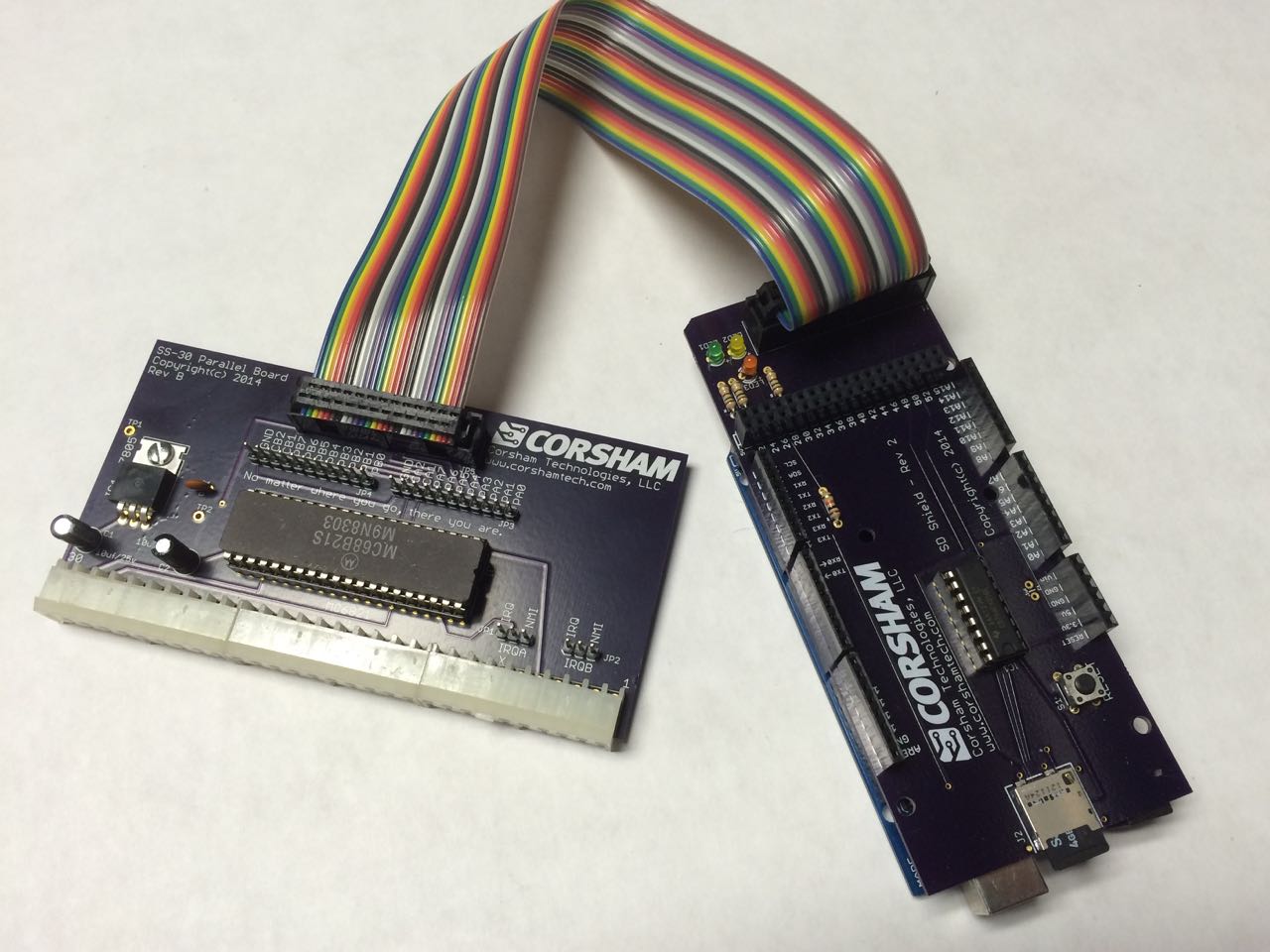
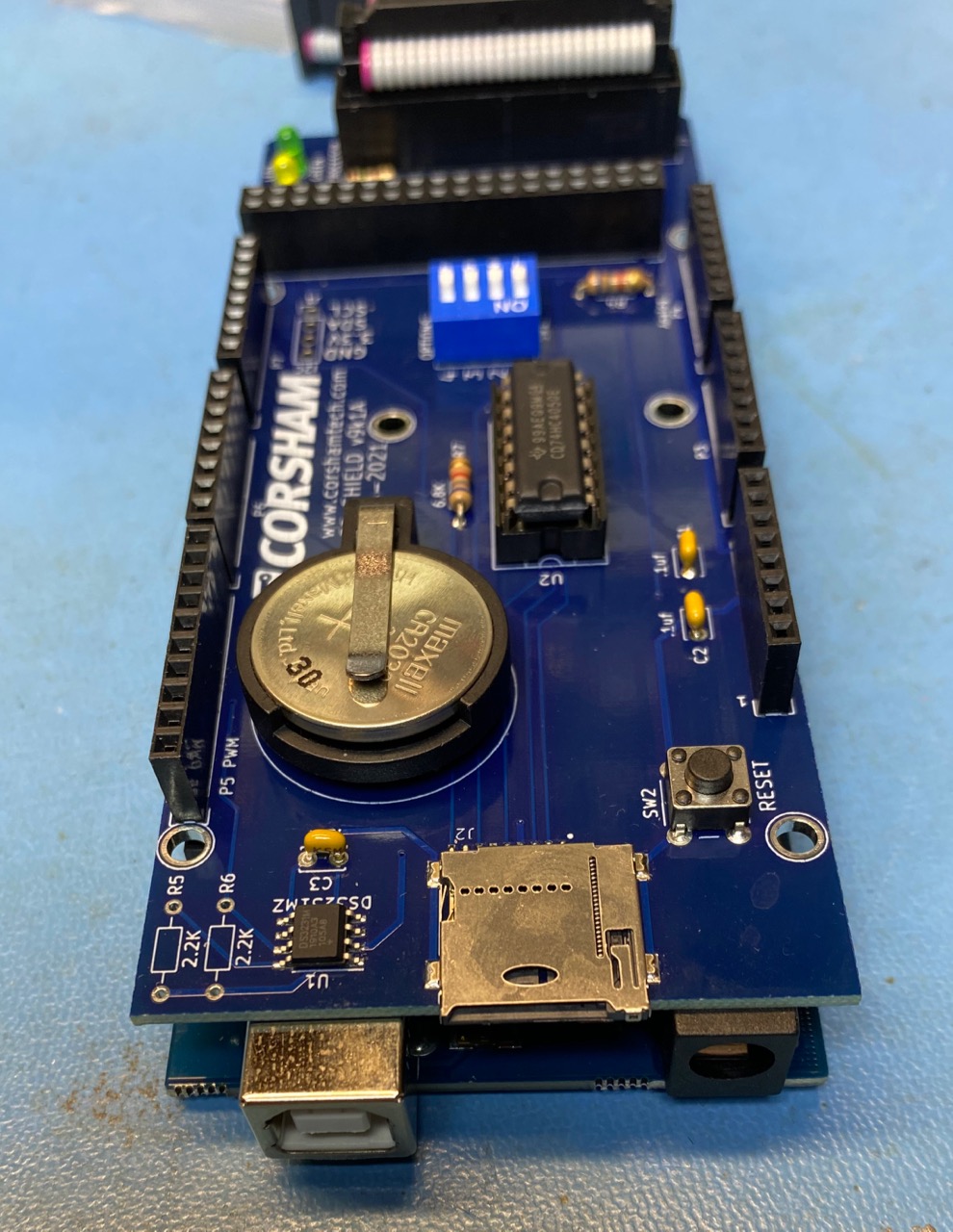
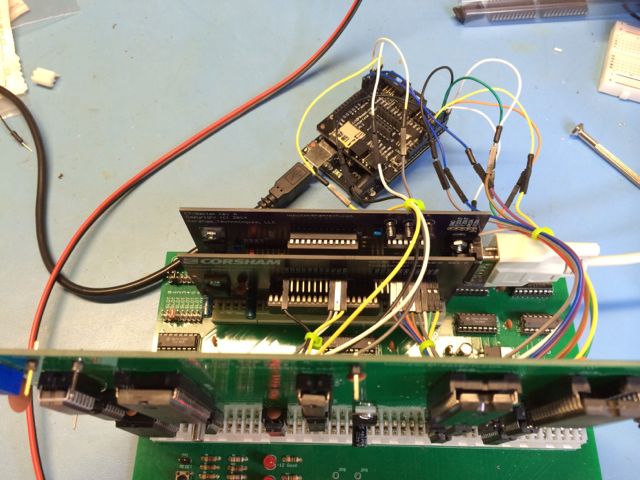
This is a two board system that provides a very inexpensive, flexible, and long-lasting storage option for our KIM Clone , SS-50 based designs, or almost any third party system.
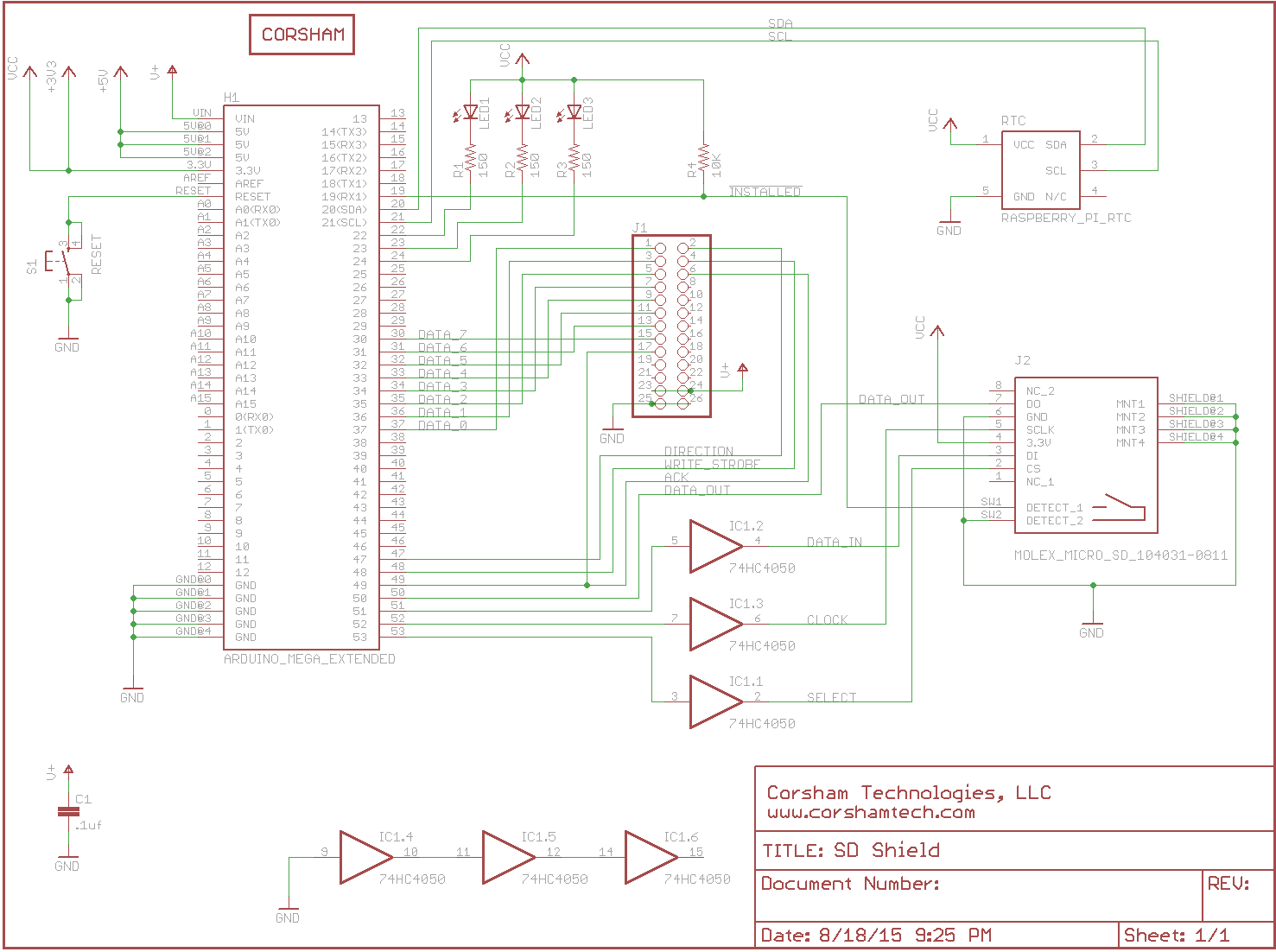
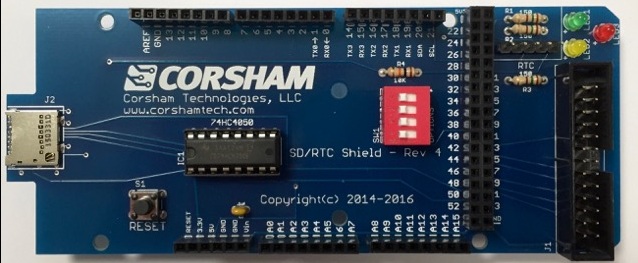
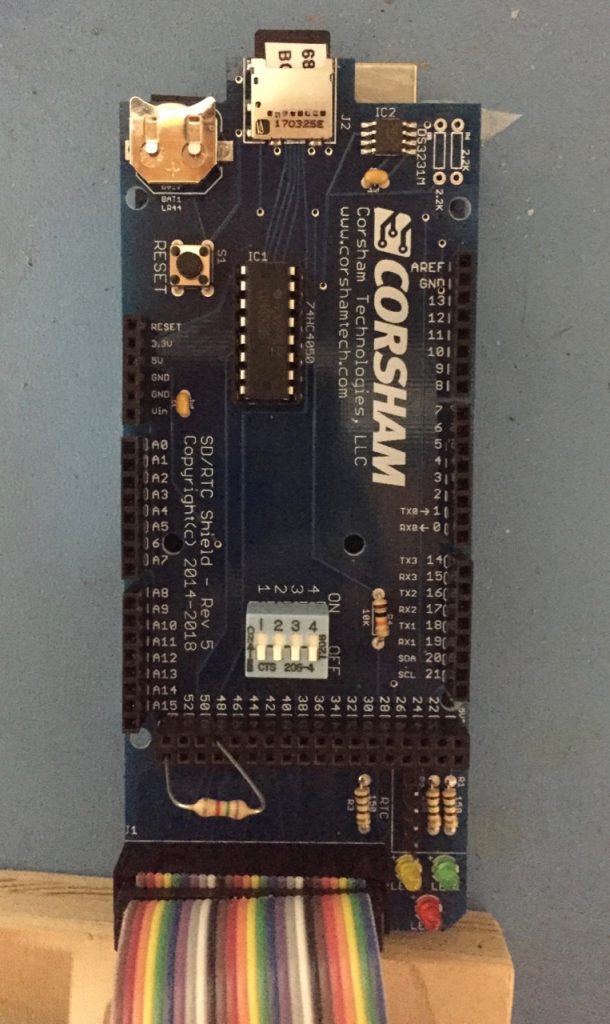
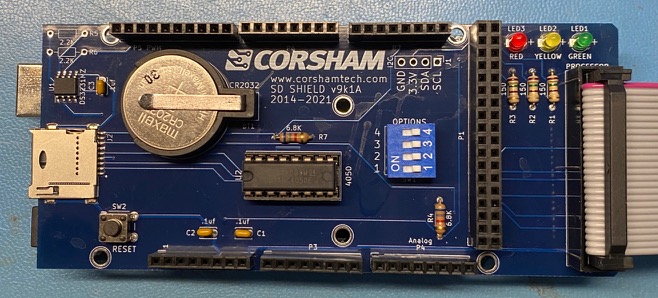
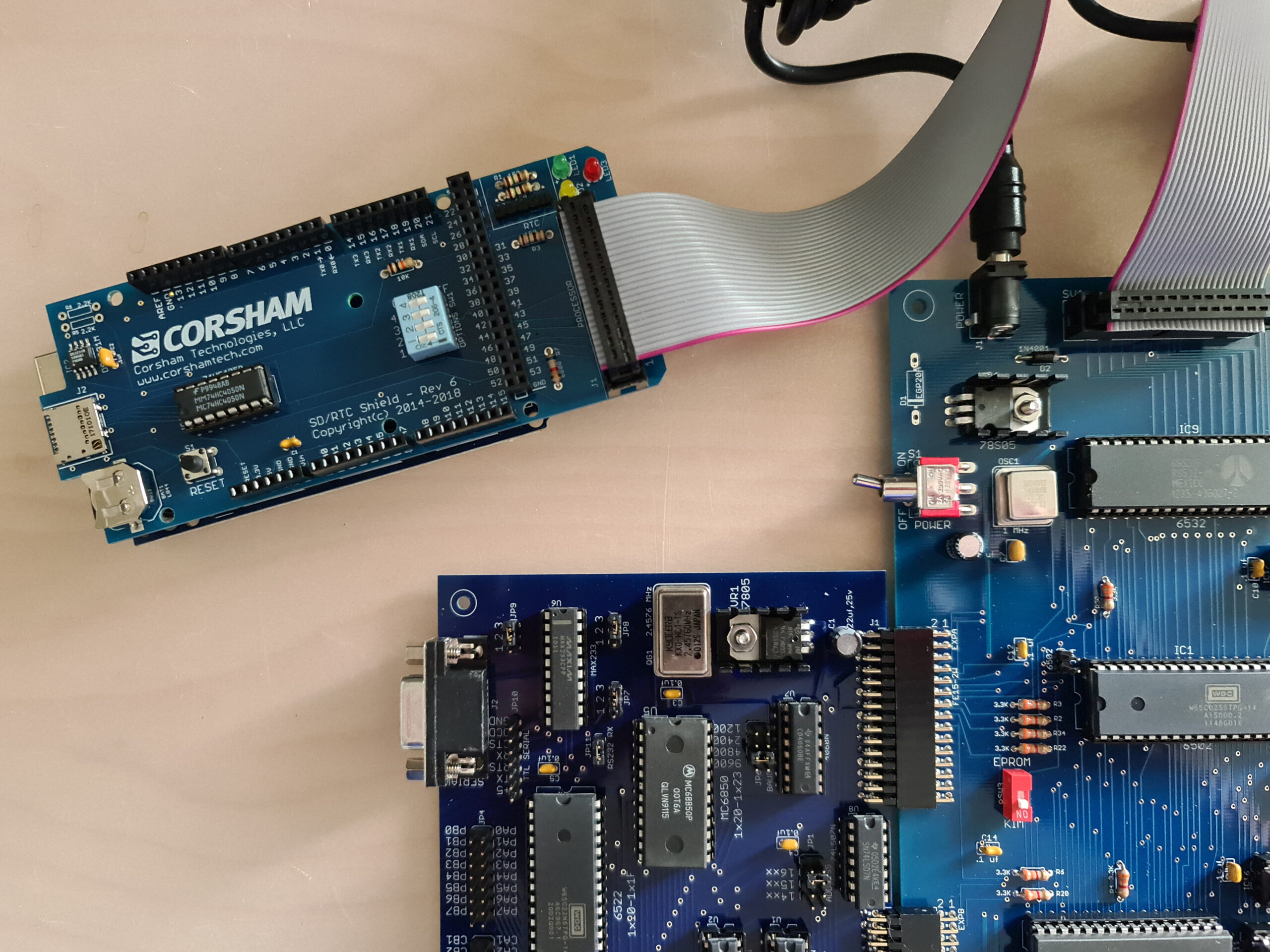
The main board is the Corsham SD Shield. It plugs into an Arduino Mega and provides for insertion of a micro SD card, and also includes a DS3231 based real time clock (RTC). The Arduino does the hard work of providing an interface between the host processor (6502, 6800, 6809, etc) and the SD card and RTC. It connects to the host via a ribbon cable.
The board also contains three LEDs used for status, a RESET switch, a four position DIP switch, a DS3231 RTC, backup battery, and it maintains the Arduino Mega headers so additional shields can be placed on top. Since the source code is available you can add additional drivers for whatever shields you add. Want to add an LCD shield that displays which files are mounted? Just plug in the shield and modify the user interface class in the source code. Only one of the DIP switches has a defined purpose, so the rest are free for you to add your own logic.
The protocol between the host and the SD Card System is completely defined in The Remote Disk Protocol Guide available for download below.
The source for the Arduino Mega is also available for download.


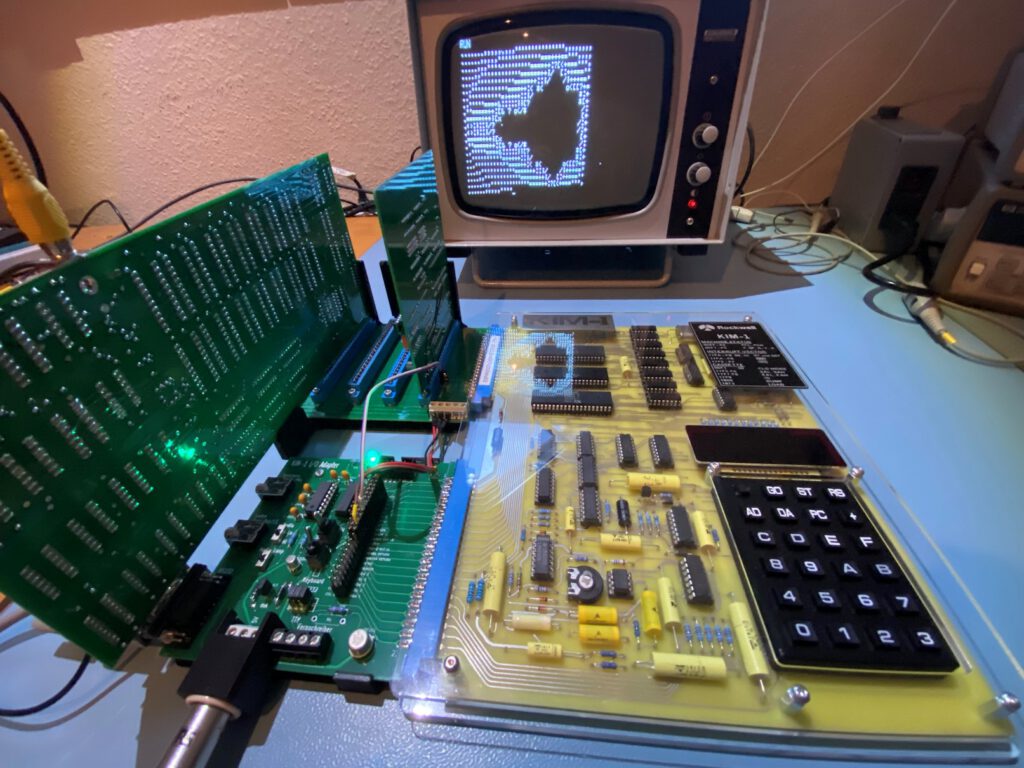
The KIM-1. my first computer. Still have it, and it is still operational.
But I fear to use it for experiments and daily use, it is too valuable for me.
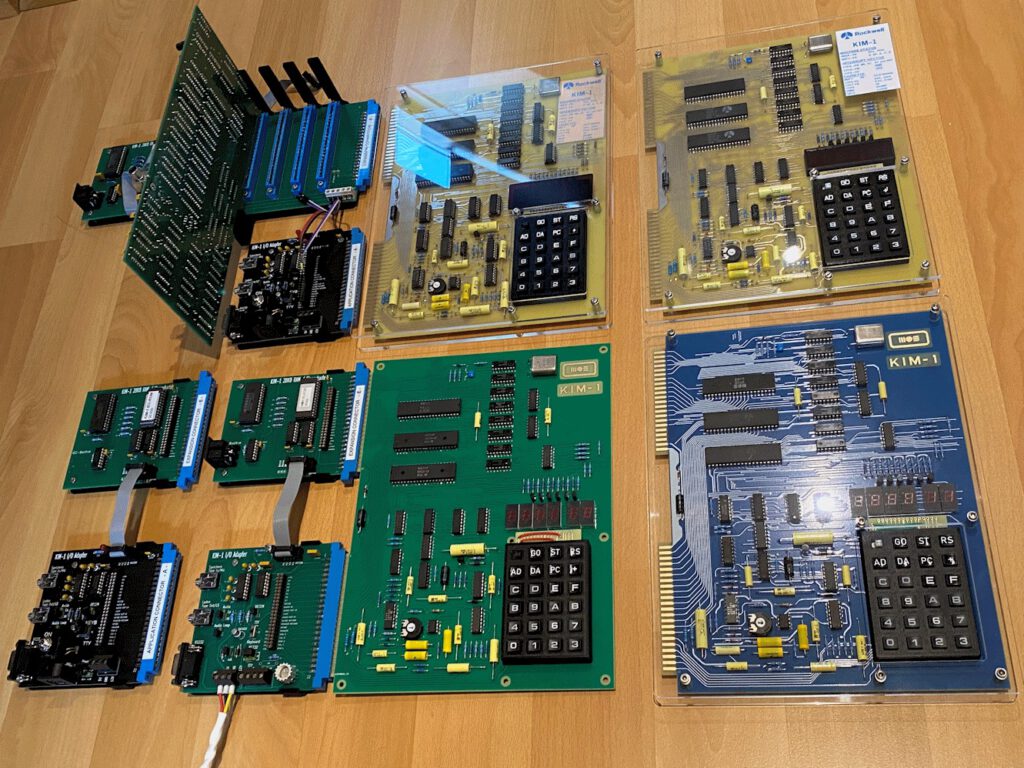
So I invested in KIM-1 clones and replica’s:
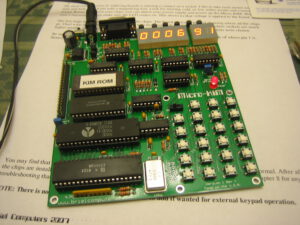
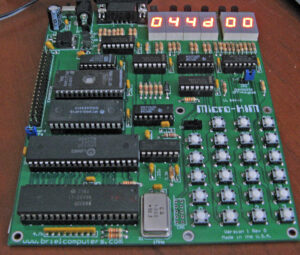
– Micro-KIM by Vince Briel
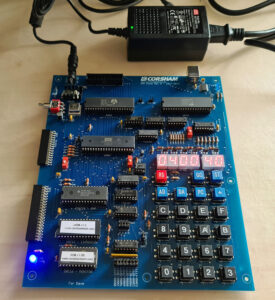
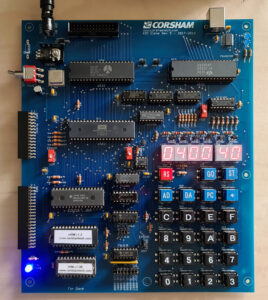
– KIM Clone by Bob Applegate, Corsham Technologies
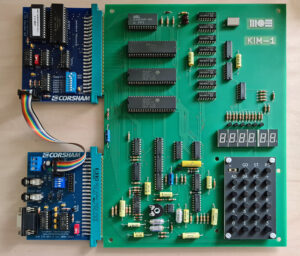
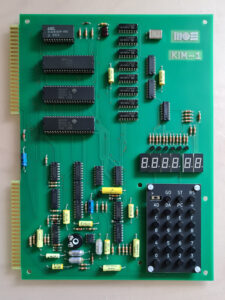
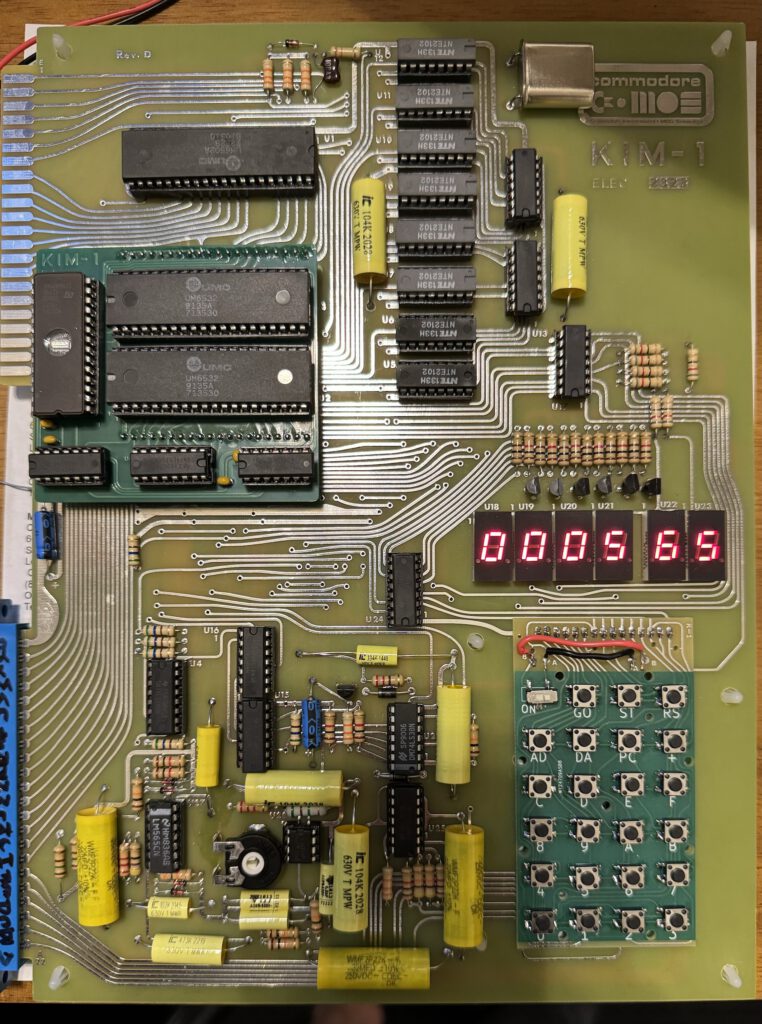
– MOS KIM-1 Reproduction by Dave Williams
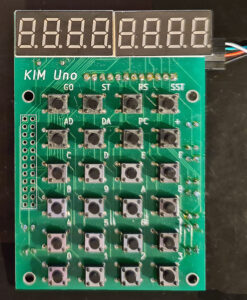
– KIM Uno by Oscar Vermeulen
Each has it advantages. And not all are still for sale.
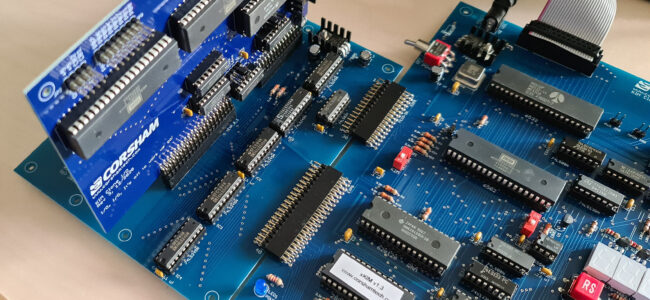
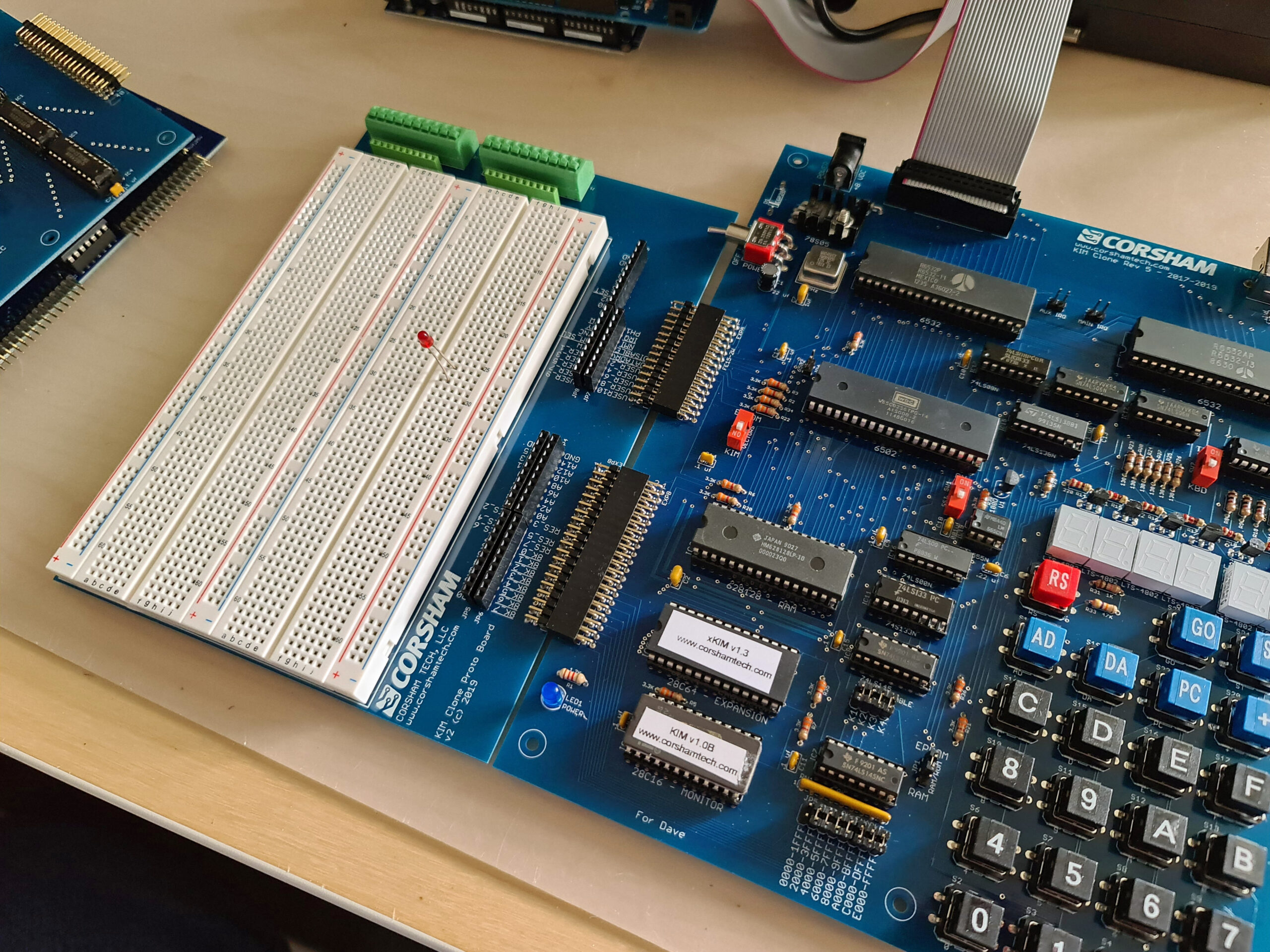
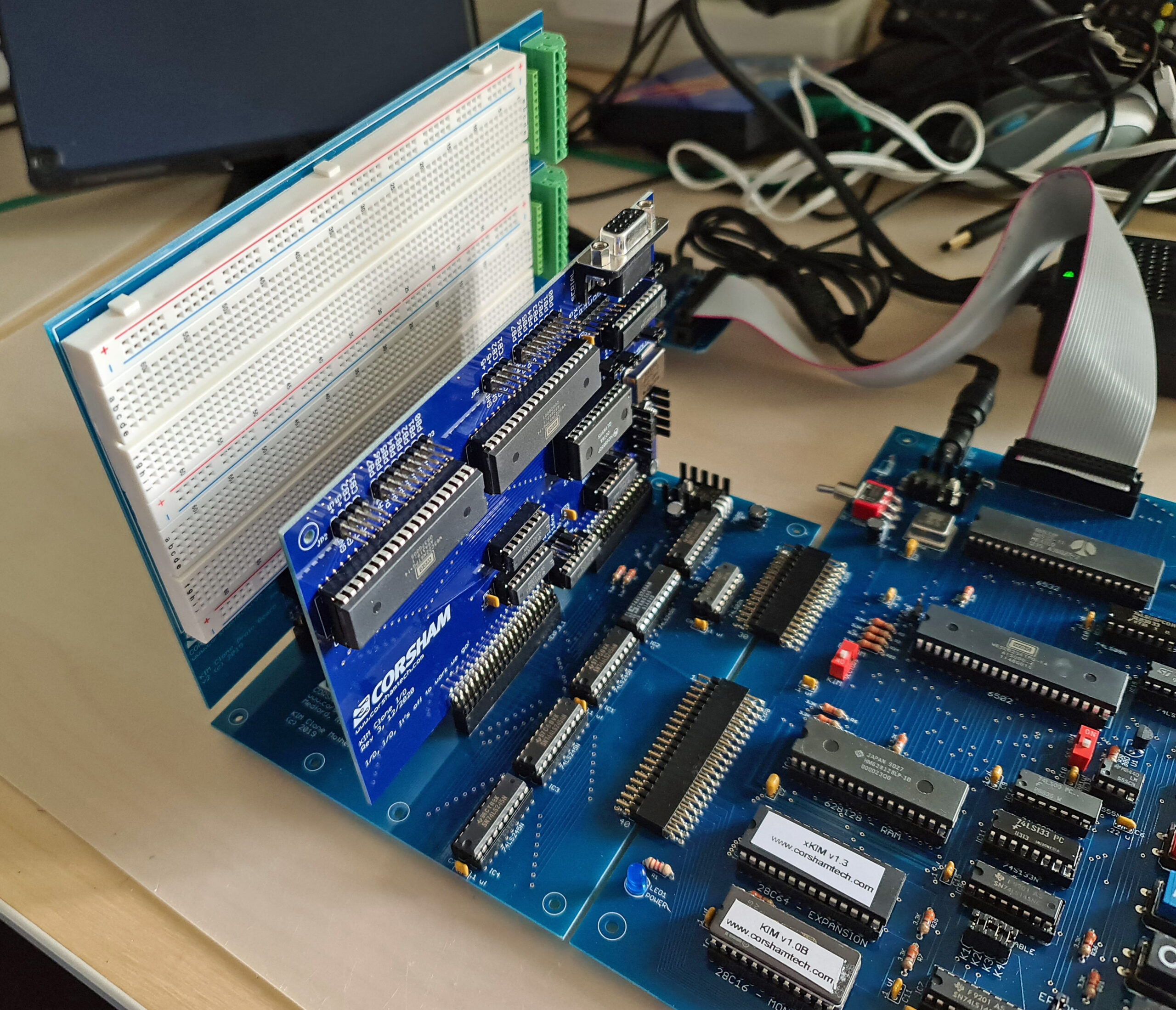
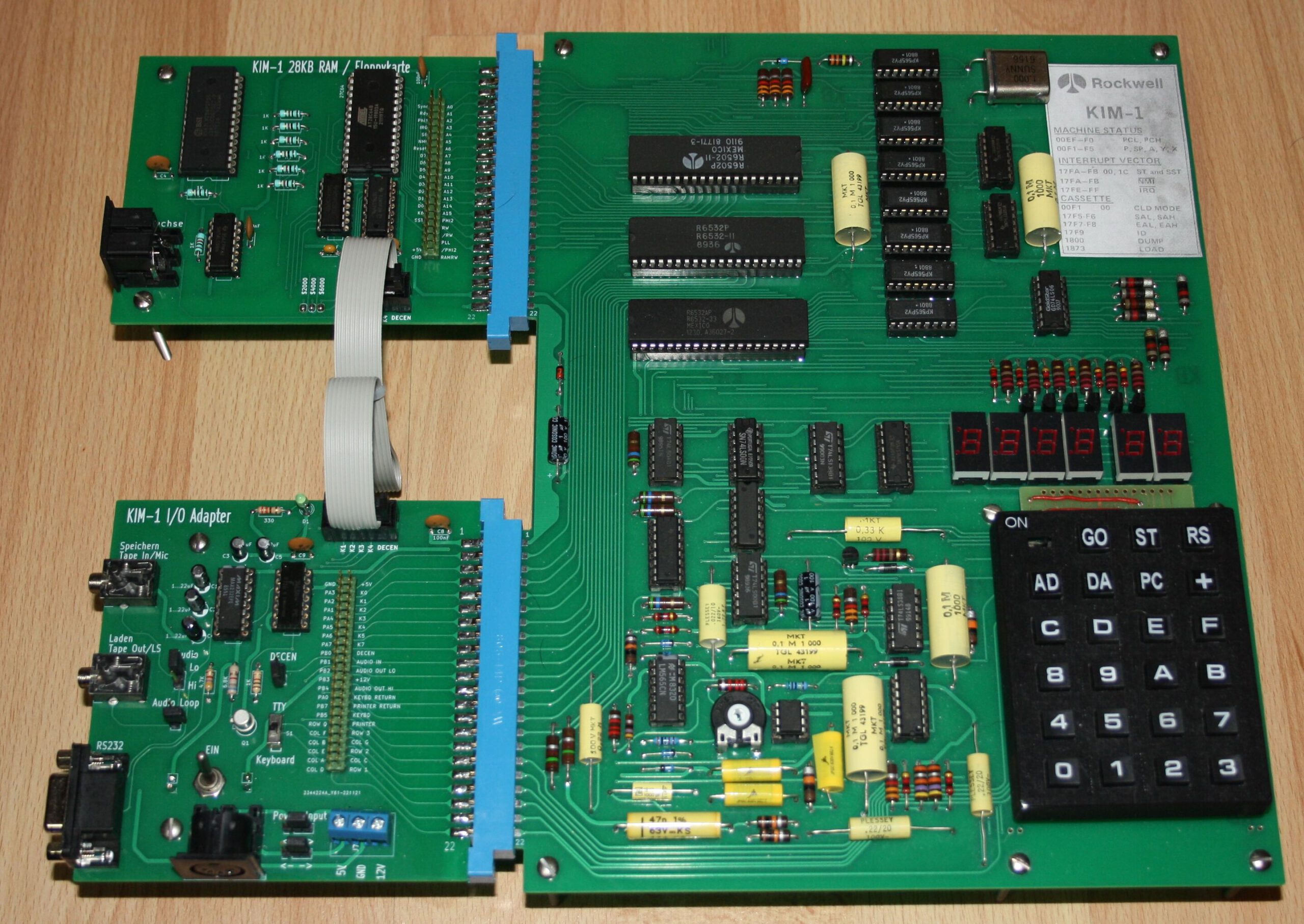
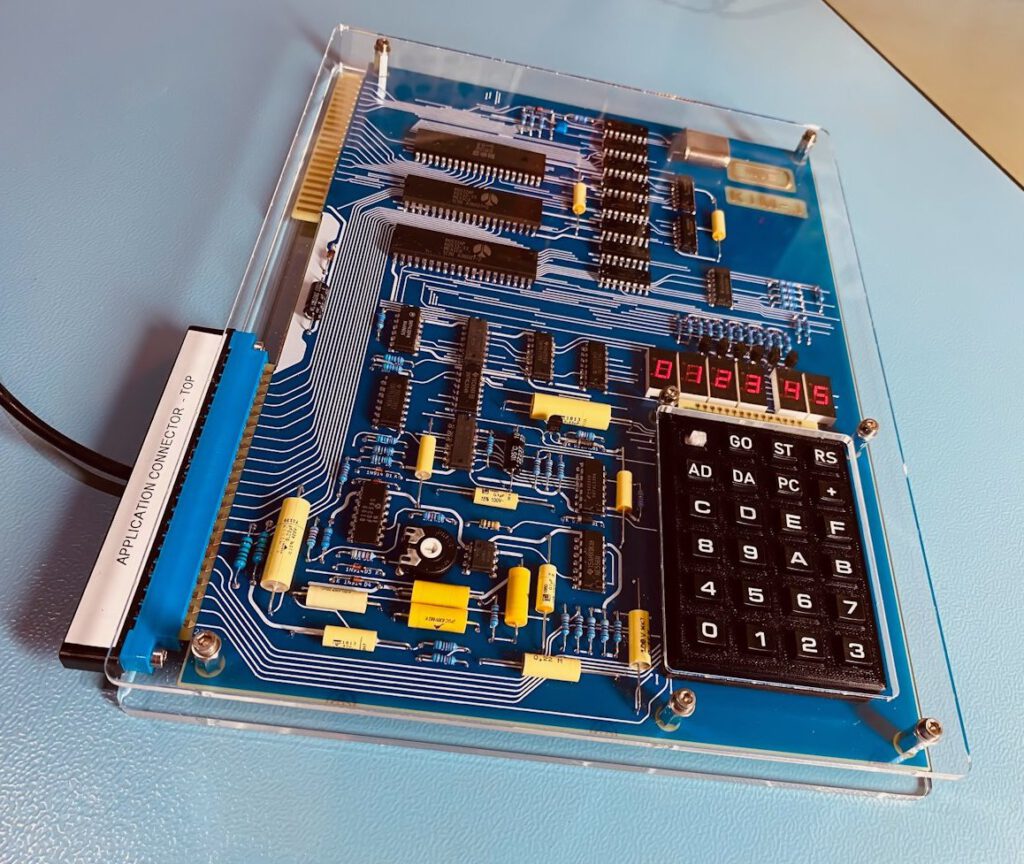
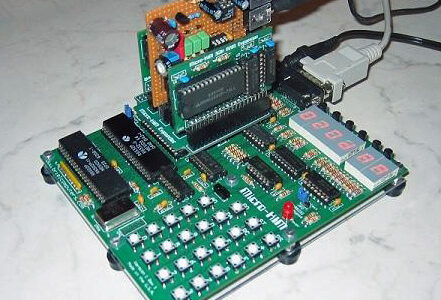
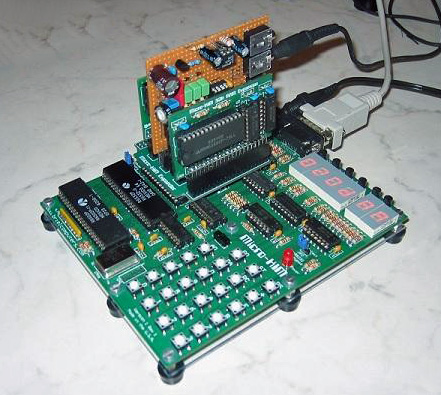
Corsham is till in business and has an awful KIM Clone, with motherboard, I/O card, experimenters board and SD file system. A real enhanced KIM-1 on real KIM-1 hardware.
The KIM Uno is also available, affordable,now an emulator on an Arduino, soon on ESP32. Fun to have a KIM-1 look and feel.
All are documented on the KIM-1 replica’s and clone page.
KIM replica’s and clones


I have several KIM-1 replica’s or clones, and there are more available.
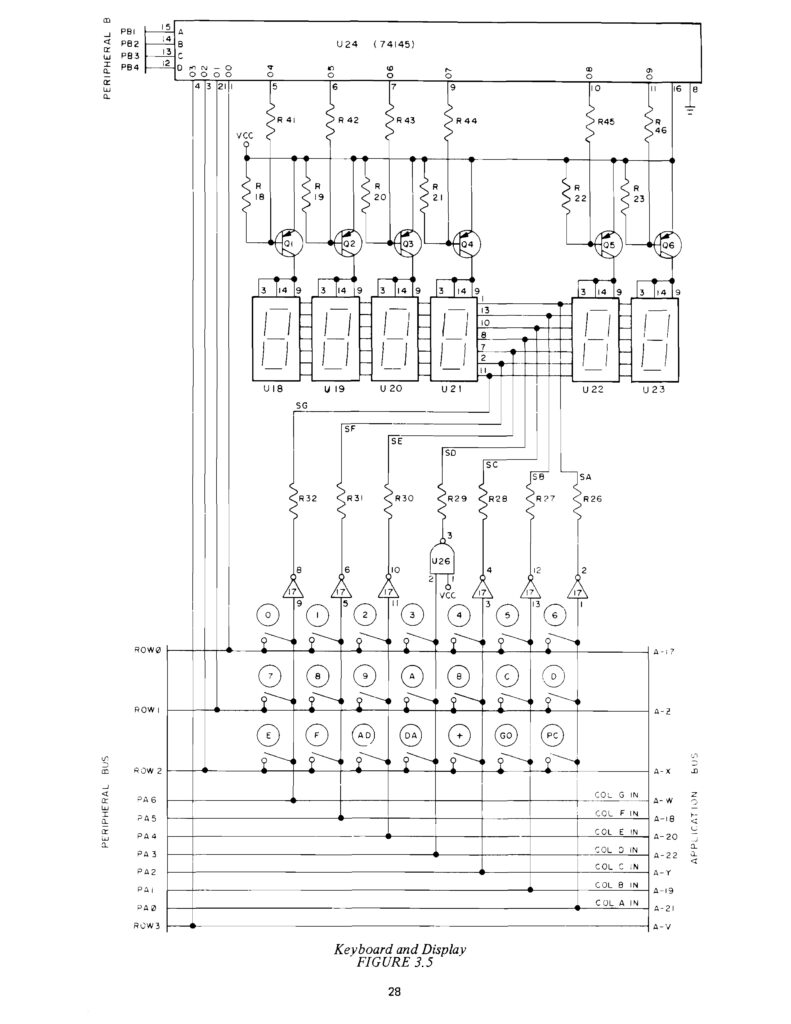
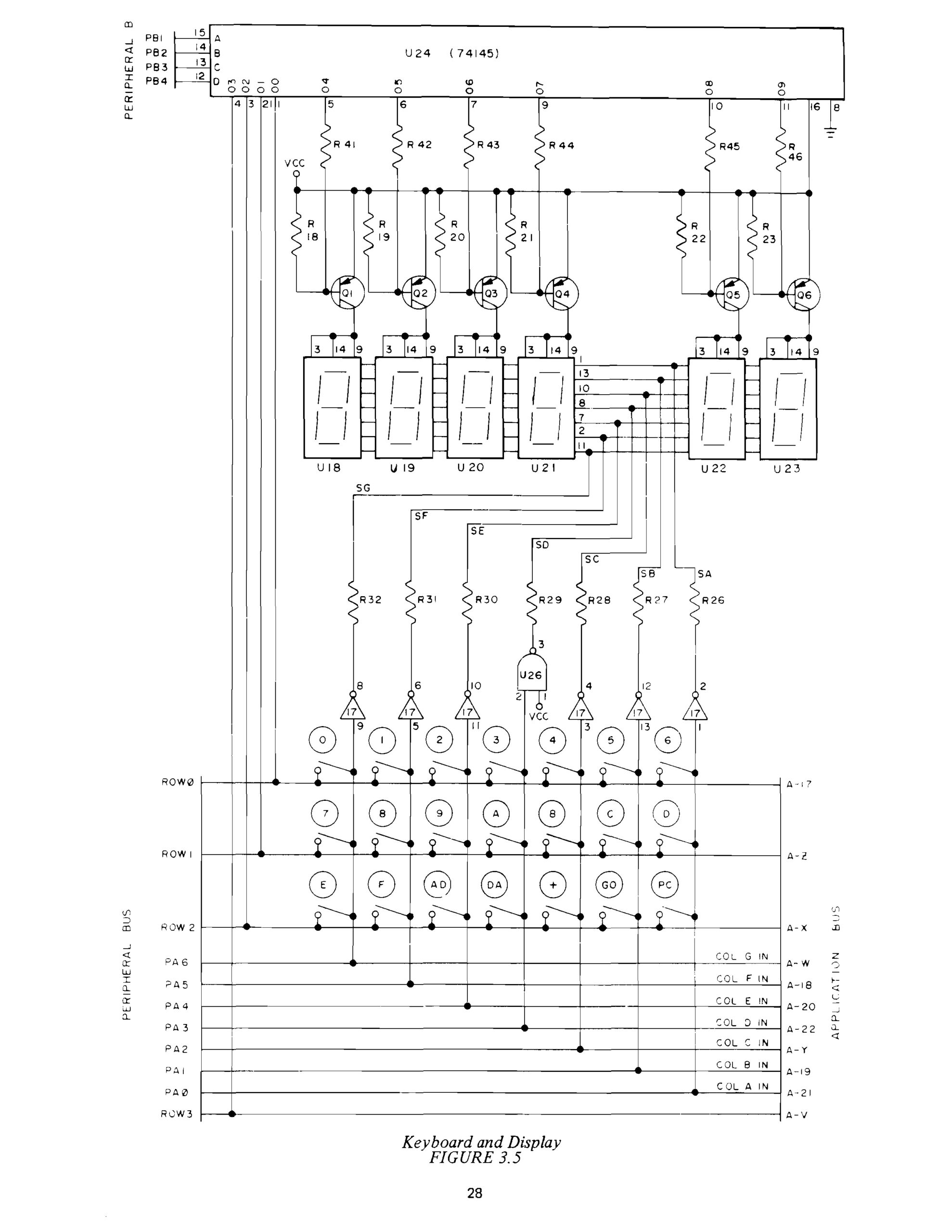
For me a KIM-1 Replica/clone needs a KIM-1 keypad and LED display, a serial TTY interface, and the original KIM-1 software. Some have a layout close to the KIM-1, others look different, but all are functionally equivalent.
The CPU is of course a 6502 at 1 MHz crystal clock frequency. And they have at least the KIM-1 ROM 6530-002, the keypad/LED/TTY monitor.
Since 6530 RRIOT ICs (the 002 and 003 variant) are not available anymore, the same solution as in the other clones is chosen: a 6532 RIOT with a 2K EEPROM and some logic ICs (3) to get a hardware solution that makes it look exactly the same for the KIM-1 ROM software. The PCB is mostly a new design, not the typical 70ties KIM-1 rounded lines PCB design (except the KIM-1 Nachbau and the accurate reproduction by Eduardo Casino).
All this started with a design by Ruud Baltissen, who found out how the 6530 can be replaced with a 6532.
The result is great: it feels, looks and operates as an original KIM-1 with hex keyboard and LED display and TTY serial interface.
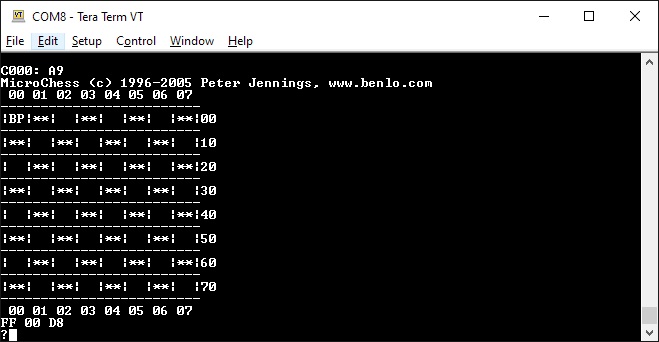
First Book of KIM programs run, All KIM-1 software runs, Microsoft KIM-1 Basic and Microchess run, when additional RAM is connected.
![]() Corsham KIM Clone |
![]() MOS KIM reproduction |
![]() KIM Uno |
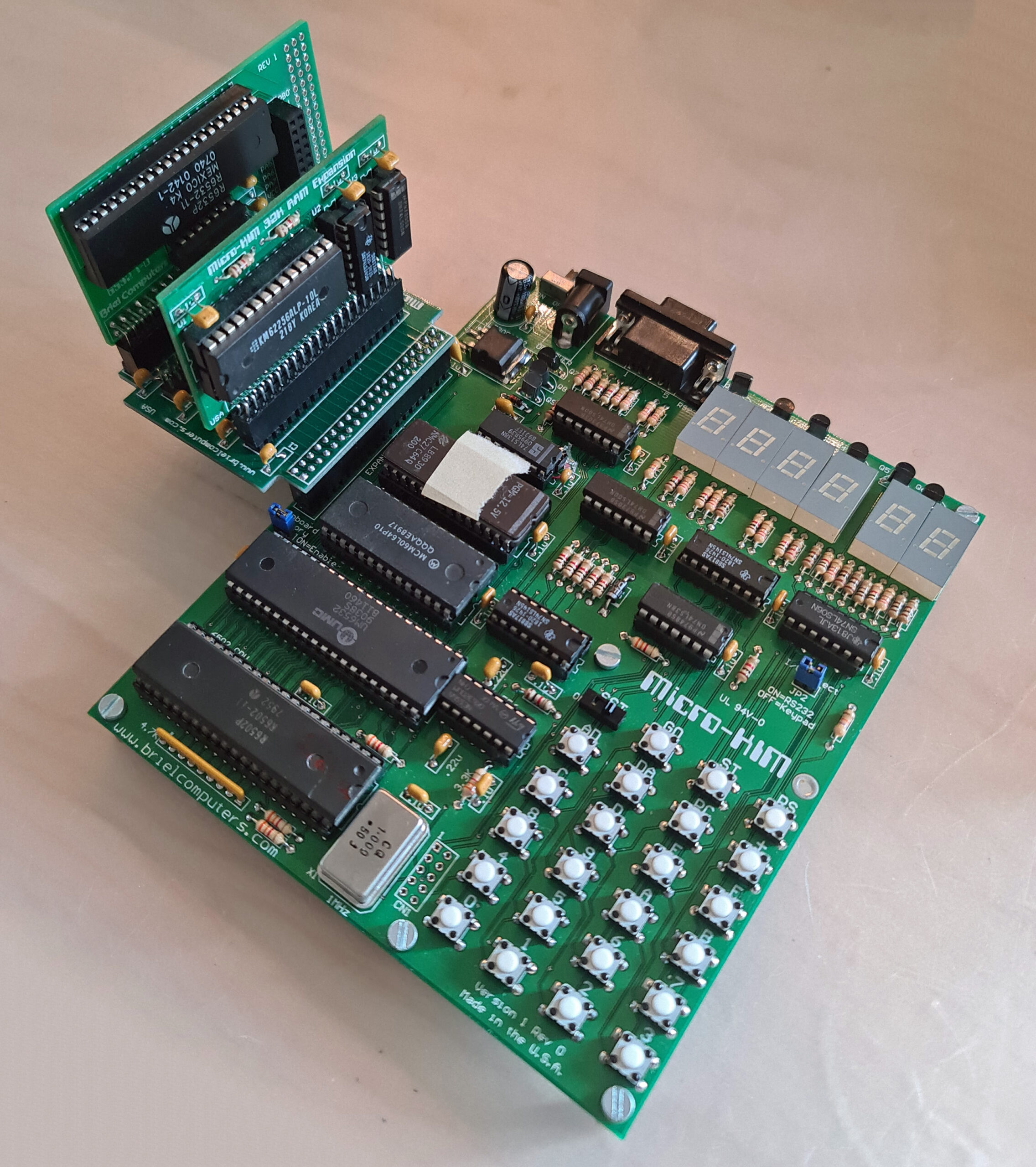
![]() Micro-KIM |
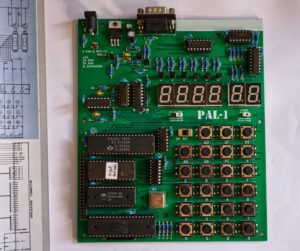
![]() PAL-1 a clone, can be expanded with motherboard, second RIOT, RAM, ROM, Cassette interface |

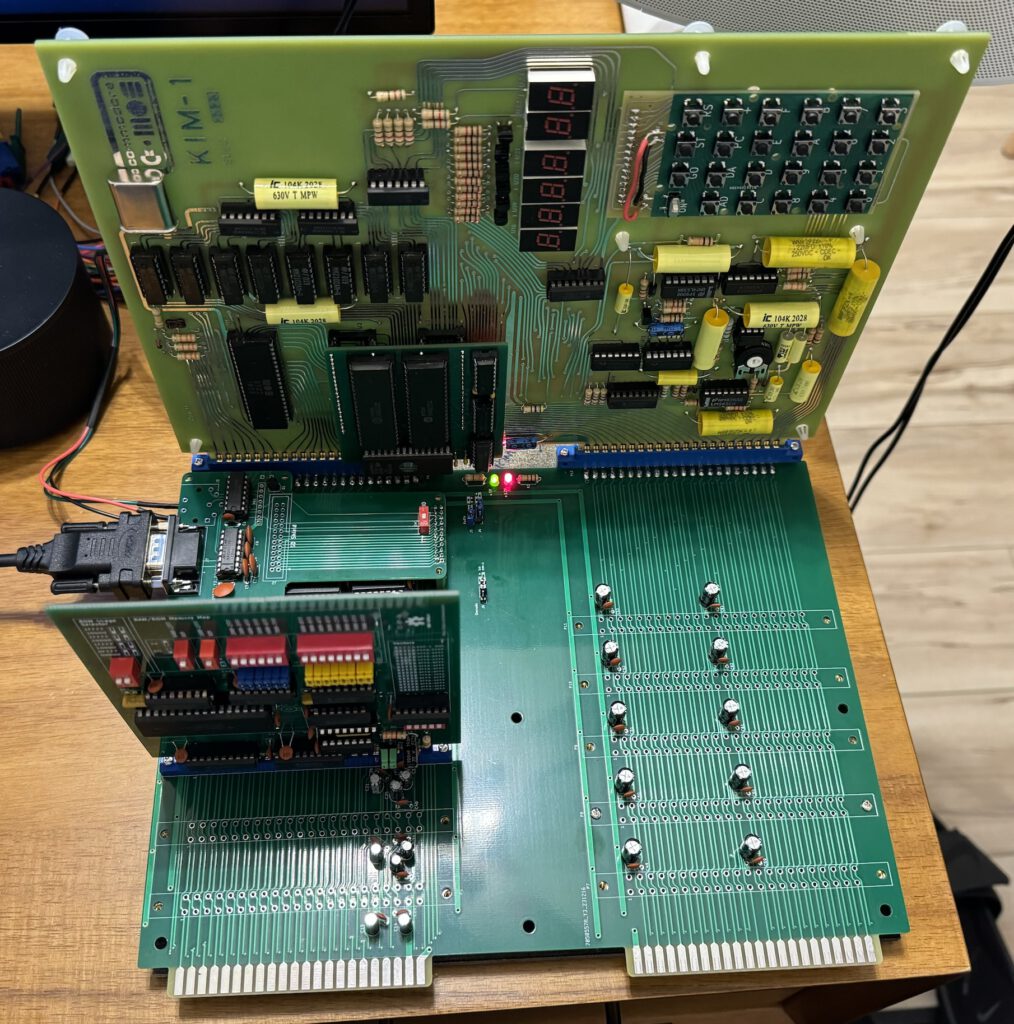
KIM-1 Reproduction by Eduardo Casino

KIM-1 MTU baords by Eduardo Casino
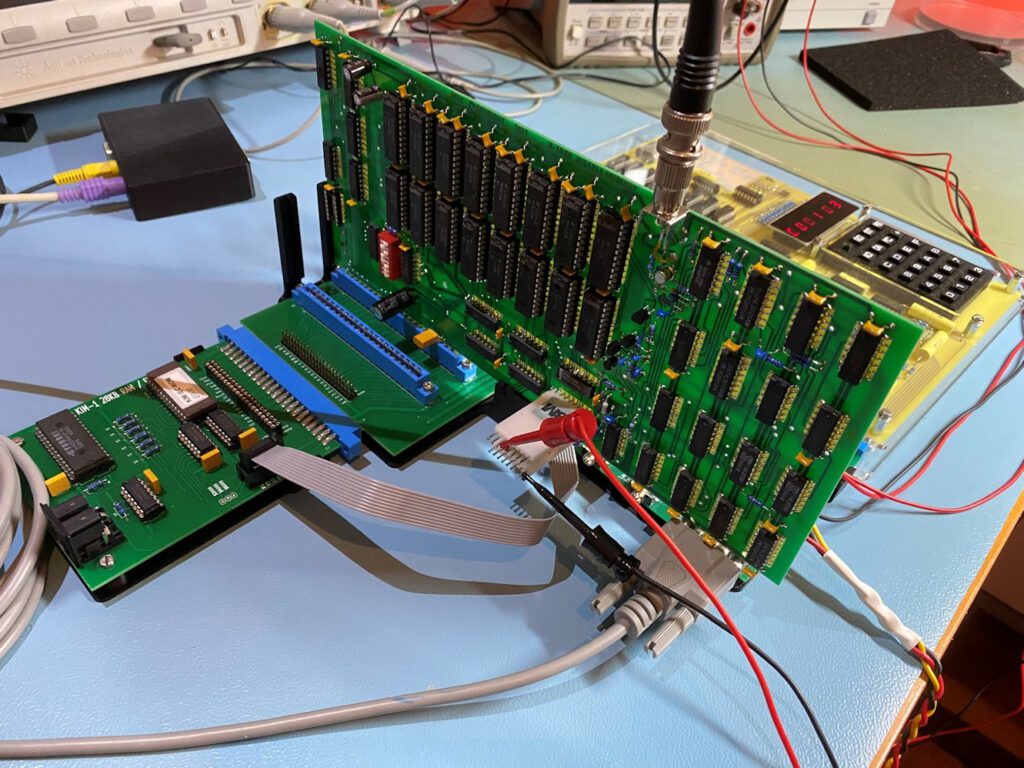
Photos by Peter Offterdinger of ralf02 KIM clones and MTU backplane and K-1013 Visable Memory

MTU backplane and K-1013 Visable Memory display designed by Eduardo Casino


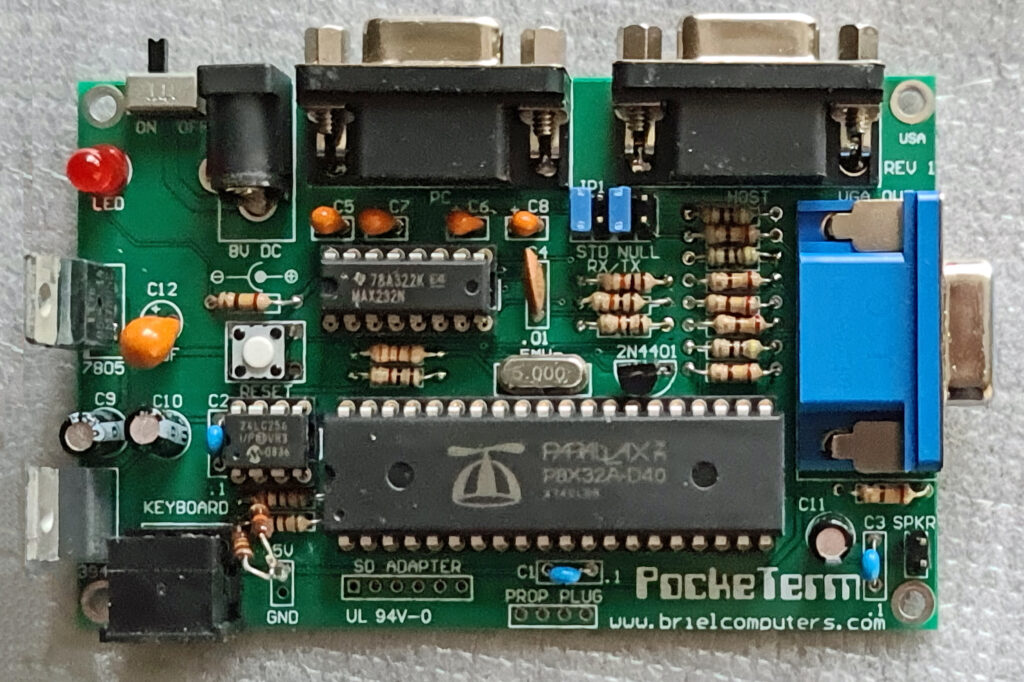
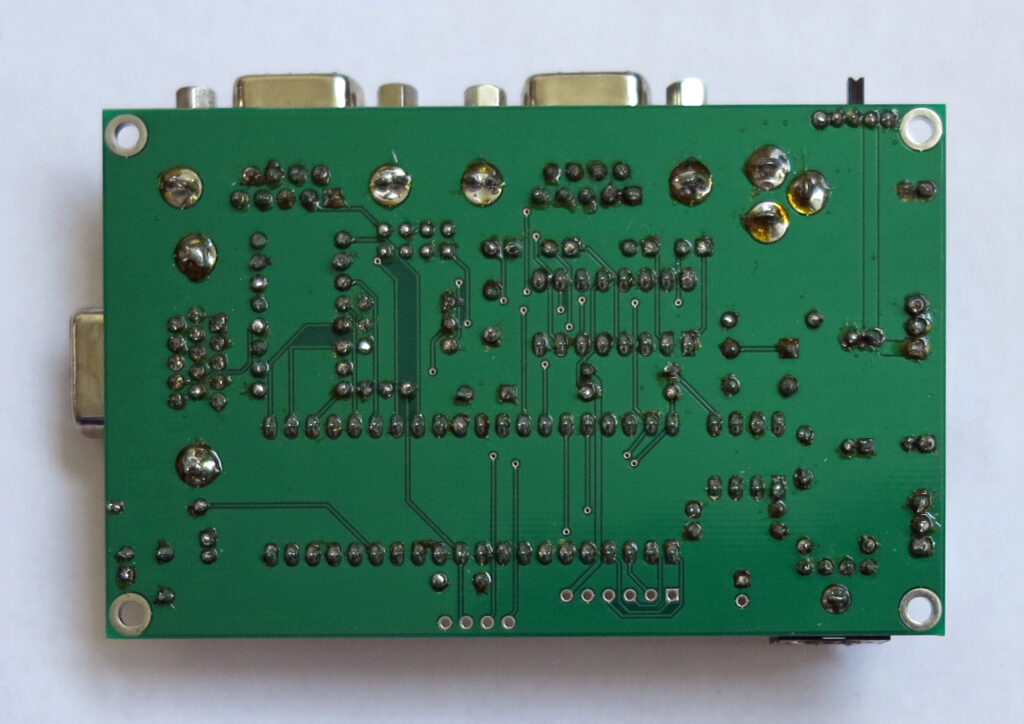
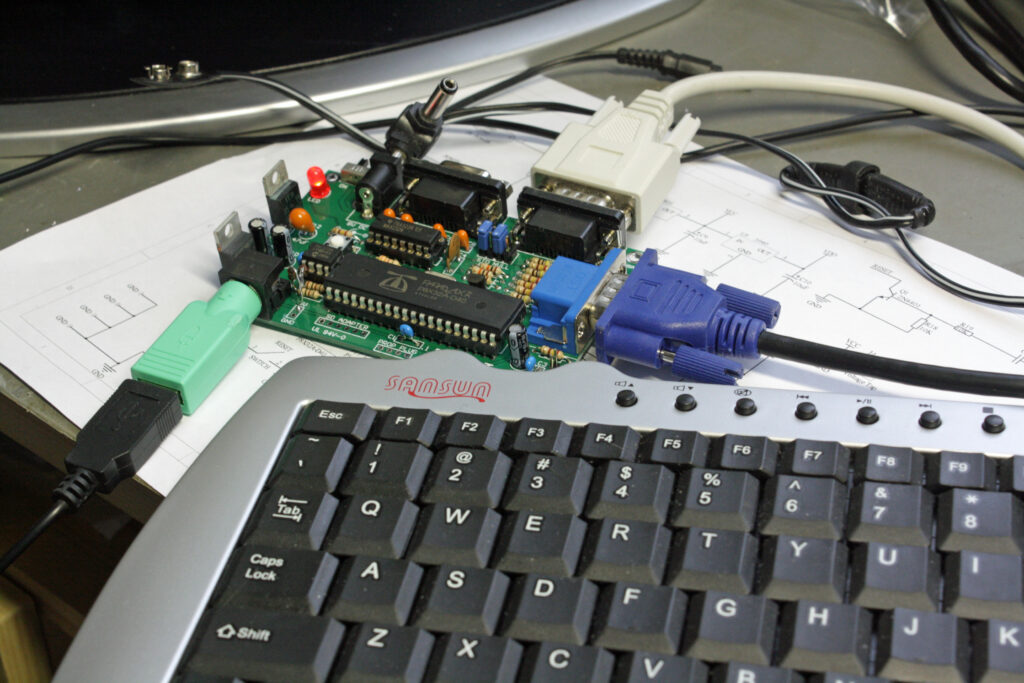
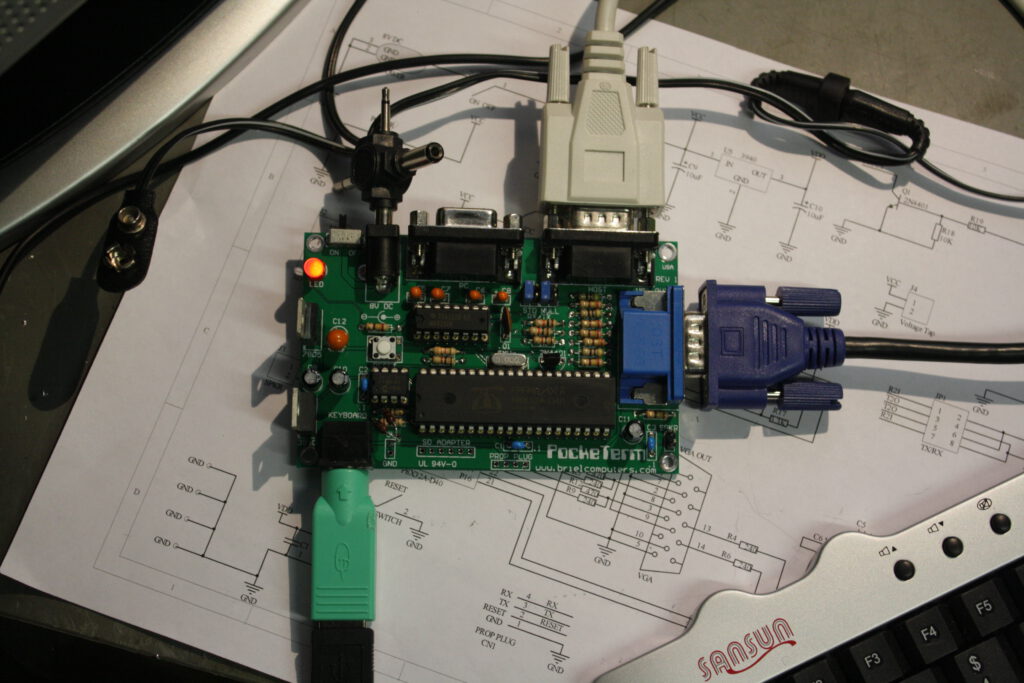
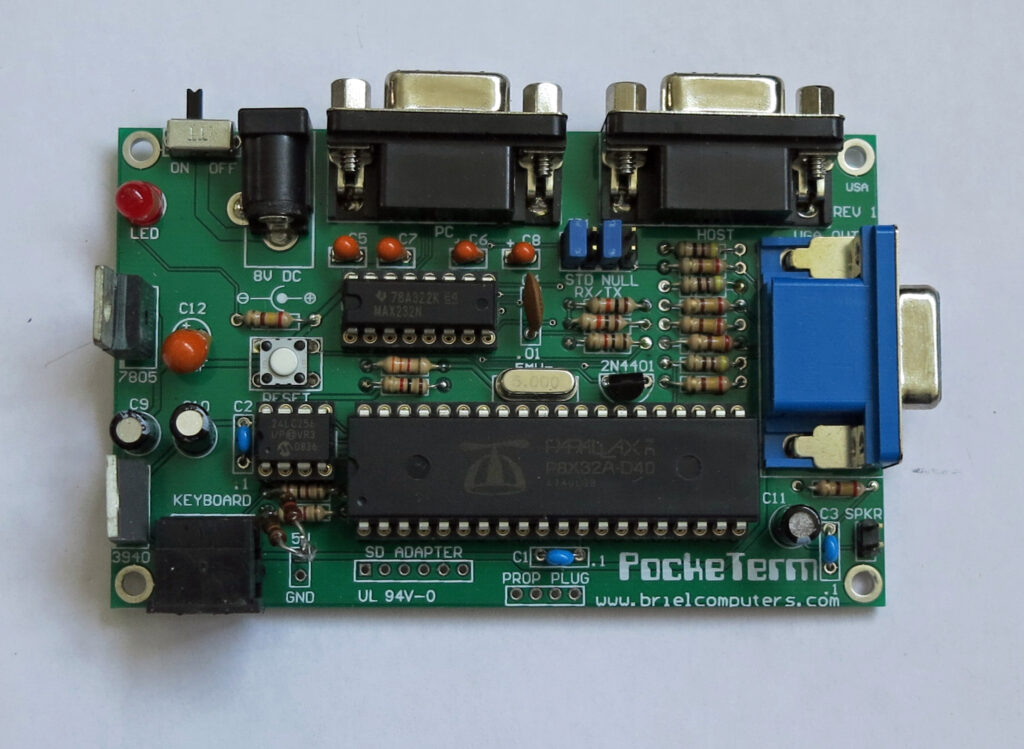
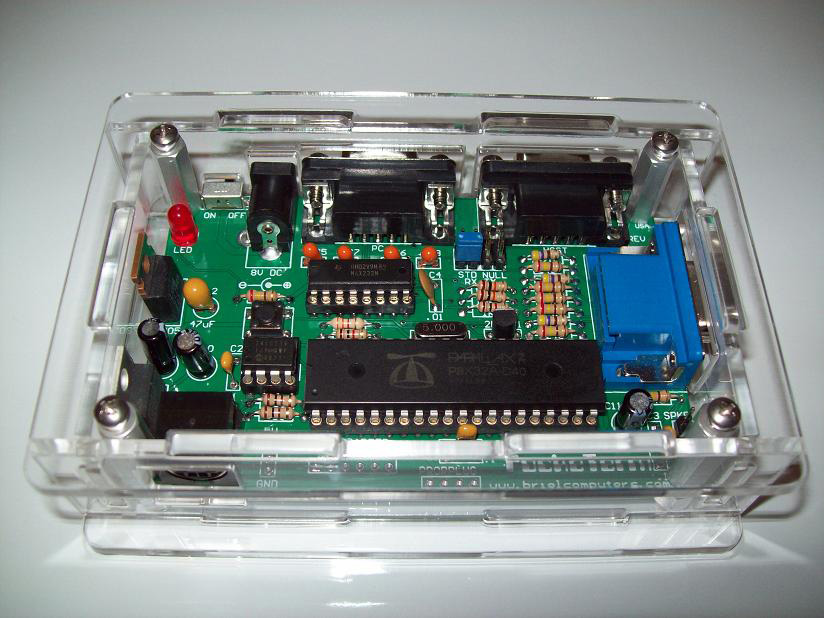
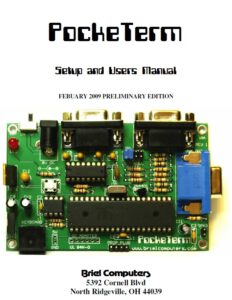
The PockeTerm is a 4″ X 2.5″ single board terminal that uses a VGA monitor and a PS/2 keyboard for its input and output. Dual serial ports gives the user the option of transferring data to/from a PC while still connected to the host device. This terminal was designed to work with vintage computers but is compatible with most systems including Unix and Linux systems. A low cost color choice terminal that has VT-100 compatible commands for controlling cursor and screen functions. Want to program the propeller microcontroller or install an update to the firmware? No problem, just connect the PockeTerm to your PC, run the Propeller Tools software and you can program it from your PC, no expensive Prop Plug required.
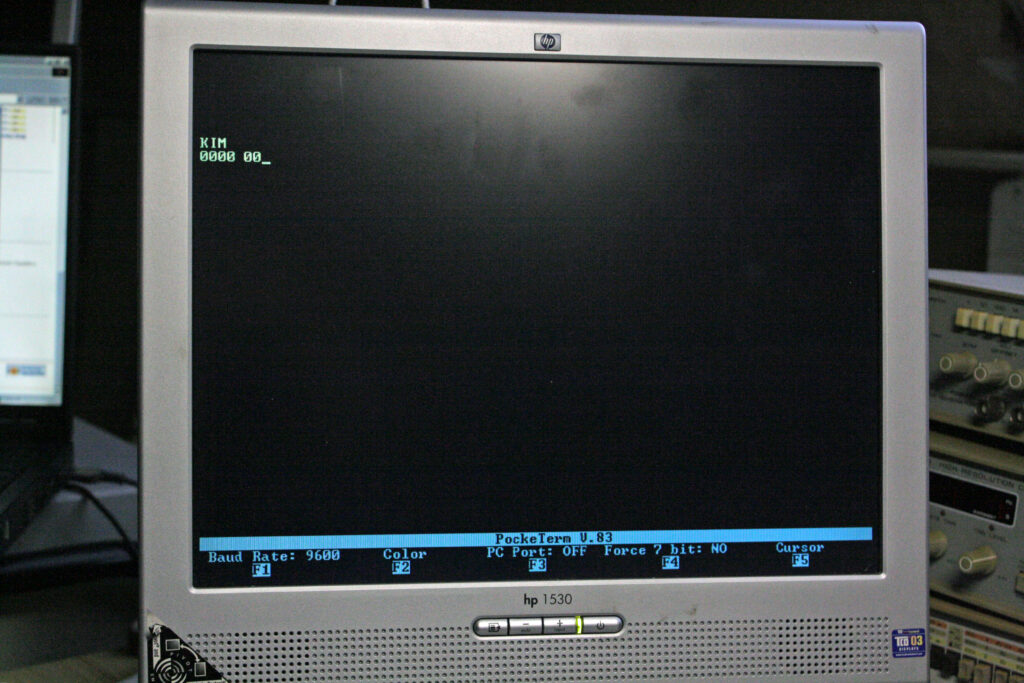
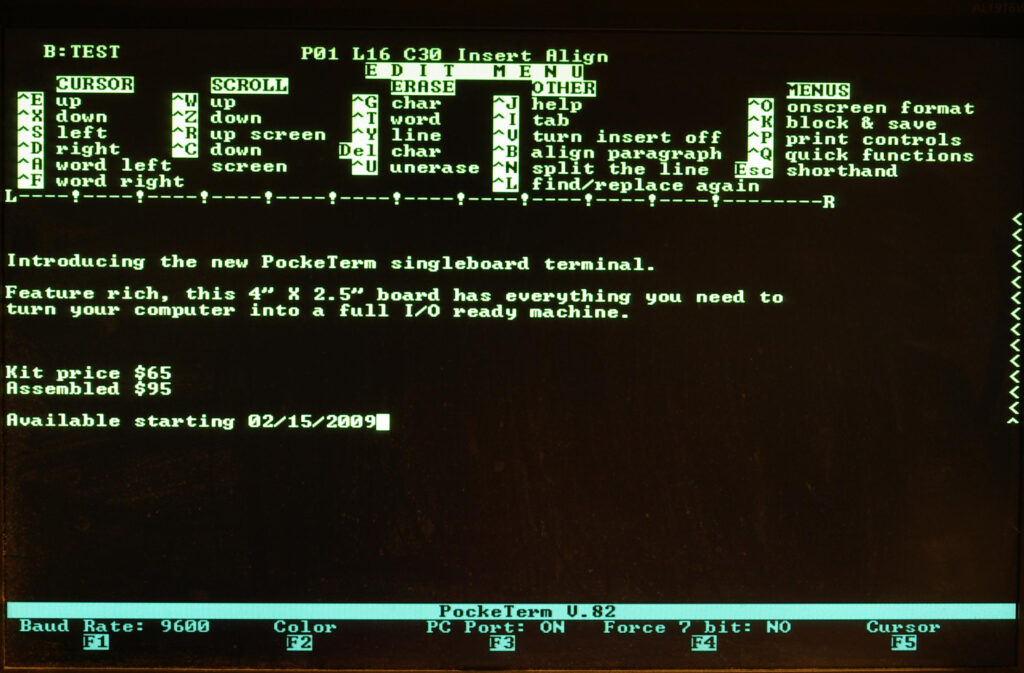
The PockeTerm has a full featured screen with Function key status at the bottom of the screen. Click on the image for a full size photograph of the screenshot.
CTRL-F1 Selects Baud Rate
CTRL-F2 Changes text color of the main display section
CTRL-F3 Turns on/off the 2nd serial port that connects to a PC.
CTRL-F4 Force incoming data to 7 bit ASCII. Strips the 8th bit, required for some systems
CTRL=F5 Change cursor type. Choose from underscore, solid block, or none. Also, choose from blinking or not.
CTRL-F6 Add line-feed to carriage returns
Documents
![]() |
Pocketerm Setup and Users Manual 2009 |
![]() |
Pocketerm Setup and Users Manual V3 2009 |
![]() |
Pocketerm Circuit diagram |
| Pocketerm Bill Of Materials | |
| Pocketerm Firmware | |
| Pocketerm CD |
PS/2 keyboards
I have succesfully assembled the kit, the manual guided me just fine through the steps. Took me just over an hour.
The PockeTerm worked right away. Thanks to mfortuna’s tip, put jumpers in 1&2 and 5&6, and testing is independent of cables and computers to connect.
A standard keyboard with PS/2 worked. What did not work was my mini-USB keyboard (standard PC keyboard without numerical pad, and smaller size, like notebook keyboards) connected via an USB to PS/2 converter. The USB keyboard is ok, works with the PC’s and the Apple 1 kits via the USB-PS/2 dongle. I bought it because the smaller size looks better with the small computers and takes less desk space With the scope I found the PS/2 clock/data line (cant remember which one), to be open, as if nothing connected. So something is missing to make the USB device come alive. I googled around and found this: http://www.parallax.com/Portals/0/Downloads/docs/prod/edu/28060-PS2Adapter-v1.0.pdf
In it I saw a schematic how to connect a Parallax mini PS/2 keyboard, and it was different from the PockeTerm PS/2 interface. It has additional 10k pull-ups connected to the PS/2 clock and data. I soldered in the two 10k’s and the mini keyboard came alive!
Program the Propeller Notes by Vince Briel
The PockeTerm makes a really good development board for learning how to program the Propeller chip. For more information on programming the Propeller,
please visit the Parallax forums here: http://forums.parallax.com/forums/default.aspx?f=25
The above steps will program the Propeller with the code that is now resident on the EEPROM onboard the PockeTerm. Change step 3 to the location of the program you wish to insert onto the PockeTerm.


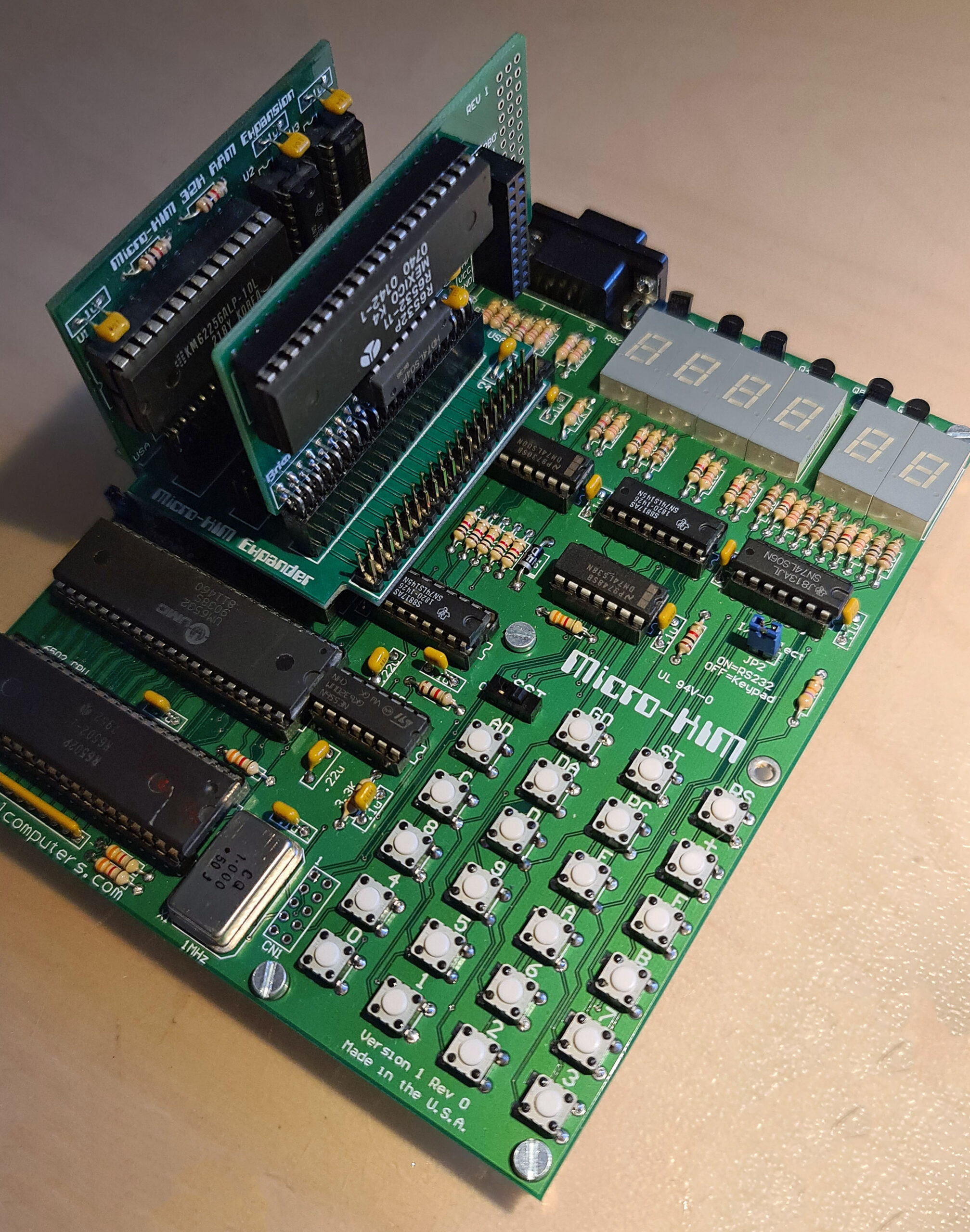
Optional add-ons to make the Micro-KIM a real KIM-1, with the second 6530/32 and a 32K RAM card to give enough RAM to run real programs like KB9 Basic.
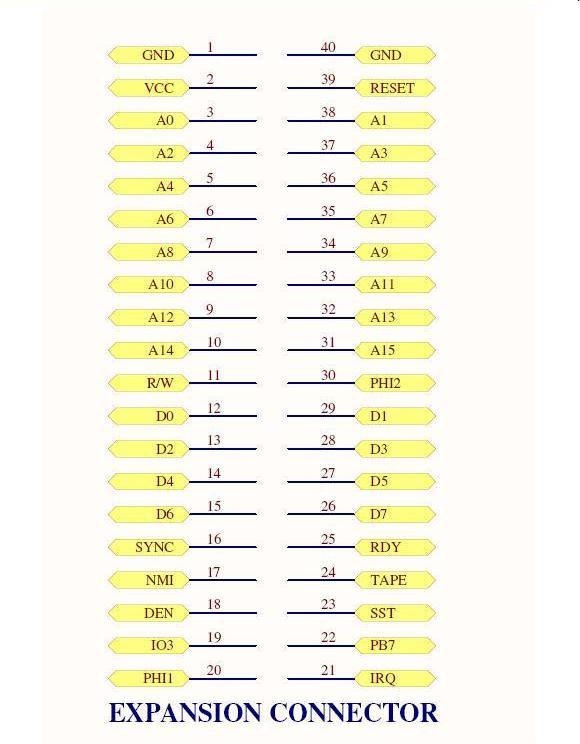
The expansion connector is made for this. With the expansion board up to four cards can be added.

A 40 pins male connector. Pin 1 is labeled on the board and is near the edge at the upper-left corner
of the connector.
Here he description of the expansion connector. Also see the Circuit diagram.
| 1 and 40 | two pins for ground to give proper grounding to optional expansion boards. |
| 2 | VCC, this is a 5V signal which powers the circuit |
| 3-14, 31-38 | CPU address lines A0-A15 used to address memory or devices |
| 11 | R/W read/write signal. Low when writing, high when reading memory |
| 12-15, 26-29 | CPU data bus. Used to transfer data to/from RAM/EPROM or devices |
| 16 | Sync. This signal goes high during when an instruction is being fetched for the CPU |
| 17 | NMI. Non-Maskable Interrupt signal to the CPU. Active low to generate |
| 18 | DEN, Onboard memory decode Enable line. Control the enabling of the onboard memory |
| 19 | IO3 is the pre-decoded signal for the 2nd optional 6532. Attach to CS1 pin 38 on 6532 |
| 20 | PHI1 Phase 1 clock signal. 180 degrees from phase 2 |
| 21 | IRQ Interrupt request signal. Active low generates an IRQ. |
| 22 | PB7 is I/O port pin PB7 from 6532 required to complete cassette interface |
| 23 | SST Single step signal used to control CPU with single step |
| 24 | TAPE this signal is used to complete the cassette interface. |
| 25 | RDY used to stop the CPU in single step circuit |
| 30 | PHI2 phase 2 main clock signal to the 6502 |
| 39 | RESET 6502 RESET line, when pulled low will reset the 6502 |
![]() |
Circuit diagram of memory expansion |
Second EPROM
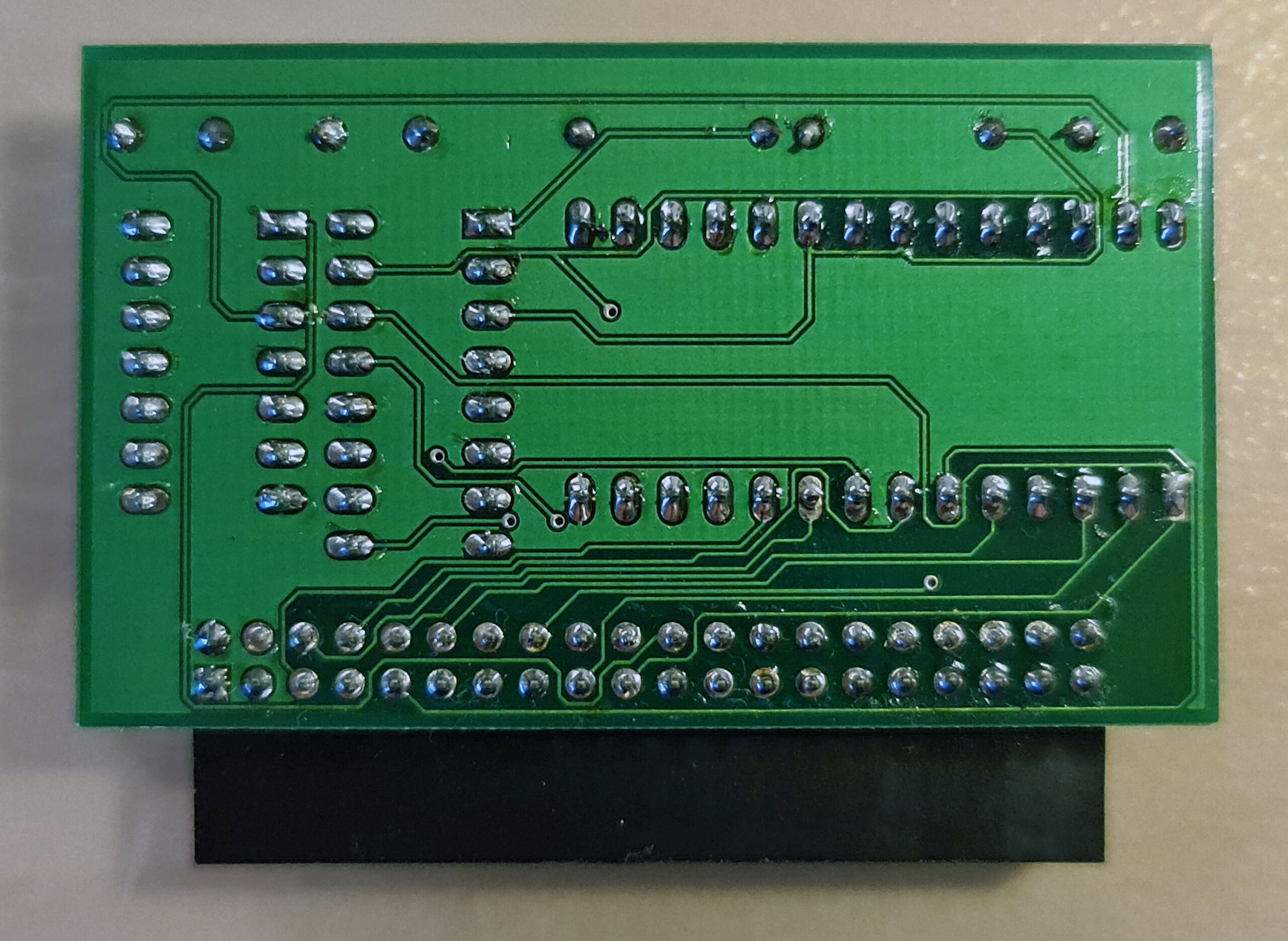
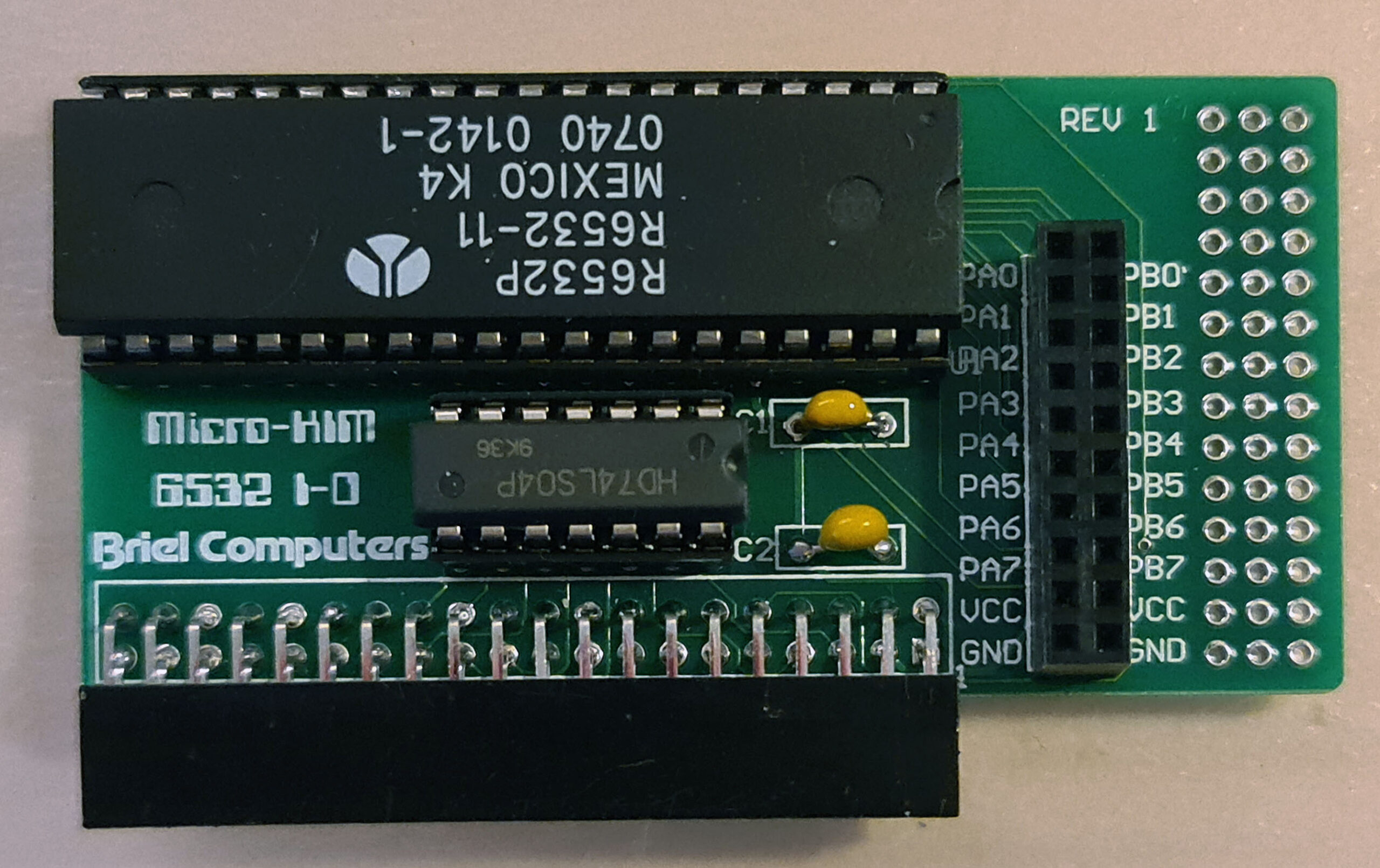
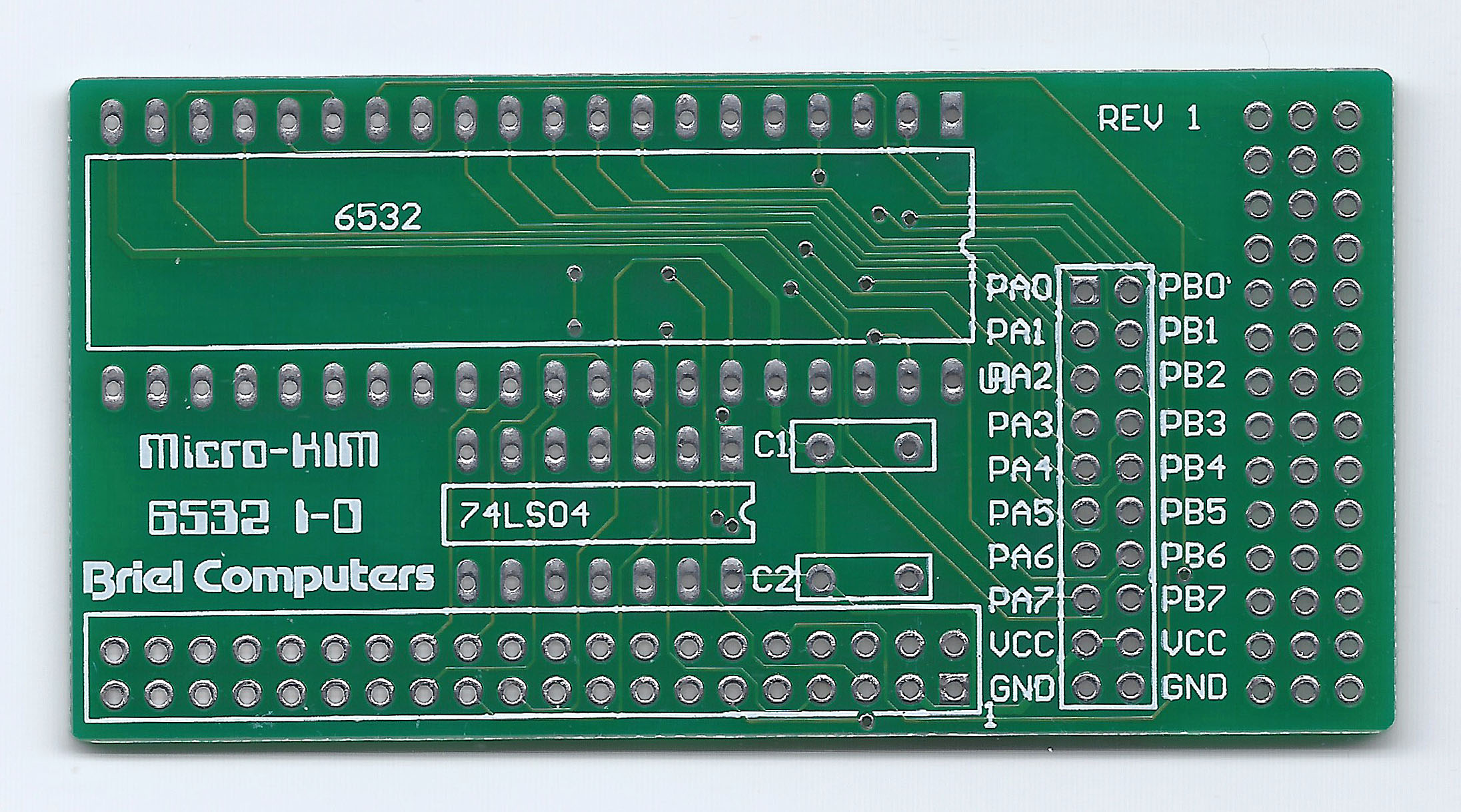
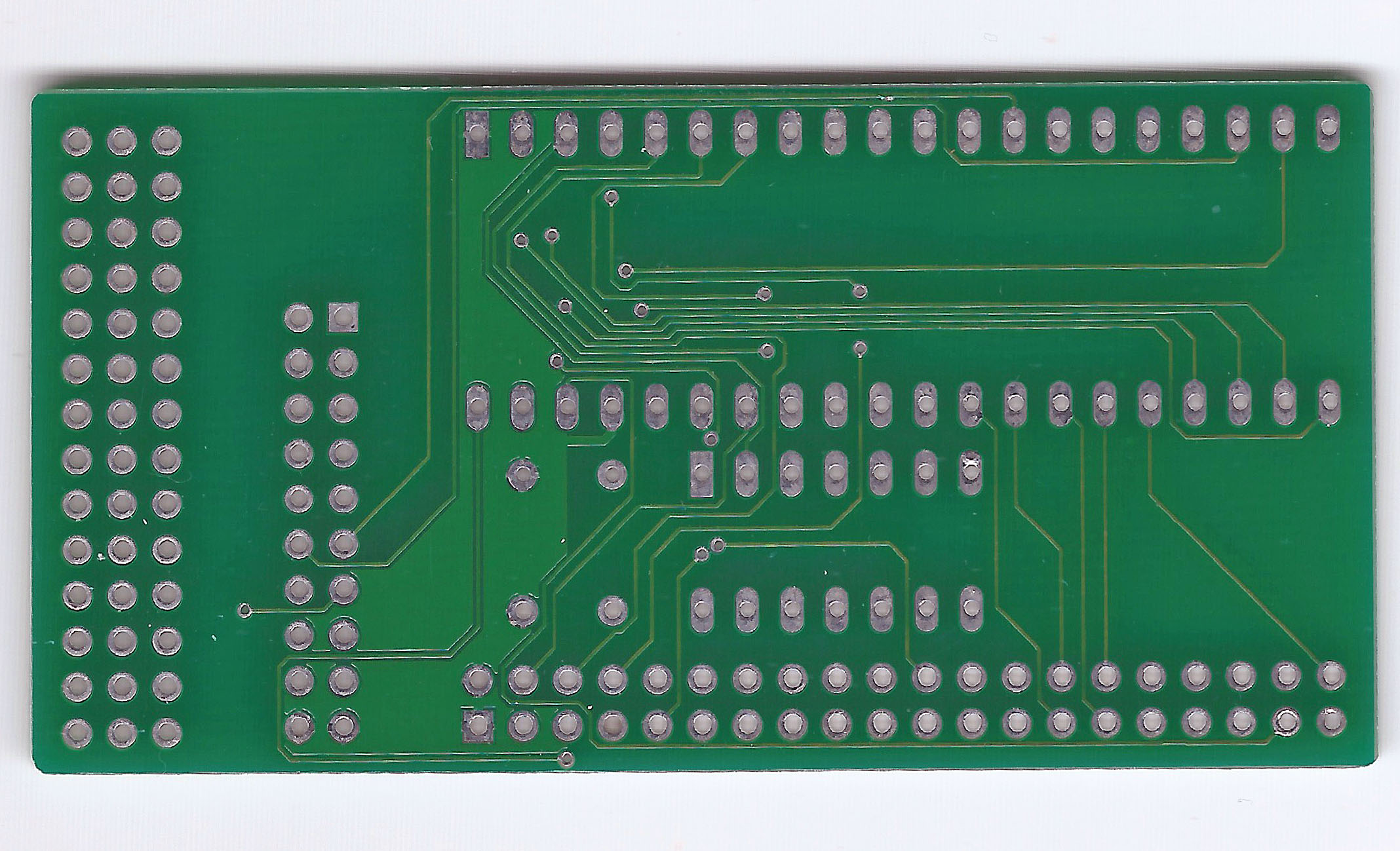
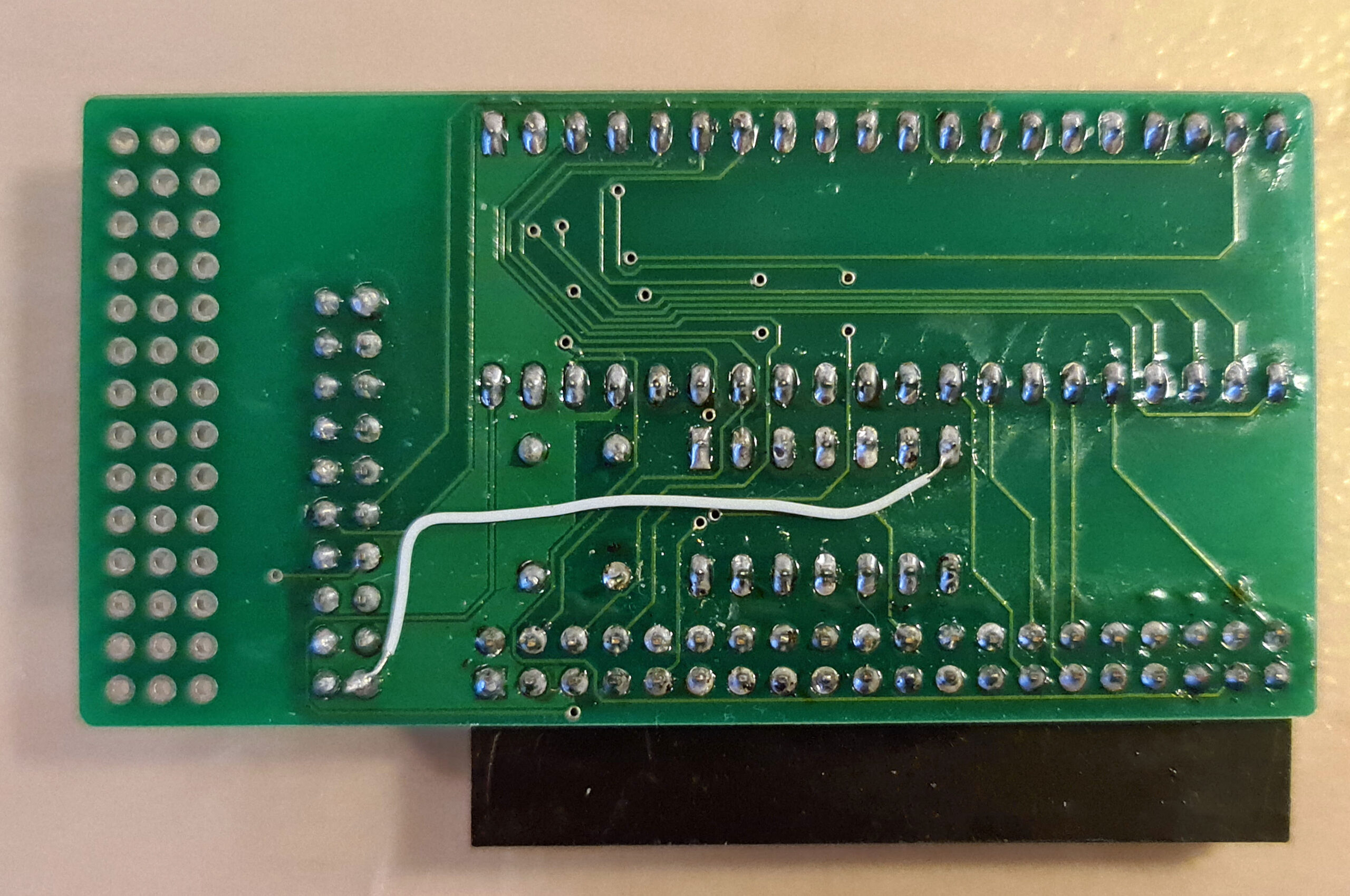
The Micro-KIM is already prepared for a second 6532. The ROM for it is in place, the address decoding is also available. This card brings the second 6532 with the free I/O and timers to connector.
The revision I have needs a wire to connect the missing ground line to the 74LS04 (tip from azog, Silent Q).
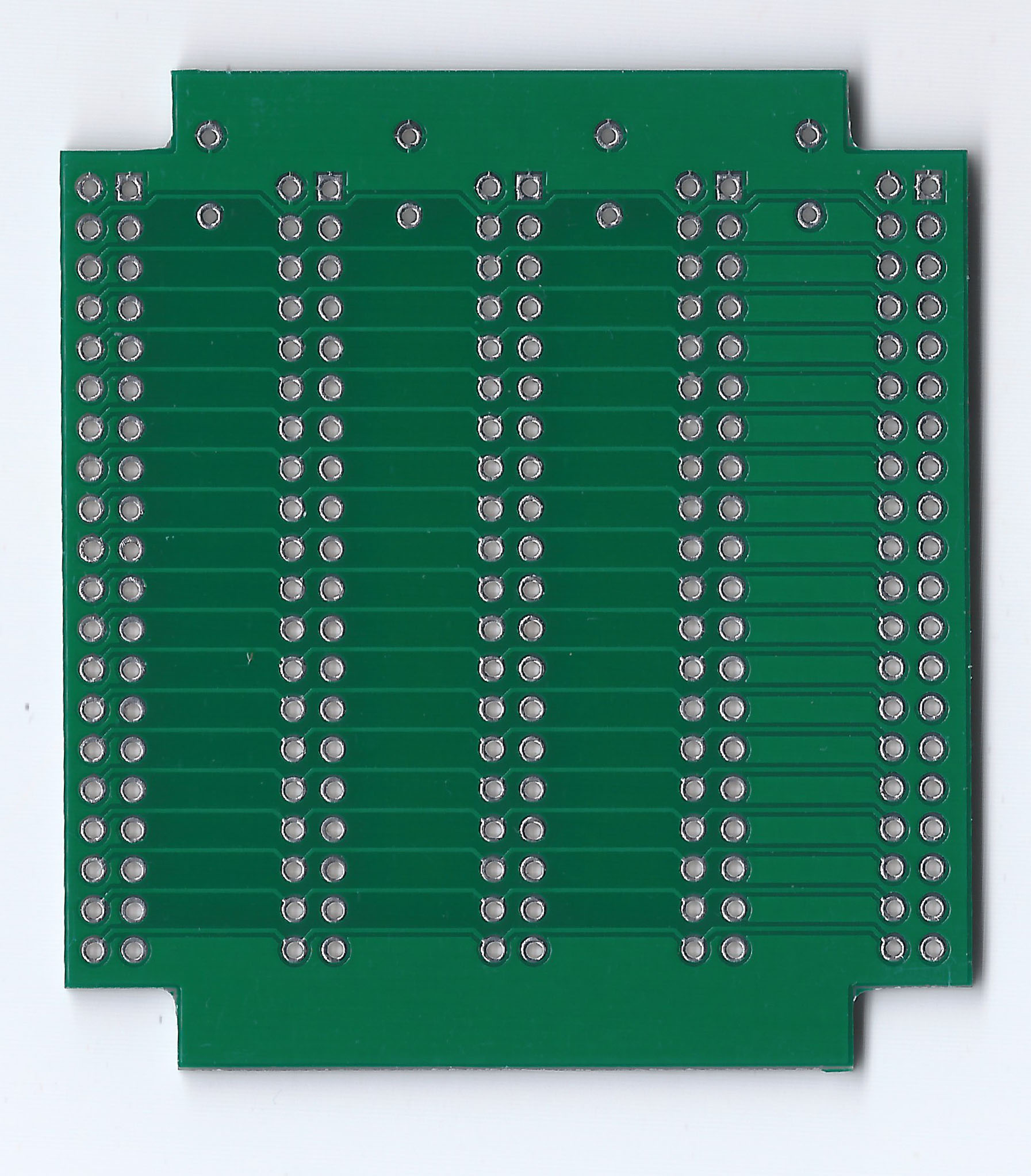
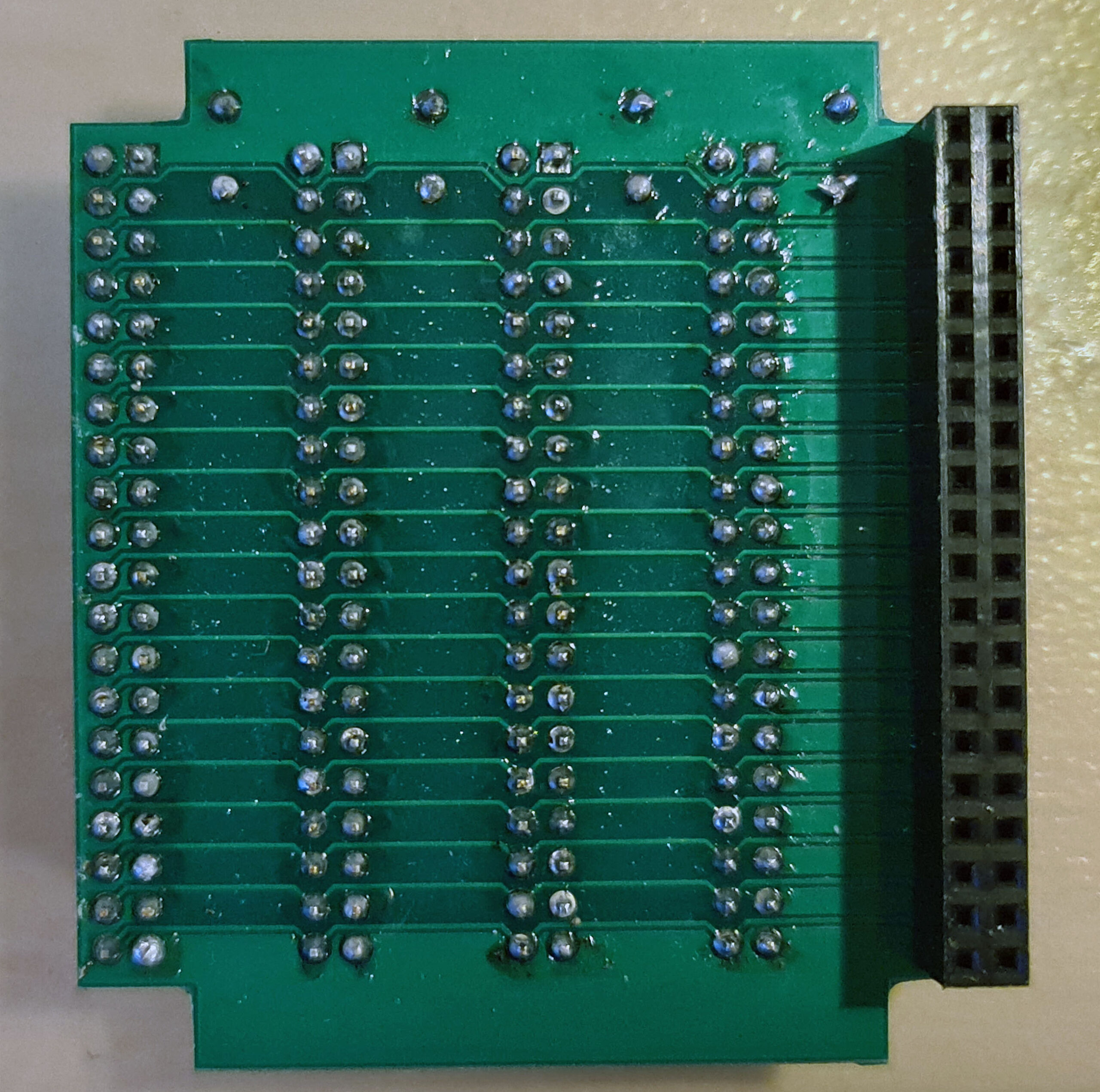
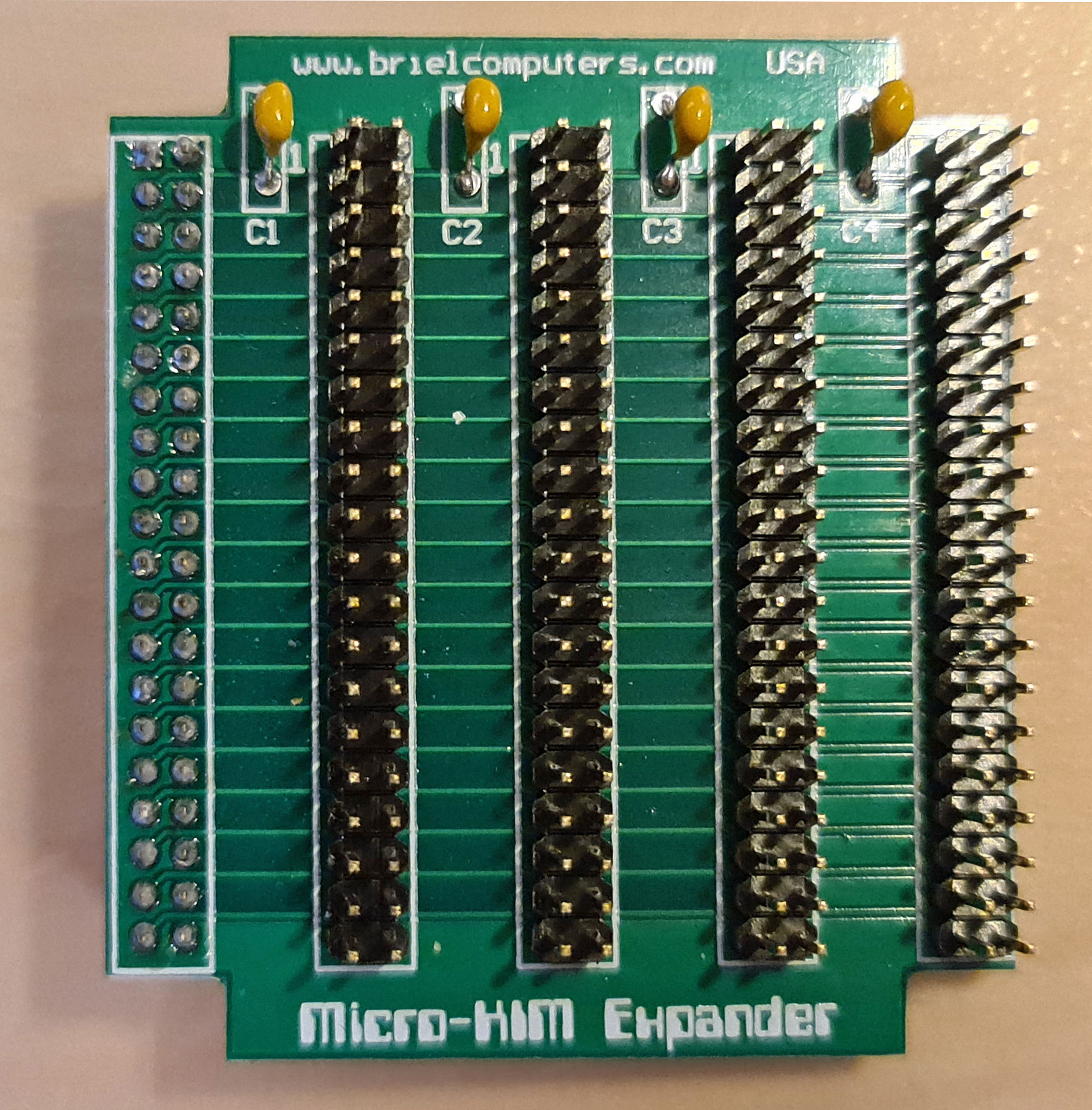
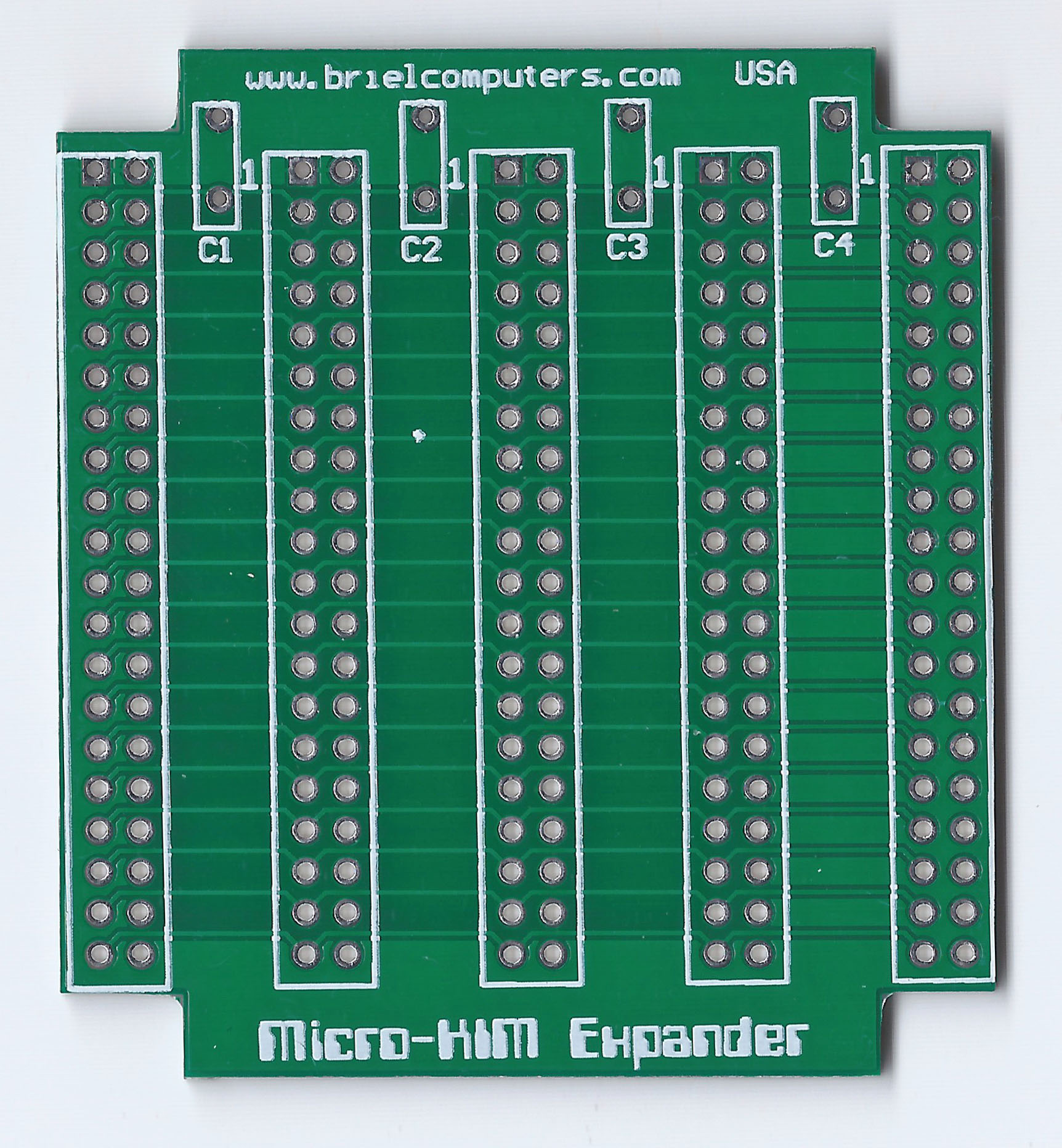
Expansion motherboard
With two expansion boards, both quite essential as shown above and one expansion connector, is not enough.
So the expansion board brings the expansion connector to four connectors, just one on one connected.
As you can see on the Cassette interface for the Micro-KIM page this makes for interesting additions.
The expansion board can be placed in two ways. The first way iverhanging the Micro-KIM for a compact solution. Or hanging outside, which makes attaching wires to expansion boards less risky. Always take care of the right orientation of the expansion boards, notice the ‘1’ on the baords and the exapnsion connector on the Micro-KIM.

(information and design by Norbert).
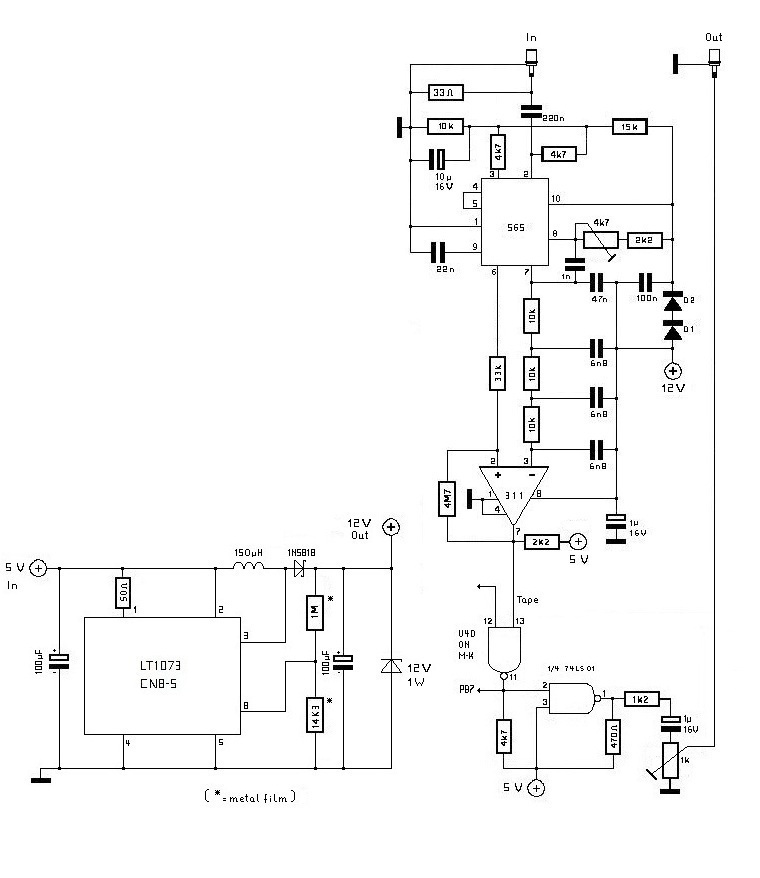
Cassette interface for the Micro-KIM.
With small changes Norbert took the circuit described in the 3rd book of Elektor Junior computer. The +12 V problem he solved taking a LT1073 dc/dc converter to generate this voltage. Everything is working fine: Micro-KIM is connected to the soundcard of the computer to store and reload programs.
N39 is needed because there is not a port present or reachable on the Micro-KIM board, so it takes 1/4 74LS01. With a pullup resistor of 3k9 connect the unused inputs to +5V, so the whole thing will not oscillate.
For the +12 V generation a LT1073 CN8-5 was used. The diagram is shown on page 12 of http://www.datasheetcatalog.com/datasheets_pdf/L/T/1/0/LT1073.shtml (5V to 15V Step-Up Converter). It is important to use exactly the values of the resistors (metal oxid series) shown there. The LT1073 CN8-5 is presently still available for 4,20? at www.reichelt.de . They also have got the LT1073 CN8, but it did not work in this context. The no-load voltage measured at the output of the LT1073 is much higher (arround +40V) than the desired +12V. But with load it reduces to about +11.8 V and remains constant there. A 12V/1W zener diode protects the 12V output of the LT1073.
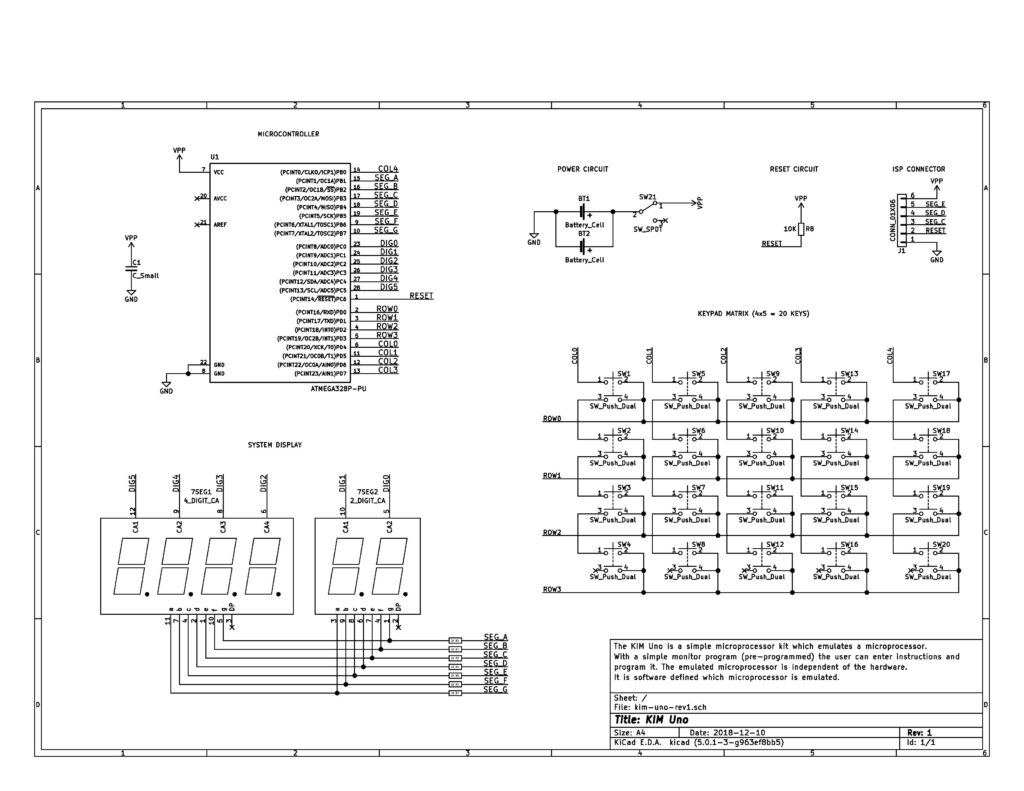
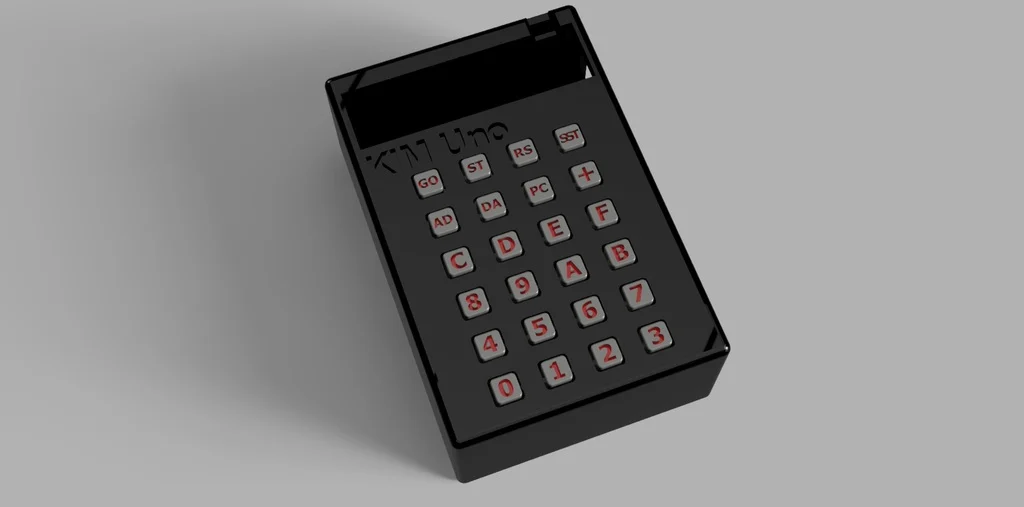
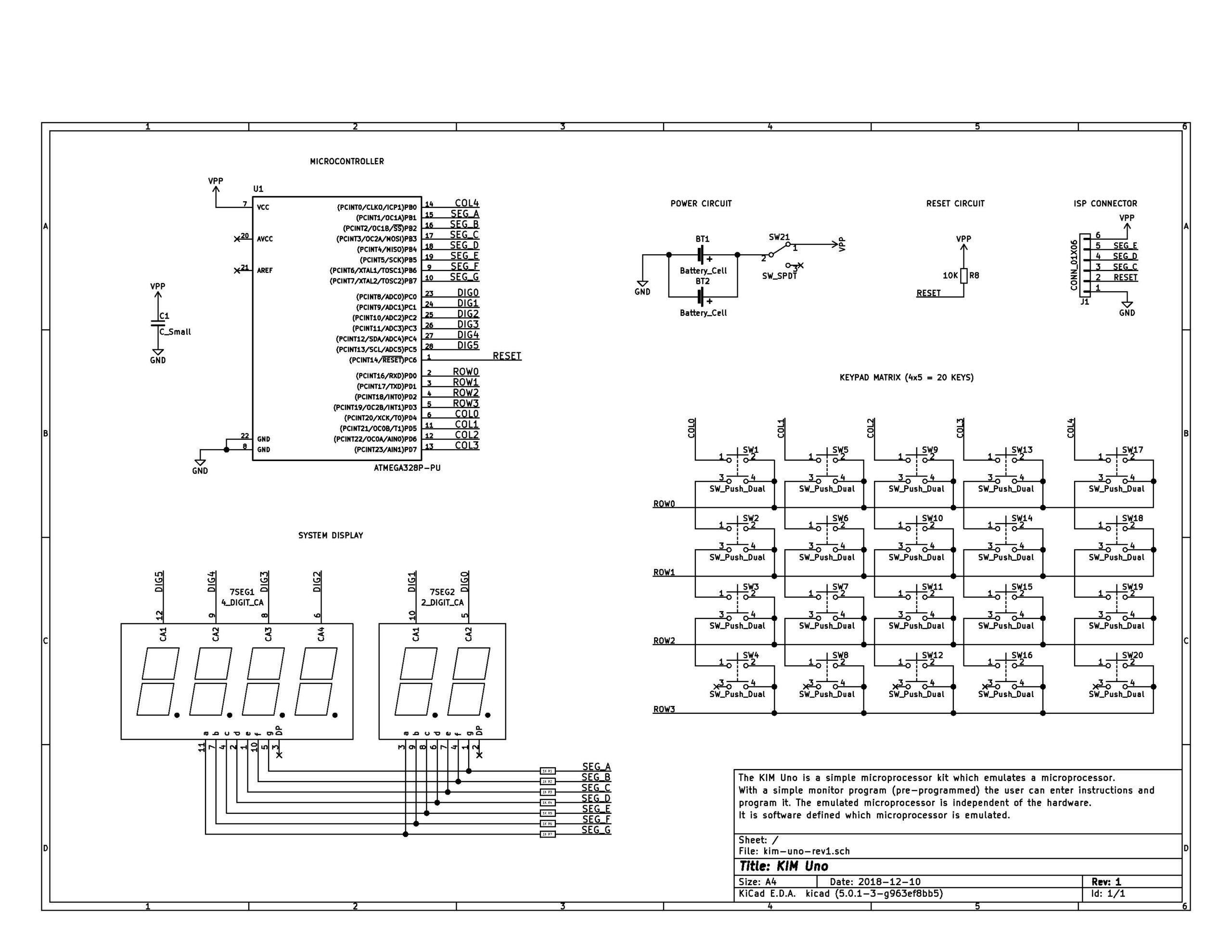
The KIM Uno, designed and produced and (once) sold by Oscar Vermeulen, is a very simple “open-source hardware” project that started out as a replica of the classic 1976 KIM-1 computer plus built-in ‘early 6502 software gems’ collection. Later, Apple-1 compatibility and a 6502 programmable calculator mode were added, and a Cosmac Elf emulation.
It is a low cost project and provides a faithful KIM-1 ‘experience’. An Arduino Pro Mini mounted on the back contains all the logic and memory, the front is a replica of the KIM-1 keyboard and LED display.
On this page
As Oscar Vermeulen describes it:
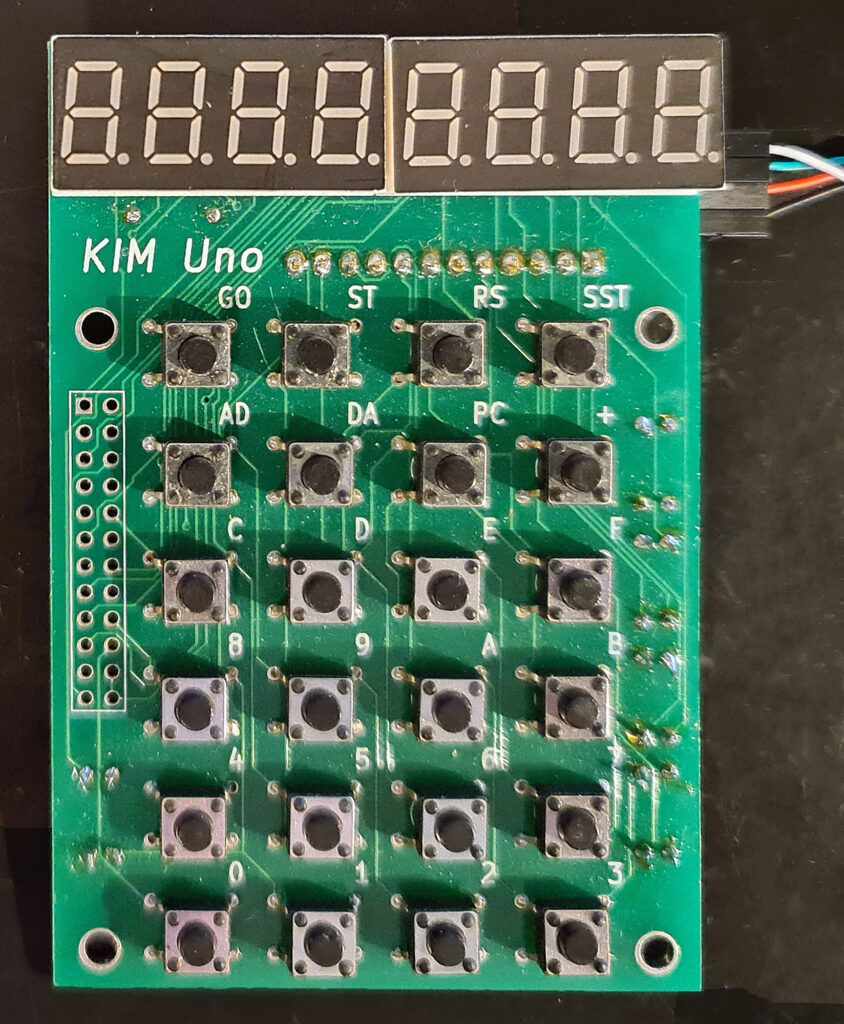
The front side of the board provides the user interface as the KIM-1 offered it back in 1976: a keypad and segment LED digits. The only differences are:
These extras are not used in KIM-1 mode, but allow the Calculator Mode to display floating point numbers.
The KIM’s serial port is also present, so you can hook up the KIM Uno to a terminal/PC terminal emulator just like the original.
The KIM Uno contains some extra ‘ROMs’ with vintage KIM software:
As it turned out, it was easy to make the KIM Uno compatible with the KIM-1 and Apple-1 at the same time. So, WozMon and an Apple-1 version of the Apple mini-assembler were built in too.
The original KIM-1 had an Expansion Connector. Although not supported by the ROM, it was there for whatever hardware hacks a user wanted to add. The KIM Uno has its own version of it, providing I2C and SPI. All sorts of cheap components could be hooked up, from a little OLED display to sensors, motor drivers, etc.
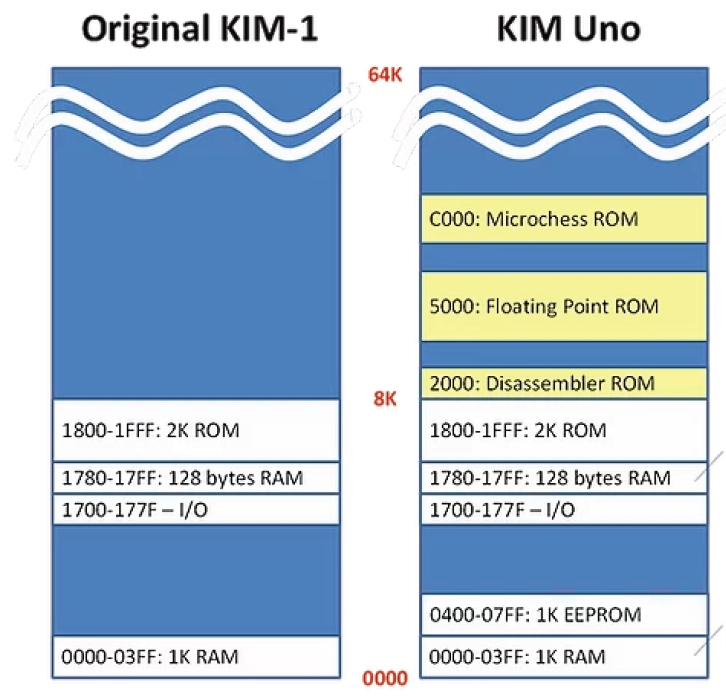
The memory map shows what the KIM UNO is capable off. A KIM-1 with ROMs (at choice when building the firmware) is the best description available. No RAM above 2000, so the TTY software available for a KIM-1 with extra RAM is not usable. Lower RAM limited to 1K.
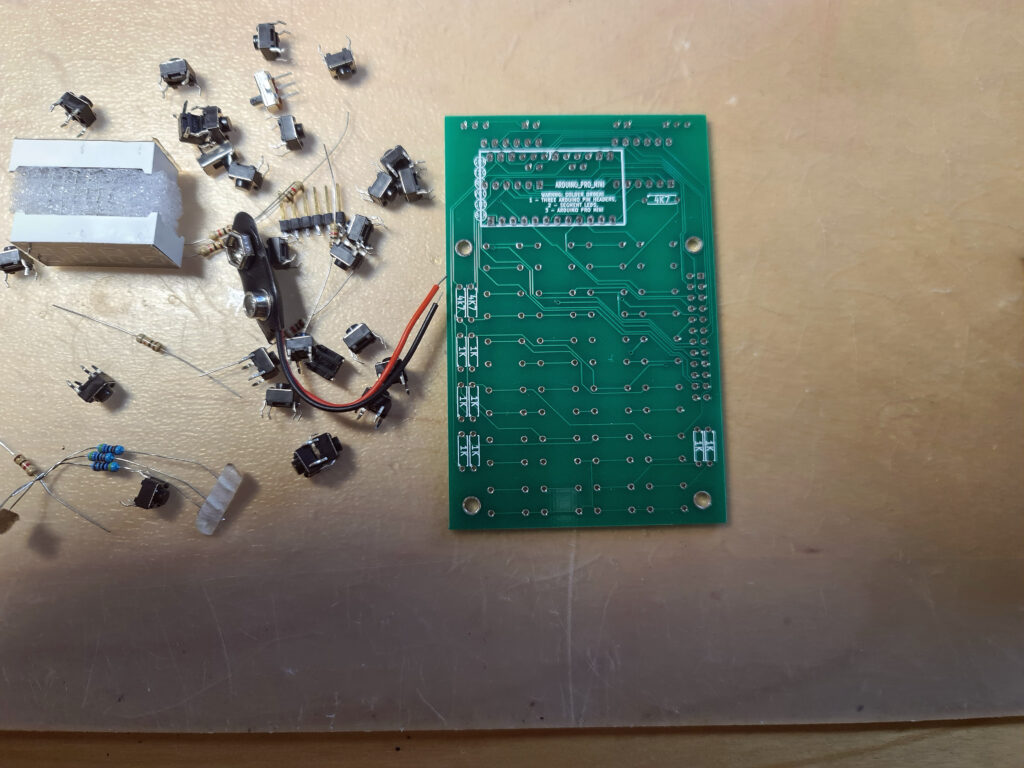
I have two versions of the kits designed and sold by Oscar Vermeulen: the ‘original’ and the redesigned version in 2020. Functional the same, with on the top of the PCB room for power connector (GND, +5V or a 9V battery) and a slide switch. , I use them with an USB cable delivered by Oscar (the blue one of this page) for power and the serial interface provided.
The software already works on the blue pill STM32 or an ESP32, with manual cabling to the keyboard/display.
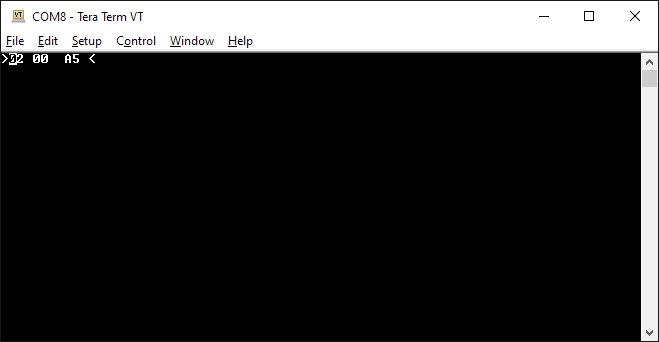
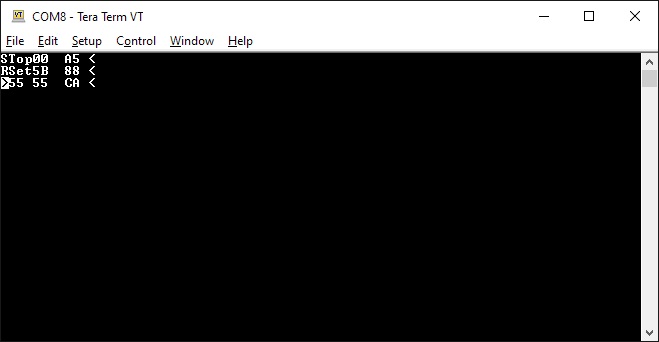
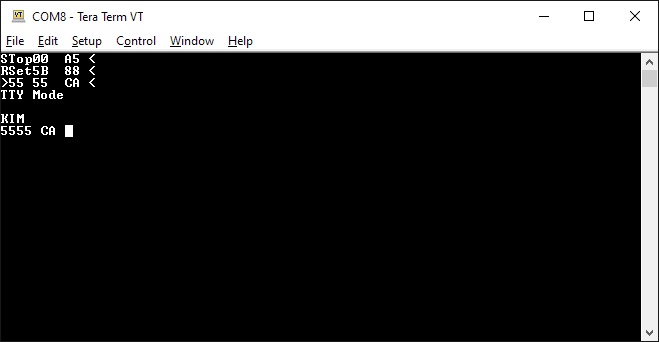
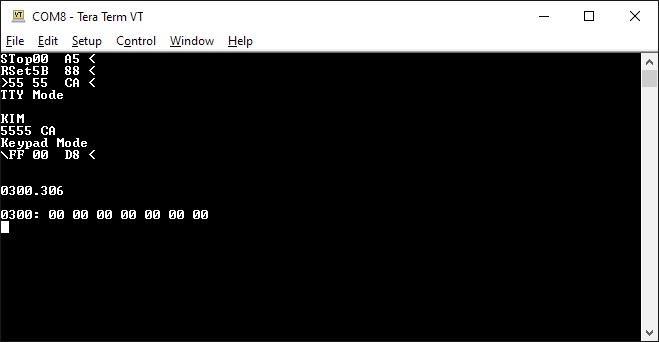
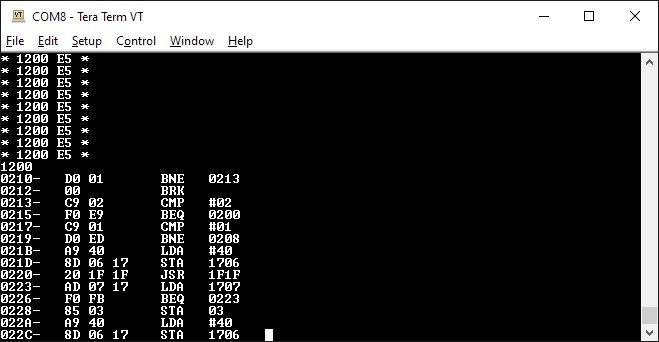
The software for the serial interface (you really need a good serial terminal emulator, like Minicom or Tera Term) can be used on any Arduino Uno. After power on it delivers a simulation of the LED display and the real KIM TTY teletype interface.
All well described on the pages of Oscar and well worth the money for a ‘6502 SBC’ experience.
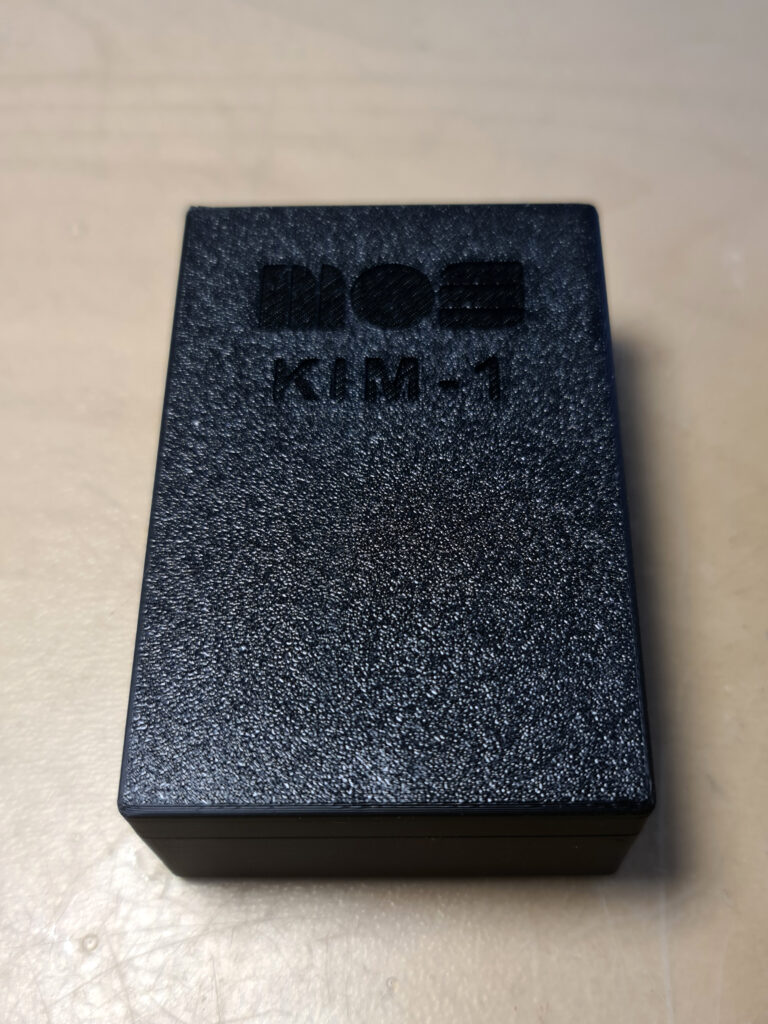
I have several KIM UNO’s. The second version one with a slide switch for battery or external power supply. Boxed in the case supplied by Oscar in the kit.
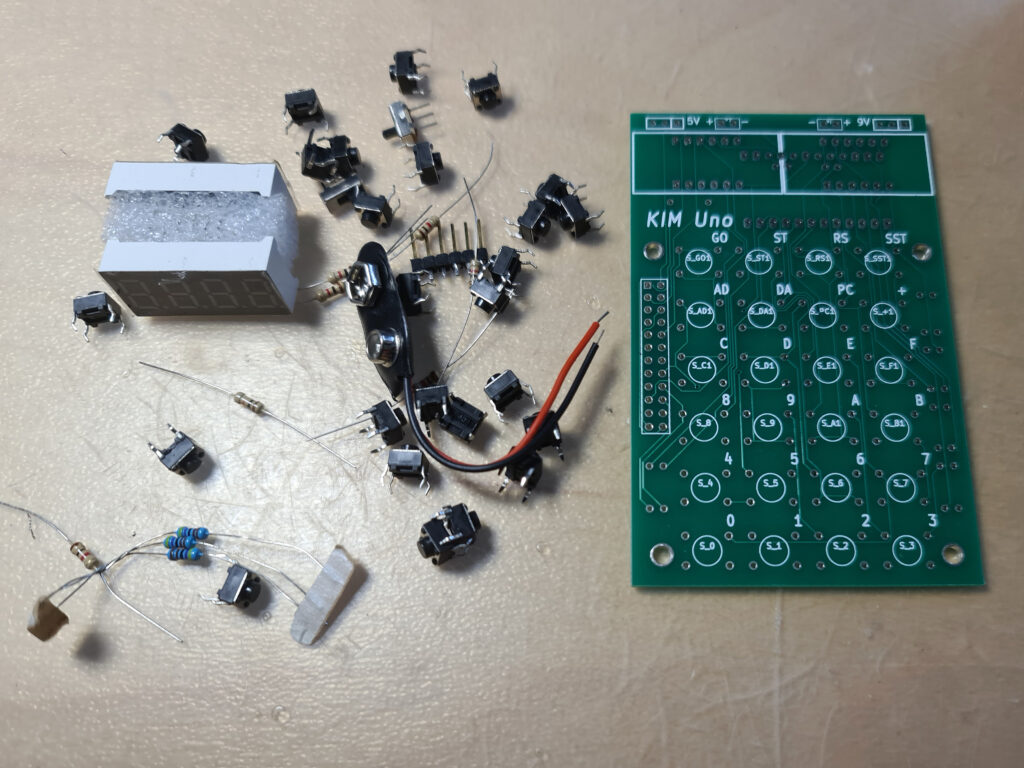
Also a unbuilt second version.
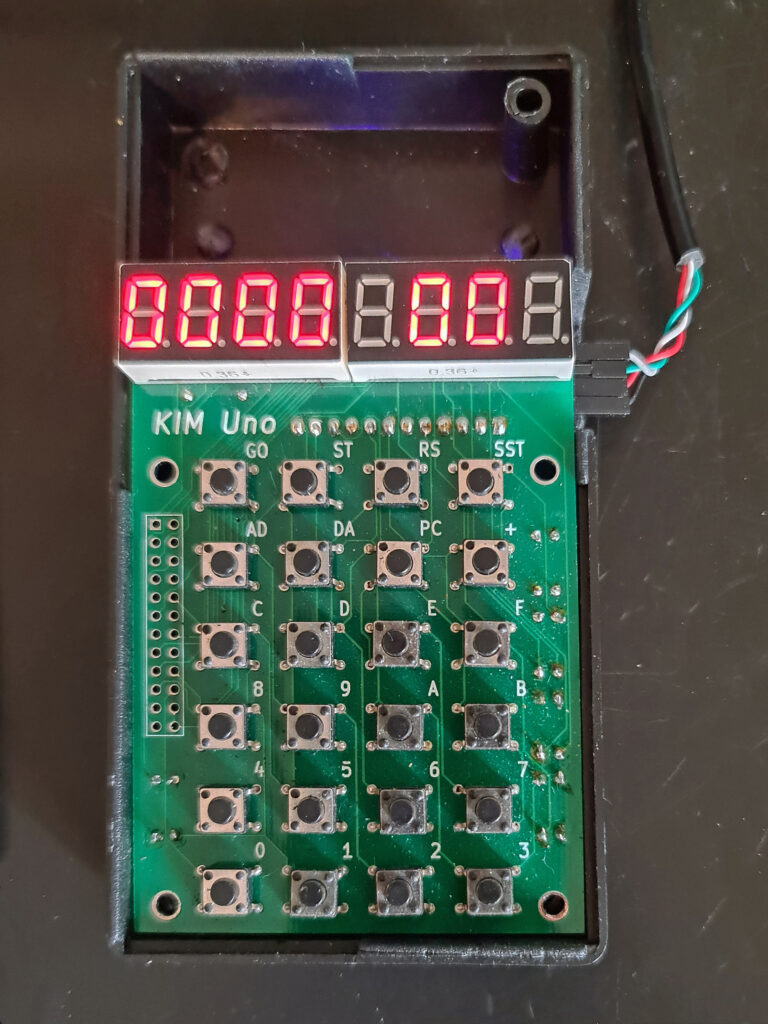

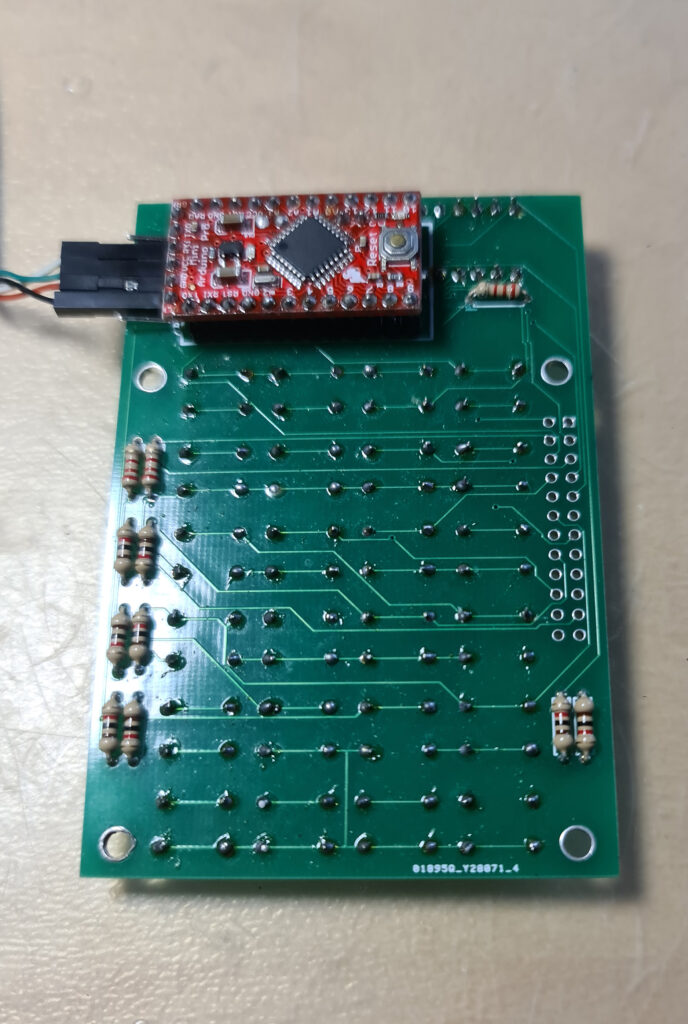
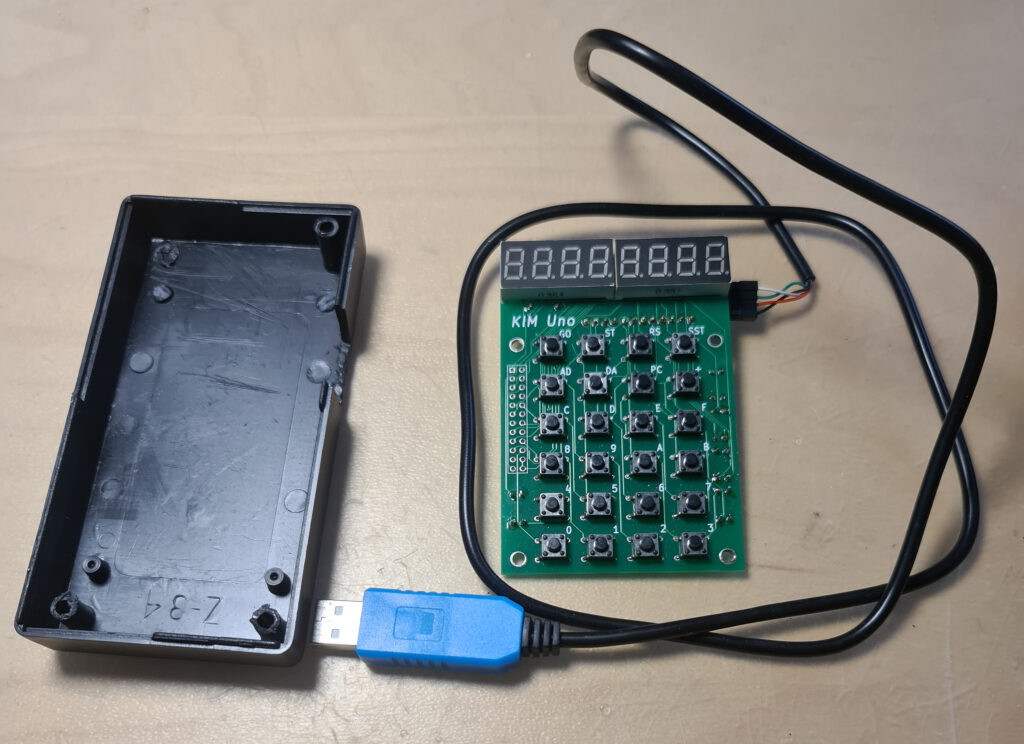
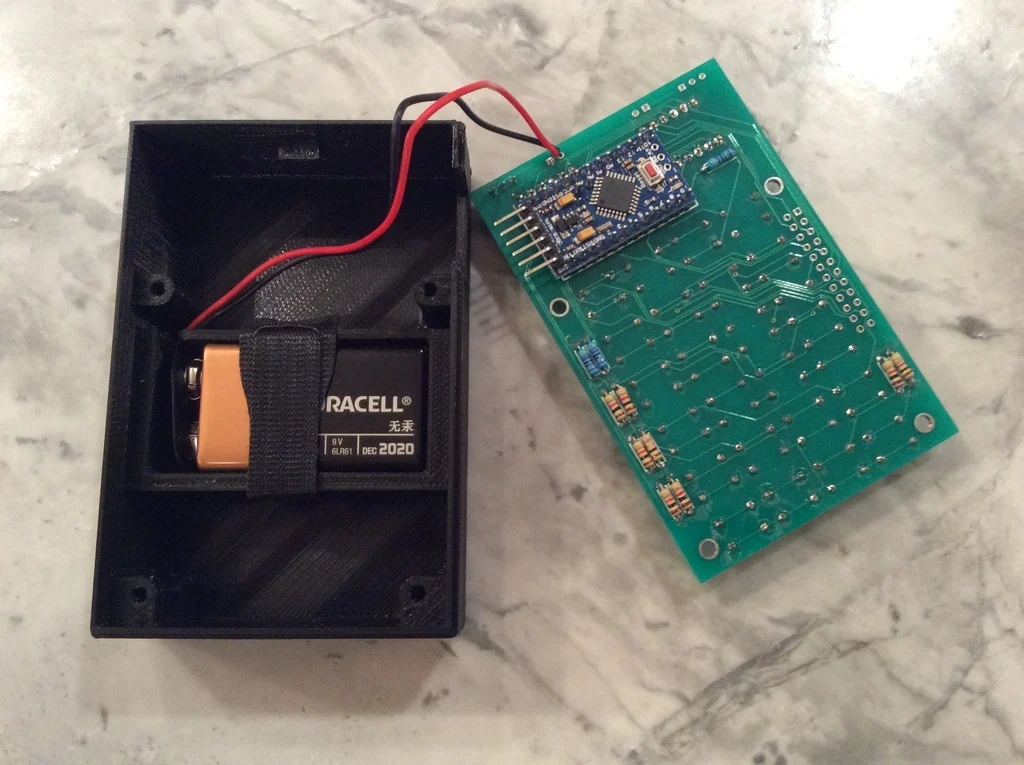
In 2025 I bought a build version from an Italian seller on ebay (retrobit4004). In a nice 3d printed case with a battery compartment, an updated PCB (Oscar supplies the Kicad design files). Alas the connector on the Arduino is soldered wrongly upside down, so I had to cut out more space at the side part.
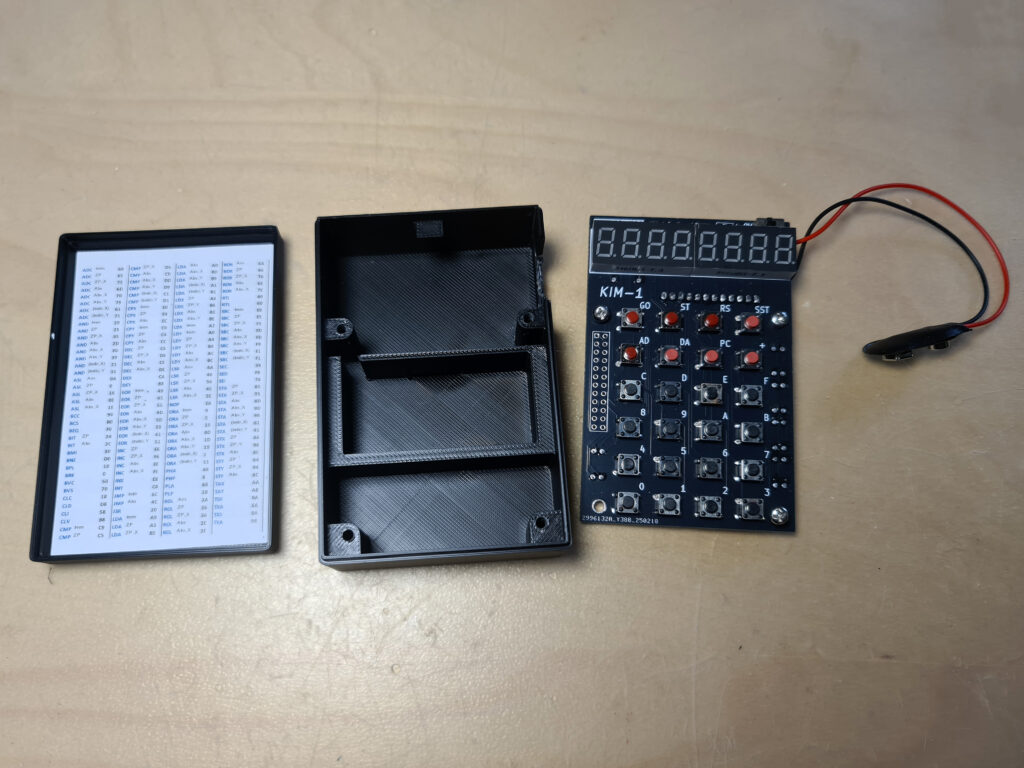
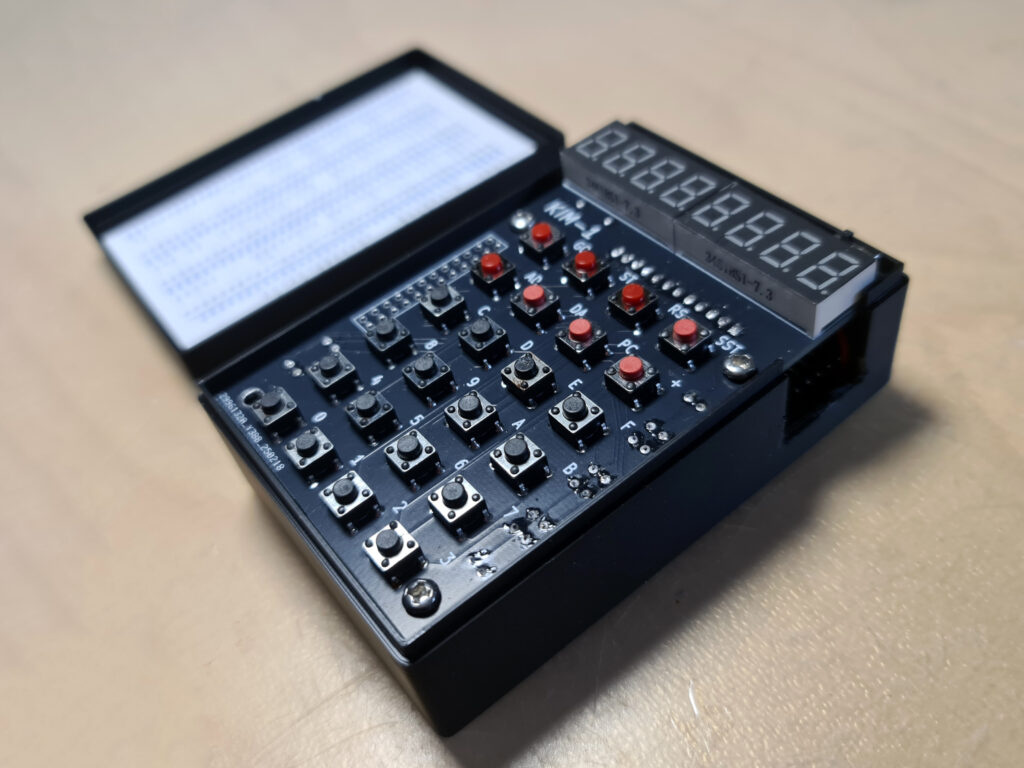
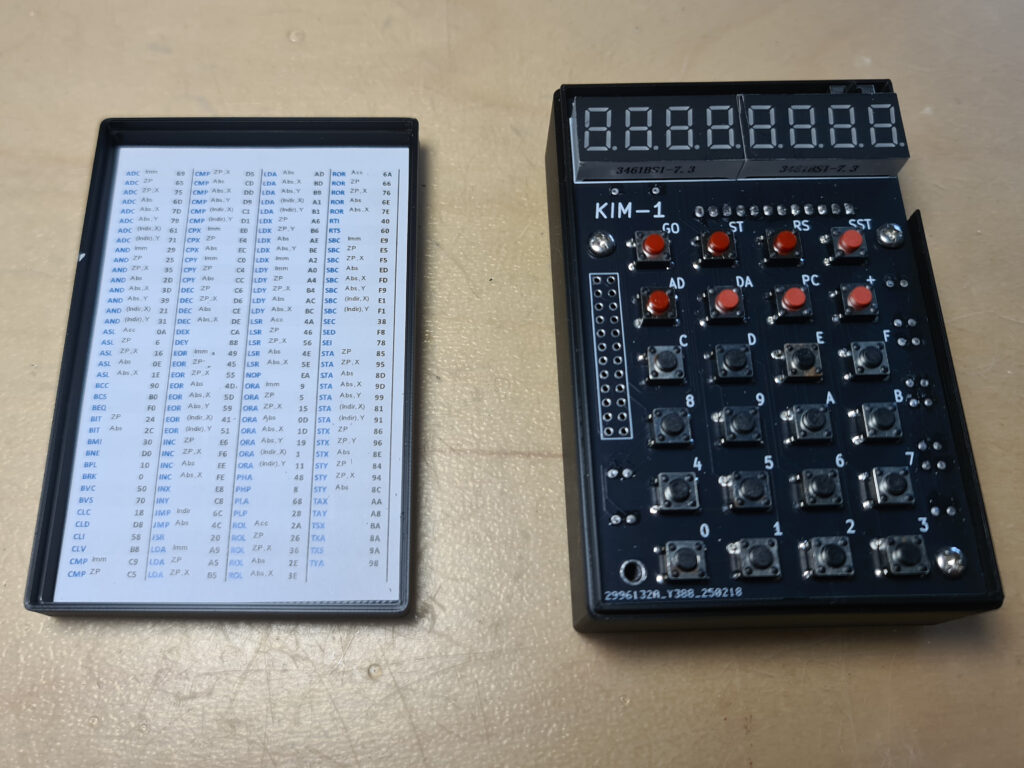
The different versions of the PCBs in my kits.
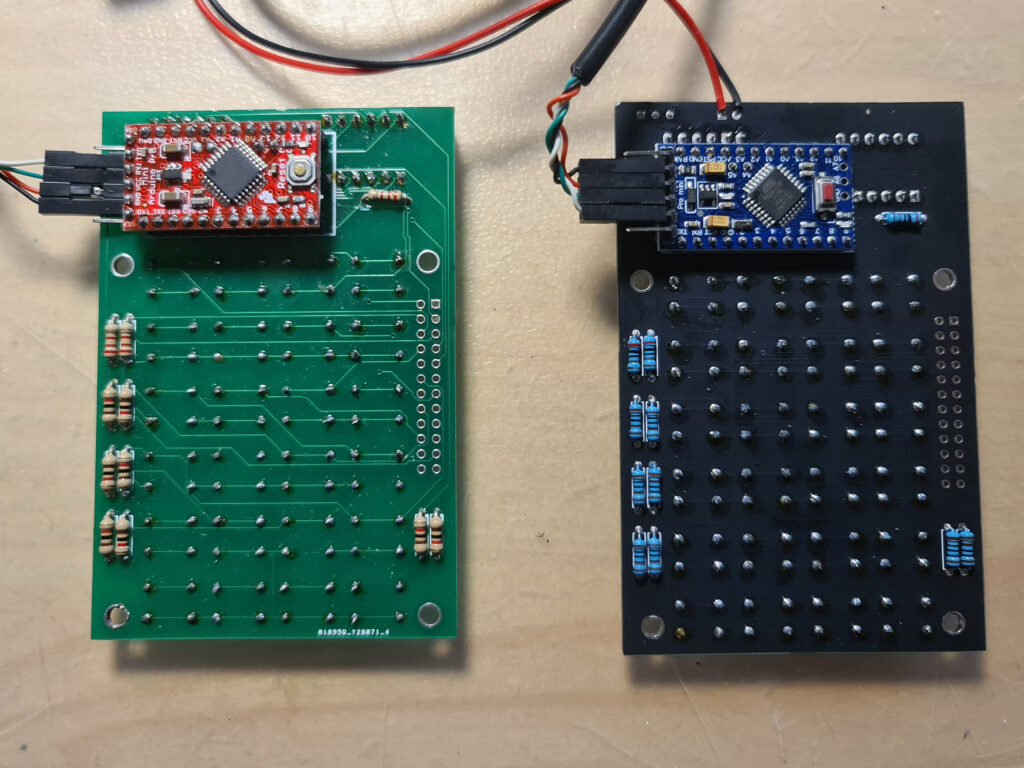
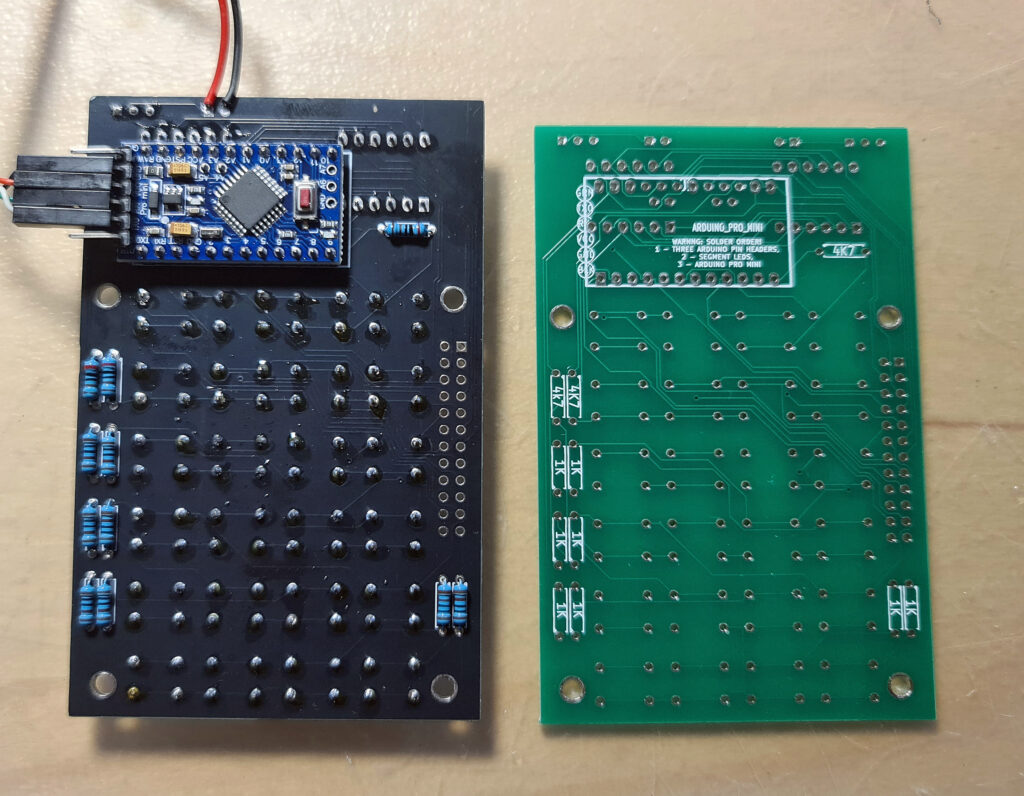
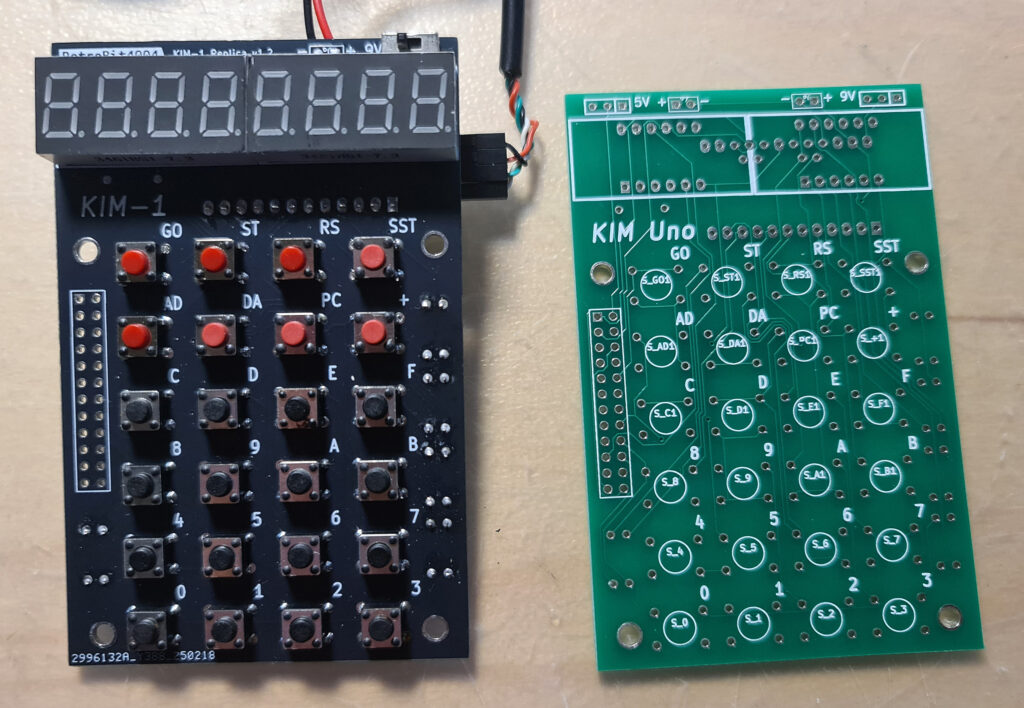
To my surprise the Arduino Pro mini in the retrobit4004 version has the pins on the side for serial and power supply mirrored, as you can see in the photos the USB serial cable.
Not a real problem, but something to be aware of! This KIM-1 (not labeled KIM UNO but it is!) works fine.
Oscar provided firmware for the Arduino IDE that emulates a 6502 and the KIM-1 hardware. The 6502 core is a (fixed) Mike Chamber’s 6502 CPU emulation.
The KIM-1 ROMs are patched so that the keypad and LED display functions as the KIM-1, and the same for the TTY routines. That means not all First Book of KIM software works if the program addresses the ports directly. Oscar added also the Apple 1 Wozman monitor.
The Arduino IDE (even the current version) allows uploading the firmware. Note that the config.h file needs to be edited to check or uncheck wanted pieces. Not everything is possible due to the limited size of the AtMega flash memory.
If, like me, have the ‘blue’ USB to serial adapter supplied by Oscar, look at the photos above how to connect the four connectors.
Also read the PL2303 Prolific page how to use this adapter in Windows 10 and later. Also when compiling the firmware, press the Reset button on the Arduino UNO and when uploading notice appears in the Arduino IDE, release the Reset button. It may take several tries, but uploading will succeed in the end.
Alternative firmware
In the Links section you find a link to the firmware developed by others:


As usual with external links, this may fail in the future. I have local copies so that will replace lost websites.
Let me know via the Contact page


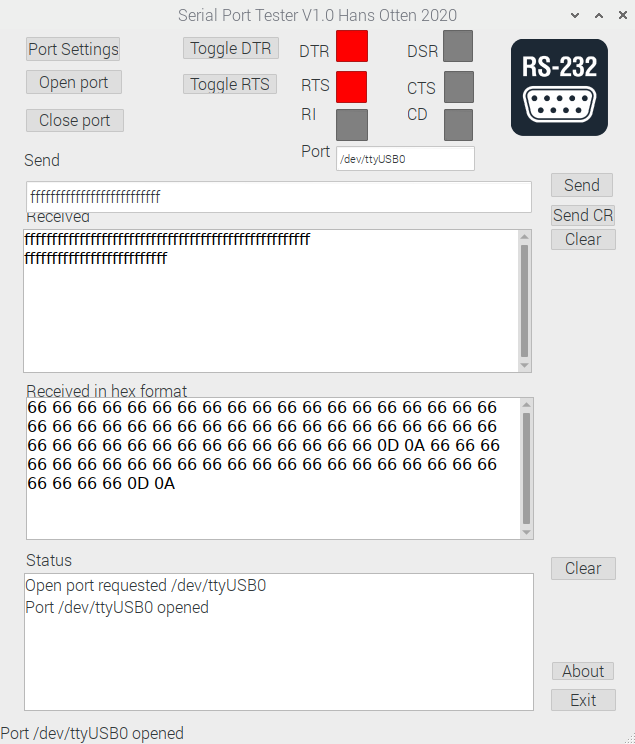
A program, SerialTester, a guide and test results.