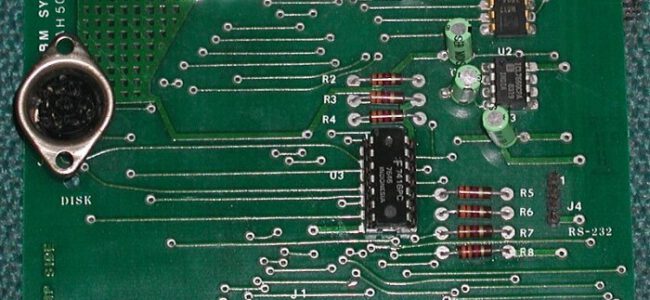
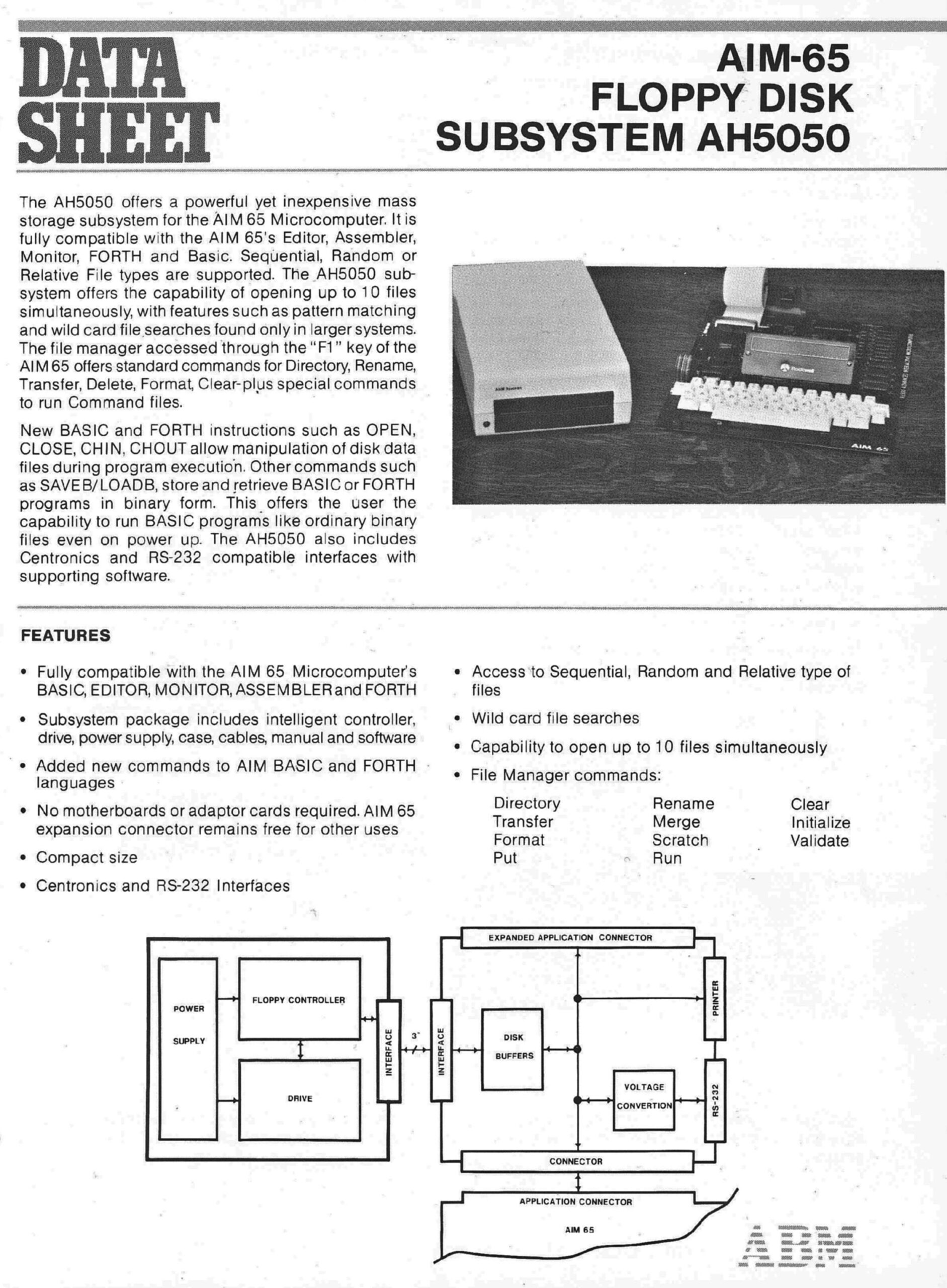
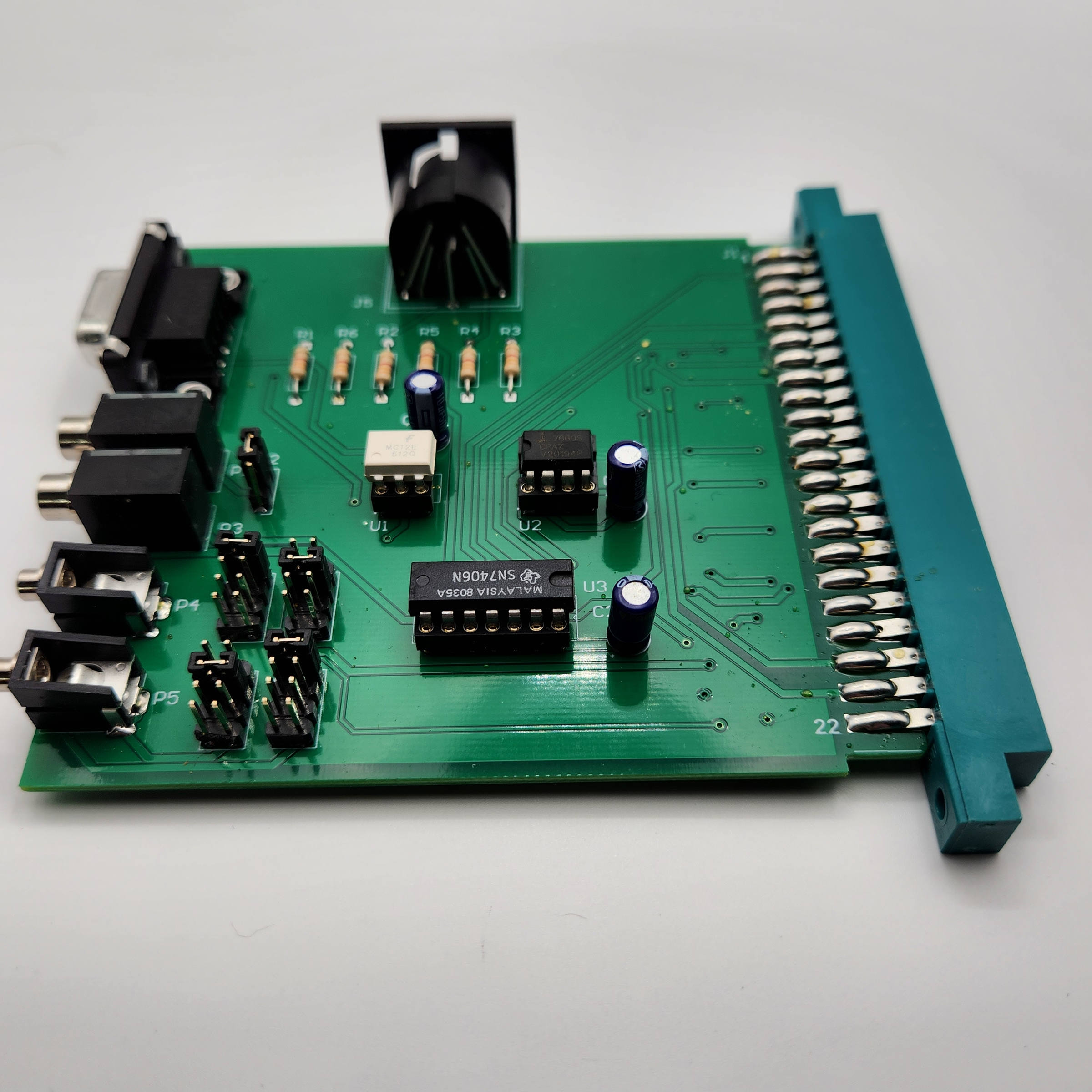
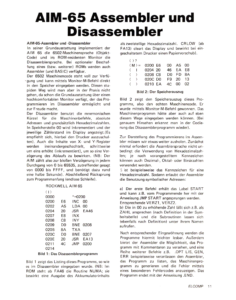
In 1983 the company ABM sold a floppy disk system, Commodore IEC 1541 based, for the AIM 65. It also offered a serial interface for the AIM 65 TTY connection and a parallel port.
The system consists of a PCB with the interfaces, a manual and the AH5050 ROM. The user has to add the Commodore diskdrive and IEC cable.
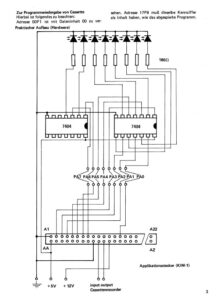
The 1541 Commodore drive was quite popular in the 80ties for SBCs, since it was affordable, the serial IEC connection simple (one 7406 TTL IC and a couple of I/O lines) and the drive itself intelligent, the host did not have to implement a DOS with low level drivers and file system. It is slow, and has a low capacity, small SBCs like the AIM 65 are more than happy with that
Nowadays floppy drives like the 1541 are like dinosaurs. But the SD2IEC 1541 replacement devices are cheap!
See the links below for current implemntatiosn pf the AH5050 disk interface. Simple to make yourself, just a 7406 and an IEC DIN connector!
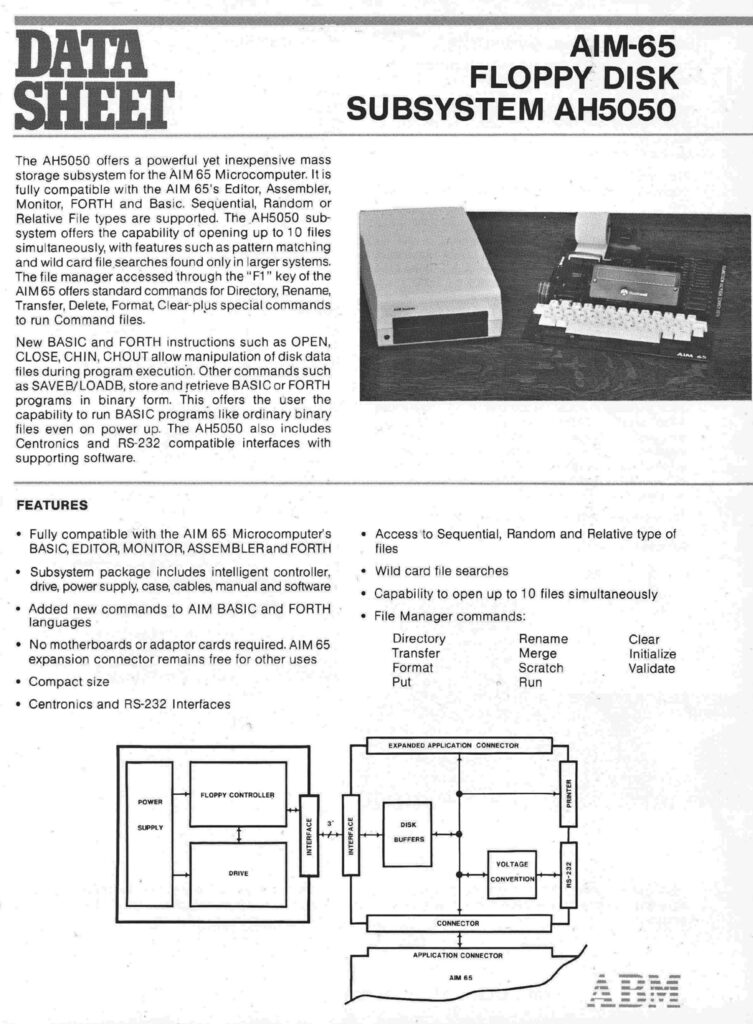
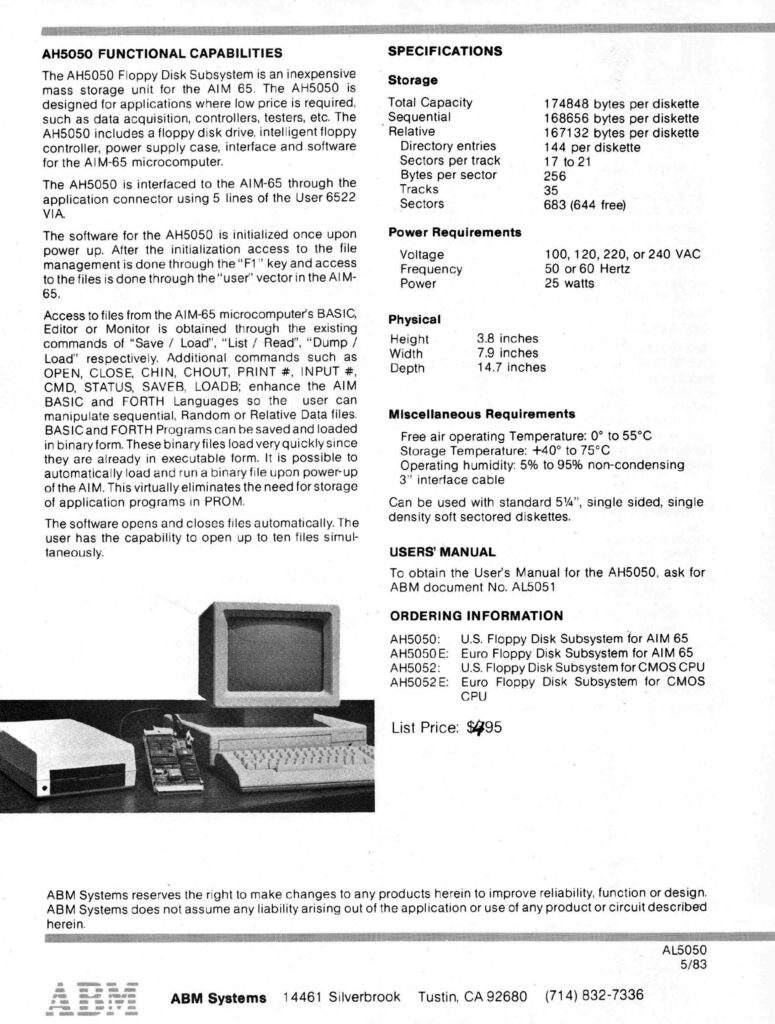
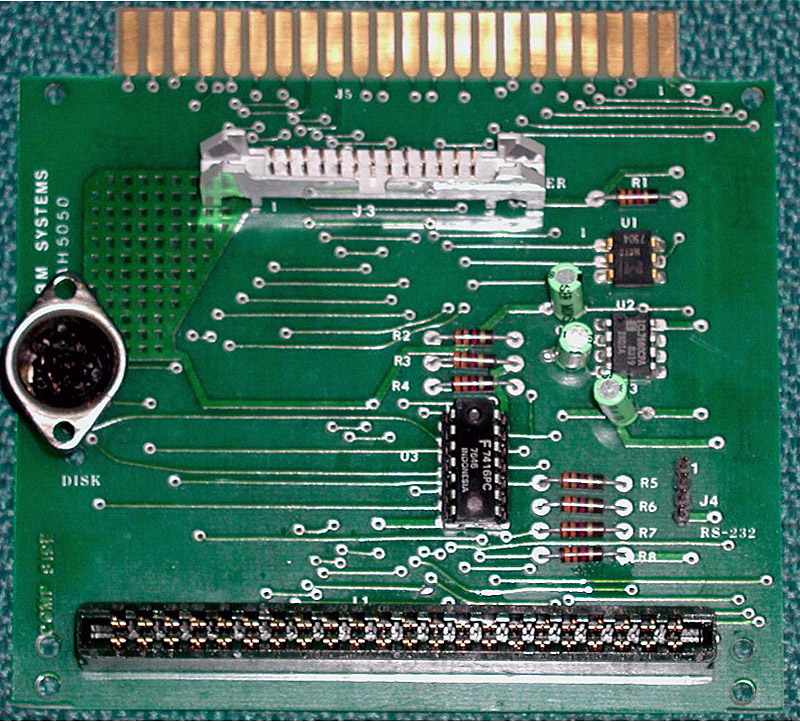
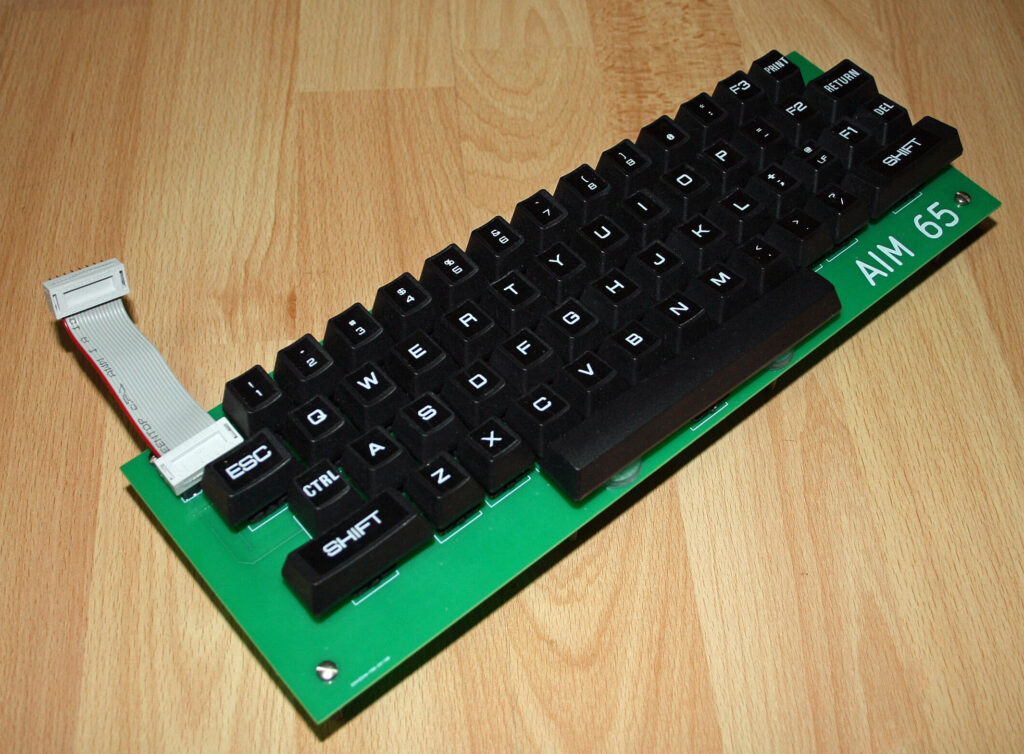
AH5050 interface
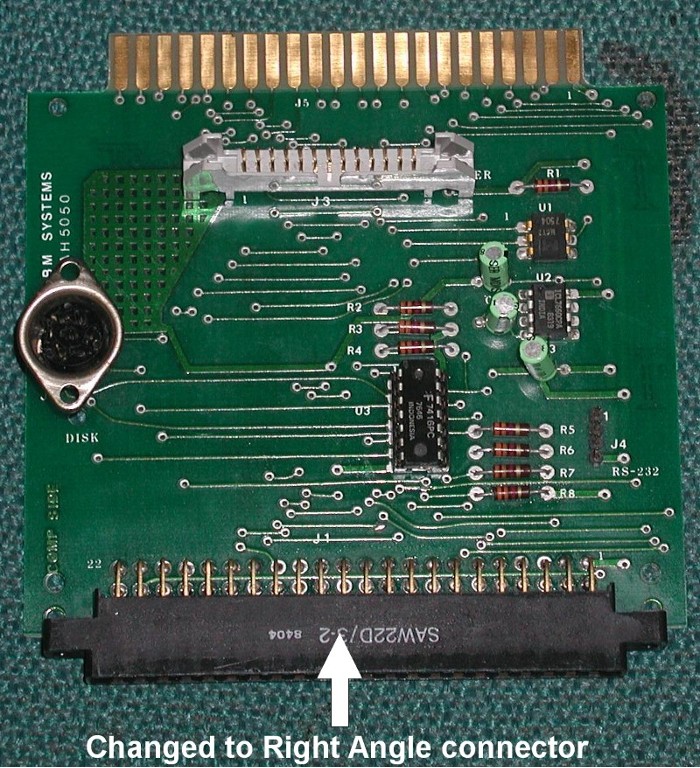
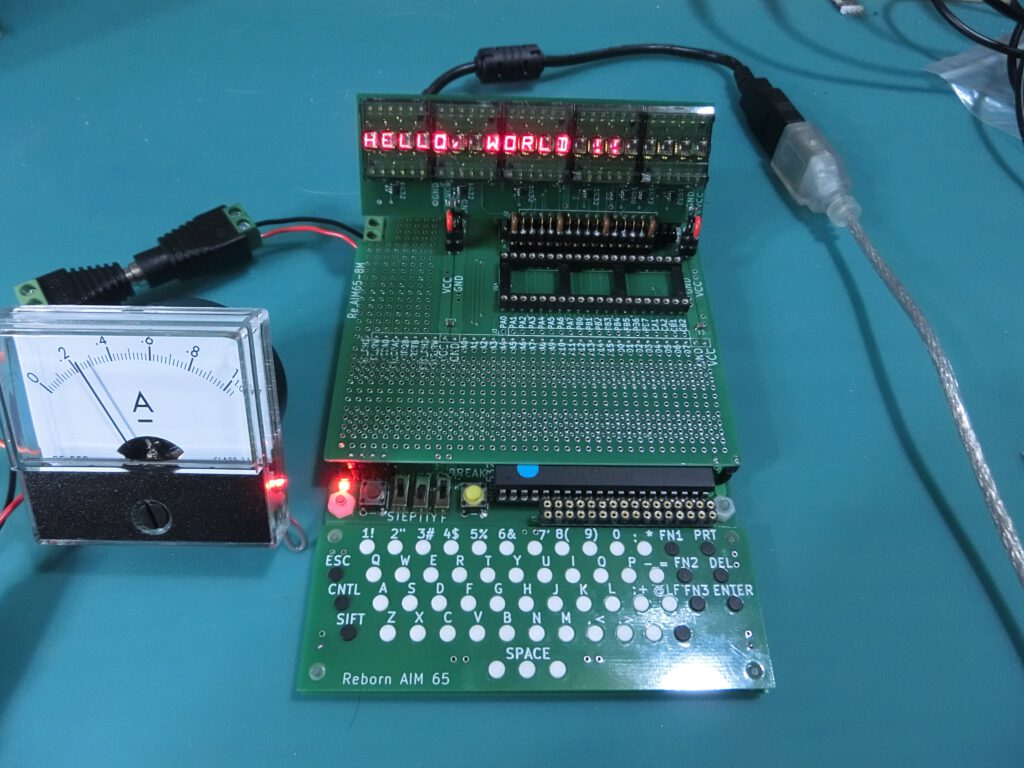
AH5050 interface
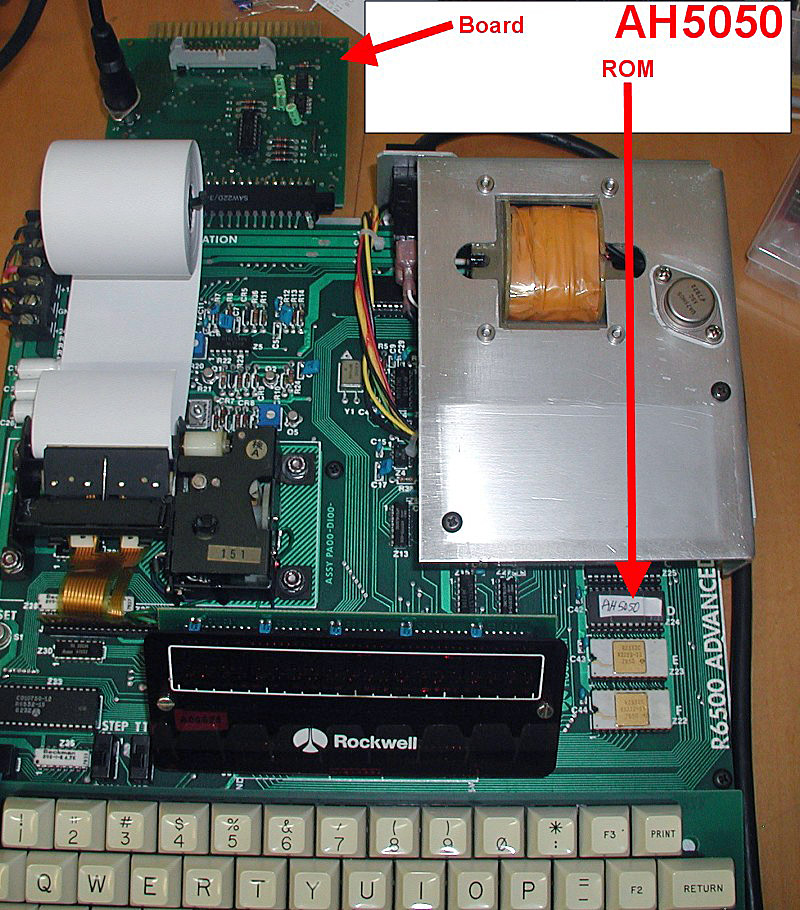
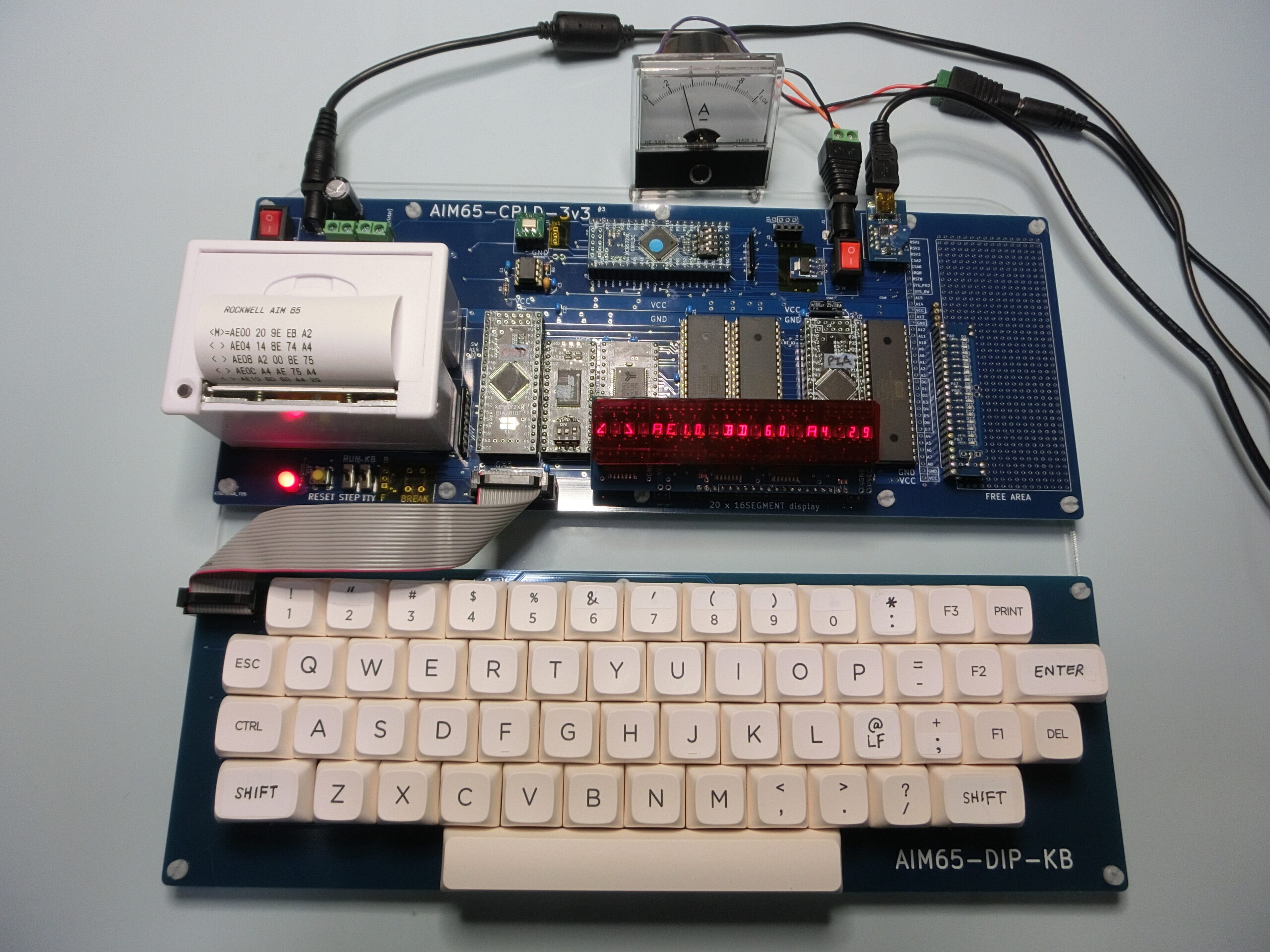
AH5050 interface connected to the AIM 65
Downloads
Retrospy AIM 65 I/O interface.
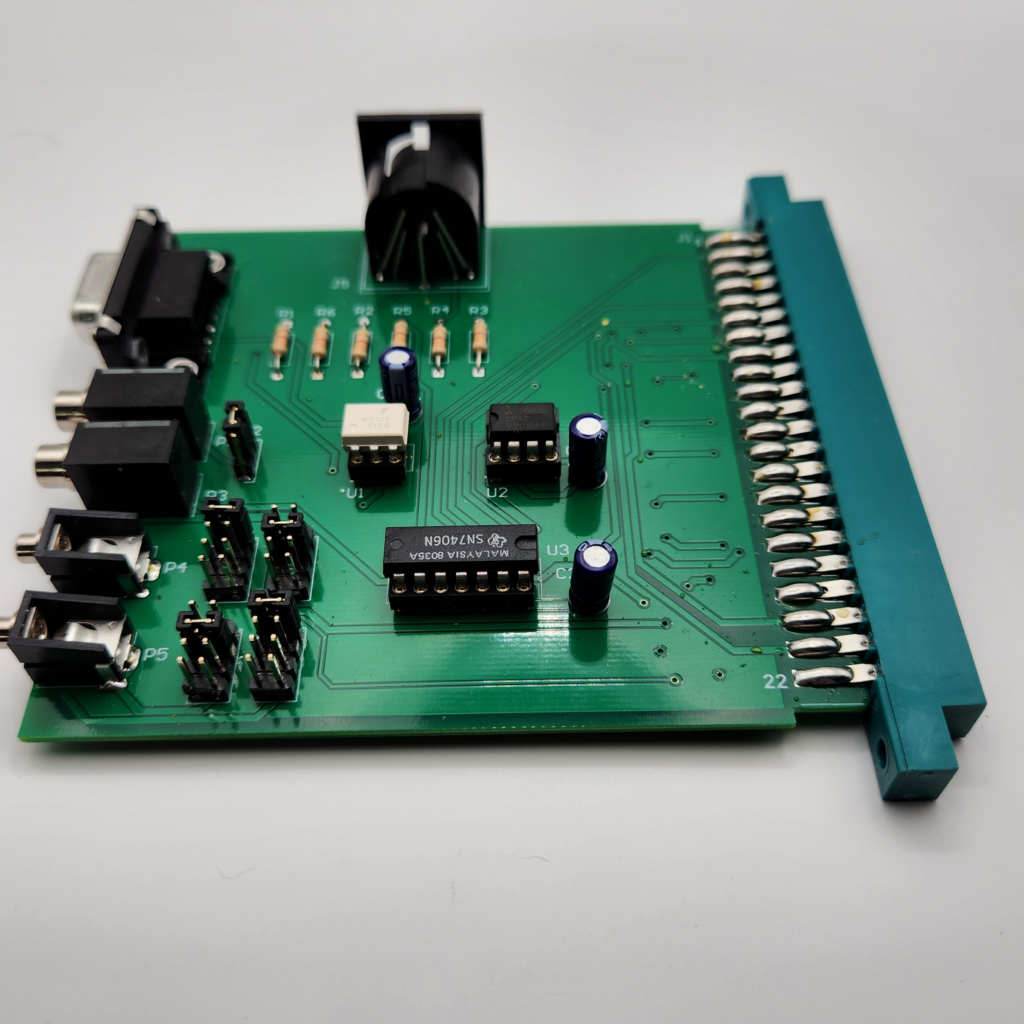
Older version of the Retrospy AIM 65 I/O interface
A simple way to connect a
Links
How to sue (thanks discmix)
It’s about the connection between an AIM65 and a Commodore 1541 disk drive (although other devices can also be addressed).
What do we need?
– A driver for the drive and a board for the connection
With BASIC, an INIBAS must be loaded from disk, since it sets some values in the zero page:
– Start the disk drive
– Start the AIM65
– Start BASIC with <5>
After BASIC initializes, exit with
– Press to initialize the drive (normally this would start the assembler, but the IC with the driver is now located at this address)
– Press ($010c) to start the disk monitor
The menu is displayed (nice if the printer works and is active 😊)
To load/save a BASIC program, INIBAS must be executed once:
– In the disk monitor menu press (for RUN), DEV=D1, File=INIBAS
Then switch back to BASIC with a warm start <6>
You can now write your program
To save, enter the command
Parameters are: OUT=U, DEV=D1, File=Filename