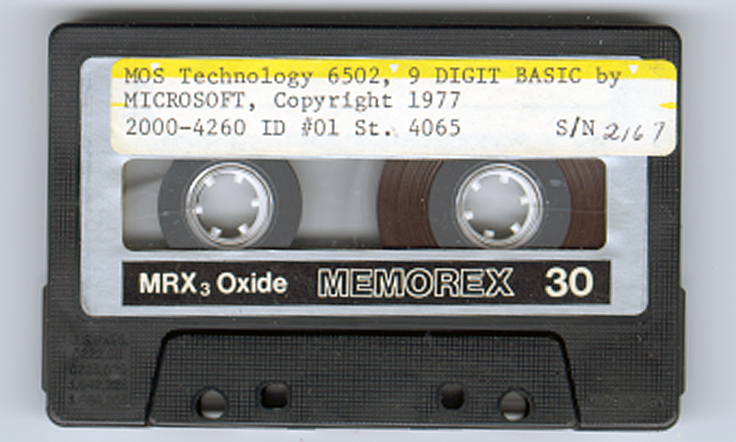
Sources of KB-9 Microsoft Basic v1.1
- Microsoft BASIC for 6502 Original Source Code [1978], article on Pagetable, local copy
- Original source in MAC format
- Create your own Version of Microsoft BASIC for 6502, article on Pagetable, local copy, sources in CC65 (CA65 assembler)
- Version 2 sources at the github site of Eduardo Casino, master branch (there is also the KIMIEC branch, with Save and Load to a 1541 floopy drive)
Adapt KB-9, first step make it faster and smaller
In the previous section the pagetable article was shown, with resources to recreate from source many 6502 Basic’s, like KB-9.
Here an example how I, quick and dirty, used this to create a KB-9 named V1.2 which is smaller and faster than the original.
This is how to prepare for it (Windows, can be done also on Linux)
- Download and unpack the archive of pagetable in a folder on your PC.
- Download and unpack the CC65 package, a C compiler, from which only the assembler and linker is used. I used the Windows binaries.
- Copy CA65.EXE, LD65.EXE and longbranch.mac from the CC65 package to the folder where you unpacked the MS Basic source.
Do the adaptations as described below or your own:
- To save you the work I have collected the adaptations described above in this archive for your convenience here.
- Change whatever you like in the source. It is quite a complicated construction, with macros for every variant, so look carefully at the listing file what really is produced.
Start with no adaptations and then go on studying the listing file and testing. The KIM-1 Simulator is a good tool for testing! Load the symbol table file to see what is where. - Assemble and link with this simple batch file makekb9v2.bat, resulting in an object, a binary, a listing file and a symbol label file.
ca65 -D kb9 msbasic.s -o tmp/kb9v2.o -l tmp/kb9v2.lst
ld65 -C kb9.cfg tmp/kb9v2.o -o tmp/kb9v2.bin -Ln tmp/kb9v2.lbl
These are the adaptations done in V1.2 use the ROR instruction and suppress nulls sent to the terminal and Clear decimal and fix GET
I changed this:
-
- In define_kim.s make a comment of the following two lines:
;CONFIG_NULL := 1
;CONFIG_ROR_WORKAROUND := 1             ; patch HO 2021
- In init.s add this line at label COLD_START
COLD_START:
.ifdef SYM1
        jsr     ACCESS
.endif
.ifdef KBD
  .
  .
  .
.else
  .ifndef CBM2
        cld                     ; patch for KIM-1 HO 2021
        ldx     #$FF
        stx     CURLIN+1
Change line 493 init.s
.ifdef KIM .byte "MOS TECH 6502 BASIC V1.2" - do the fix in the “GET handling (see below)
- Add backspace handling to correct typing errors
- Change the version number in inline.s line 493 to “MOS TECH 6502 BASIC V1.2
Assemble and link with the batch file makekb9v2.bat, this will deliver in the folder tmp
– kb9v2.bin file : load as usual at $20001
– kb9v12.lbl text file
– kb9v12lst textfile
Start KB9 V2 now at location $3FB1, label COLD_START (used to be $4065, so we gained some RAM), see the lbl file for other addresses.
KB-6
I know KB-6 existed. The ‘6’ stands for the precision in digits of the floating point number. In the documentation KB-6 is described.
Never seen a version in the wild. So the reconstruction here is not checked with the original, addresses in the reconstruction from the linker differ from the documentation.
Perhaps the ROR workaround or the insertion of CLD in the init.s caused this.
KB-6 can be ‘reconstructed’ since other versions of 6 digit Microsoft Basic are in the ‘pagetable sources’.
It takes one define added in define_kim.s, changes on the original file are now:
; CONFIG_NULL := 1                      ; patch HO 2021
;CONFIG_ROR_WORKAROUND := 1             ; patch HO 2021
CONFIG_SMALL := 1                       ; patch H0 2021
Assemble and link as above, replace kb9v12 with kb6v12 in the batch file. See the archive for a working batch file.
COLD_START moves to $3D50, size shrinks to 8K.
As you can see in the following screenshots it works! Note the number of digits is less, as expected. It should be faster also.
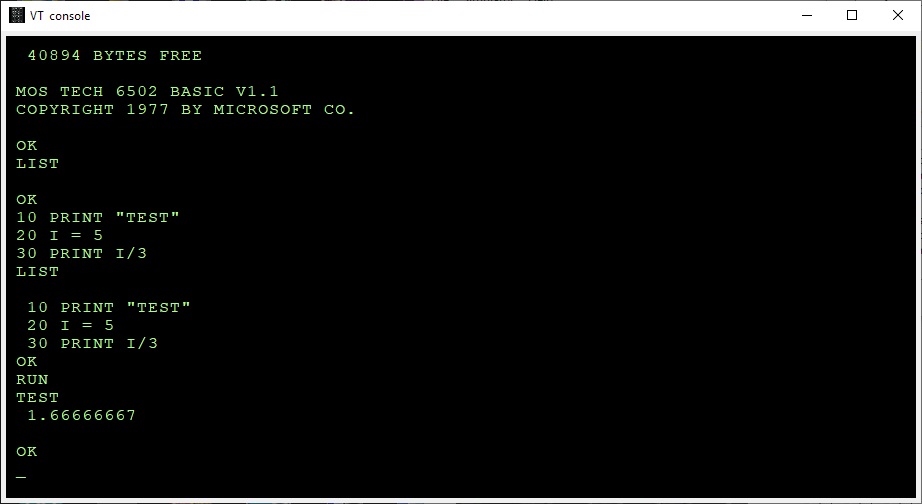
Microsoft Basic for the KIM-1 KB-9
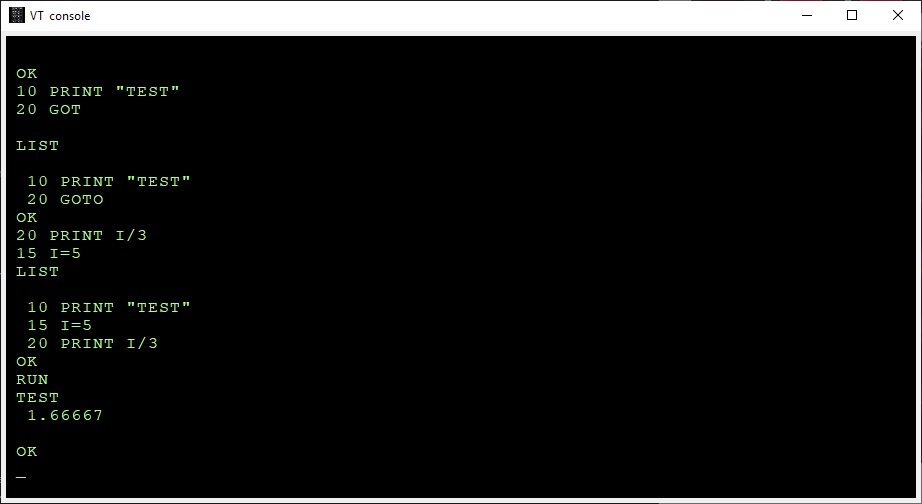
Microsoft Basic for the KIM-1 KB-6, less precision, smaller program size
The GET bug
The bug was described and fixed first by an article in the KIM User notes 17
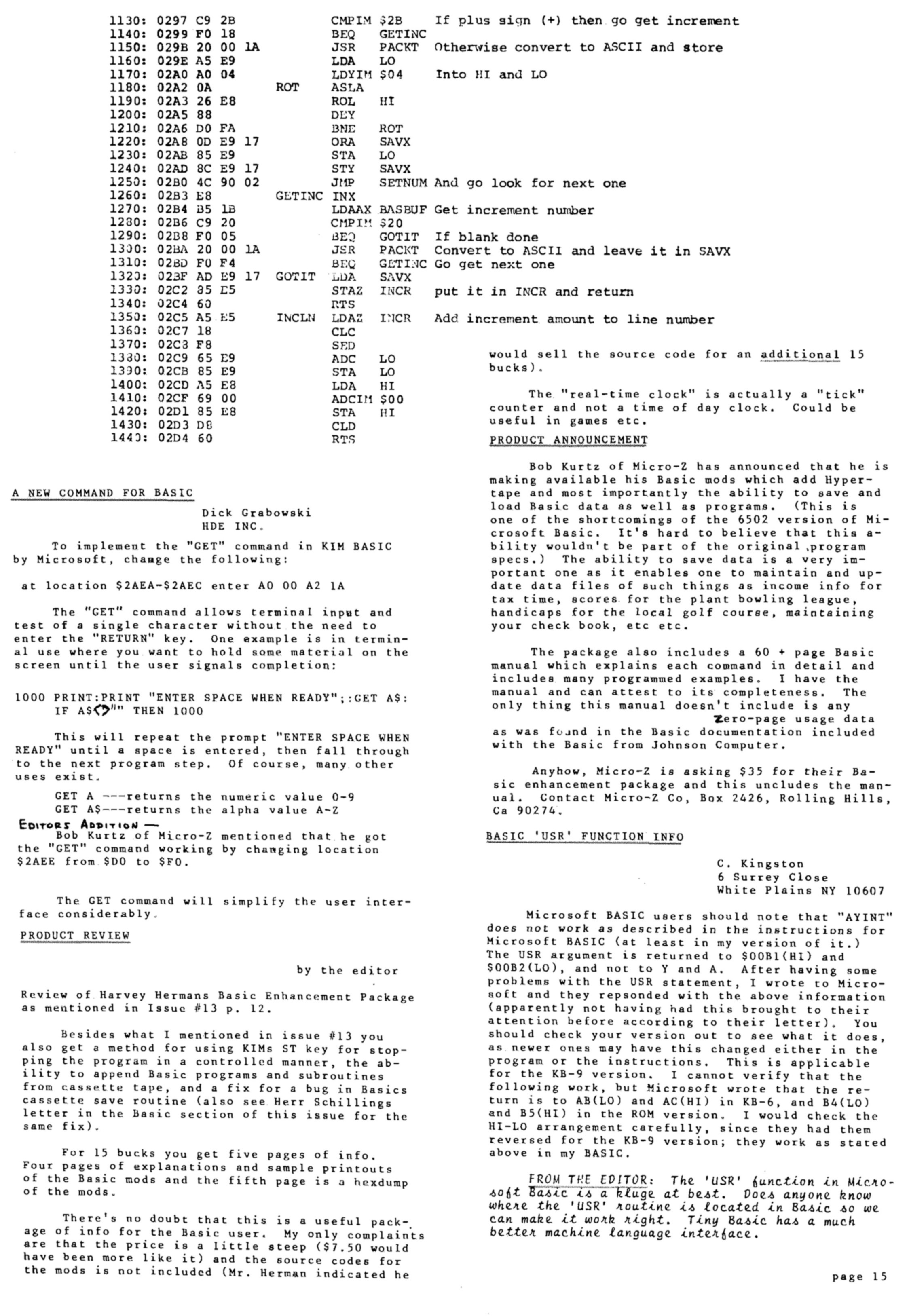
From the pagetable sources:
BUG: The beq/bne L2AF8 below is supposed to be always taken. For this to happen, the last load must be a 0 for beq and != 0 for bne.
The original Microsoft code had ldx/ldy/bne here, which was only correct for a non-ZP INPUTBUFFER. Commodore fixed it in CBMBASIC V1 by swapping the ldx and the ldy. It was broken on KIM, but okay on APPLE and CBM2, because these used a non-ZP INPUTBUFFER. Microsoft fixed this somewhere after KIM and before MICROTAN, by using beq instead of bne in the ZP case.
  .ifdef CBM1
     ldy  >(INPUTBUFFER-1)
     ldx  <(INPUTBUFFER-1)
  .else
     ldx  >(INPUTBUFFER-1)
     ldy  <(INPUTBUFFER-1)
..
     beq 08
You can easily fix this in KB9 by changing the branch in $2AEE from $D0 (bne) to $F0 (beq).
I have fixed this in the source of KB9V2 (KB6 does not have the GET statement) .
Use the backspace key to correct typing errors
Correcting typing errors can be done with the _ key ($5F). On a video terminal, like we use nowadays it can be done with backspace.
The way characters are handled by the input routine do not allow to just replace the compare with _ (C9 5F) with 08 for backspace.
A trick by Jim W4JBM can be used to reuse the BELL handling (07) to a backspace.
Replace in inline.s
INLINAIM:
    .endif
    .ifndef CONFIG_NO_LINE_EDITING
        cmp     #$07
        beq     L2443
with
INLINAIM:
    .ifndef CONFIG_NO_LINE_EDITING
        cmp     #$08
        beq     L2420

In the original KB9.BIN you can do that with
poke 9260,8
poke 9262,241
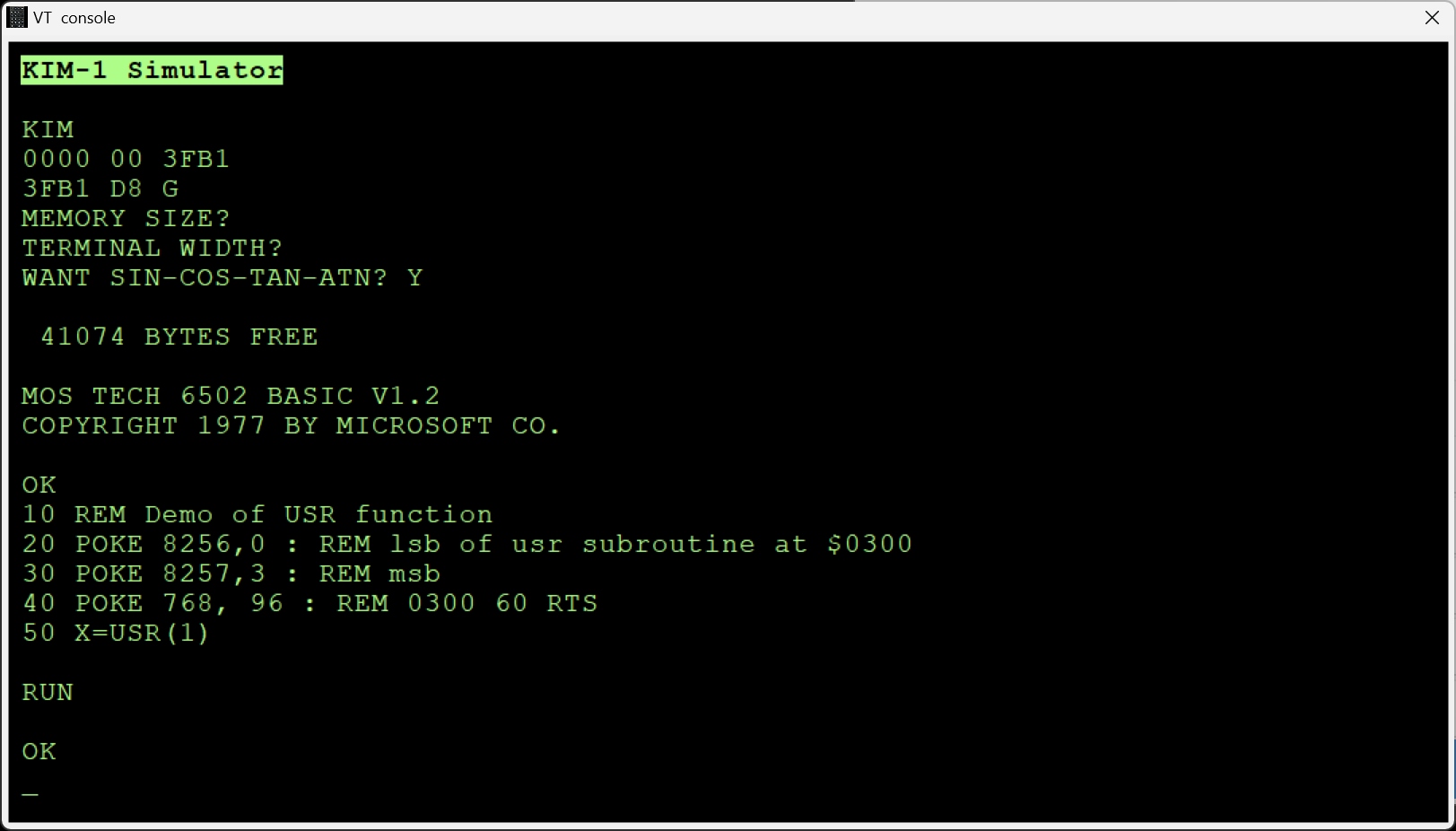
V2 adaptations to V1.2 by Eduardo Casino
(after applying all above)
The start address is moved to $2000 by changing this in header.s
		.segment "HEADER"
.ifdef KBD
        jmp     LE68C
        .byte   $00,$13,$56
.endif
.ifdef KIM
        jmp     COLD_START
.endif
.ifdef AIM65
        jmp     COLD_START
        jmp     RESTART
        .word   AYINT,GIVAYF
.endif
.ifdef SYM1
        jmp     PR_WRITTEN_BY
.endif
Change line 493 init.s
  .ifdef KIM
        .byte   "MOS TECH 6502 BASIC V2.0"
Assemble and link with
ca65 -D kb9 msbasic.s -o tmp/kb9v2.o -l tmp/kb9v2.lst
ld65 -C kb9.cfg tmp/kb9v2.o -o tmp/kb9v2.bin -Ln tmp/kb9v2.lbl
KB6 V2
Change this in defines_kim.s (after applying all above)
CONFIG_SMALL := 1
Assemble and link with
ca65 -D kb9 msbasic.s -o tmp/kb6v2.o -l tmp/kb6v2.lst
ld65 -C kb9.cfg tmp/kb6v2.o -o tmp/kb6v2.bin -Ln tmp/kb6v2.lbl
See the downloads for the binary files.
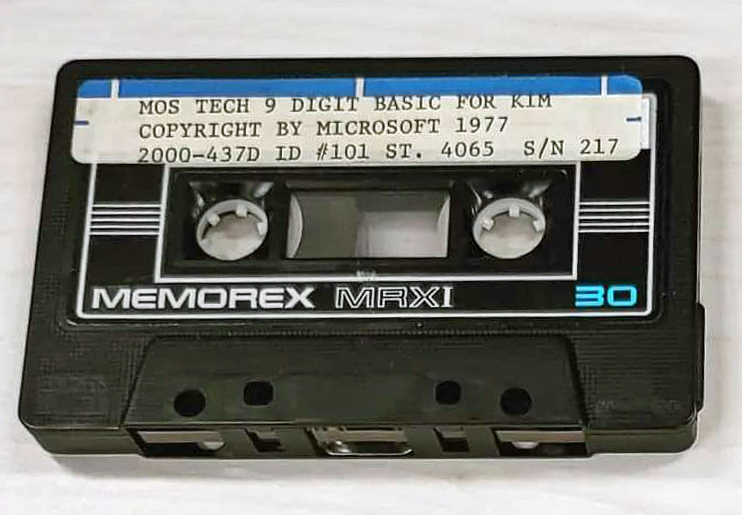
Another MOS TECH BASIC for KIM-1, lower serial number
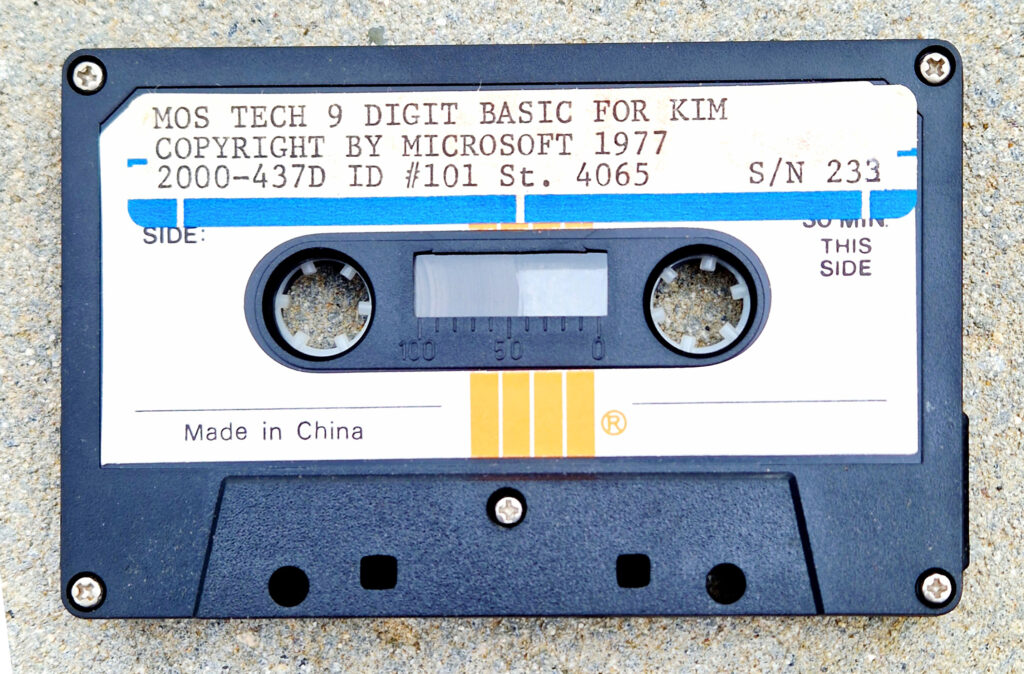
Thanks Gerben Voort