
CODOS is the operating system developed by MTU for their K-1013 based computer systems.
Eduardo Casino reverse engineered CODOS for the KIM-1 form teh MTU-130 based CODOS V2
And now Eduardo has ported a version special to the KIM-1 Simulator with K-`013 simulation. See CODOS on his github archive.
The main changes are to support the KIM-1 Simulator character I/O, using the ACIA simulation instead of low level KIM-1, for non-blocking character input.
How to start CODOS
To start using the K-1013 FDC go to the menu settings.
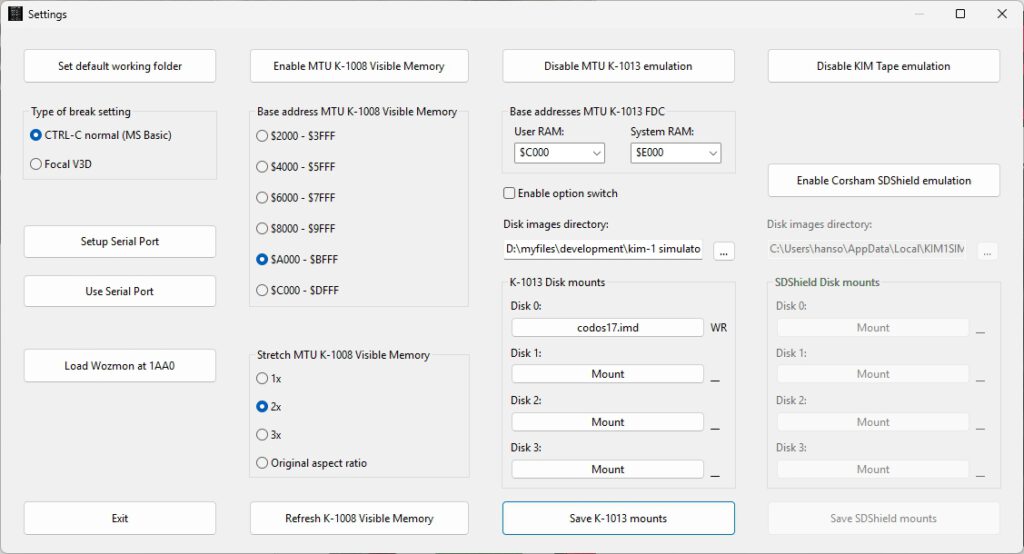
- Enable MTU K-1013 emulation
- Copy the folder from the KIM-1 Simulator setup distribution archive called K-1013 to your disk.
- Choose the Disk images directory pointing to the folder K-1013. You will see the files on Disk 0 etc filled in, DSK files are for operating systems like CODOS
Make sure the first disk mounted is codos17.imd. The IMD files are in the K-1013 folder.
Now you start CODOS.
-
Load the file bootrom.bin into memory with File – Load file in Memory – binary. Start address $FF00
The file is in the K-1013 folder. - Start the console by pressing the TTY Console button on the main window\
- Start the Simulator by pressing Run/Stop button
- Start CODOS with
FF00 G
and see the CODOS prompt.
Note that this boot program gets overwritten by CP/M-65, so you have to load it again after a reset.
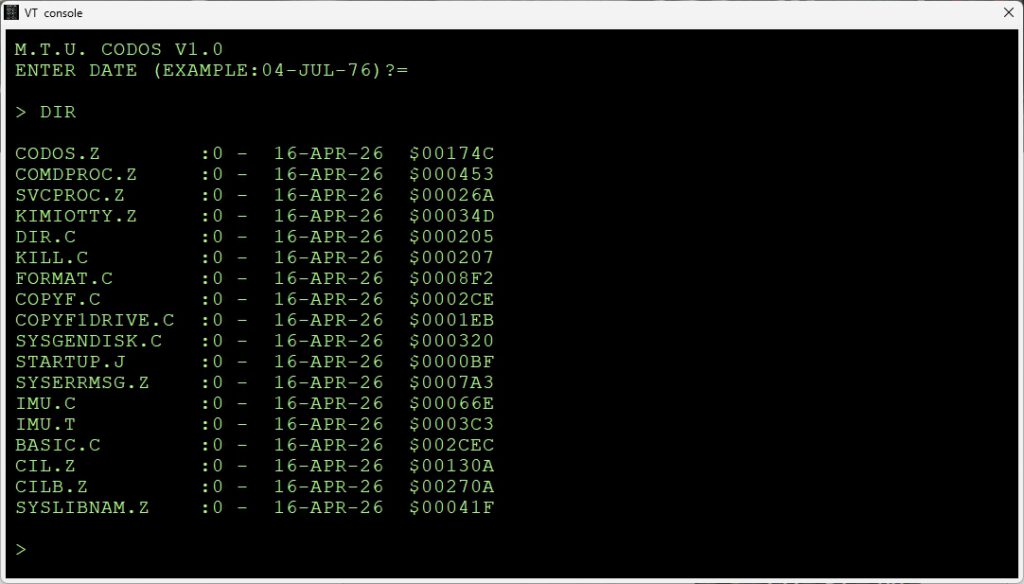
Working with disks
The disks, stored in files with type .imd are in the K-1013 folder. You can mount/dismount/create disks from the Settings screen.
You can have as many as four.
On the Settings screen the disks mounts are shown. Click on the name of a mounted disk or an empty Mount, to go to the Mount Disk dialog. Mount/Dismount here, in Write or read Only mode.
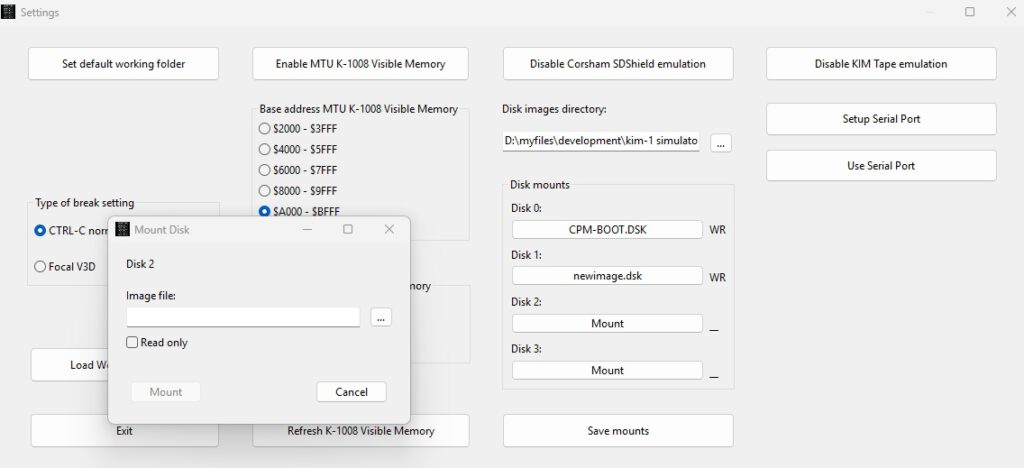
Press the the three … next to the field Image file to select or create a disk image.
Press New and you get the New diskimage dialog.
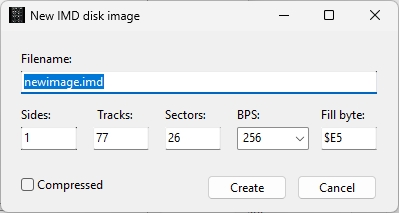
There is also the IMU utility in CP/M-65 to work with disks: mount/unmount, list the directory of the K-1013 folder. create/delete and copy.
The option switch
The option switch does this:
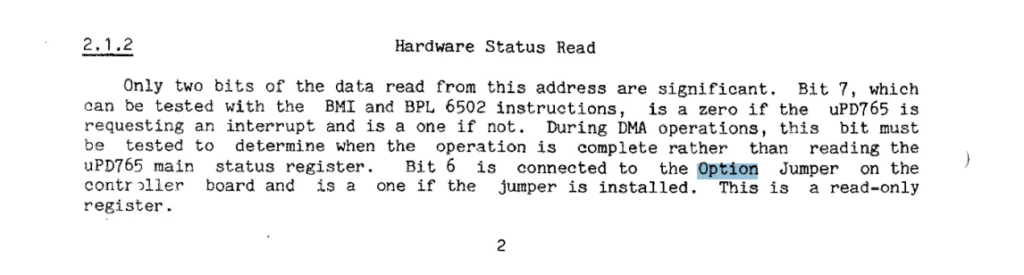
It just sets bit 6 in the HSR. For example, the boot PROM can use it to decide whether to boot the OS or just follow the normal KIM 1 boot procedure.