
The emulation of the MTU K-1013 floppy Disk controller card allow you to use the CODOS and CP/M65 operating systems on the KIM-1 Simulator.
Read here all about the actual K-1013 card, incluidng a real replica by Eduardo Casino.
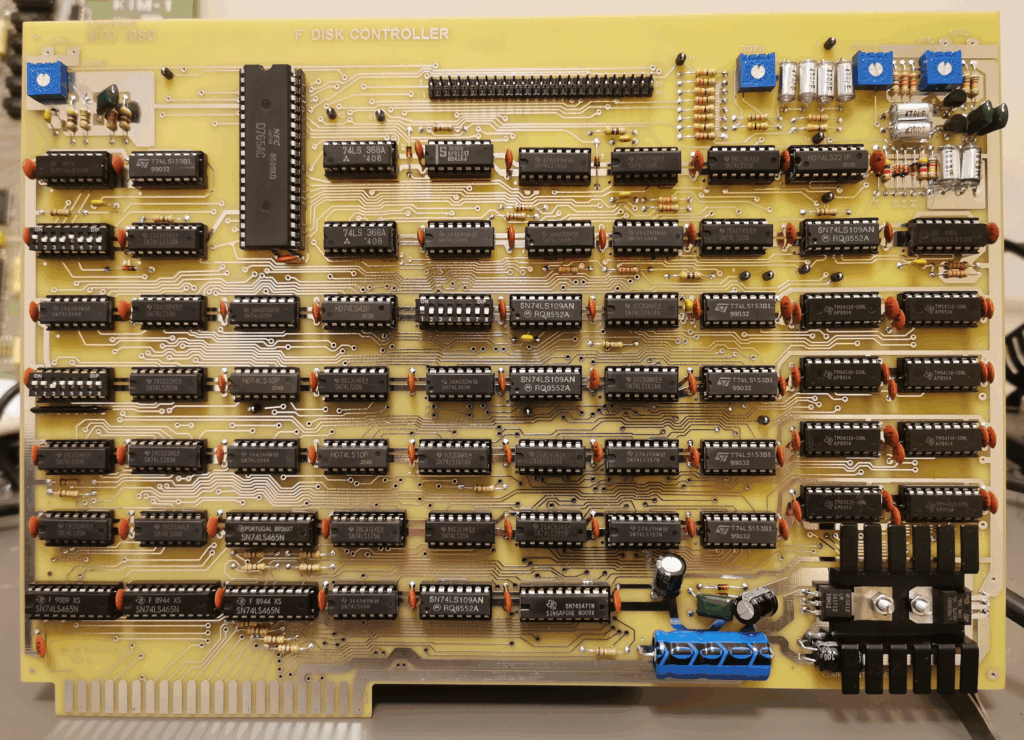
Replica by Eduardo Casino
The K-1013 emulation uses the same resources as the K-1013 card, but onlky if enabled.
The supporting files for the K-1013 are in the folder K-1013 and contain:
boot.pap
bootrom.bin
codos17.imd
diskimage.imd
mounts.cfg
t.txt
The usage of these files is explained on this page. You can add any file there at wish.
To start using the K-1013 go to the menu settings.
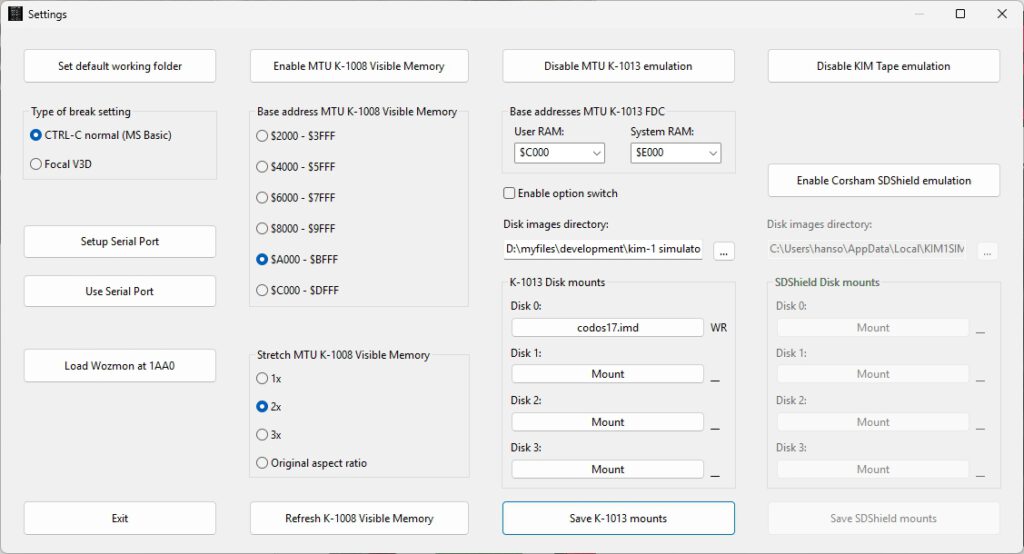
- Enable K-1013 emulation
- Copy the folder from the KIM-1 Simulator setup distribution archive called K-1013 to your disk.
- Choose the Disk images directory pointing to the folder K-1013. You will see the files on Disk 0 etc filled in, IMD files are for operating systems like CP-M/65 and CODOS. See below.
- Put the KIM-1 in TTY mode on the main window and start the emulator. The usual KIM prompt will appear and you are in the KIM-1 monitor.
Now you either start CP/M-65 or CODOS.
See also:
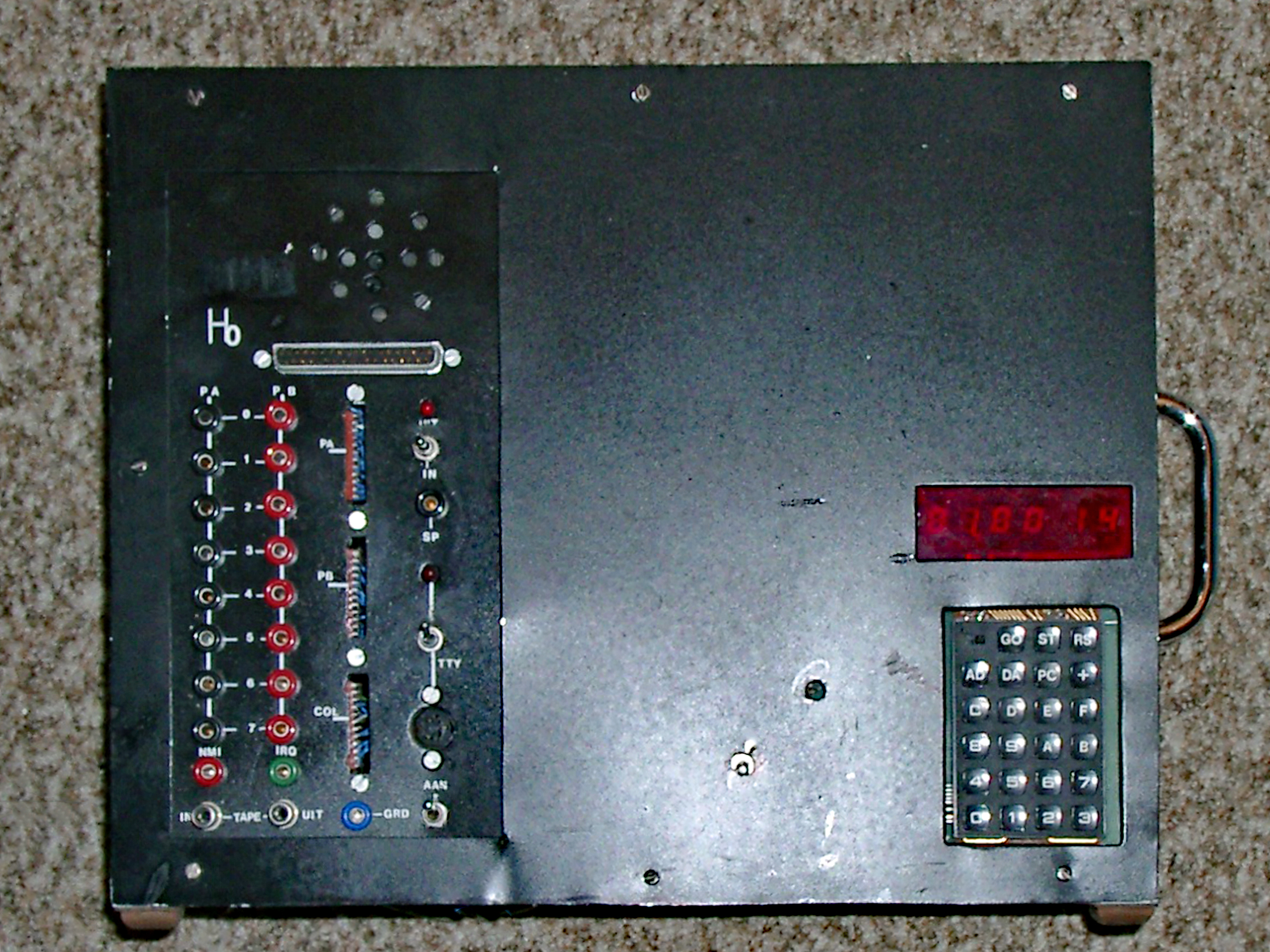
My KIM-1 expansions in Radio Bulletin
KIM-1 expansions in Radio Bulletin"
My KIM-1 system was based upon what we had published in Radio Bulletin. These artic...
Teach KIM to Sing
A program to let the KIM-1 play music. Store notes and its pitch in memory and listen to it.
Published in the Byte Bo...
Radio Bulletin articles in English
A collection of articles about the KIM-1, original in Dutch, here translated to English and with source and binary of th...
Replica 1 TE PAL version
User ExPLIT on the German forum Verein zum Erhalt klassischer Computer e.V.
has build an Apple 1 Replica 1 TE from th...