post

Lab-Volt manual scan

Thanks to John at 6502.org the scan of this book is available, now stored on archive.org due to size.
See also the Lab-Volt page

The description of the trainer is in the book
Microprocessor Concepts and Applications
Publisher: Lab-Volt
Download here for archive.org
post

KB9 and OS65Dv3.3 Junior software

Philippe Roehr on KB9 and OS65DV3.3

With thanks to Philippe Roehr from France I present on this page how he got KIM Basic 9 and Ohio Scientific OS65D to work on the Junior

Junior build

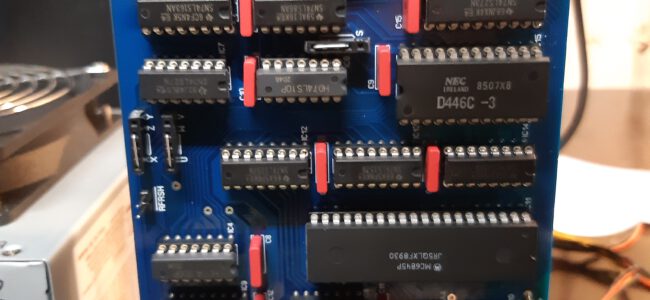
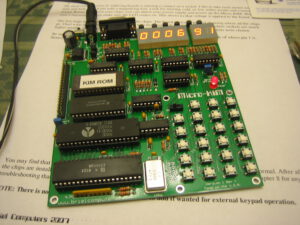
Philippe has build a Junior system with at least a main board, an expansion board, 16K Dynamic RAM board expanded to 64K and a floppy controller.

It started with the Junior itself, followed by the expansion card, The monitor software PM and TM were tested.


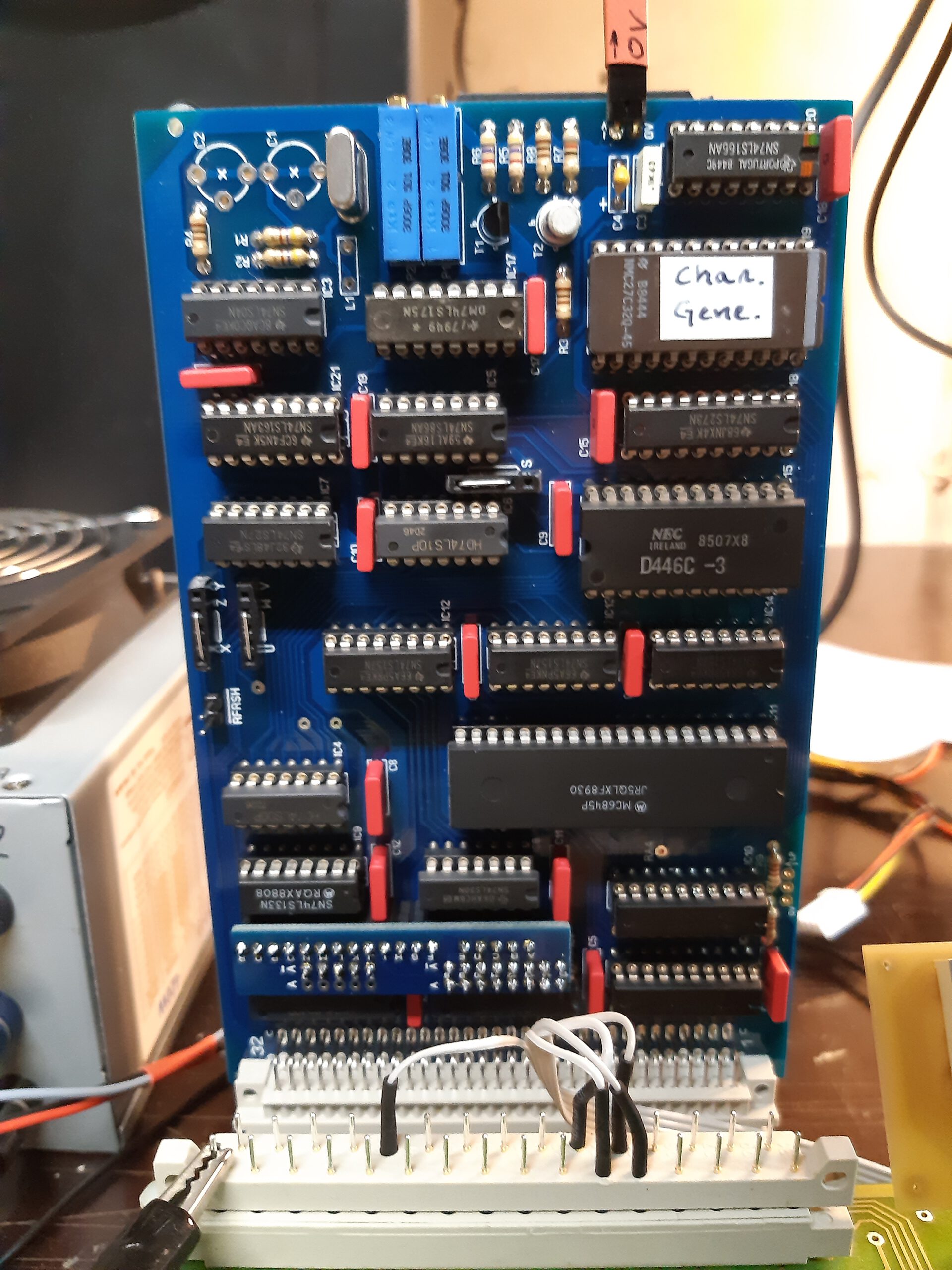
Floppy controller, RAM card behind.

Junior KB9 Basic

Philippe started with the KB9 binary from the KIM-1 pages.
Philippe then applied the process outlined in the Elektor articles to adjust Basic to the Junior character I/O routines and also improved the speed by adjusting the now unnecessary code that took care of the ROR bug in early 6502’s.

Philippe transferred the binary to the Junior with Ed’s utility KIMTape, producing a KIM-1 audio wave file. The Junior accepts this format, a bit slow but only needed once. After seeing all was well, Philippe wrote the now optimized Junior KB9 Basic to audio wave file, and made a hex dump on the terminal. I picked up the dump, a captured text file form a a terminal emulator, and wrote a conversion program to produce a binary.

All the files here: archive with audio wave file, dump on terminal, binary and conversion software.

OS65DV3.3

After building the Junior, having PM and TM monitor working well, KB9 Basic operational, the next step Philippe took was getting the operating OS65Dv3.3 operational.
He took the steps described by Elektor in the articles with some modern additions.

A Junior able to run OS65DV3.3 needs an expansion card,  a RAM card (his is 64K) and the Elektor floppy controller, which is identical to the OSI one (6850 + 6820 ICs)
Instead of a real floppy drive Philip used the hardware Gotek floppy emulator with the Flashfloppy firmware. And used the manuals images of http://osiweb.org, and the OSIHFE utility described in the OSI Web forum posts.

Elektor made a bootstrap eprom (ESS515 download here, source in Paperware 2) able to
* load OS65D (V3.1 or 3.3 as far as I know) from floppy
* give basic I/O capability (RS232 and floppy)
* manage hex display and keyboard
* modify OS65 for the hex display after the very first load to fully adapt them to the system ( about 10 bytes to modify)

Here the OS65DV3.3 disk image in native and Flashfloppy format ready to use.

During the second part of december 2020 Philippe added a real floppy controller and added the Ascii Video Terminal (new version of hackaday). With improved moter control of the floppy drive!

VDU board with OS65D

PMV for OS65D source checked by Philippe Roehr
PMV for OS65D ROM


KIM Uno

The KIM Uno, designed and produced and (once) sold by Oscar Vermeulen, is a very simple “open-source hardware” project that started out as a replica of the classic 1976 KIM-1 computer plus built-in ‘early 6502 software gems’ collection. Later, Apple-1 compatibility and a 6502 programmable calculator mode were added, and a Cosmac Elf emulation.

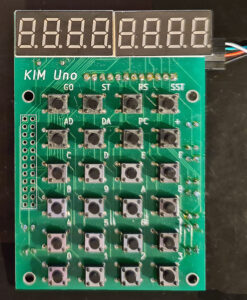
It is a low cost project and provides a faithful KIM-1 ‘experience’. An Arduino Pro Mini mounted on the back contains all the logic and memory, the front is a replica of the KIM-1 keyboard and LED display.
On this page

As Oscar Vermeulen describes it:
The front side of the board provides the user interface as the KIM-1 offered it back in 1976: a keypad and segment LED digits. The only differences are:

  • A toggle button instead of a slide switch for SST
  • Display with 7 instead of 6 digits, and adding decimal points.

These extras are not used in KIM-1 mode, but allow the Calculator Mode to display floating point numbers.
The KIM’s serial port is also present, so you can hook up the KIM Uno to a terminal/PC terminal emulator just like the original.

The KIM Uno contains some extra ‘ROMs’ with vintage KIM software:

  • Programming tools to disassemble, move & relocate code. The goal was to power up the KIM Uno with all the development tools that were loaded from tape and/or soldered on ROM cards back in the 70s.
  • Microchess to play chess.
  • Fltpt65, a floating point math library, that enables the KIM Uno to be a 6502 programmable calculator.
  • VTL-02 is a Basic-like language, showing this can actually be done in 1020 bytes.
  • Apple 1 Wozmon monitor and A1Basic
  • Storage is provided through the atMega’s 1K eeprom, pretending to be a cassette tape.

As it turned out, it was easy to make the KIM Uno compatible with the KIM-1 and Apple-1 at the same time. So, WozMon and an Apple-1 version of the Apple mini-assembler were built in too.

The original KIM-1 had an Expansion Connector. Although not supported by the ROM, it was there for whatever hardware hacks a user wanted to add. The KIM Uno has its own version of it, providing I2C and SPI. All sorts of cheap components could be hooked up, from a little OLED display to sensors, motor drivers, etc.


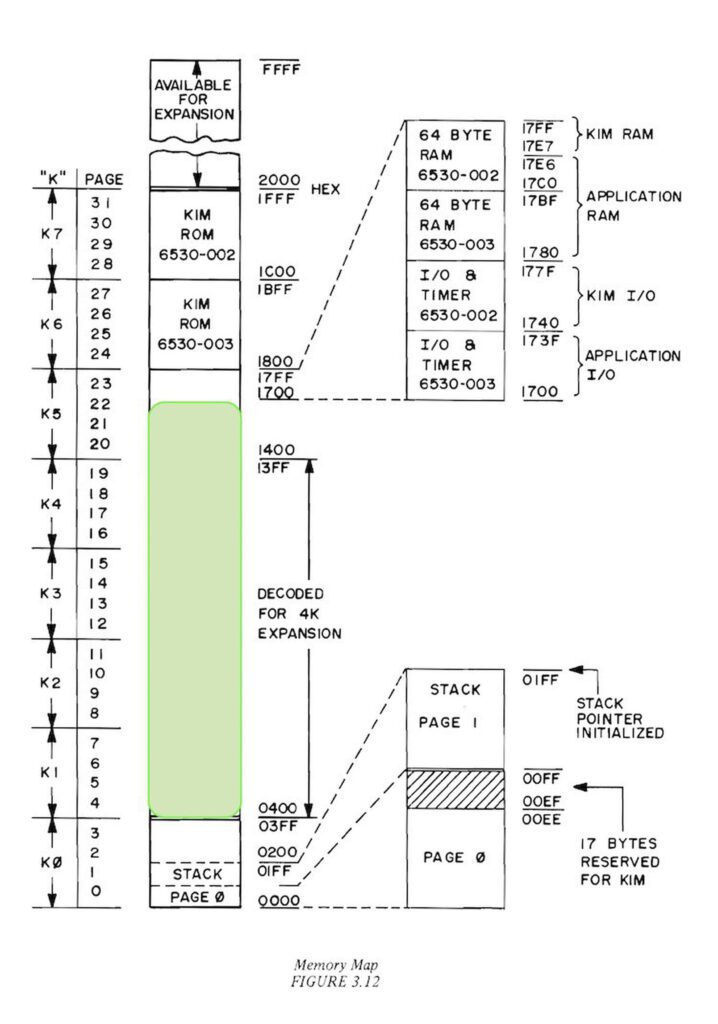
The memory map shows what the KIM UNO is capable off. A KIM-1 with ROMs (at choice when building the firmware) is the best description available. No RAM above 2000, so the TTY software available for a KIM-1 with extra RAM is not usable. Lower RAM limited to 1K.

KIM UNO hardware


The KIM UNO circuit

The original KIM-1 Keypad and LED display circuit

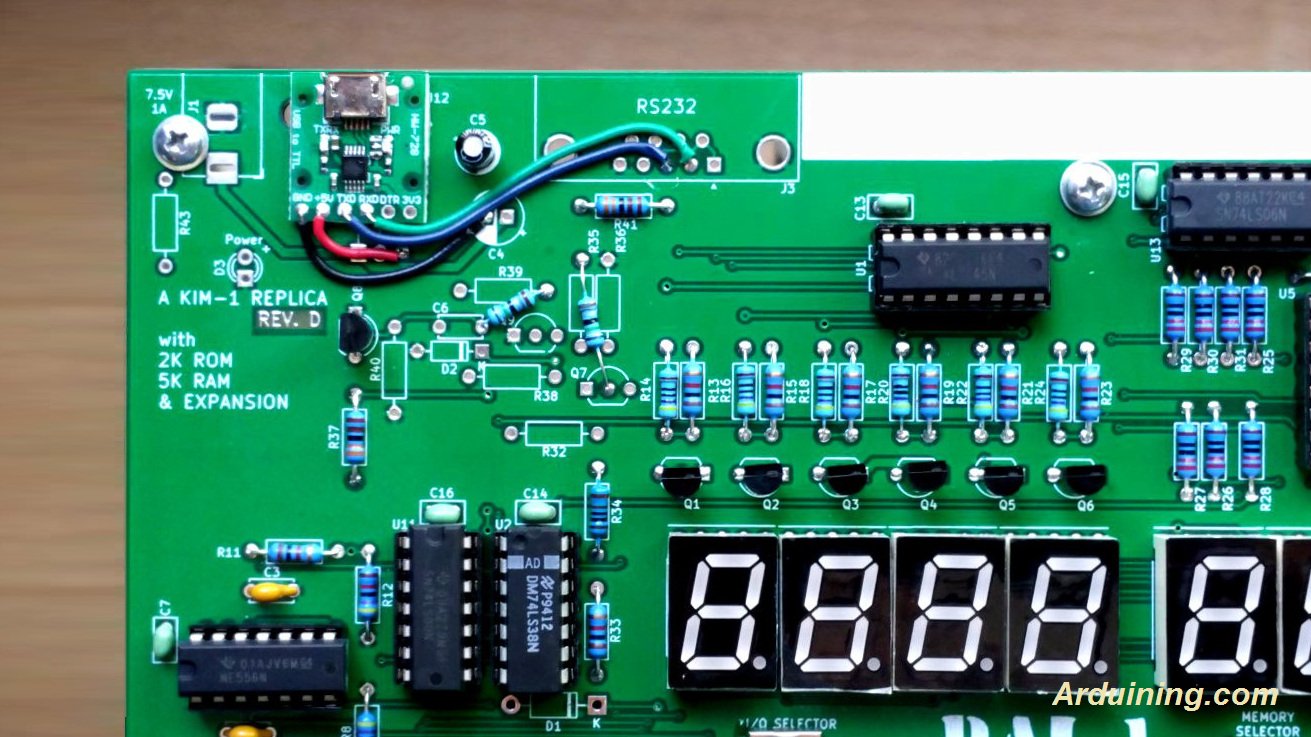
The original KIM UNO

I have two versions of the kits designed and sold by Oscar Vermeulen: the ‘original’ and the redesigned version in 2020. Functional the same, with on the top of the PCB room for power connector (GND, +5V or a 9V battery) and a slide switch. , I use them with an USB cable delivered by Oscar (the blue one of this page) for power and the serial interface provided.

The software already works on the blue pill STM32 or an ESP32, with manual cabling to the keyboard/display.
The software for the serial interface (you really need a good serial terminal emulator, like Minicom or Tera Term) can be used on any Arduino Uno. After power on it delivers a simulation of the LED display and the real KIM TTY teletype interface.

All well described on the pages of Oscar and well worth the money for a ‘6502 SBC’ experience.

I have several KIM UNO’s. The second version one with a slide switch for battery or external power supply. Boxed in the case supplied by Oscar in the kit.
Also a unbuilt second version.


KIM UNO by retrobit4004

In 2025 I bought a build version from an Italian seller on ebay (retrobit4004). In a nice 3d printed case with a battery compartment, an updated PCB (Oscar supplies the Kicad design files). Alas the connector on the Arduino is soldered wrongly upside down, so I had to cut out more space at the side part.


The different versions of the PCBs in my kits.


To my surprise the Arduino Pro mini in the retrobit4004 version has the pins on the side for serial and power supply mirrored, as you can see in the photos the USB serial cable.
Not a real problem, but something to be aware of! This KIM-1 (not labeled KIM UNO but it is!) works fine.

Firmware for the KIM UNO

Oscar provided firmware for the Arduino IDE that emulates a 6502 and the KIM-1 hardware. The 6502 core is a (fixed) Mike Chamber’s 6502 CPU emulation.
The KIM-1 ROMs are patched so that the keypad and LED display functions as the KIM-1, and the same for the TTY routines. That means not all First Book of KIM software works if the program addresses the ports directly. Oscar added also the Apple 1 Wozman monitor.
The Arduino IDE (even the current version) allows uploading the firmware. Note that the config.h file needs to be edited to check or uncheck wanted pieces. Not everything is possible due to the limited size of the AtMega flash memory.

If, like me, have the ‘blue’ USB to serial adapter supplied by Oscar, look at the photos above how to connect the four connectors.
Also read the PL2303 Prolific page how to use this adapter in Windows 10 and later. Also when compiling the firmware, press the Reset button on the Arduino UNO and when uploading notice appears in the Arduino IDE, release the Reset button. It may take several tries, but uploading will succeed in the end.

Alternative firmware
In the Links section you find a link to the firmware developed by others:

  • Coscmac Elf 1802 emulation
  • Adapted firmware with direct port addressing by Willem Aandewiel


Pressing control keys to perform ST and RS key


Press TAB to get into KIM TTY mode. Make sure to select on your terminal Local Echo and CAPS Lock. Read the KIM-1 User manual how the monitor operates.


The Apple 1 mode, fully functional.


Microchess adapted to serial


The Wozniak/Baum disassembler

Links to websites with KIM UNO information.

As usual with external links, this may fail in the future. I have local copies so that will replace lost websites.
Let me know via the Contact page

3d design for KIM UNO cases

  • 3d case with keypad buttons
  • 3d case line retro4004bits is using
  • Another 3d case with keypad buttons

  • post

    New SYM-1 document: KIM/SYM : First Book of KIM appendix

    Thanks to Larry:

    New SYM-1 document: KIM/SYM : First Book of KIM appendix

    SerialTester

    A program, SerialTester,  a guide and test results.

    post

    OSI 300 page update

    Found some photos of OSI 300 trainers, some youtube videos, circuit diagram and component layout.

    See the OSI 300 page!

    post

    MOS KIM-1 Reproduction

    Dave Williams designed, builds and sells on ebay MOS KIM-1 Reproduction boards. A real KIM-1 clone!

    post

    MOS KIM-1 Reproduction

    Dave Williams designed, build and sells MOS KIM-1 Reproduction boards. A real KIM-1 clone! The goal was to reproduce a KIM-1 as exact as possible.

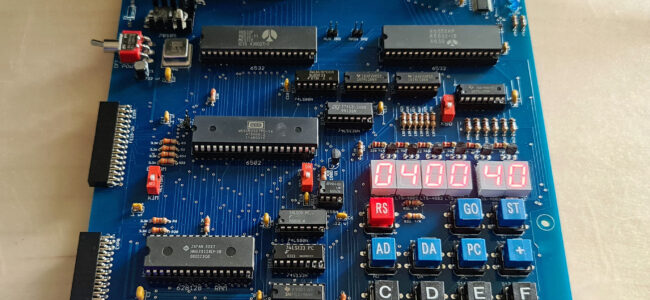
    So the MOS KIM-1 Reproduction board has the same dimensions, same connectors and as much as possible the same components, including the audio cassette interface, 1K RAM with 8 2102 RTAM ICs. The keyboard is reproduced with the same layout and looks and feels quite identical. Components types are chosen close the the originals (though the KIM-1s went to many revisions with varying looking components) and placed on the same location. The CPU is of course a 6502 at 1 MHz crystal clock frequency. The edge (Application and expansion) connectors are physically and logical identical.

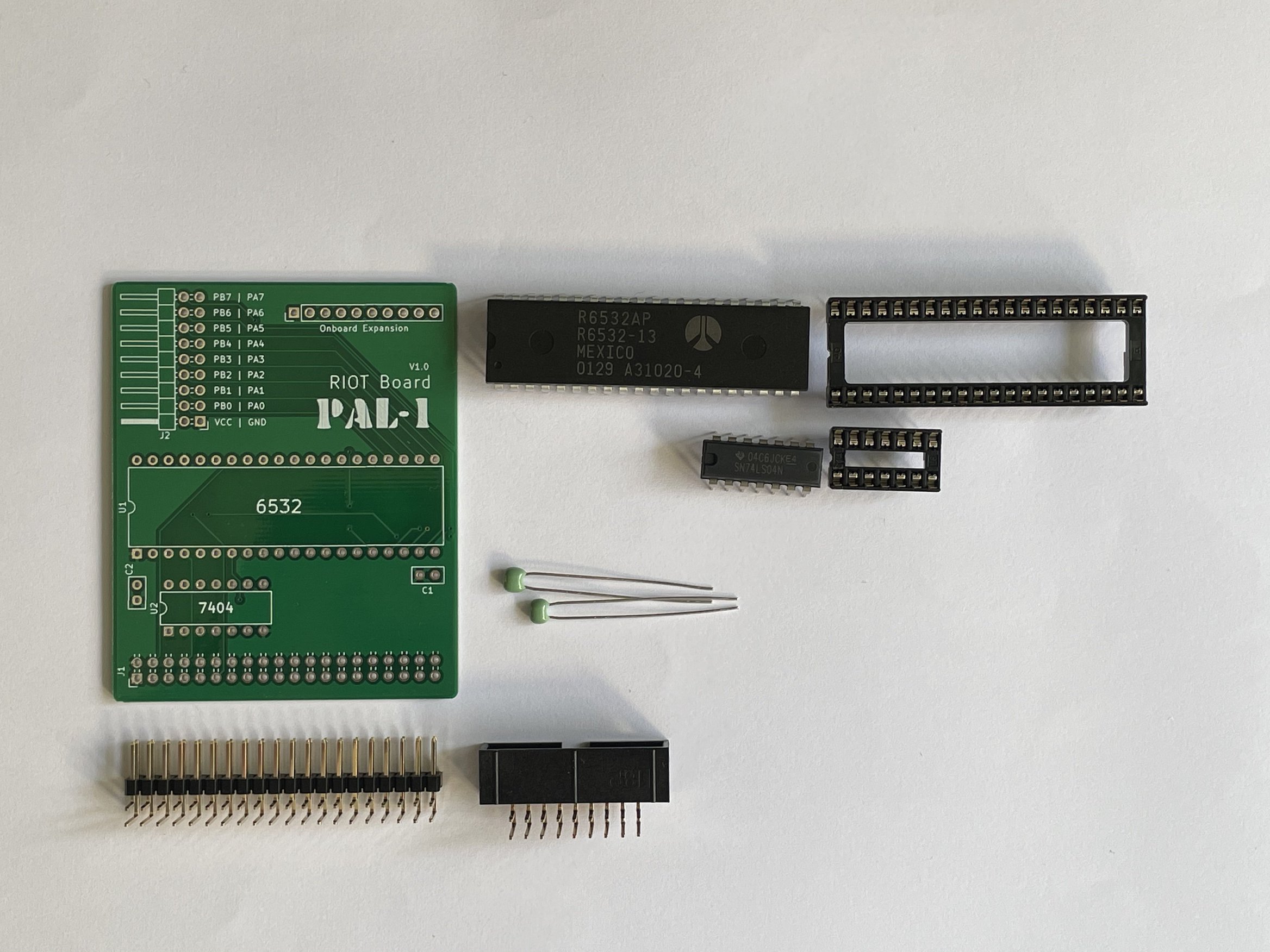
    Since 6530 RRIOT ICs (the 002 and 003 variant) are not available anymore, the same solution as in the other clones is chosen: a 6532 RIOT with a 2K EEPROM and some logic ICs (3) to get a hardware solution that makes it look exactly the same for the KIM-1 ROM software. The PCB is a new design, not the typical 70ties curved PCB lines hand layout design.

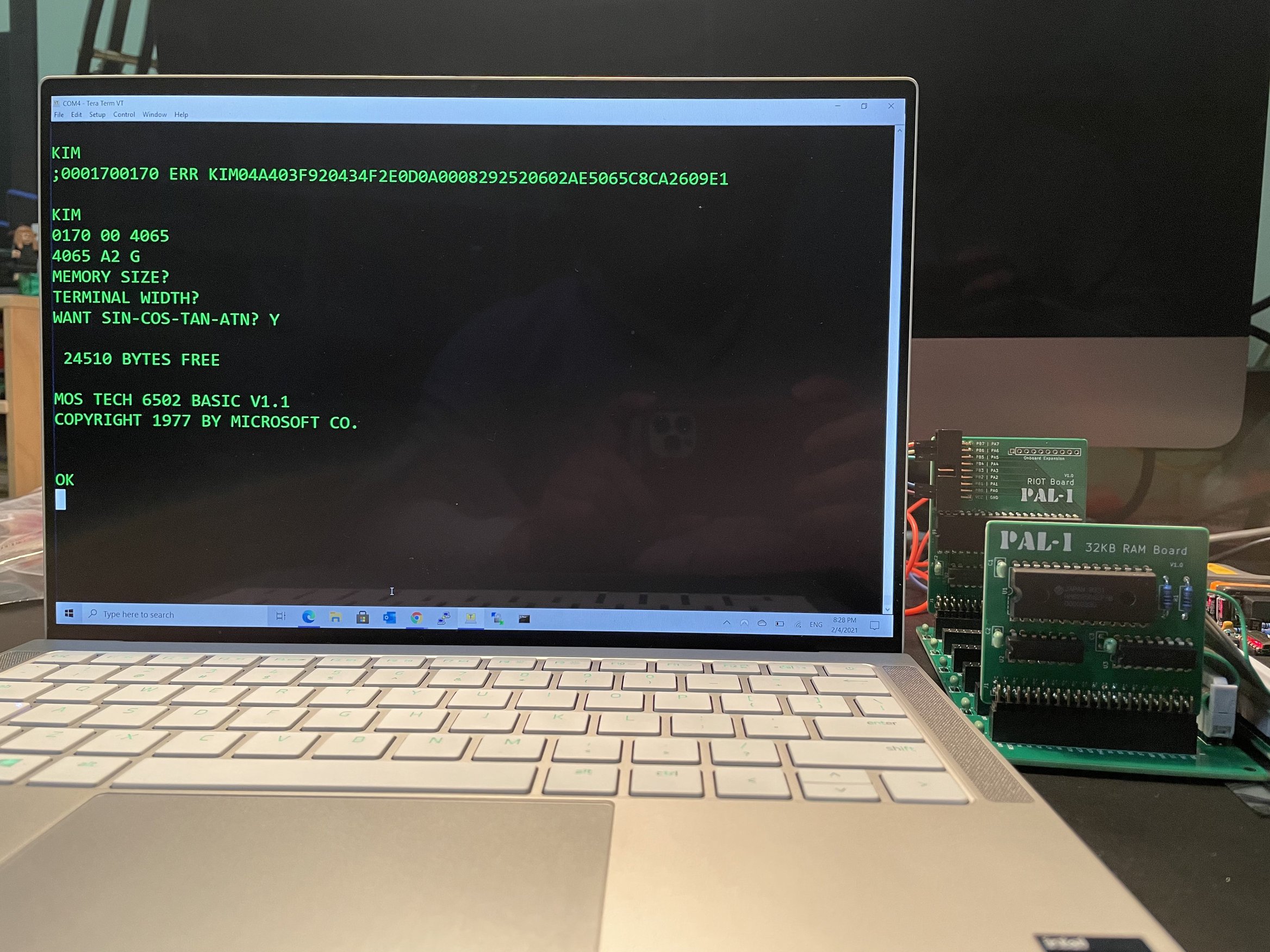
    The result is great: it feels, looks and operates as an original KIM-1. First Book of KIM programs run, MICROCHESS runs.  Even Microsoft KIM-1 Basic run, when additional RAM is connected.

    I now (Januari 2023) have two of the MOS KIM-1 Reproduction boards. Dave Williams did a new version, with a white PCB. And the new I/O card has a TTY swicth and a serial DB-9 connector (with a MAX3232 interface, so true RS232 levels).


    Documents (thanks to Dave Williams!) to download

    MOS KIM-1 Reproduction Board Layout
    MOS KIM-1 Reproduction Schematic
    MOS KIM-1 Reproduction BOM

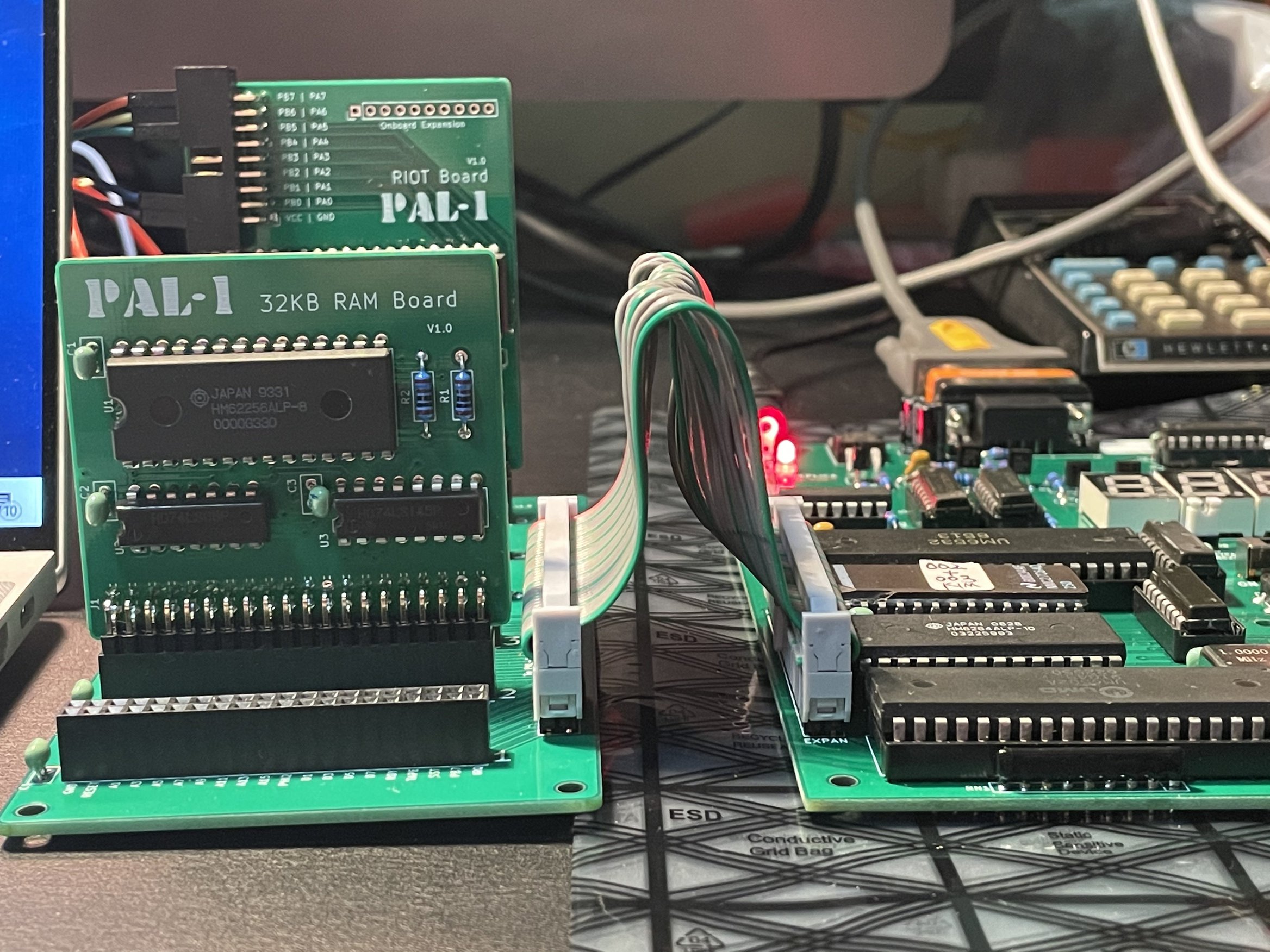
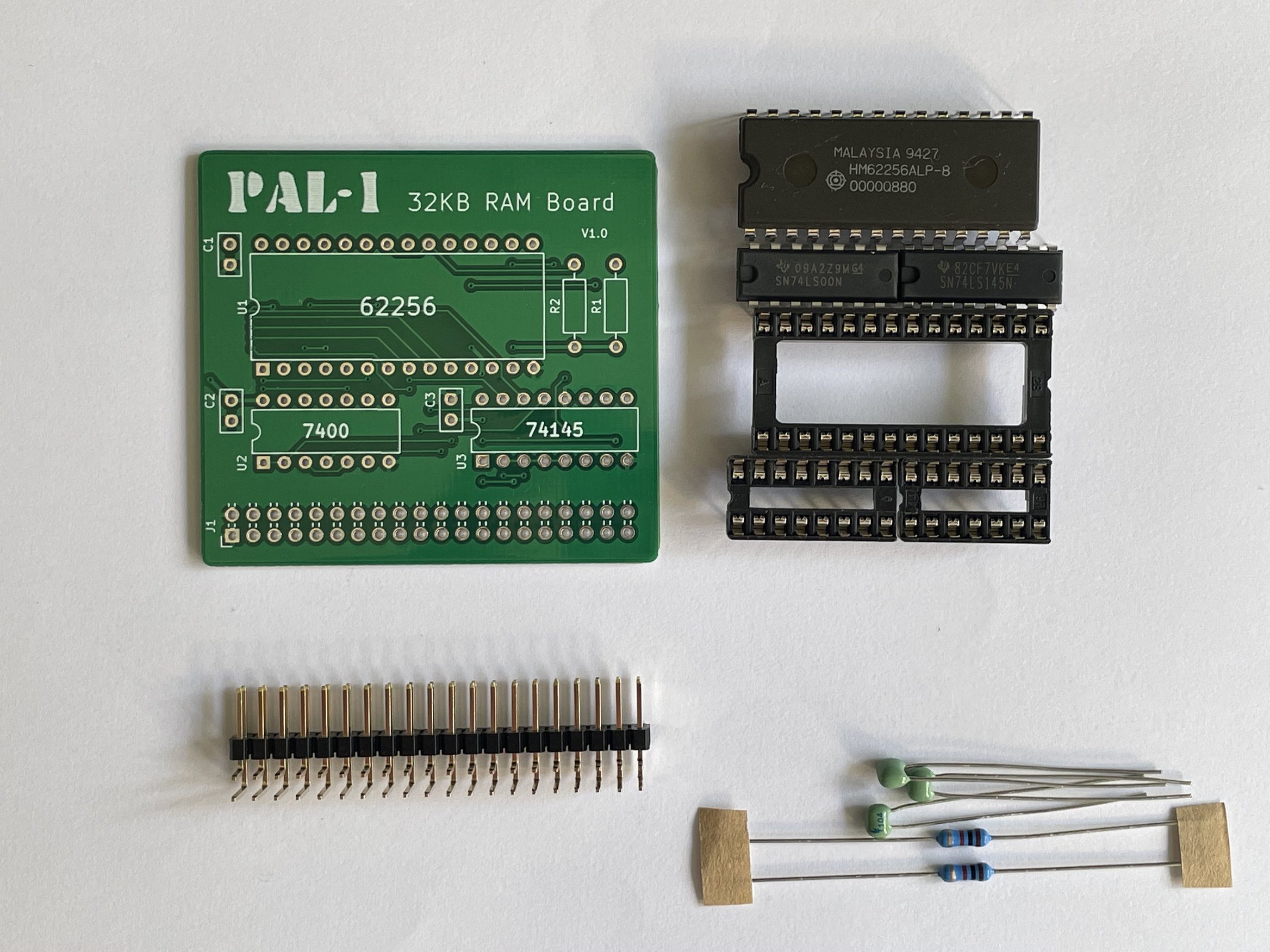
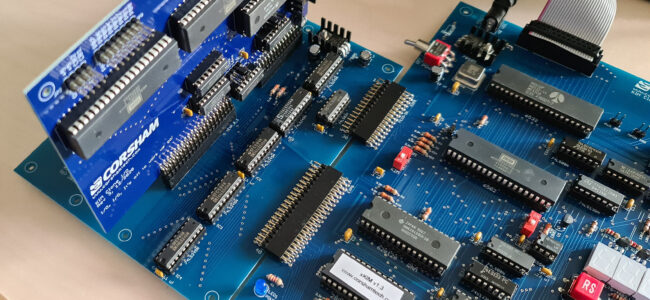
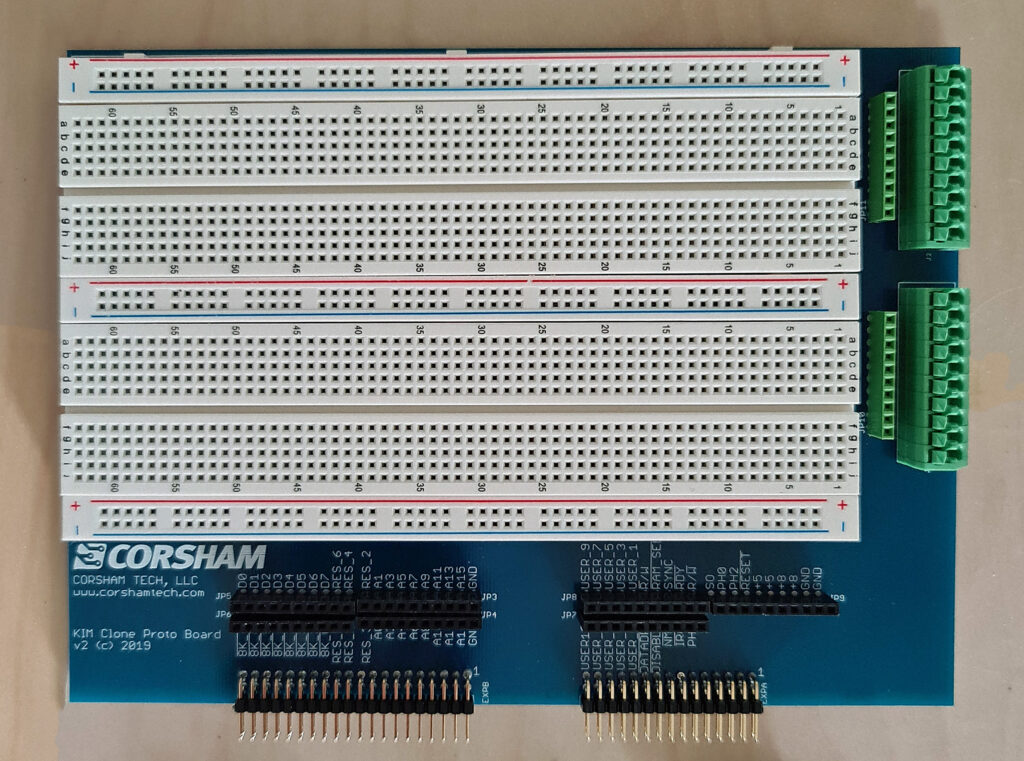
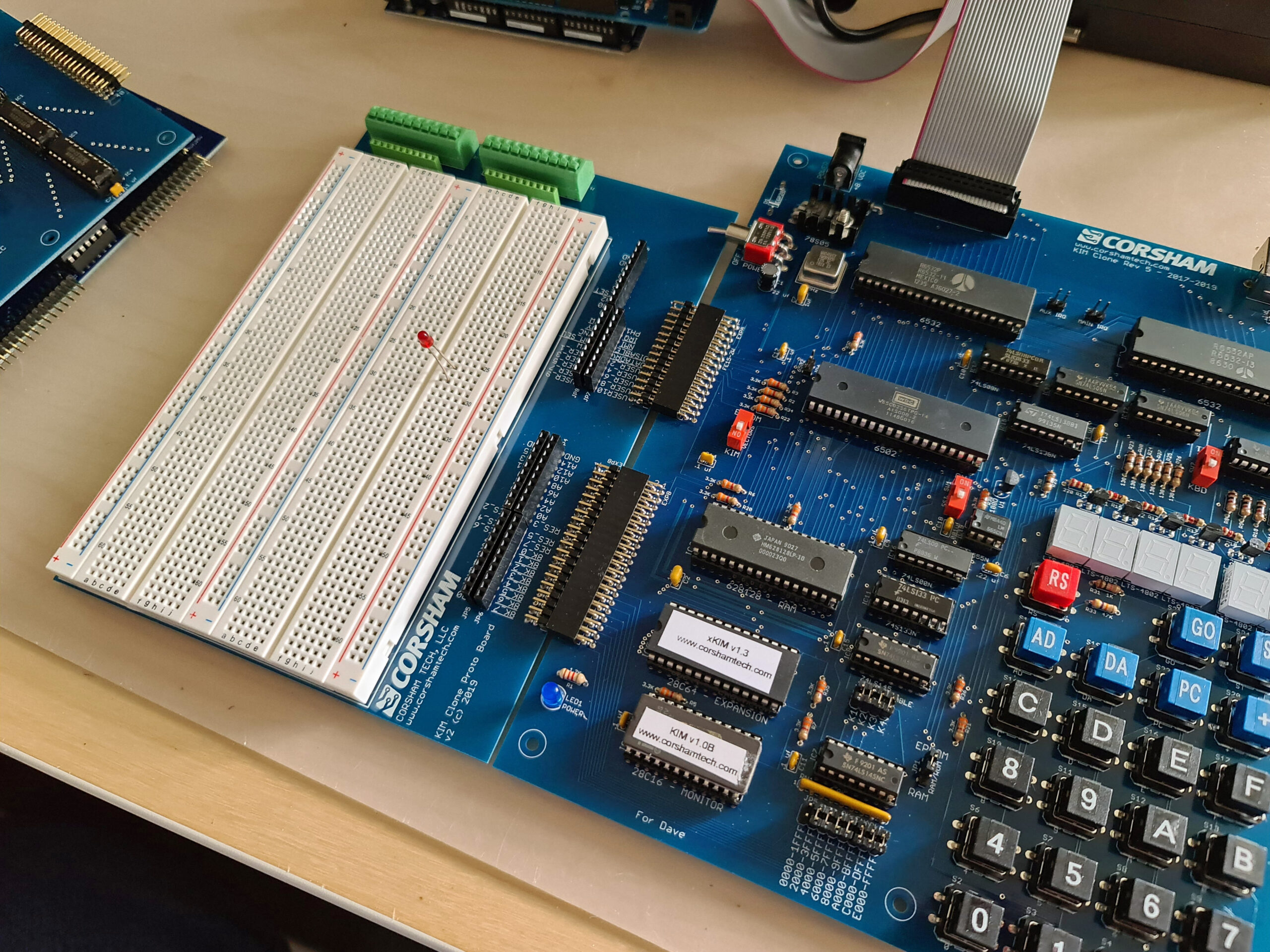
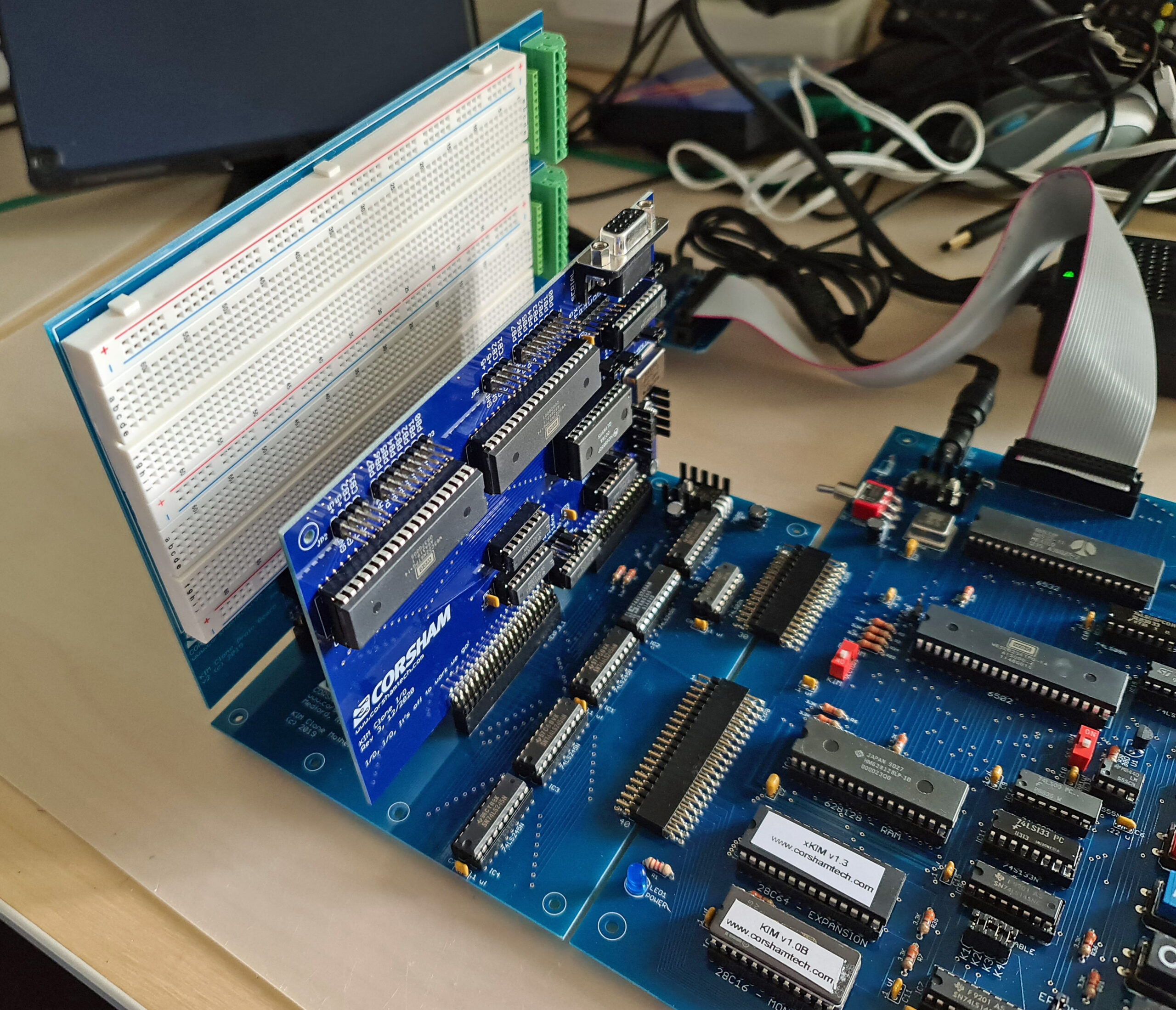
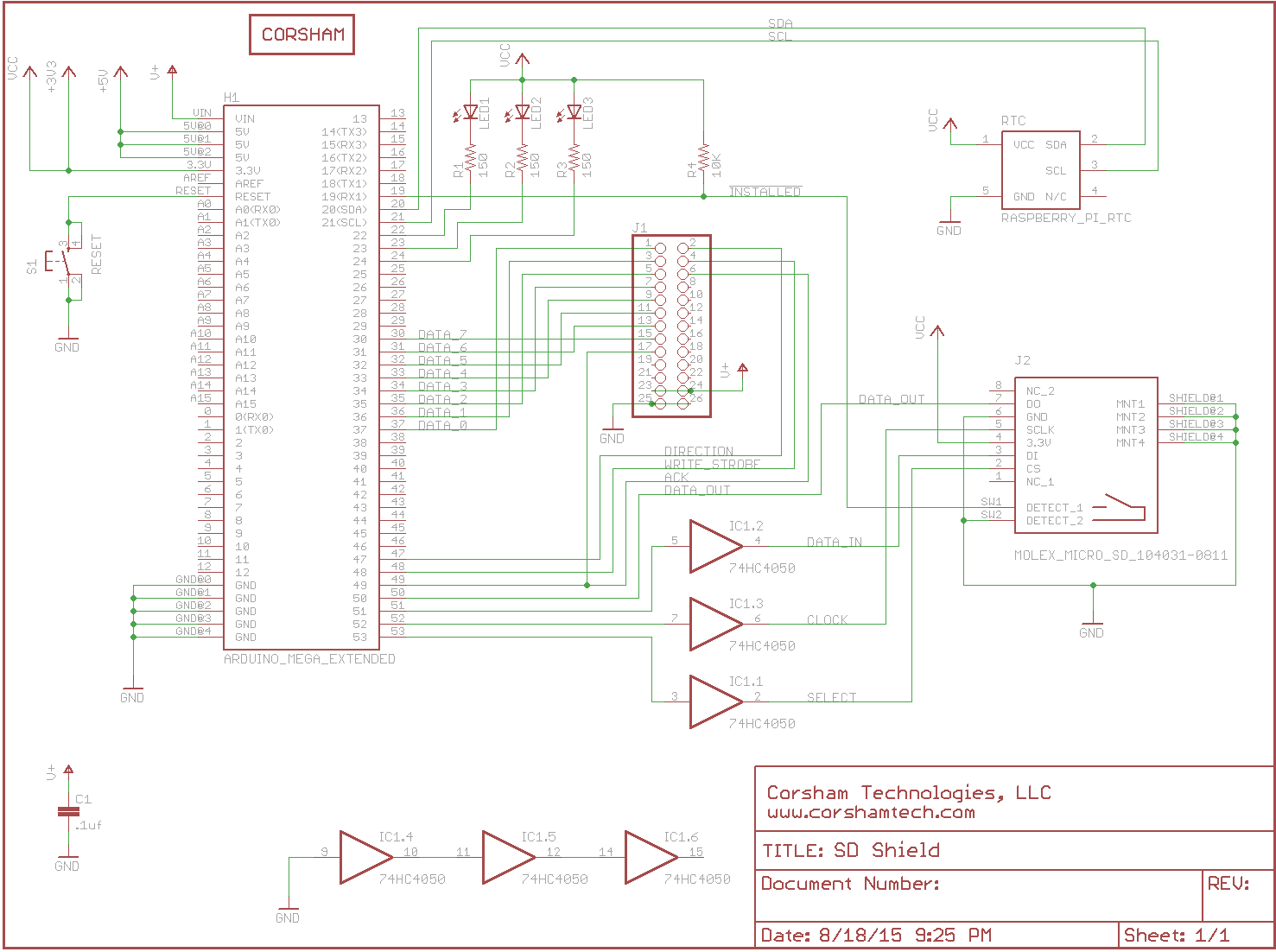
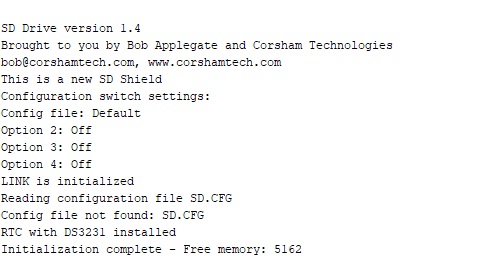
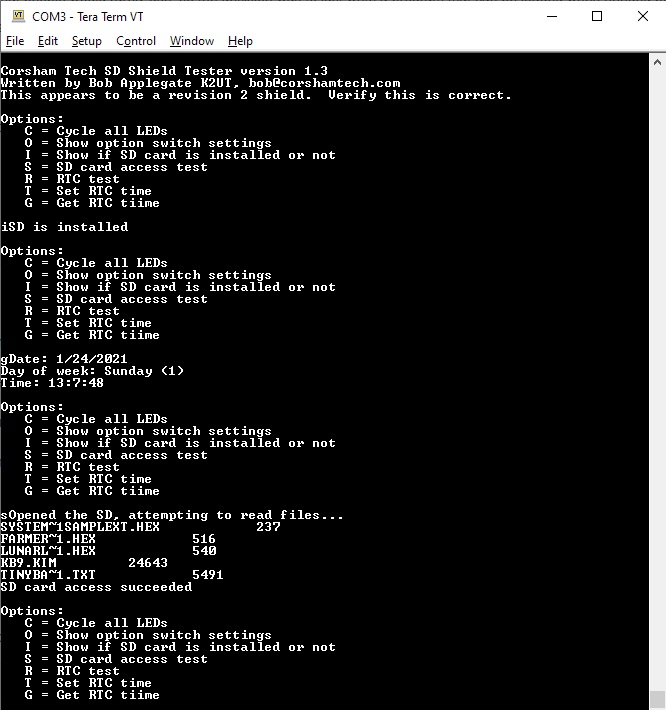
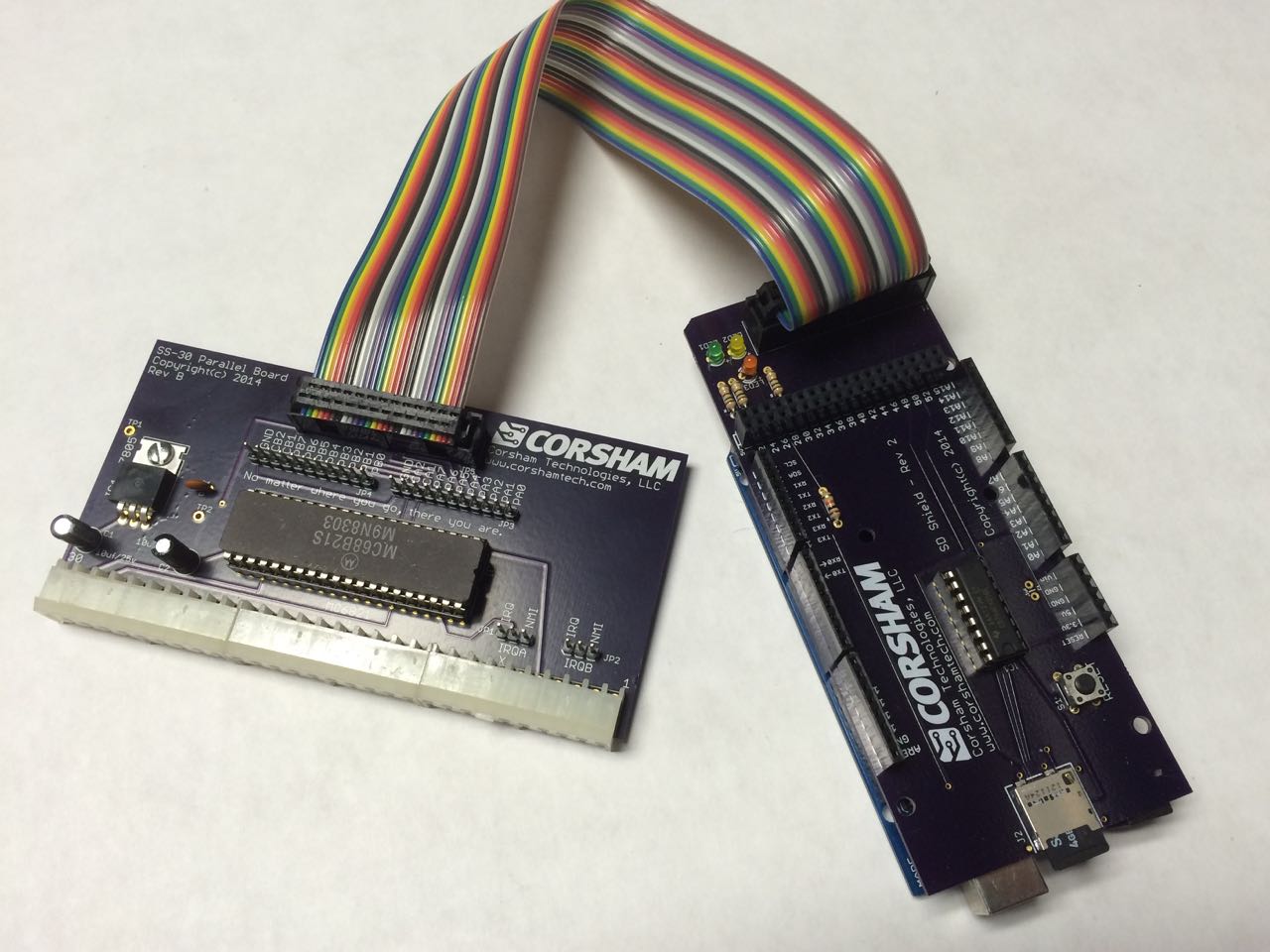
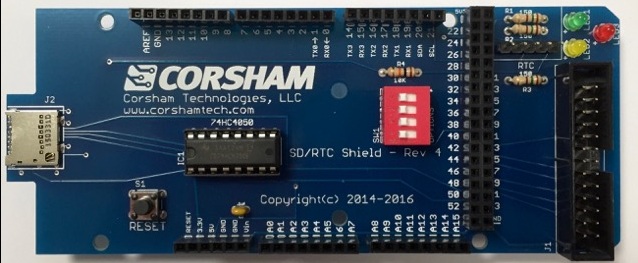
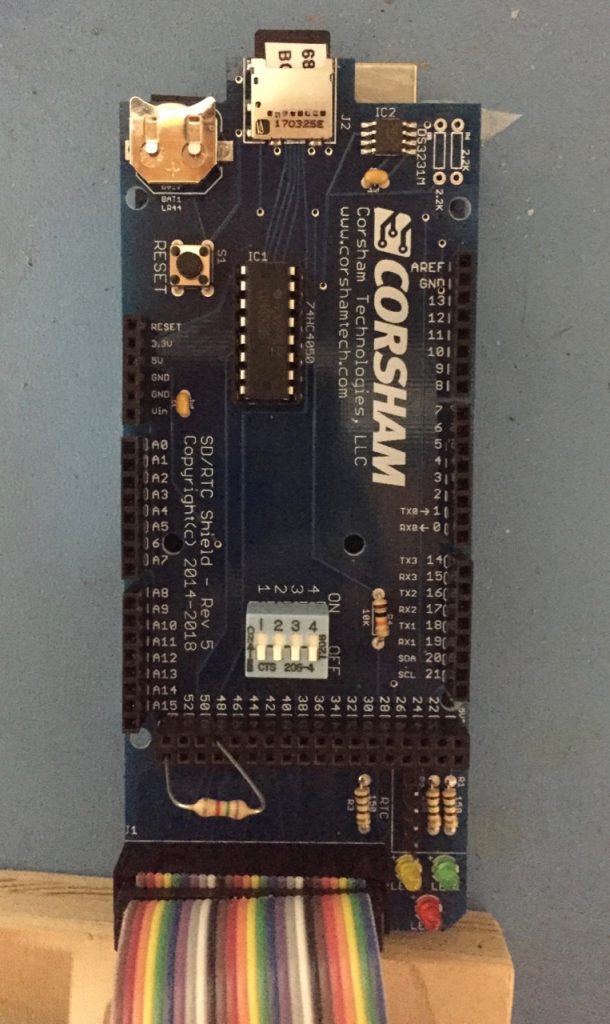
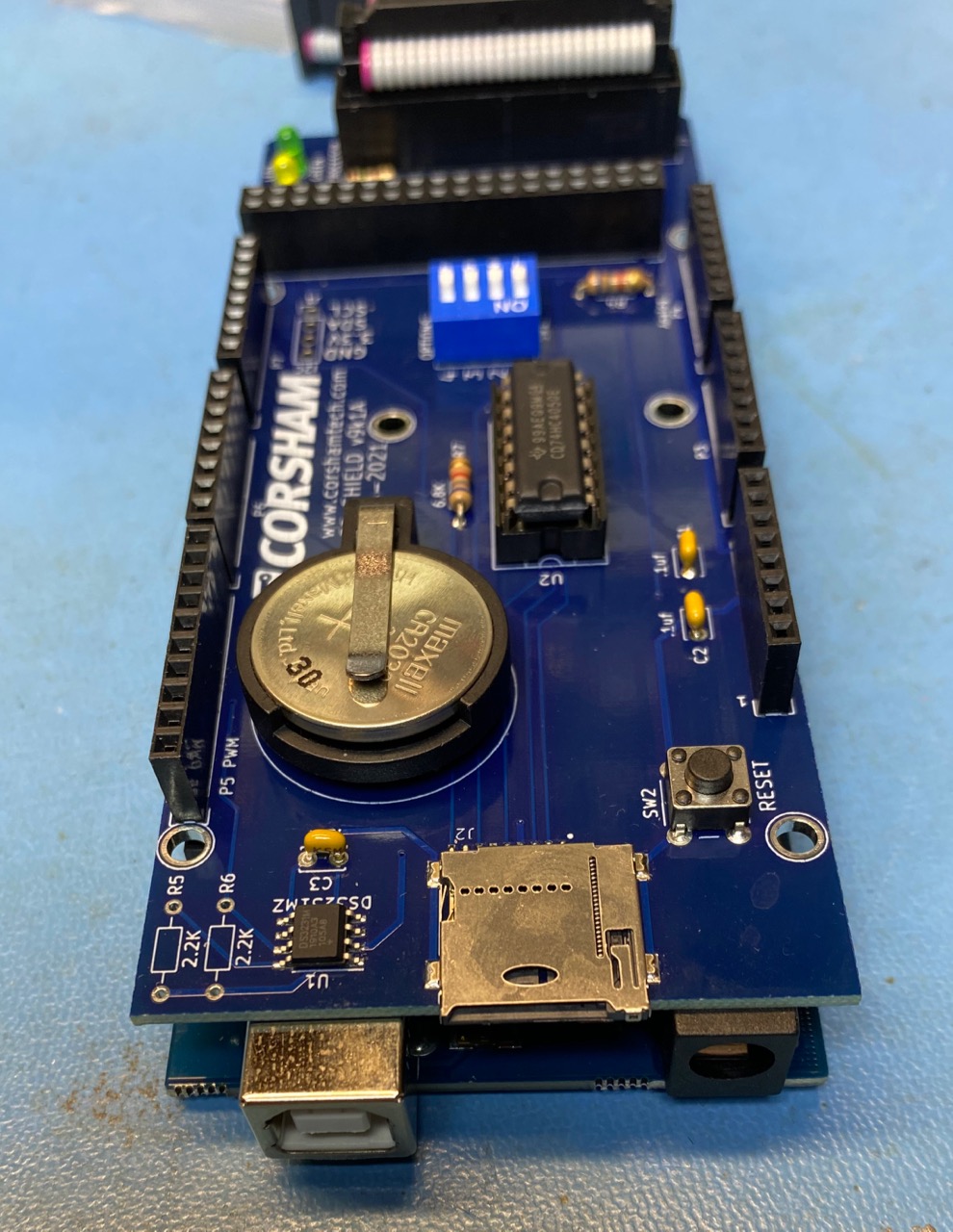
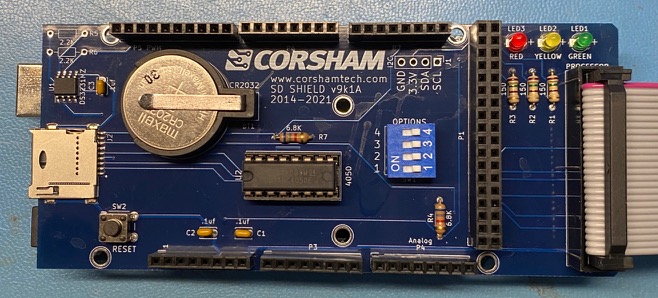
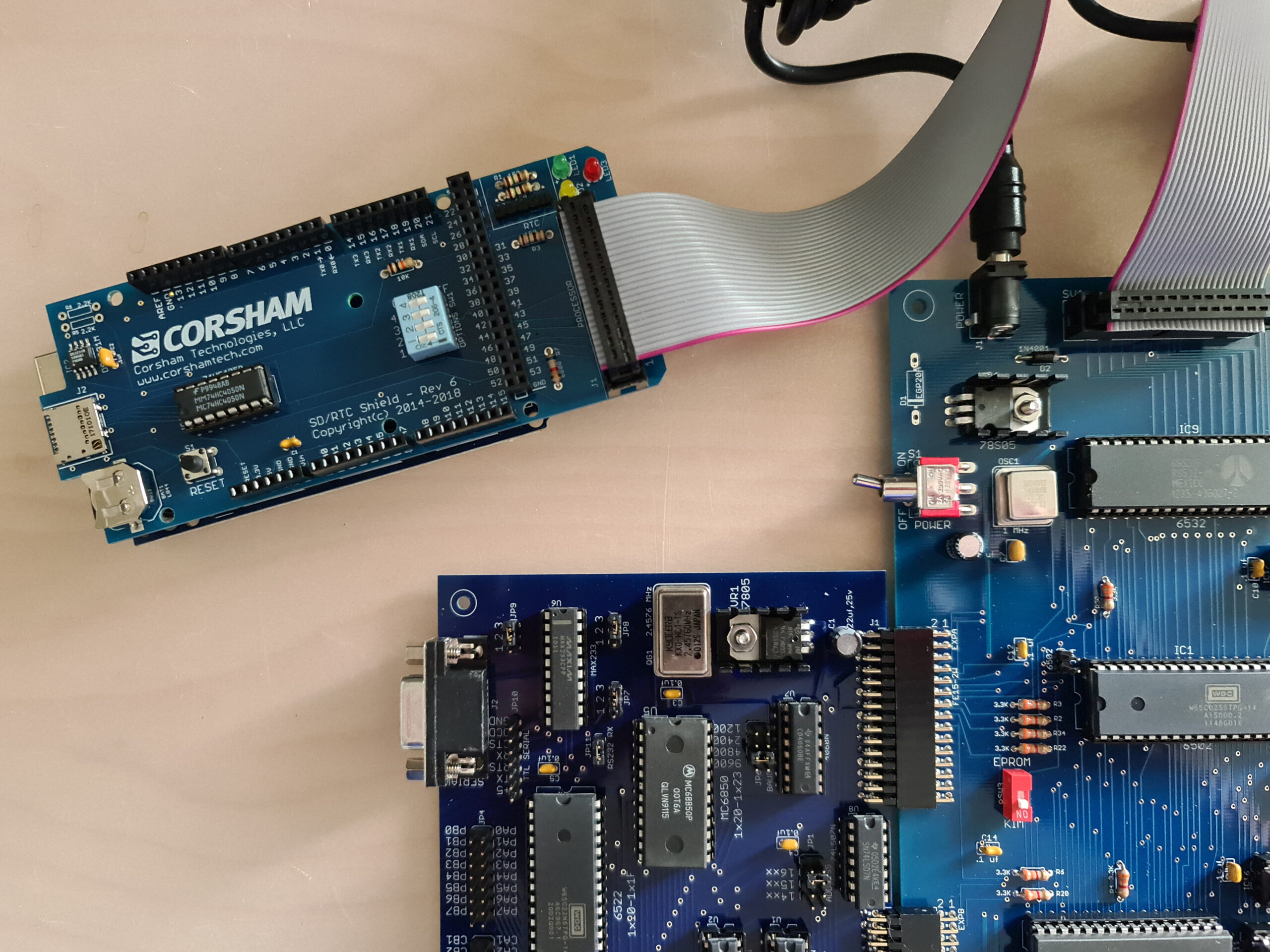
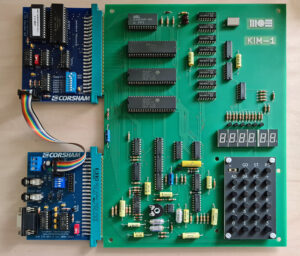
    I added the Corsham Technologies KIM-1 60K RAM/ROM board and the KIM I/O board, which makes it a great system!

    With the MOS KIM-1 Reproduction comes a small edge connector PCB for audio and power connections. Alas no TTY connections and keyboard/TTY switch. On an USB stick the well known KIM-1 documentation (all also found on this site!) and the First Book of KIM programs, as typed in by Jeff Tranter in papertape format, also found here. But as extra the programs as KIM-1 audio files are provided, as WAV files, ready to load into the KIM-1.

    MOS KIM-1 Reproduction

    Original KIM-1 rev F

    MOS KIM-1 Reproduction

    Original KIM-1 rev F

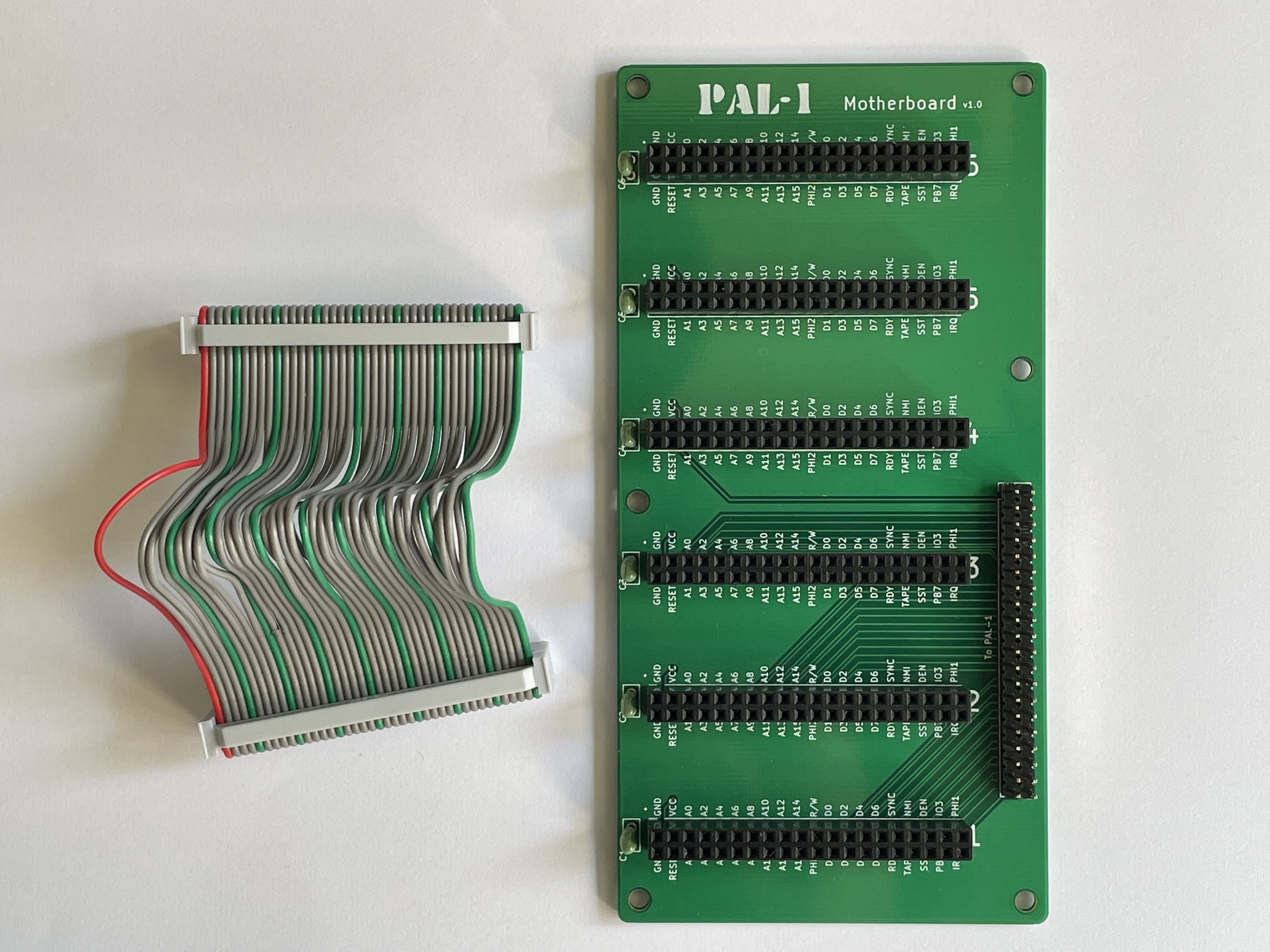
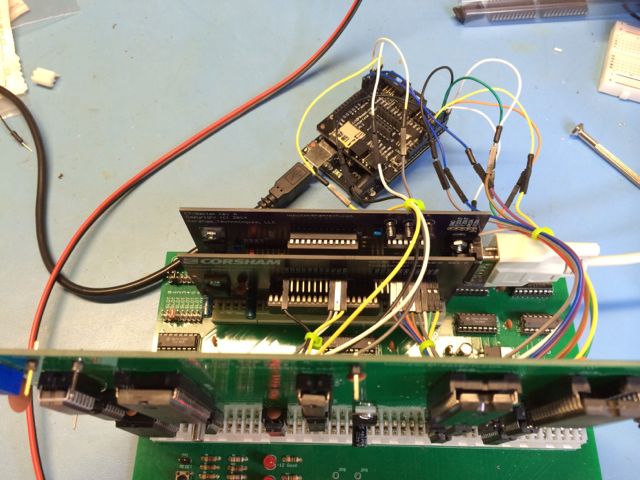
    Some photos from Dave Williams, showing the KIM-1 Reproduction connected to an audio cassette recorder, a KIM-1 S-100 Motherboard with a RAM card, running Microsoft Basic KB9 and a production line of KIM-1 Reproduction (with a real KIM-1 in the top row!)

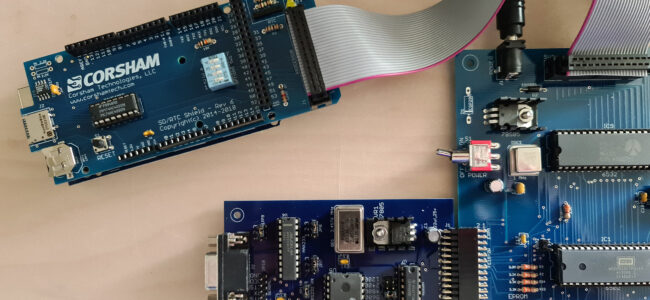
    My MOS KIM-1 Reproduction will be connected to Corsham Technologies cards: SRAM and EEPROM and I/O card


    Corsham Technologies KIM-1 RAM/ROM and I/O board connected to a KIM-1

    post

    Convert hex formats V2

    A program to convert between hex or binary files for 8 bit systems with a 64K address space.
    V2 adds the Wozmon Apple 1 format and allow multipart Intel Hex, MOS Papertape and Motorola S records.