
xKIM on the SD Card/RTC Shield

xKIM an Extended KIM Monitor

xKIM is a simple extension of the KIM-1 mnonitor to use the SD Card/RTC Shield. xKIM works with the files in the SDCARD folder.

Startup by loading and running the file xkim.ihex from the SDCARD folder with the main menu File – Load the file -Intel hex in memory.
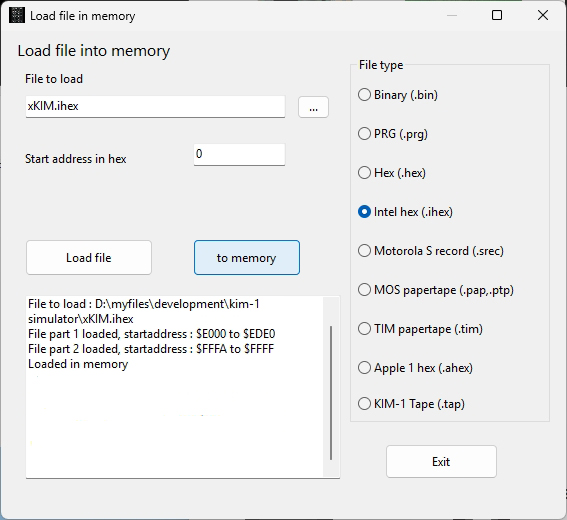
Now go to the console (or terminal emulator and start xKIM by entering E000 G
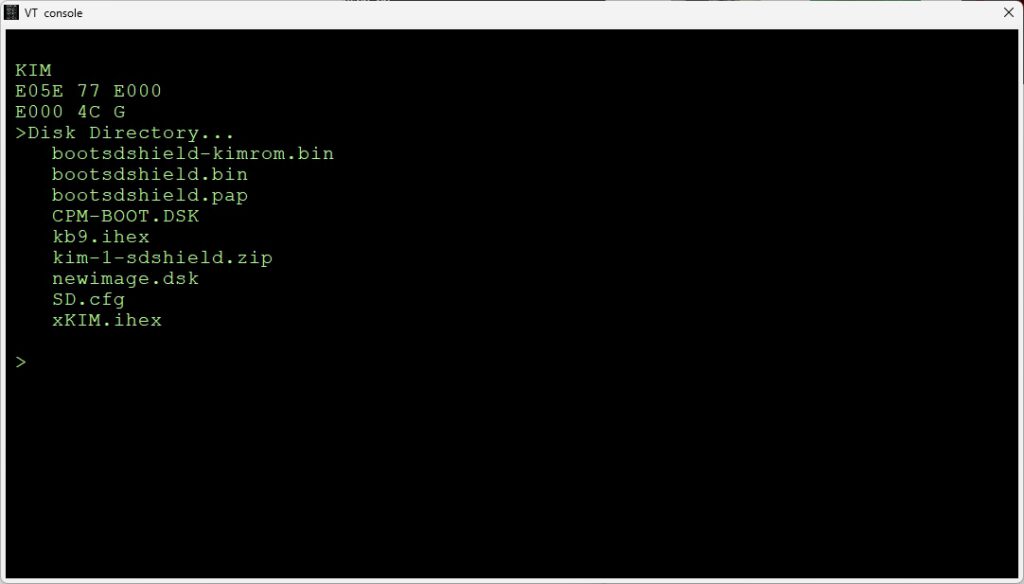
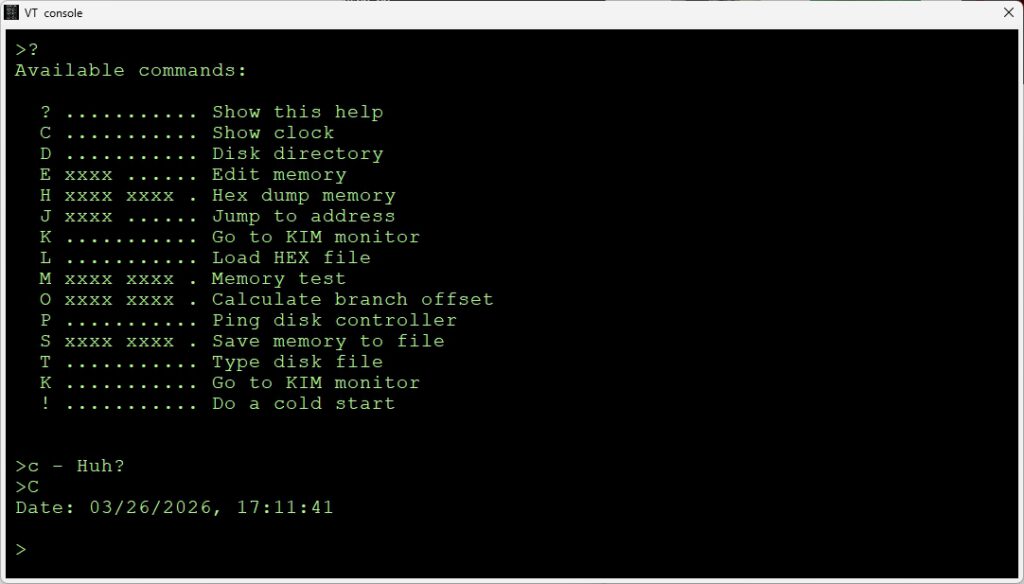
You can Load and Save memory to files in SDCARD. The files are Intel Hex encoded binary files.
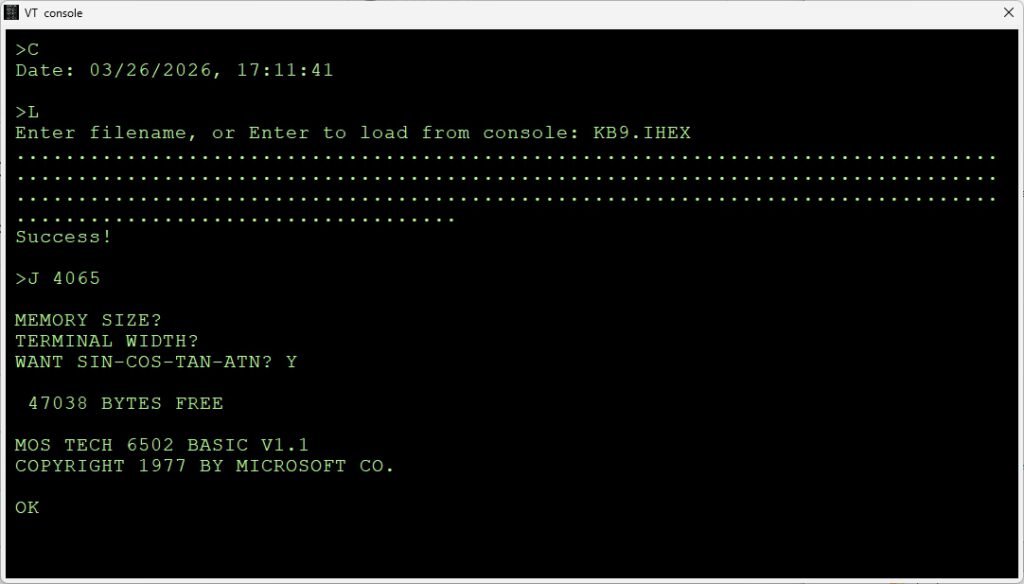
In the next image you see the file kb9.ihex being loaded with the L command and started with the J command. You can convert any KIM-1 program to Intel Hex with the Convert Hex Utility.
xKIM works also with the serial connection:
More information on the SD Card/RTC Shield in this manual.
Source of xKIM in original and CA65 format

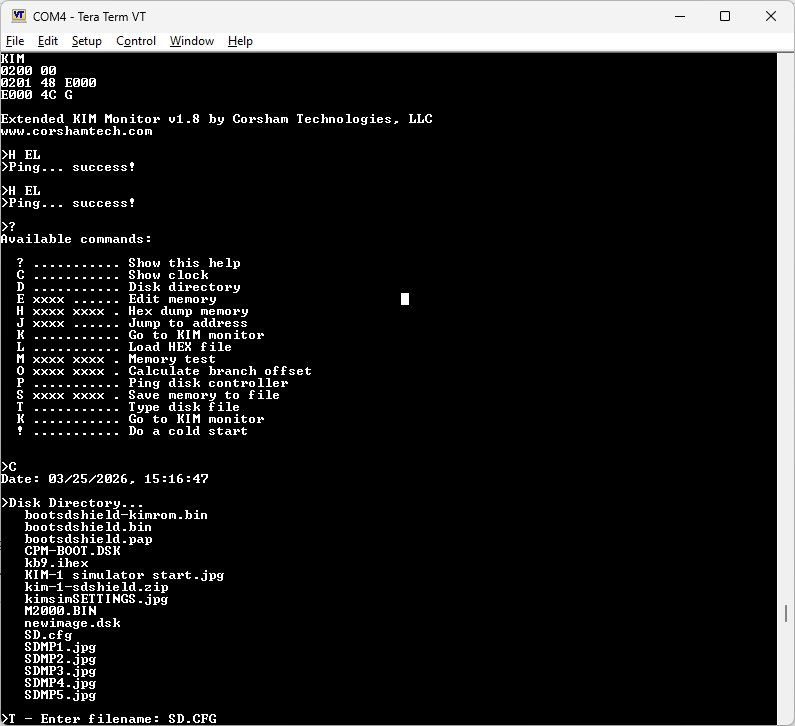
Sample session of xKIM, captured from Teraterm with the serial TTY connection

                                                    
KIM                                                       
0200 00                                                   
0201 48                                                   
E000                                                      
E000 4C G                                                 
                                                          
Extended KIM Monitor v1.8 by Corsham Technologies, LLC    
www.corshamtech.com                                       
                                                          
>?                                                        
Available commands:                                       
                                                          
  ? ........... Show this help                            
  C ........... Show clock                                
  D ........... Disk directory                            
  E xxxx ...... Edit memory                               
  H xxxx xxxx . Hex dump memory                           
  J xxxx ...... Jump to address                           
  K ........... Go to KIM monitor                         
  L ........... Load HEX file                             
  M xxxx xxxx . Memory test                               
  O xxxx xxxx . Calculate branch offset                   
  P ........... Ping disk controller                      
  S xxxx xxxx . Save memory to file                       
  T ........... Type disk file                            
  K ........... Go to KIM monitor                         
  ! ........... Do a cold start                           
                                                          
                                                          
>C                                                        
Date: 03/25/2026, 15:16:47                                
                                                          
>Disk Directory...                                        
   bootsdshield-kimrom.bin                                
   bootsdshield.bin                                       
   bootsdshield.pap                                       
   CPM-BOOT.DSK                                           
   kb9.ihex                                               
   KIM-1 simulator start.jpg                              
   kim-1-sdshield.zip                                     
   kimsimSETTINGS.jpg                                     
   M2000.BIN                                              
   newimage.dsk                                           
   SD.cfg                                                 
   SDMP1.jpg                                              
   SDMP2.jpg                                              
   SDMP3.jpg                                              
   SDMP4.jpg                                              
   SDMP5.jpg                                              
                                                          
>T - Enter filename: SD.CFG                               
# SD Card Disk Configuration                              
# Format: drive:filename or driveR:filename (for read-only
0:CPM-BOOT.DSK                                            
1:newimage.dsk                                            
                                                          
>S 2000-2199                                              
Enter filename, or Enter to display to console: K2000.BIN 
..........................                                
>Disk Directory...                                        
   bootsdshield-kimrom.bin                                
   bootsdshield.bin                                       
   bootsdshield.pap                                       
   CPM-BOOT.DSK                                           
   K2000.BIN                                              
   kb9.ihex                                               
   KIM-1 simulator start.jpg                              
   kim-1-sdshield.zip                                     
   kimsimSETTINGS.jpg                                     
   M2000.BIN                                              
   newimage.dsk                                           
   SD.cfg                                                 
   SDMP1.jpg                                              
   SDMP2.jpg                                              
   SDMP3.jpg                                              
   SDMP4.jpg                                              
   SDMP5.jpg                                              
                                                          
>T - Enter filename: M2000.BIN                            
:102000001510922D4C000020902860A00CA900997A               
:10201000922D8810FA4CD425A9FF8D942DA9008DFE               
:102020009E2D60084898488A48AD942D3004A00041               
:10203000911A68AA68A8682860A51A49FF2D952DED               
:102040008D952DA51B49FF2D962D8D962D18602061               
:10205000CD20A90F204325B02BA00CB11A8522A0BA               
:102060001FB10E911A8810F920A923A00CB11AC52E               
:1020700022F00AA9009002A980A00F911AA522A01F               
:102080000C911A186020CD20206428A90F20432528               
:102090009037A900A010911AC8C020D0F9A9E5A0D6               
:1020A00000911AA901204325B01FA001B11A910E79               
:1020B000C8C020D0F7ADB12DA000910E20AF26A949               
:1020C0000120D22720A9231860A9FF3860A00EA9FB               
:1020D00000911AA000B11A8D942D290FAACA1003DD               
:1020E000AEB02DADB12D911A8A4CD42520D320202D               
:1020F000A625206428A00EB11A10021860A90F208E               
:01210000439B                                             
:00000001FF                                               
>                                                         
>L                                                        
Enter filename, or Enter to load from console: m2000.bin  
.................                                         
Success!