
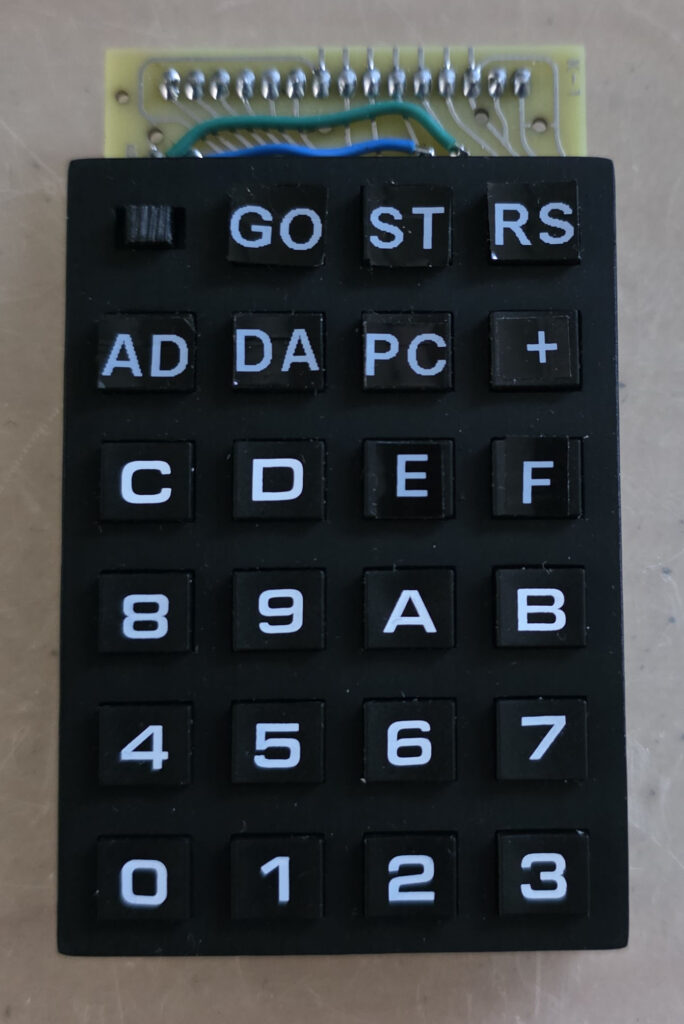
 Parts you need
- PCB as designed by Eduardo
- 19 SMD switches TL3305A
- 1 slide switch JS102011SCQN
- 2 Keypads, as source of keycaps scavenged from keypads sold as AZ-Delivery 4×4 Matrix Keypad, also available cheap on AliExpress.
- 3D STL of frame, either with ON text embossed or without (see below)
- Black filament or resin, depending on your 3D printer. Or send iot off to a 3d printing service. I have used black PLA, my friend Gerben Voort a professional 3D printing service in resin and sanded.
- at least 3 small self tapping screws
- self tapping screws to connect the kaypad to the KIM-1 PCB form underneath
- A label printer like the Dymo Pocket with White on Black tape 9 mm
Step 1. Populate the PCB with switches
Get the PCB as designed by Eduardo Casino. The design is available at his github archive. Sent the gerbers to your favorite PCB factory, I use JLCPCB.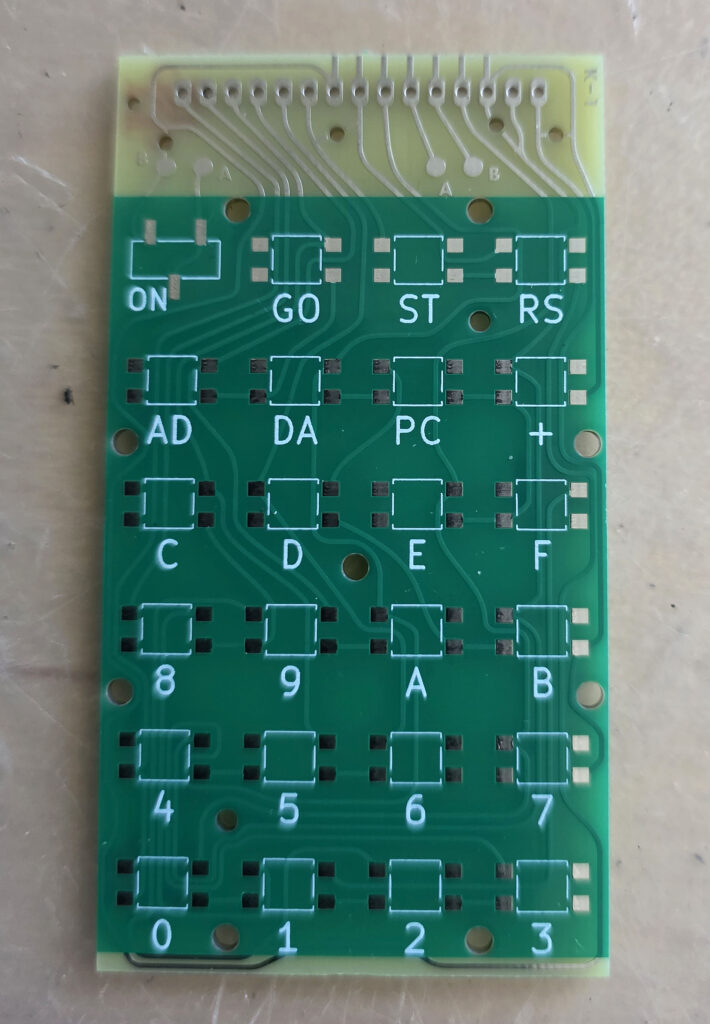
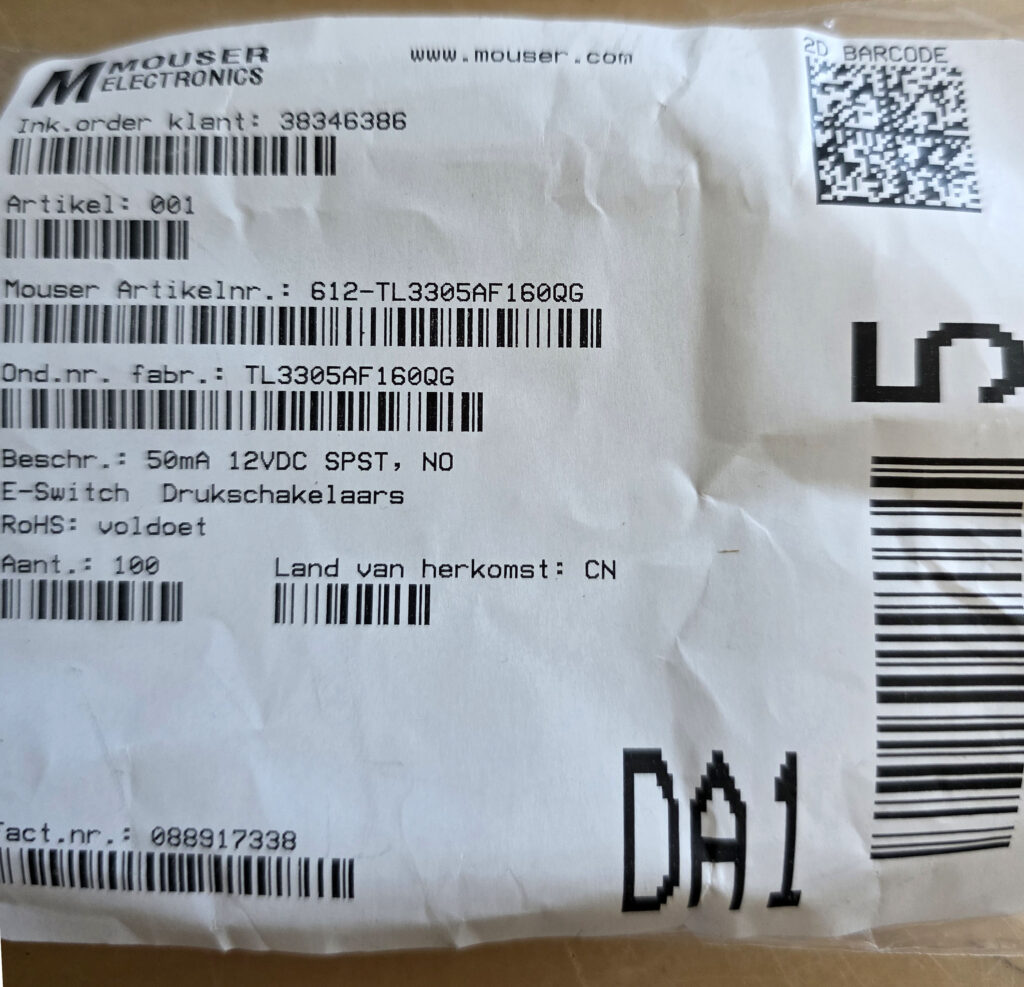
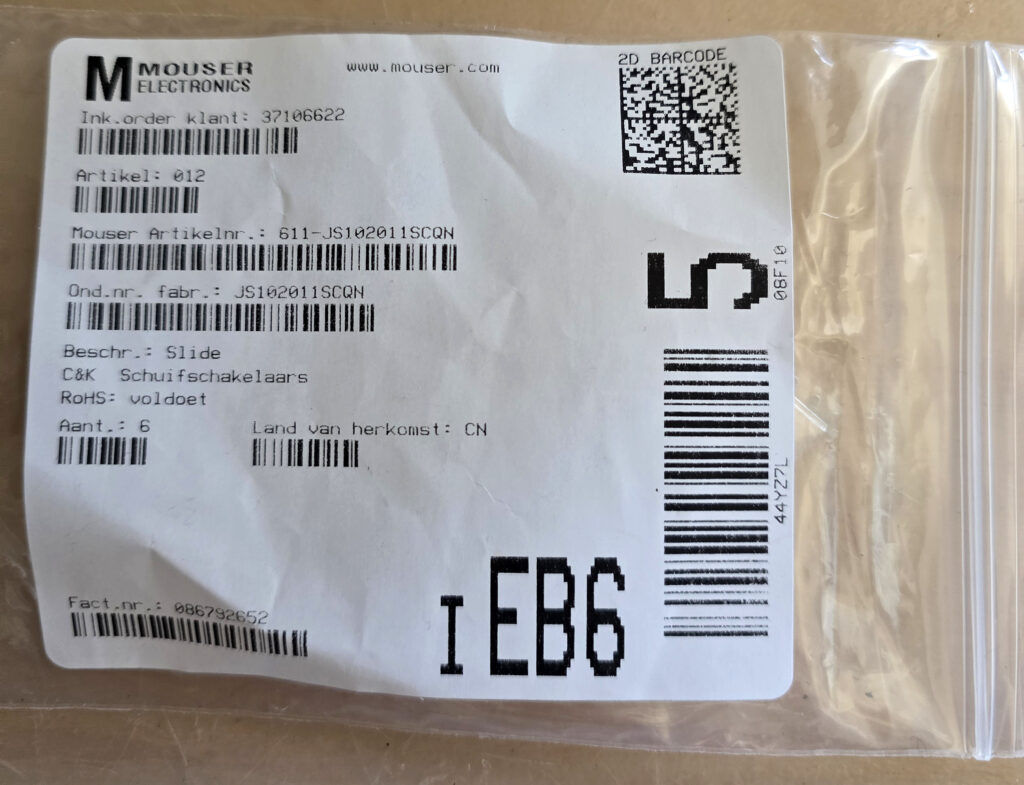
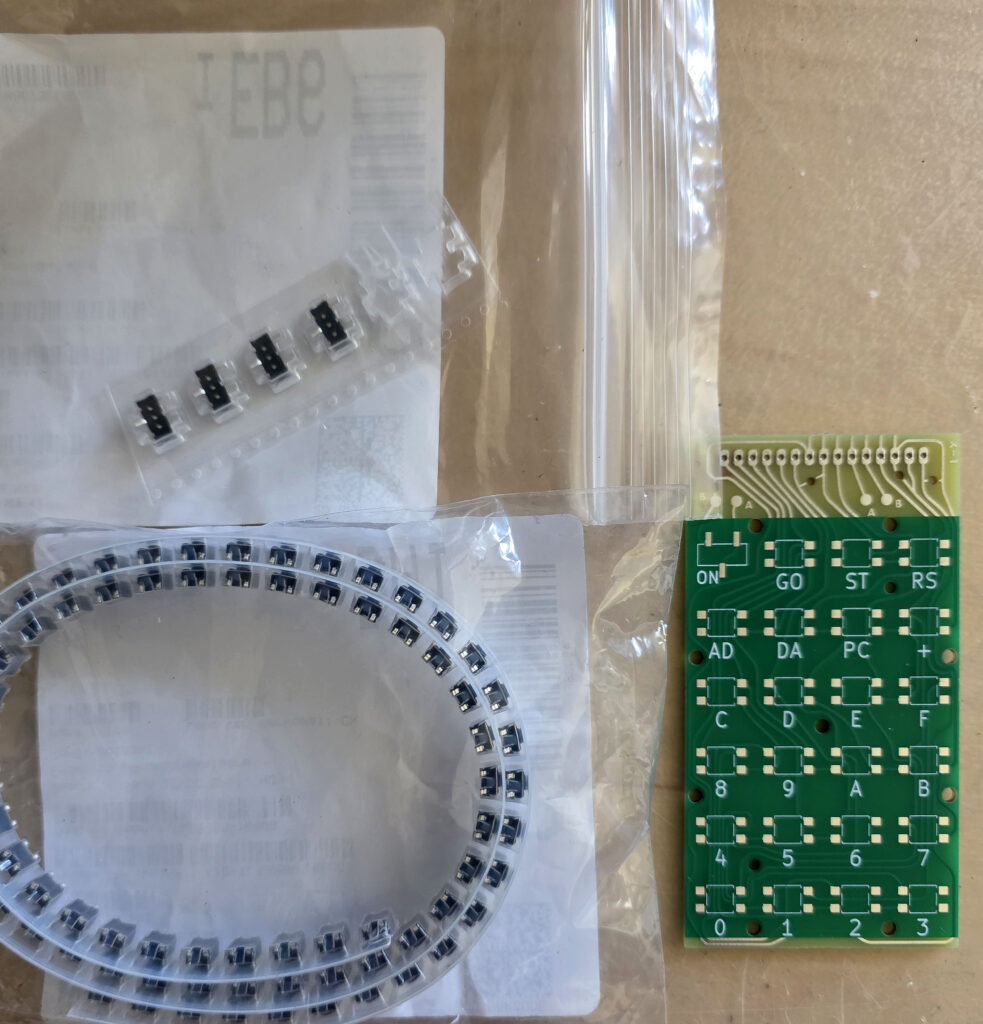 Surface mount switches and slide switch. Solder one leg first of all switches. Check if the switches are nicely in line with the others. Move if required.
Only when you are satisfied with the position of all switches, solder the other legs. Fine tip, not too much solder.
Surface mount switches and slide switch. Solder one leg first of all switches. Check if the switches are nicely in line with the others. Move if required.
Only when you are satisfied with the position of all switches, solder the other legs. Fine tip, not too much solder.
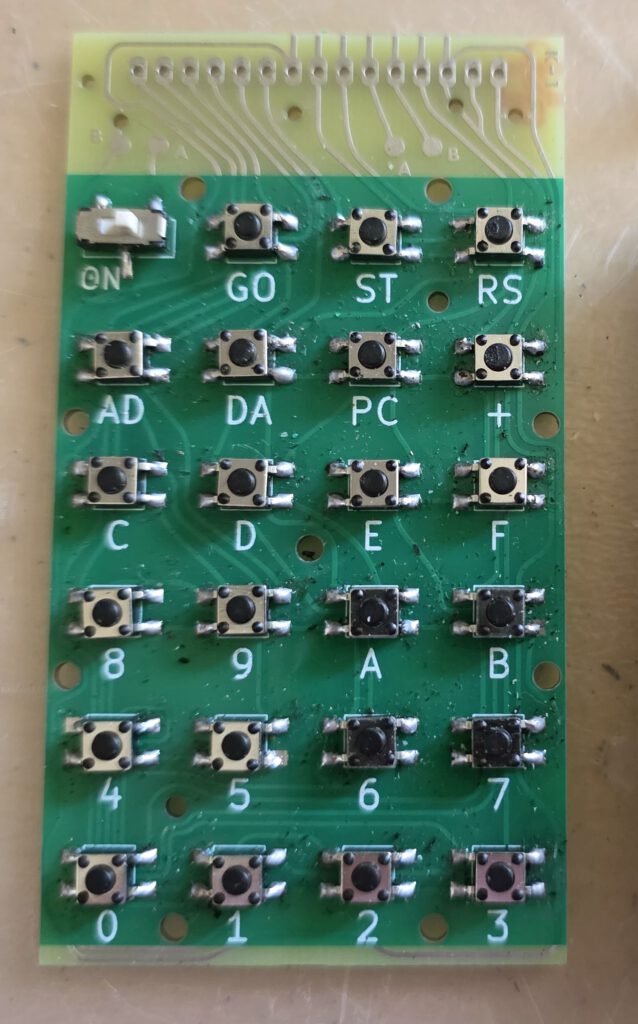 Next solder the two wires (A to A, B to B) on top of the PCB.
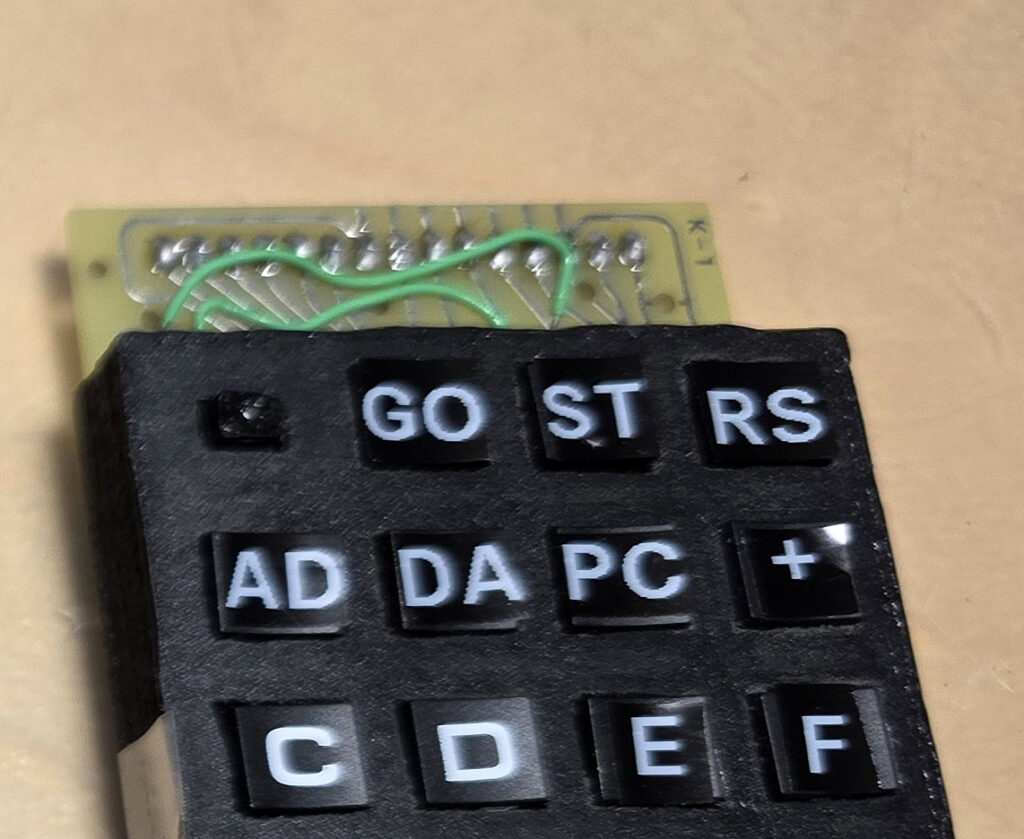
Step 2. Print the frame and the slide switch button
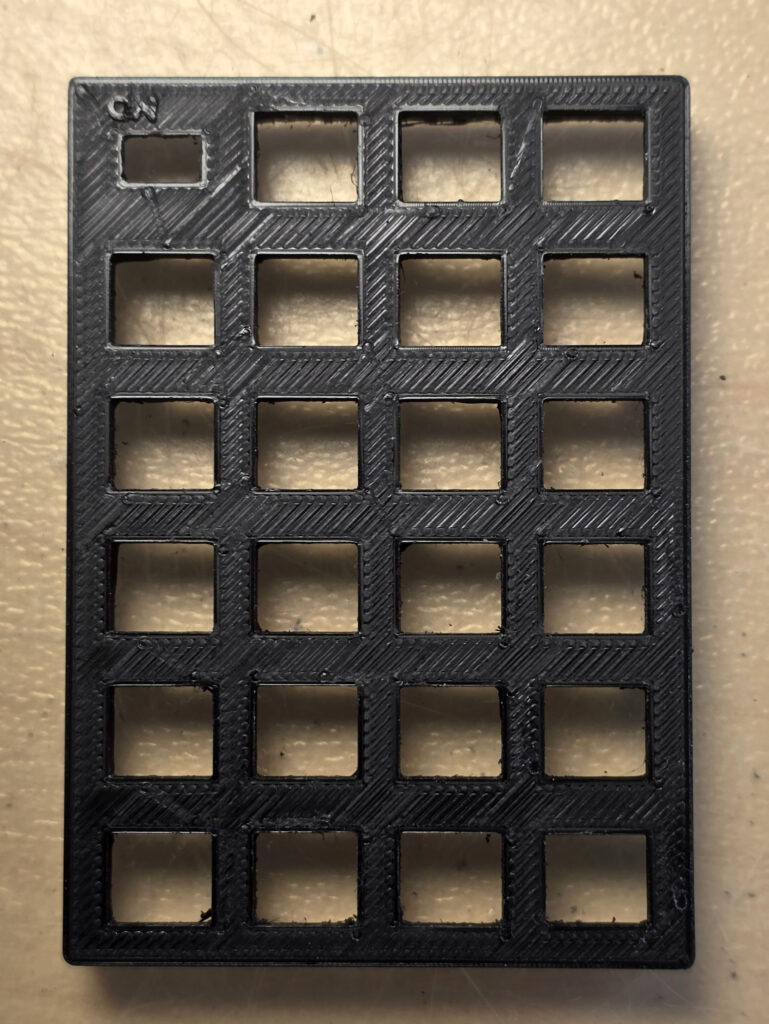
Depending on your printer and wish to be close to the original a choice of two 3D designs has to be made:- The 3D design by Pete (peo2000 on forum64.org) You can print his one with the front on the bottom. No supports required, use fine resolution. That delivered on my 3 printer a quite smooth end result.
- The design enhanced by me with the embossed text ‘ON’ like the original keypad of the KIM. This one needs to be printed with the front of the frame on top due to the embossed text. So it needs supports. This means quite some afterwork to remove the artefacts.
The last step
Check if all keys ‘click’, as in this video.See also:
Proton PIM-1
Gerben Voort acquired a microprocessor development system PIM-1 developed by Proton, of PC-1 fame.
Here his photos of...
PROTON Electronics: PC-1, CB80, PIM-1
PROTON Electronics, a small company from Naarden the Netherlands, led by James Post, and A.J. Kool as technical manager,...
EMUF 6504 remake
A remake by Klaus Loy of the 6504 based EMUF 6504 as published in MC, see the many original articles about the EMUF.
...
MACH-9 MMS Inc 6809 CPU Plug-in for AIM 65
Royce Taft has a MACH-9 MMS Inc 6809 CPU Plug-in for AIM 65 and reverse engineered it.
He sent me his design to be pu...