post

A-ONE

These page is about the A-ONE family of Apple 1 replicas.
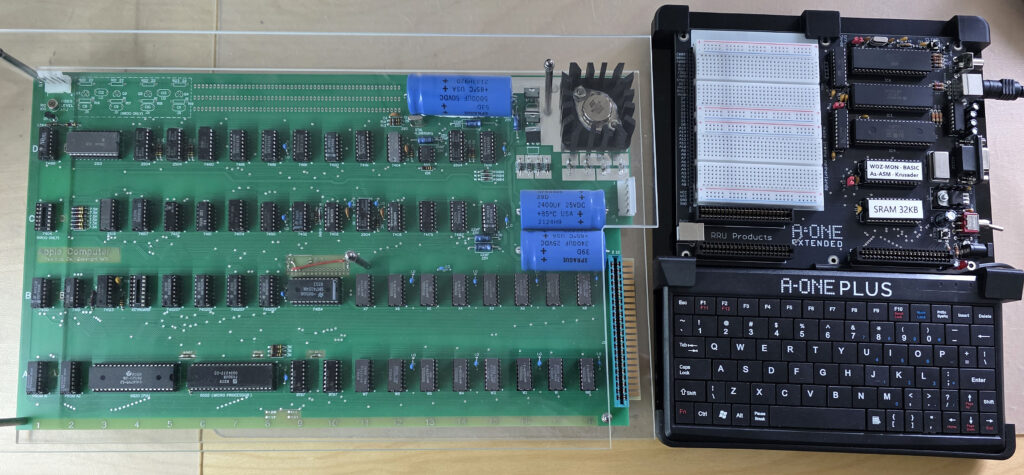
My Apple 1 (replica!) and the A-ONE PLUS
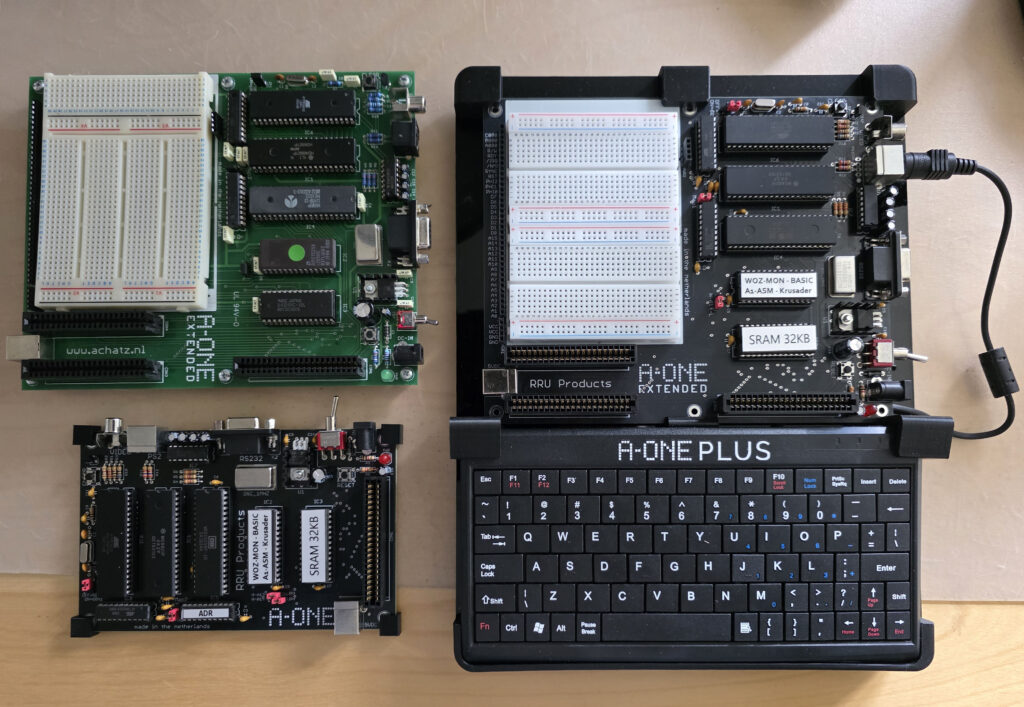
My A-ONE collection

In 2006 Franz Achatz designed the hardware of an Apple 1 replica named A-ONE and sold these for some years. In 2025 Franz continued the product line with updated A-ONE computers.
The A-ONE 2025 products are for sale at the RRU products shop.

The A-ONE was announced as follows:
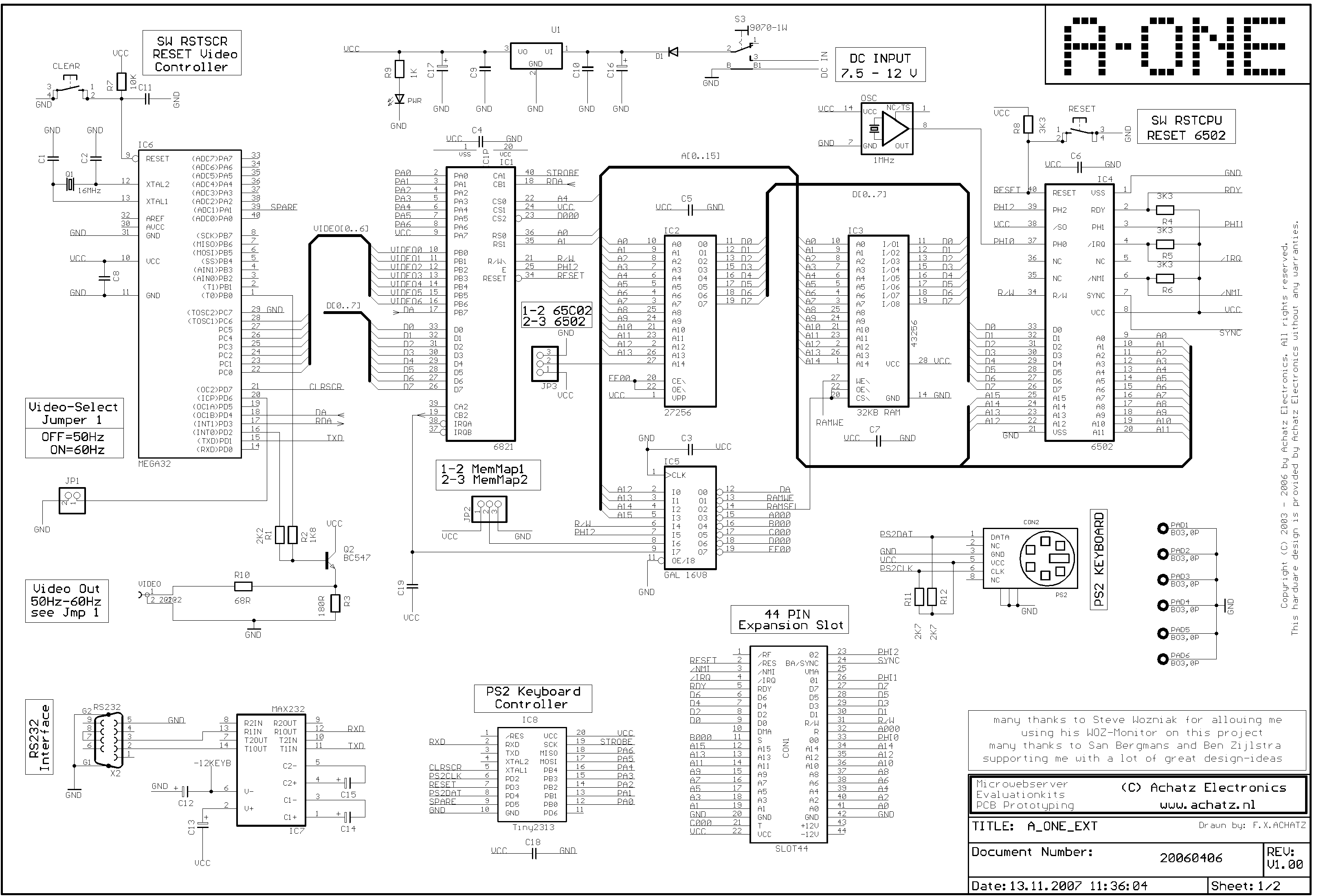
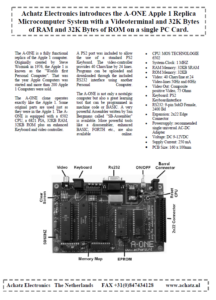
The A-ONE is a compact and high quality Apple 1 replica made and designed in the Netherlands by Achatz Electronics. Similar, but not identical to the Apple 1 Replica 1. Advantages are the small board size and low IC count,, 50 Hz and 60 Hz rock solid video, and the real Apple 1 slot.

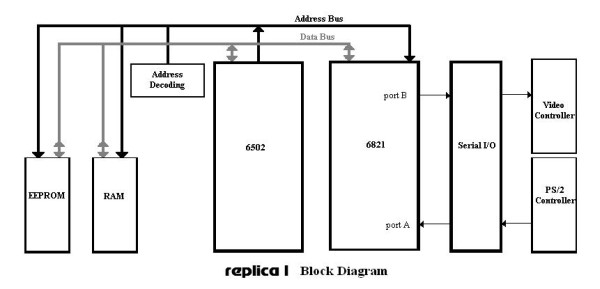
The A-ONE follows the usual concept of Apple 1 replicas. The computer part, the 6502 CPU and 6821 PIA are identical to the Apple 1. The video terminal part is replaced with one or mee modern microcontrollers. In 2006 the Atmel IC’s were the best in the market, so these were chosen for the video terminal.

Franz asked San Bergmans to develop the firmware for the video terminal part with an ATMega32 . And Ben Zijlstra for the PS/2 interface with a ATTine2313.
San Bergmans also developed a subset of his big PC based SB Assembler, the A1-Assembler, that runs on the 6502.

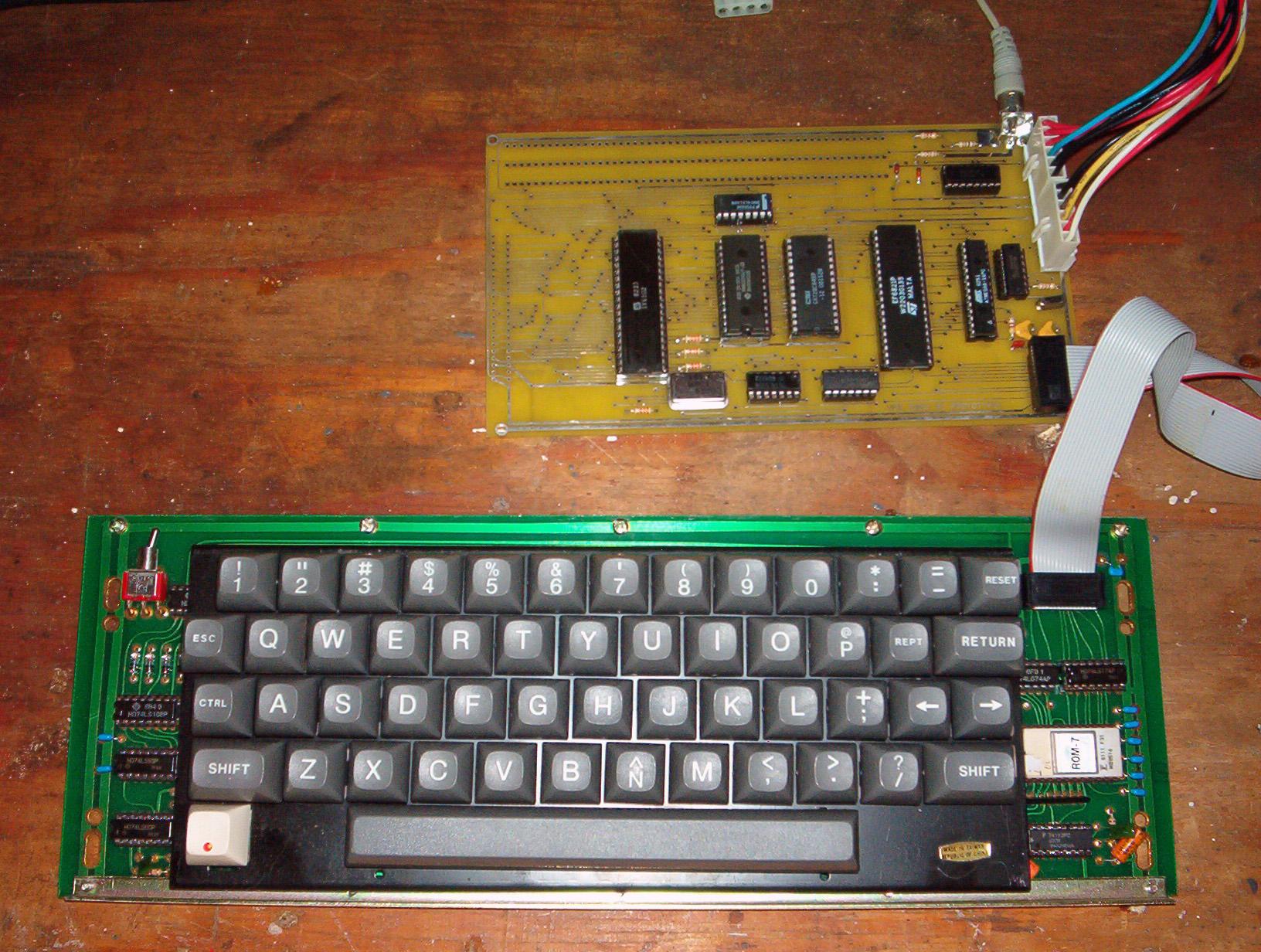
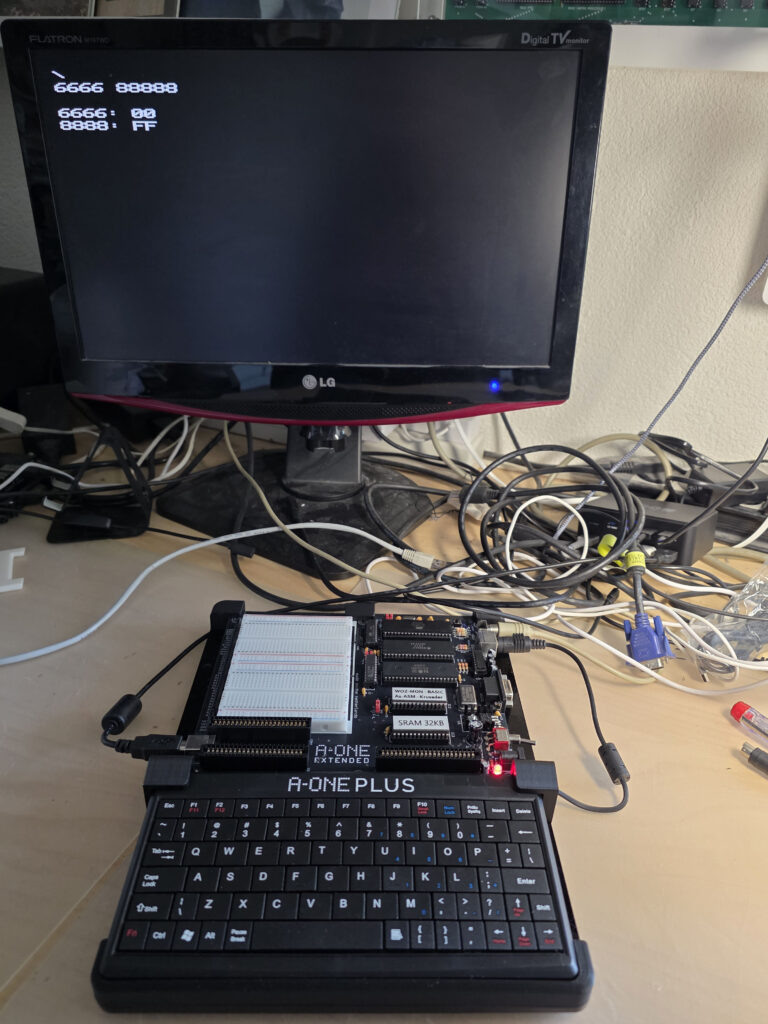
In 2006 I acquired the A-ONE EXTENDED. In 2026 the A-ONE PLUS and standard board were added tot he family.

The A-ONE family in 2006

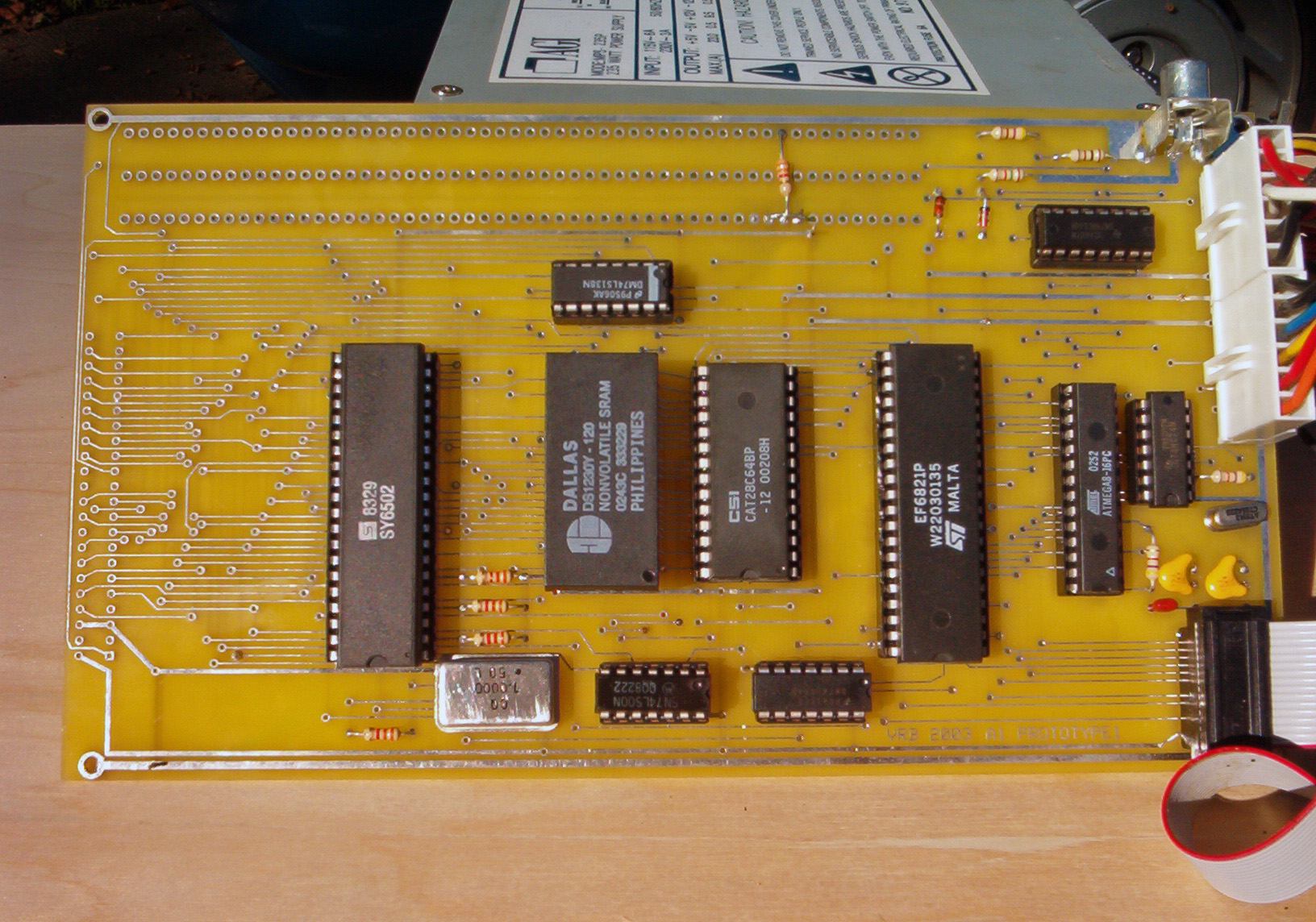
  • A-ONE Standard board
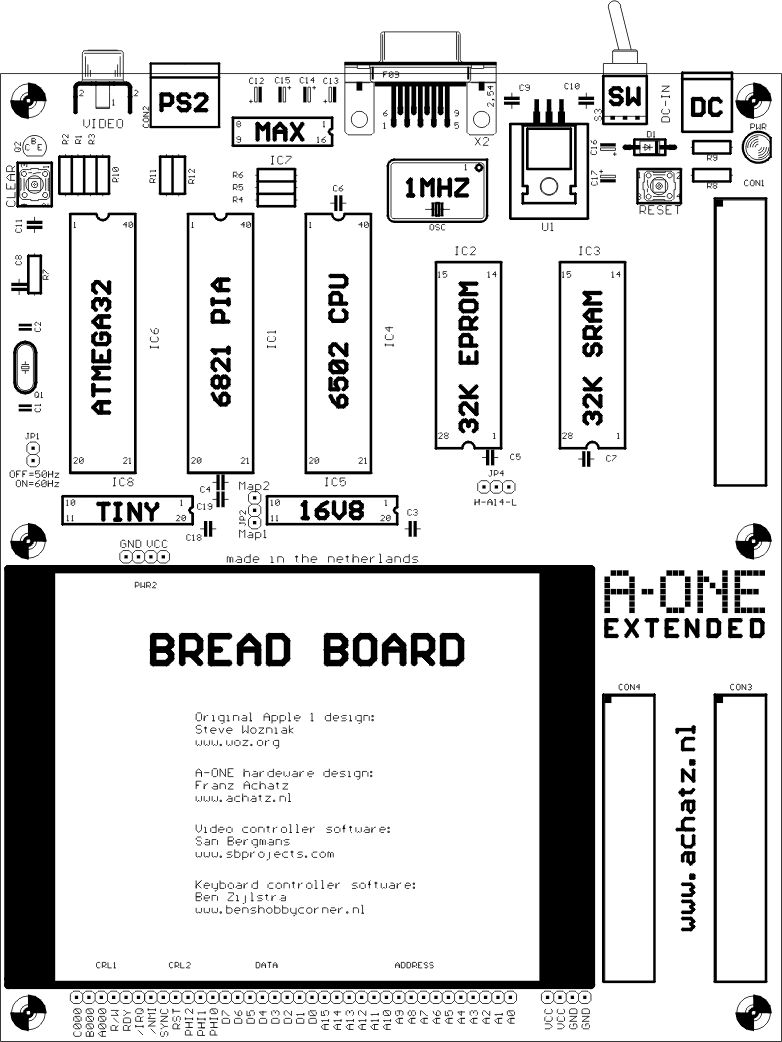
  • A-ONE EXTENDED
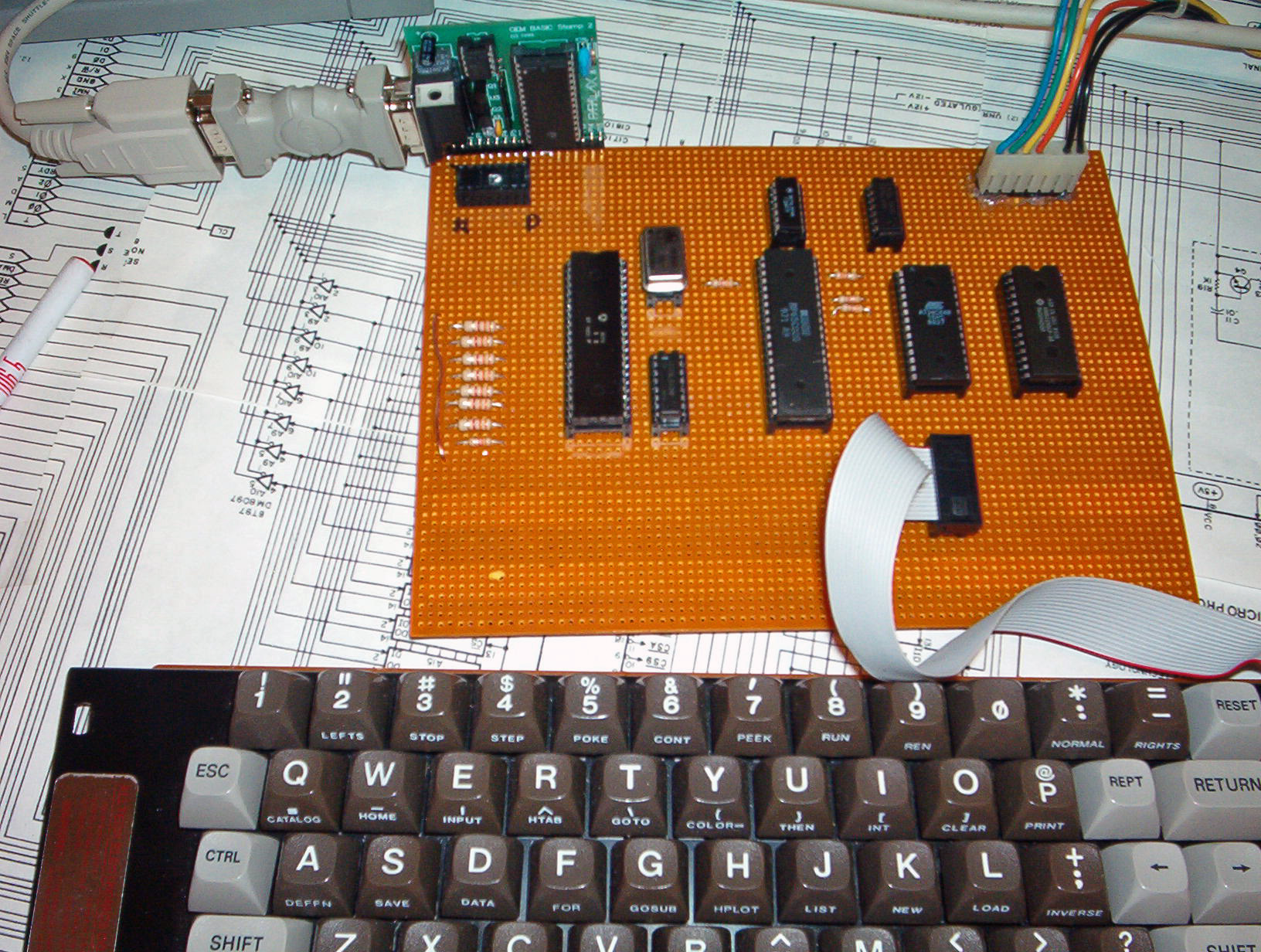
  • A-ONE Prototype board
  • A-ONE Prototype board with breadboard

The A-ONE family in 2025

  • A-ONE standard board
  • A-ONE EXTENDED
  • A-ONE PLUS
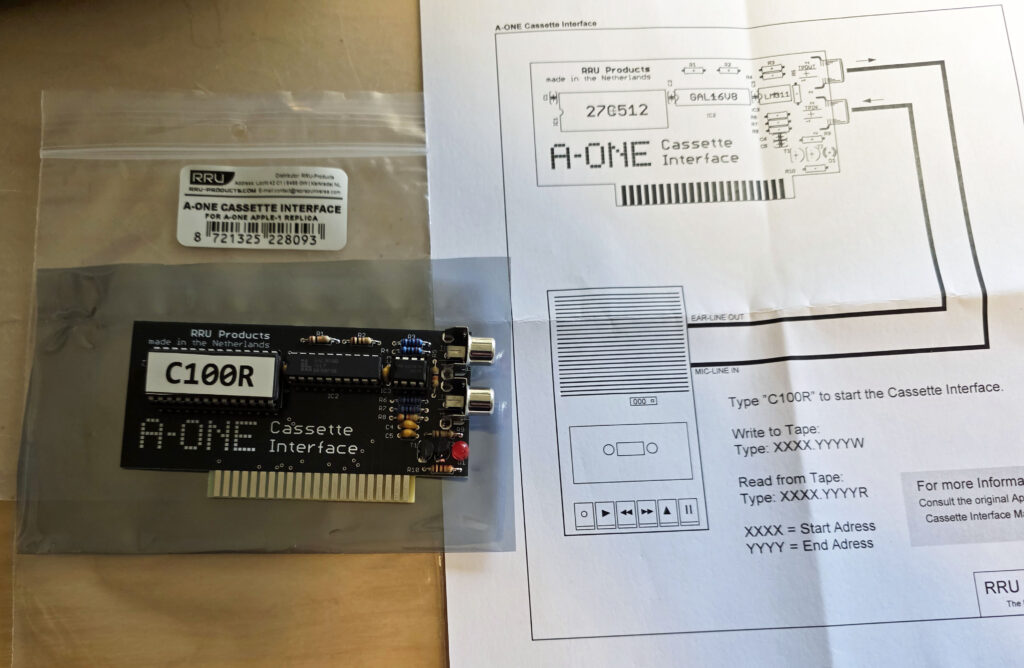
  • A-ONE Cassette Interface
  • A-ONE Prototype board
  • A-ONE Prototype board with breadboard

Specifications of the A-ONE
All A-ONE computers share the same design, firmware and software.

  • CPU: MOS TECHNOLOGY 6502 (65C02 supported)
  • System-Clock: 1 MHz
  • RAM Memory: 32KB SRAM
  • ROM Memory: 32KB (64KB EPROM, selectable are two banks)
  • Video: 40 Chars/line at 24 Video-lines 50Hz and 60Hz
  • Video Out: Composite positive Video, 75 Ohms
  • Keyboard: PS/1 Keyboard interface
  • RS232: 9-pin SubD Female, 2400 Bd
  • Expansion: 2×22 Edge Connector (3x for EXTENDED and PLUS
  • Powersupply single universalAC-DC Adapter DC 9-12VDC
    Supply Current: 250 mA
  • 2025 versions: USB connector as alternative power supply
  • Software
    WozMON monitor
    Apple 1 Basic
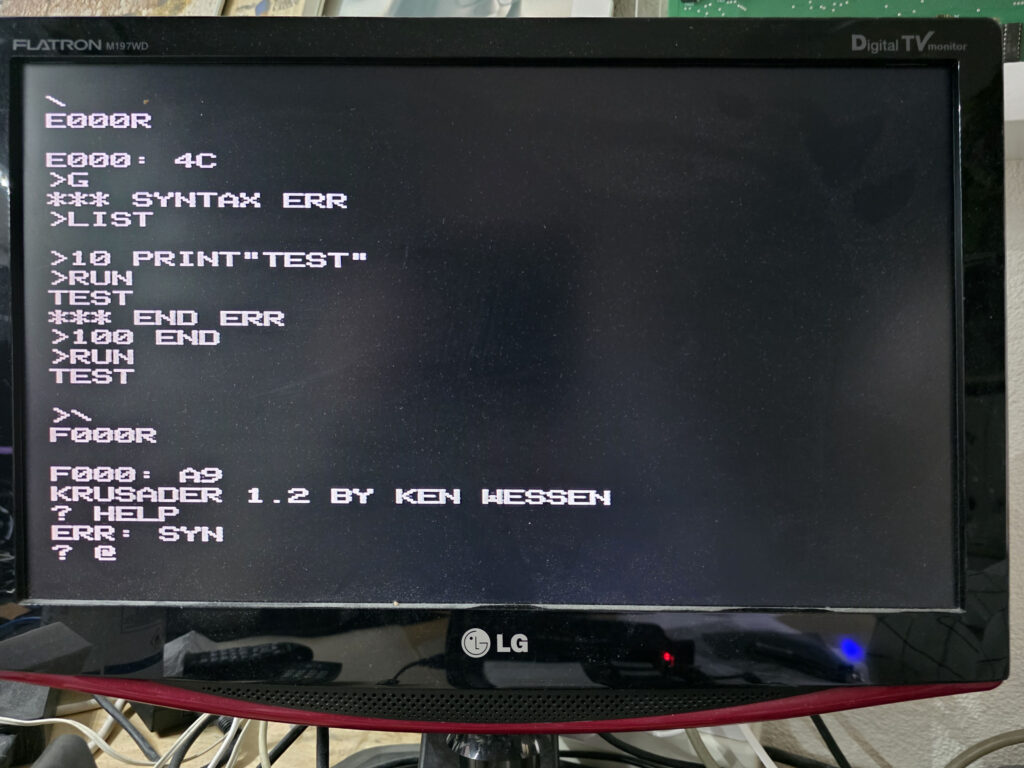
    Krusader 1.2 Assember/Editor
    A1-Assembler
  • Jumpers for:
    JP1: Video 50/60Hz
    JP2: MemoryMap (see Manual)
    JP3: H-A14 = 65C02 CPU, A14-L = 6502 CPU

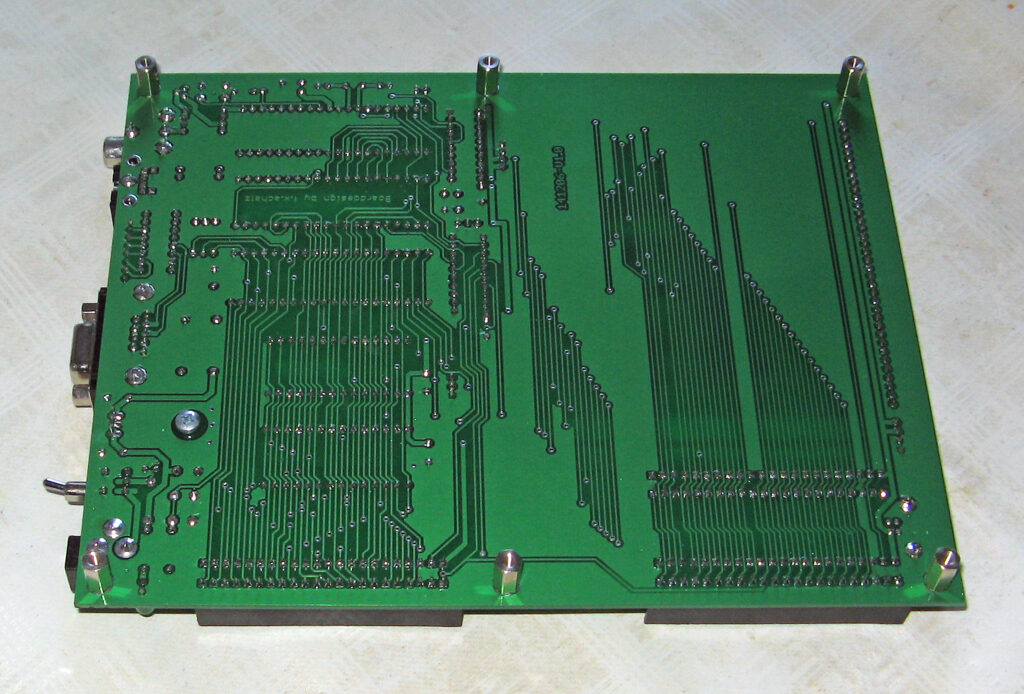
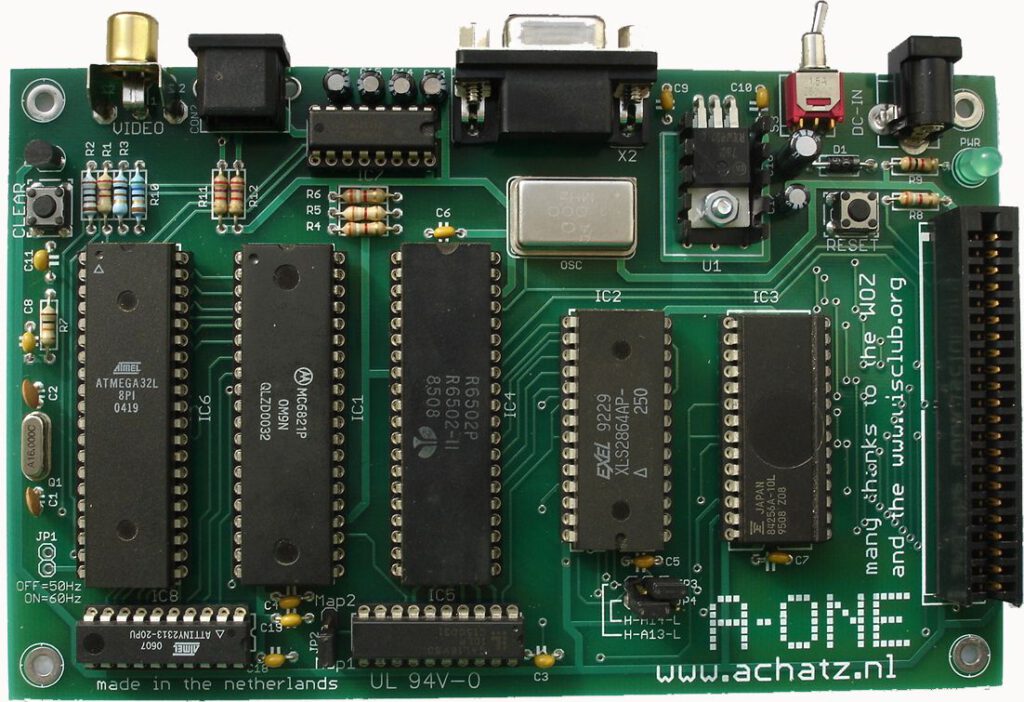
A-ONE 2006 standard board
This is the first edition of the A-ONE. All other A-ONE computers share the same design.
A compact 100x160mm PCB, professionally made.
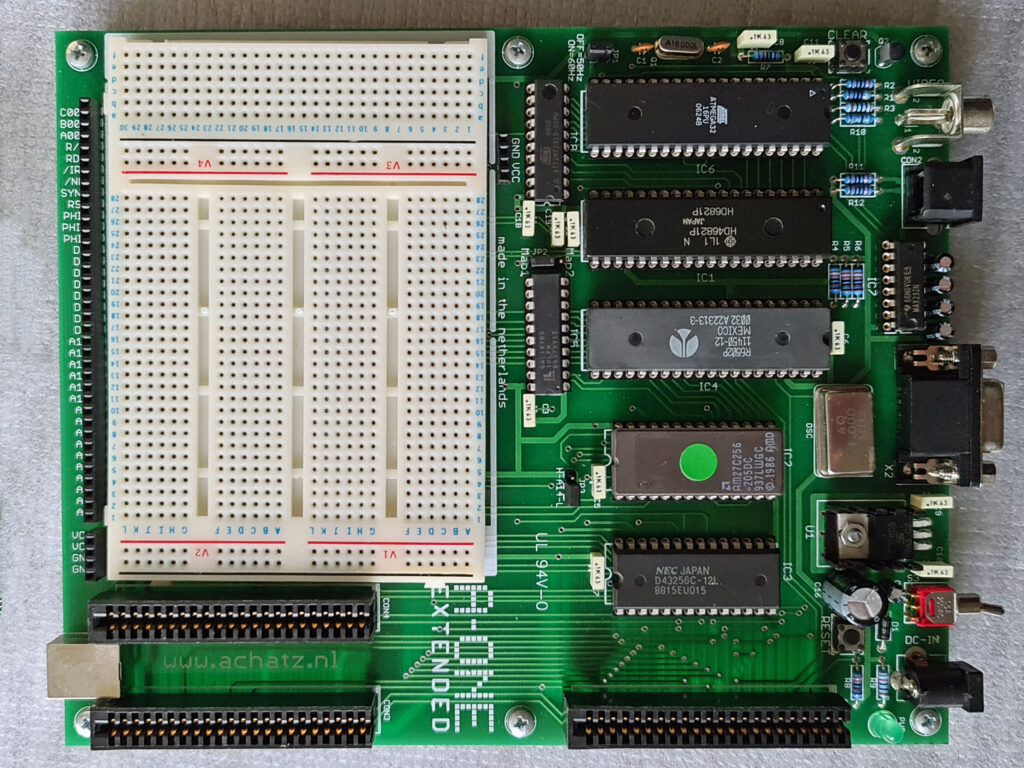
A-ONE 2006 EXTENDED
This larger PCB adds a breadboard area to the A-ONE, access to all the relevant signals in the system and three expansion slots.
And with the extra USB powersupply connector.
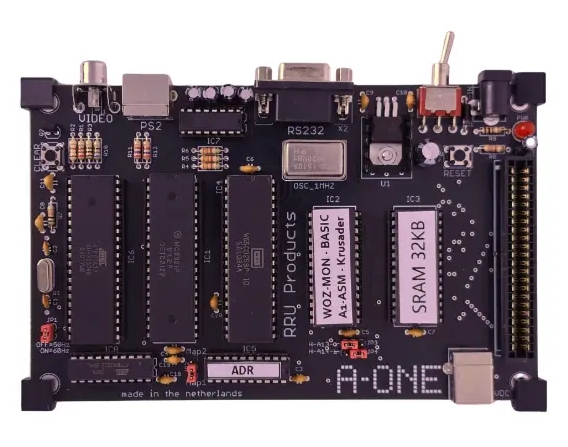
A-ONE 2025 Standard board
A remake of the standard board. Black PCB, USB power connector added. 3d printed supports.
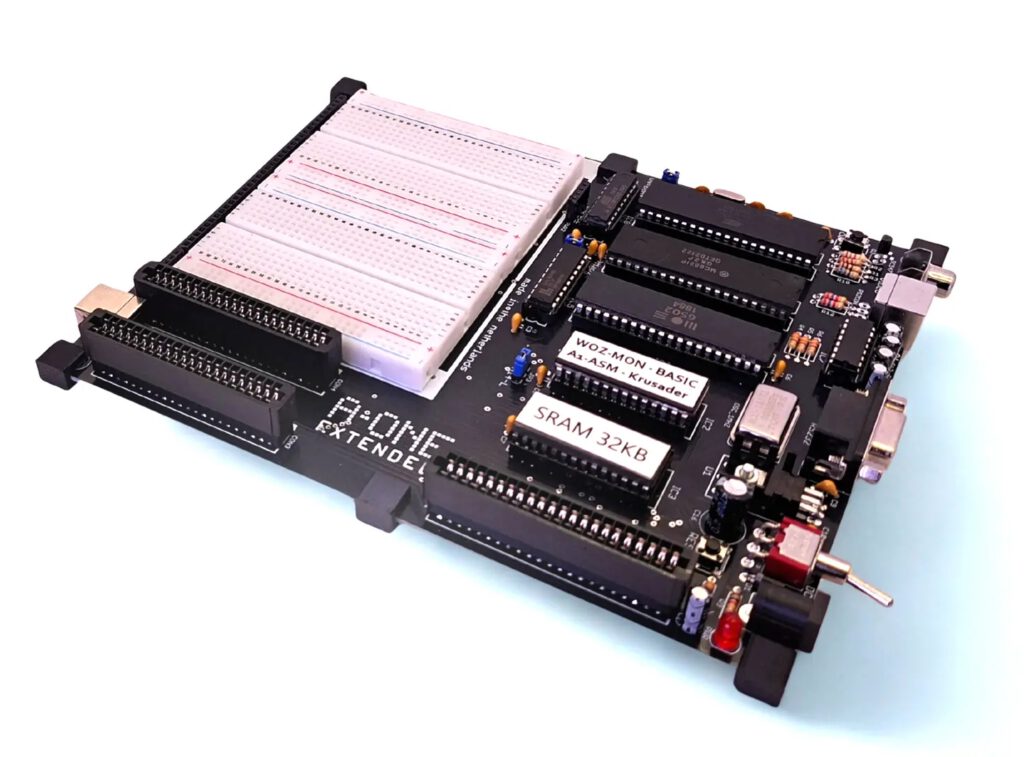
A-ONE 2025 EXTENDED
Also a remake of the EXTENDED version. Same specifications, black PCB, 3d printed supports.
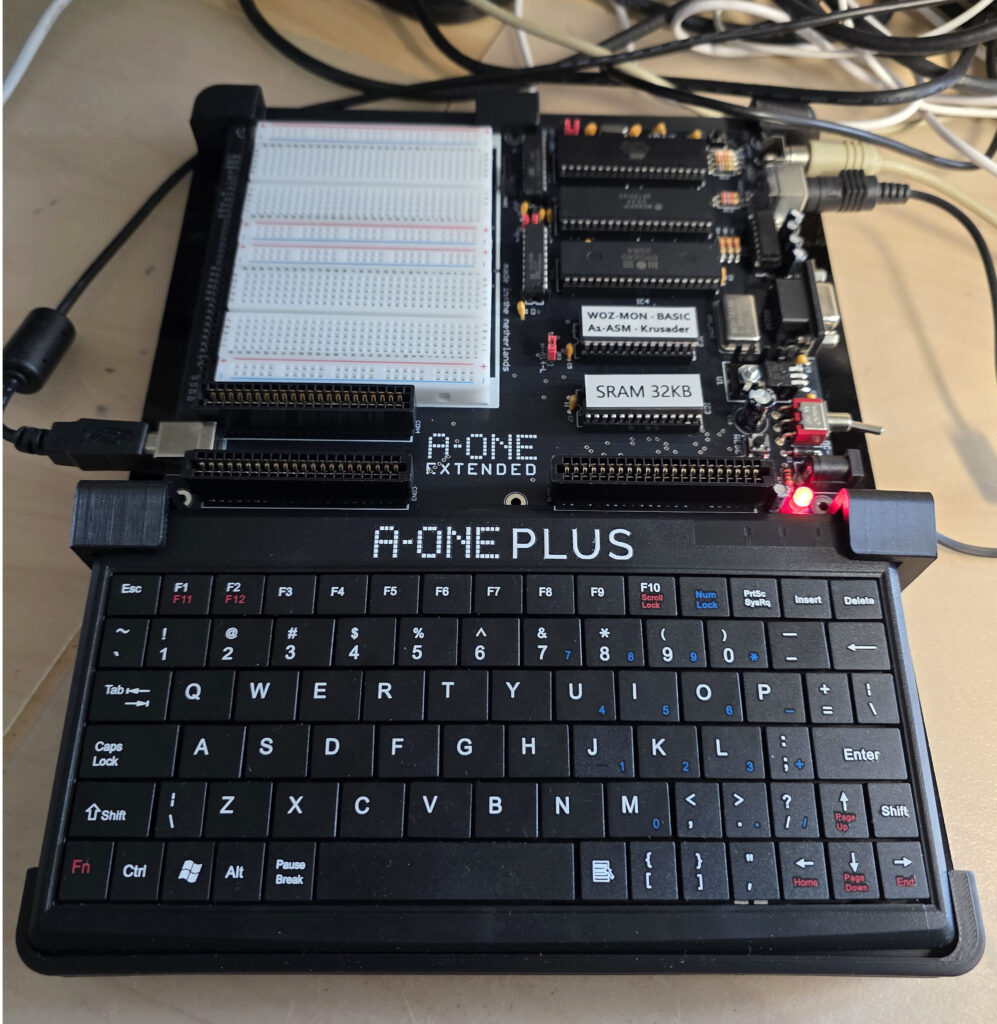
A-ONE 2025 PLUS
A new family member. An A-ONE EXTENDED with a mini PS/2 keyboard placed on a plexiglas bottom, with 3d printed supports.
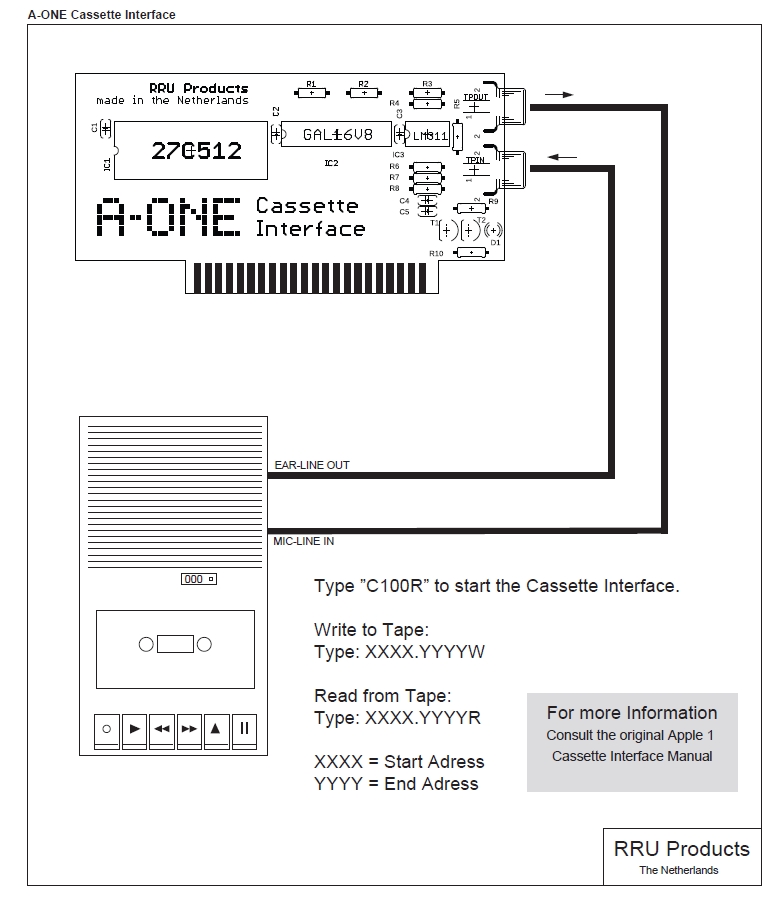
A-ONE Cassette Interface
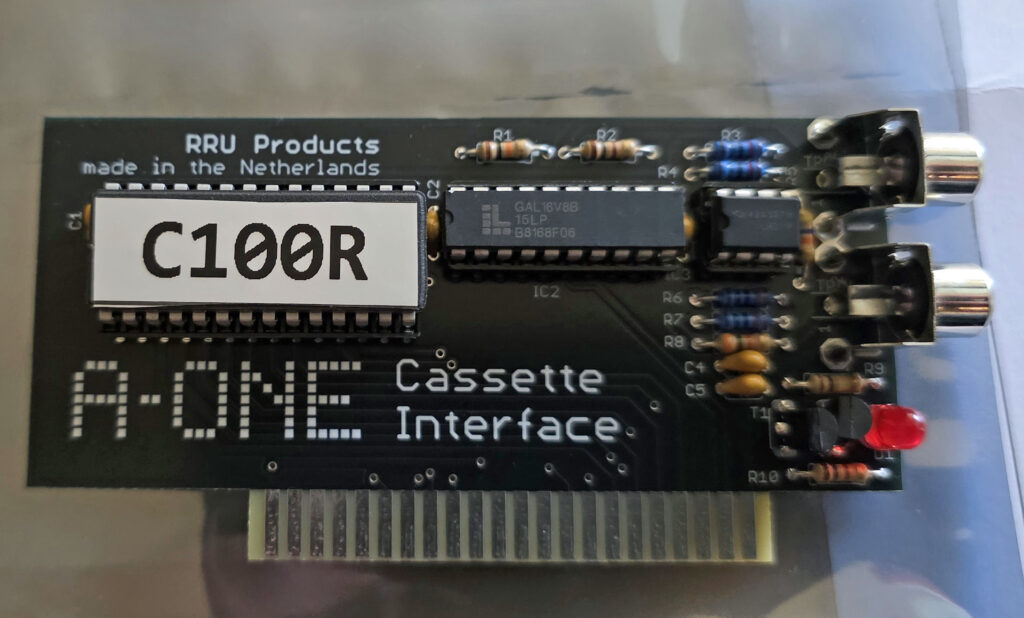
The A-ONE cassette interface is compatible with the ACI Apple 1 casssette interface.
With different components, like a GAL16V8, a 27512 EPROM and a LM311 comparator. The software on the EPROM interface, at c100, behaves identical.
A-ONE prototype boards

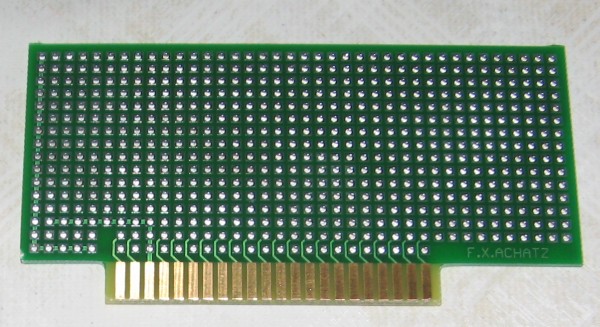
Working with the A-ONE extended becomes even more a pleasure with the prototype boards sold by Achatz Electronics.
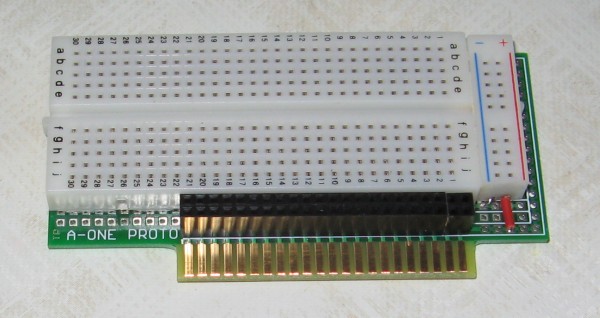
A-ONE

A-ONE

Since the Apple 1 connector is electrical equal to the A-ONE but of different size, it is possible to use the Apple 1 and Replica 1 extensions, such as the CFFA1 and the multi-I/O board on the A-ONE. It will need a A-One slot to Apple 1 slot interface, one on one, perhaps via one of the prototype boards.

A-ONE information
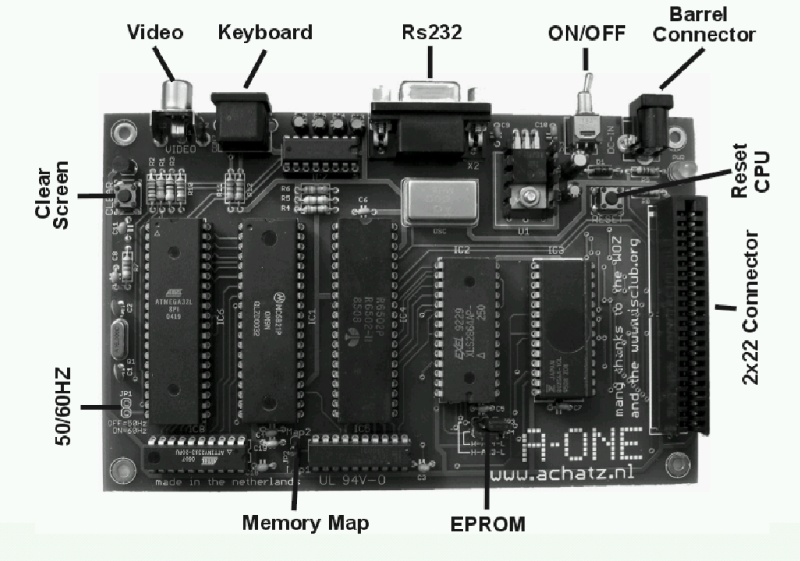
A-one
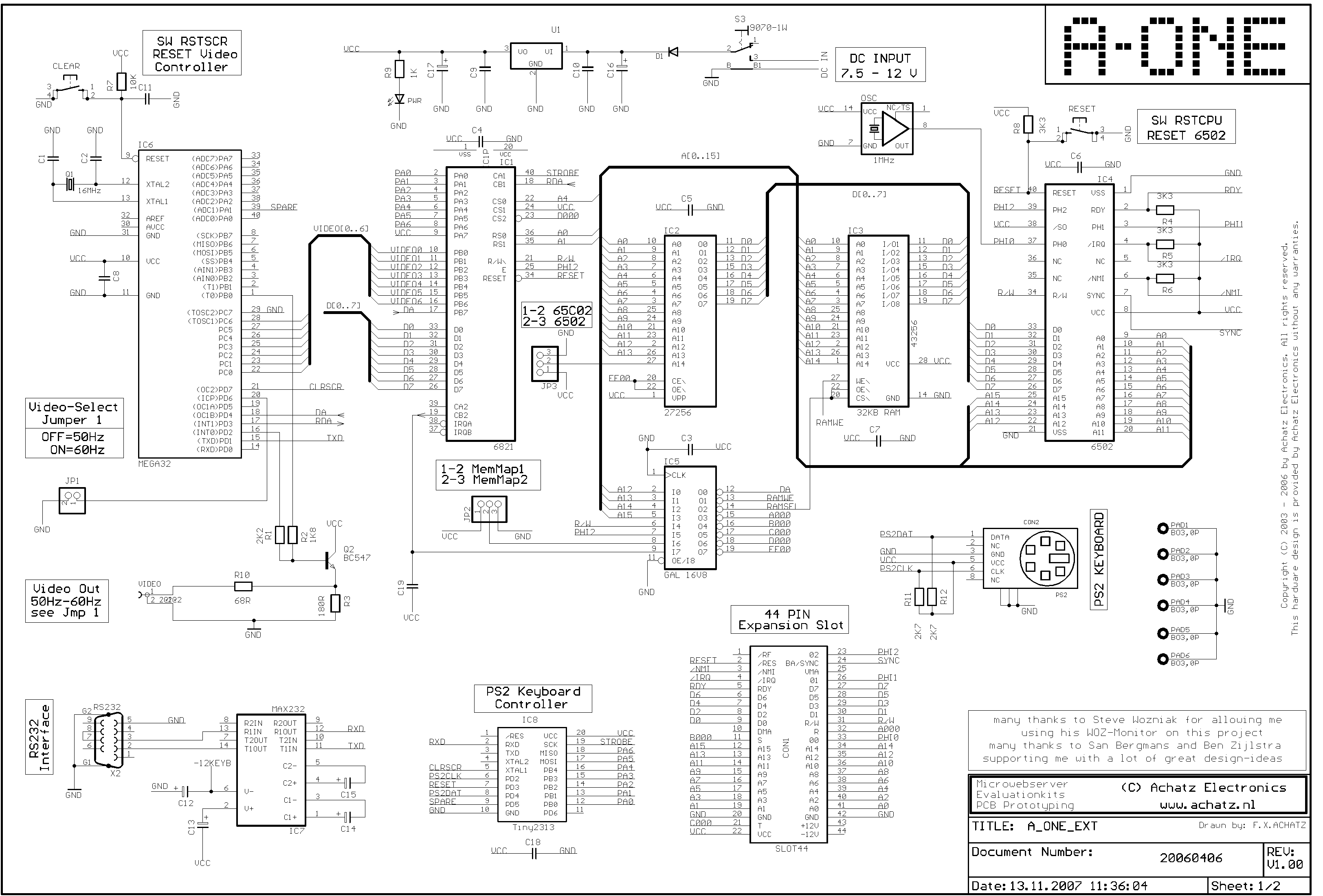
A-one extended

A-one extended
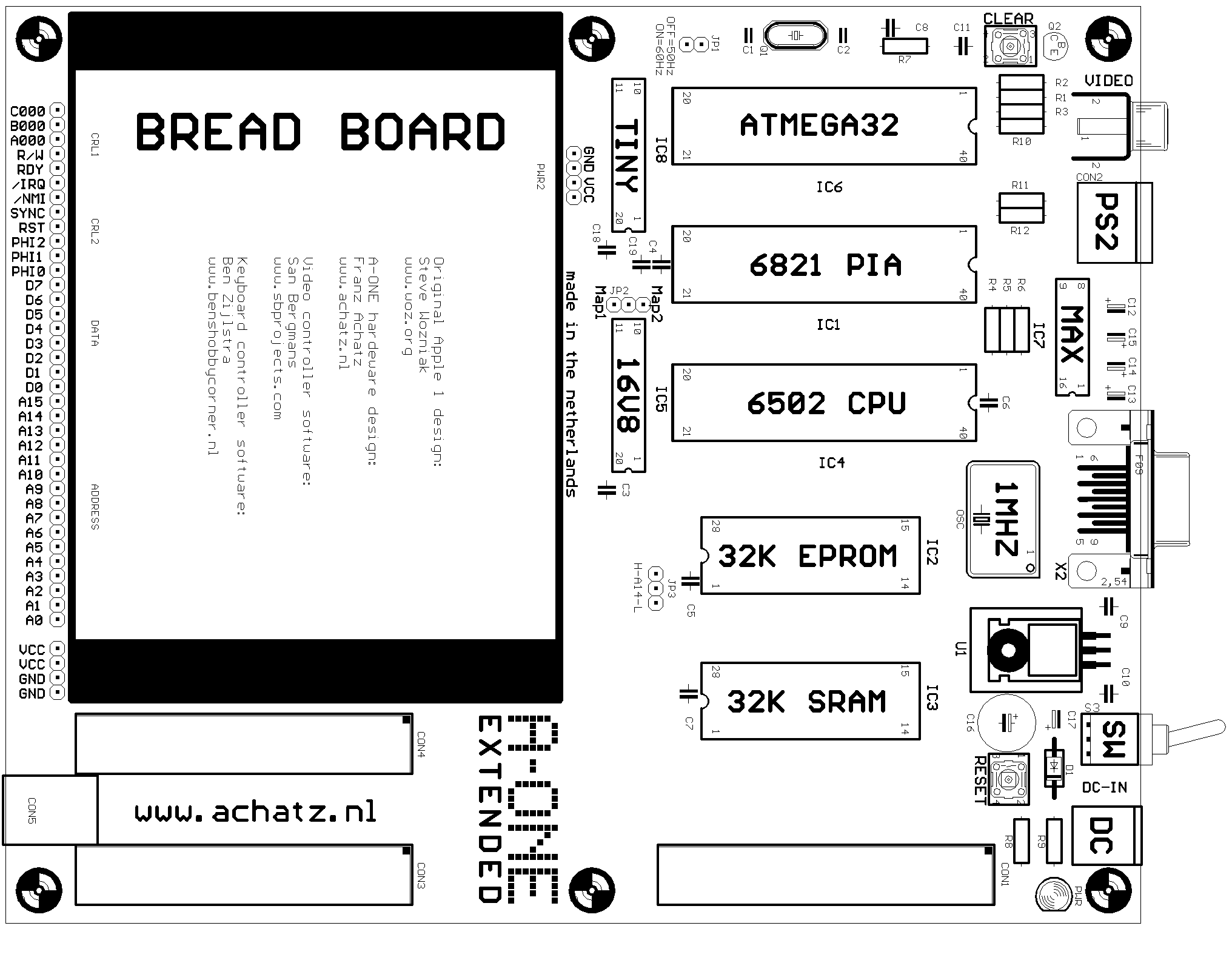

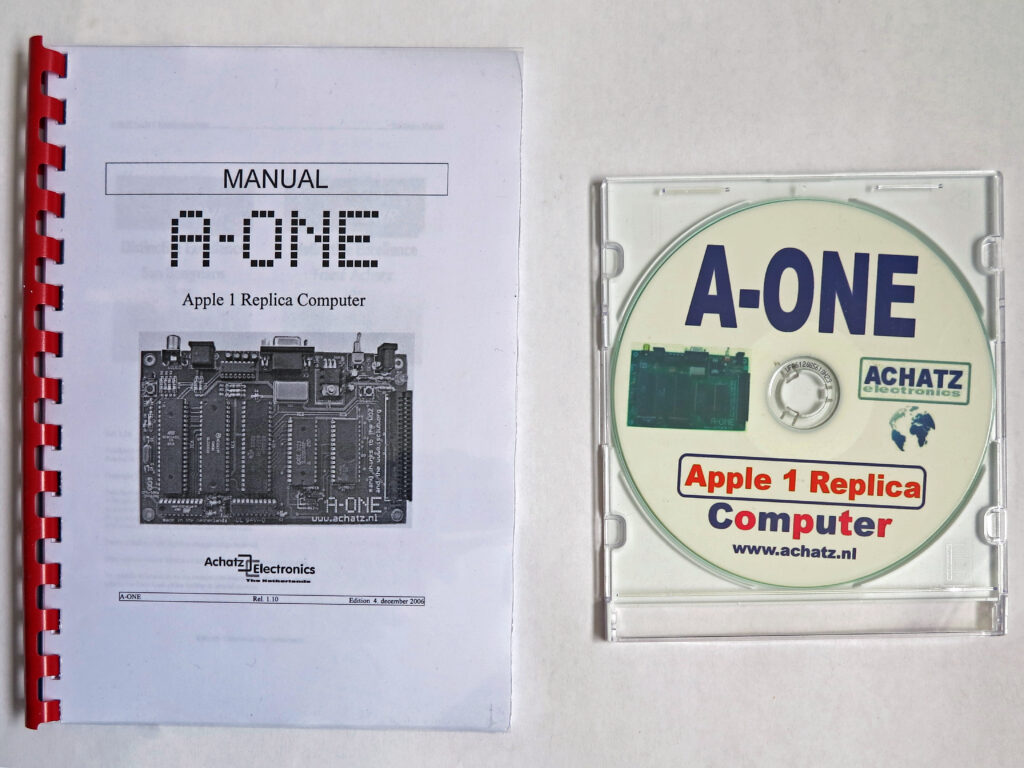
A-ONE manual 1.0
A-ONE manual 1.10
A-ONE manual 2025
Elektuur announcement
A-ONE flyer
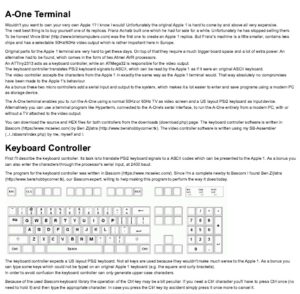
A-ONE terminal description by San Bergmans

SB-Projects, San Bergmans’ description of the working of the Apple 1 and all about the A-ONE

Downloads

Replica 1, first version

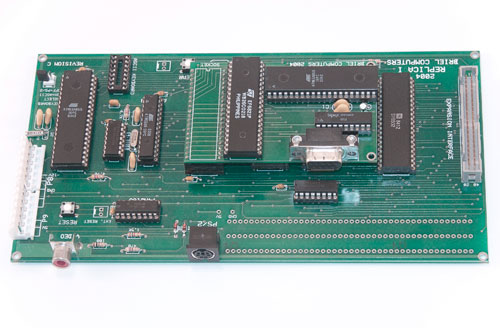
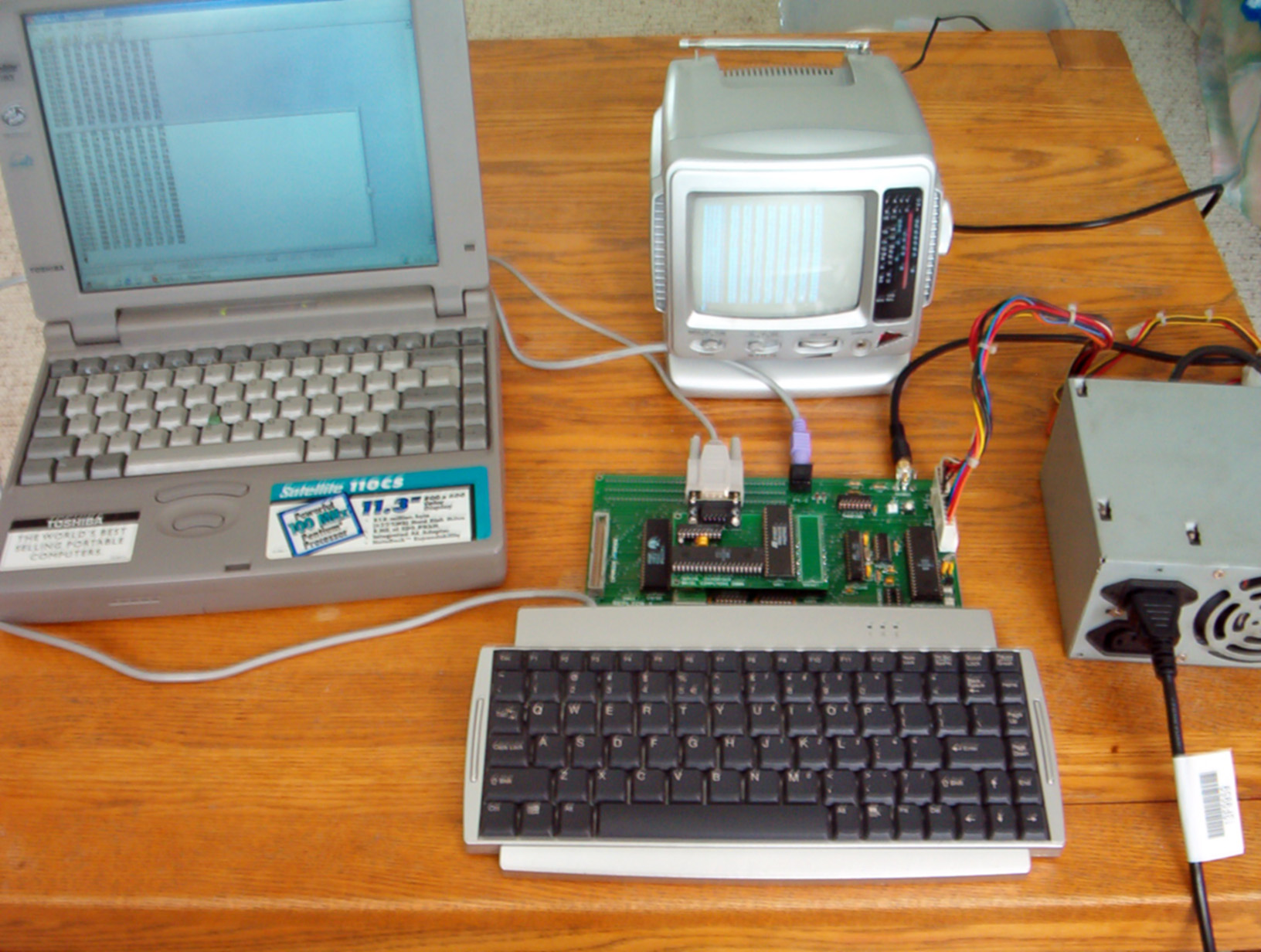
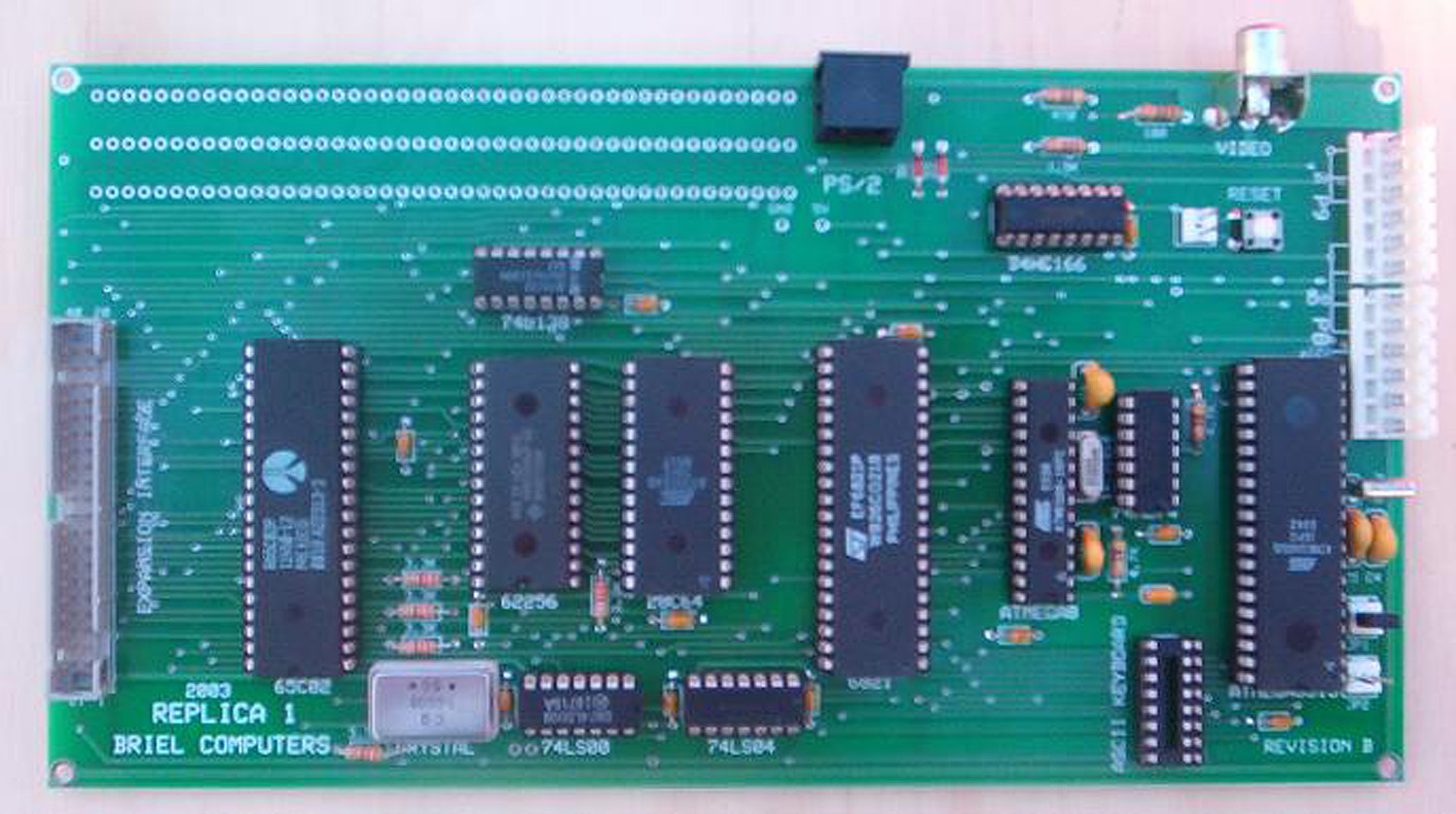
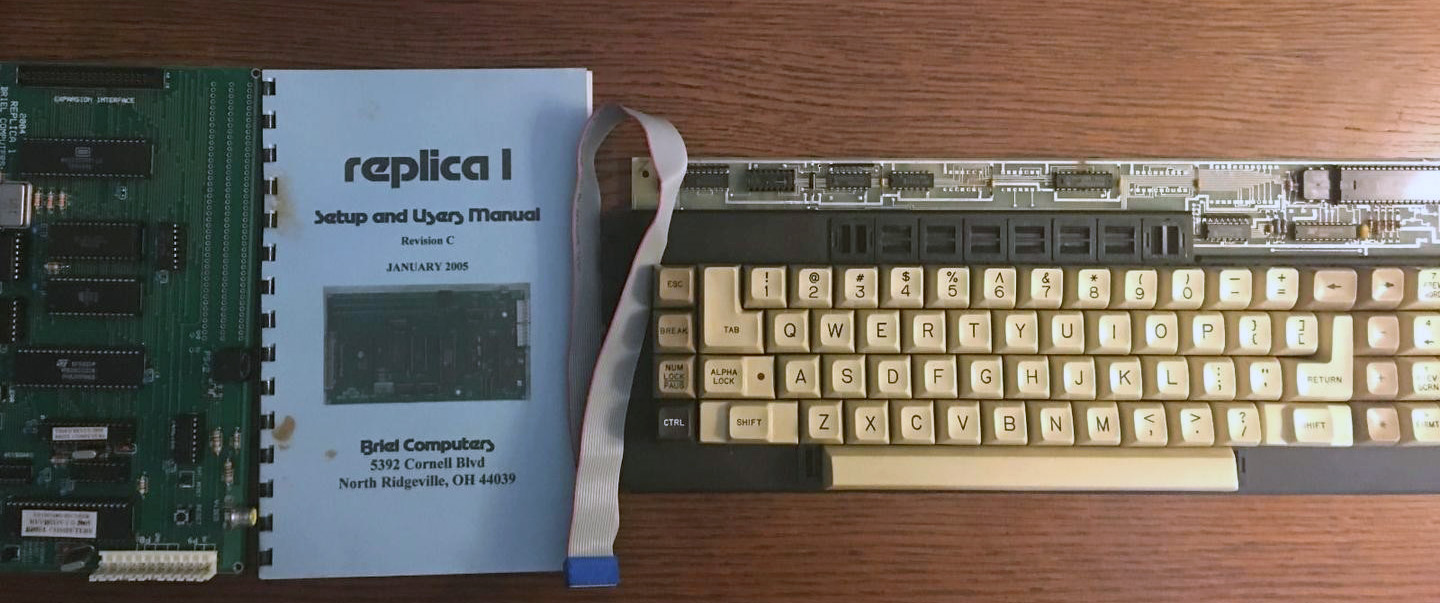
The first Replica 1 is just called “Replica 1”.

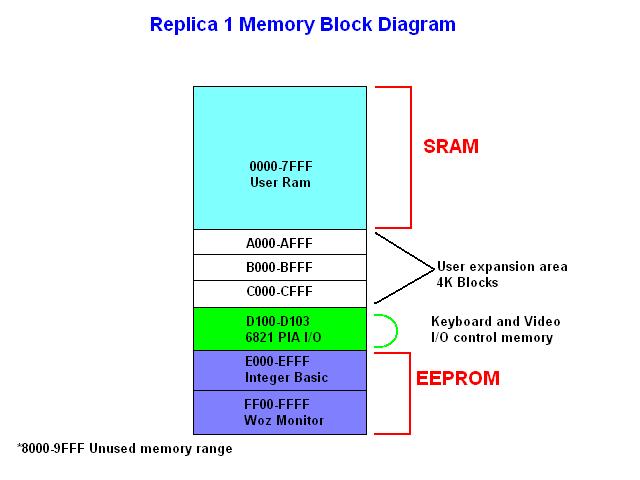
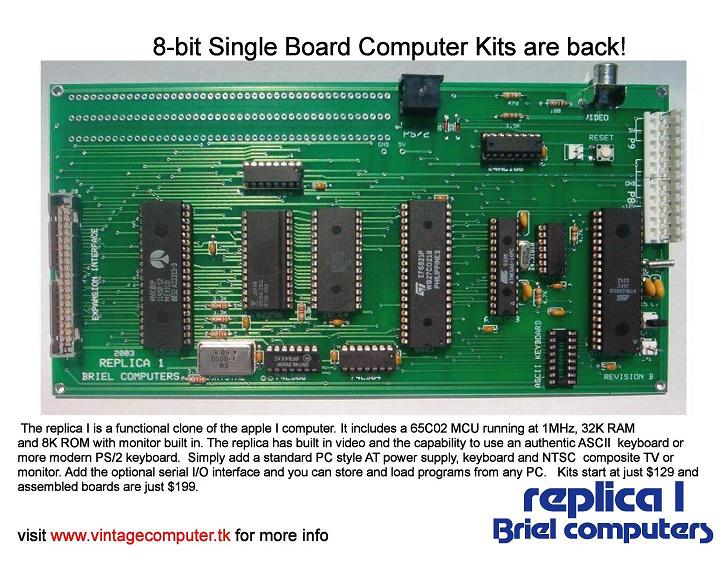
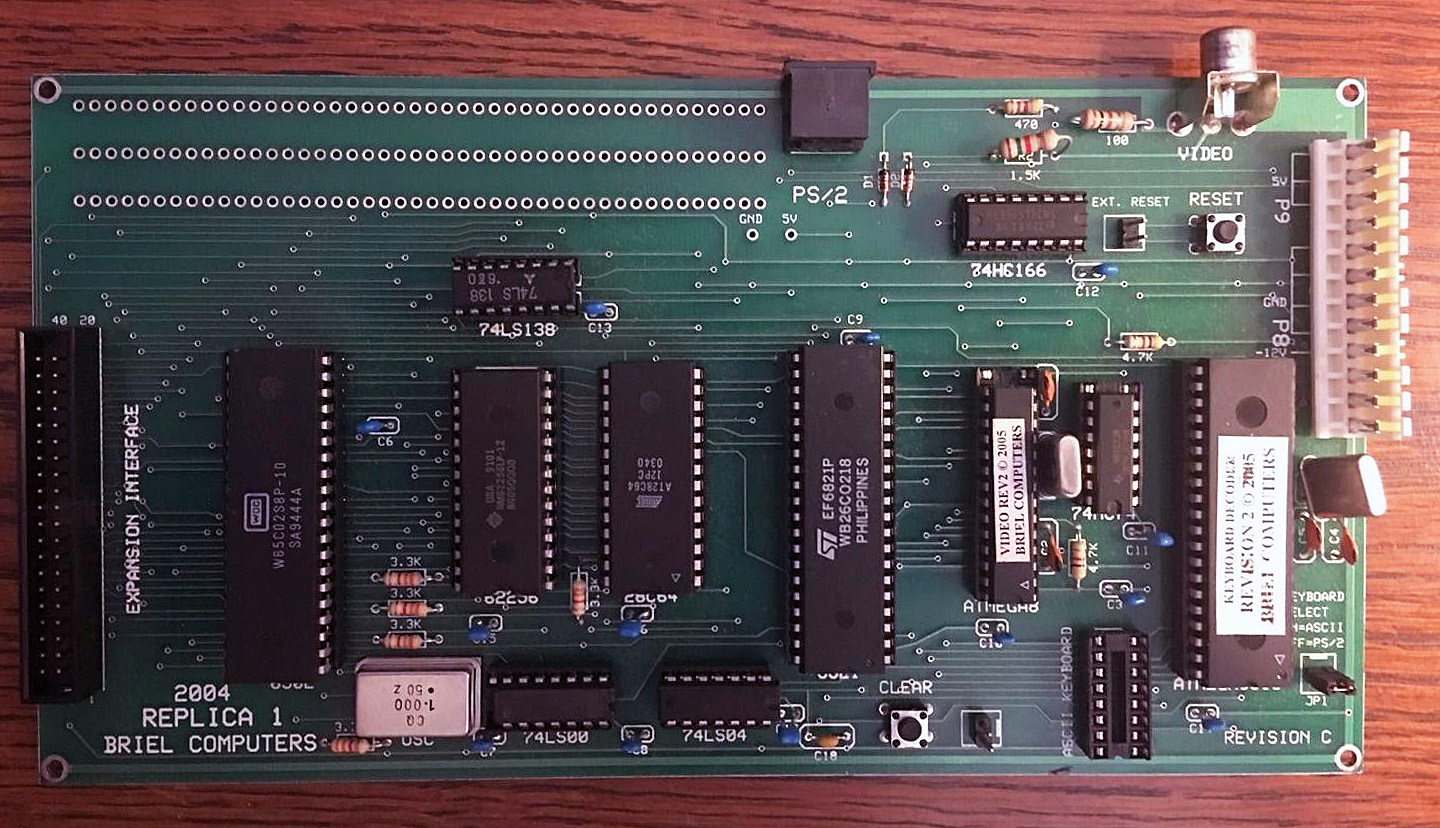
The Replica 1 is as simple as can be, to make an Apple 1 look-a-like. CPU (65(C)02), SRAM (62256 32K), EEPROM 28C64 8K), clck (1 MHz can oscillator) is as expected, as is the 6821 PIA for I/O.
Keyboard input is original also, just an ASCII parallel keyboard, like the Apple 2 keyboard.

The video circuit, quite complicated in the original design, is replaced with a programmable ATMEGA8 with a 74LS166 shift register.

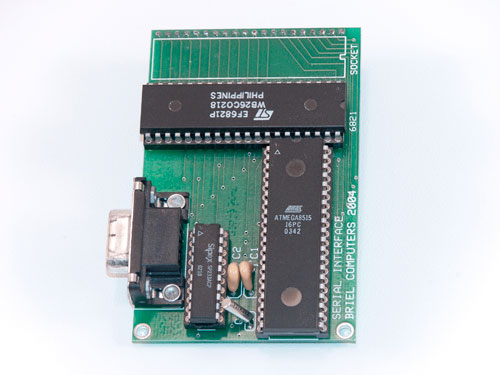
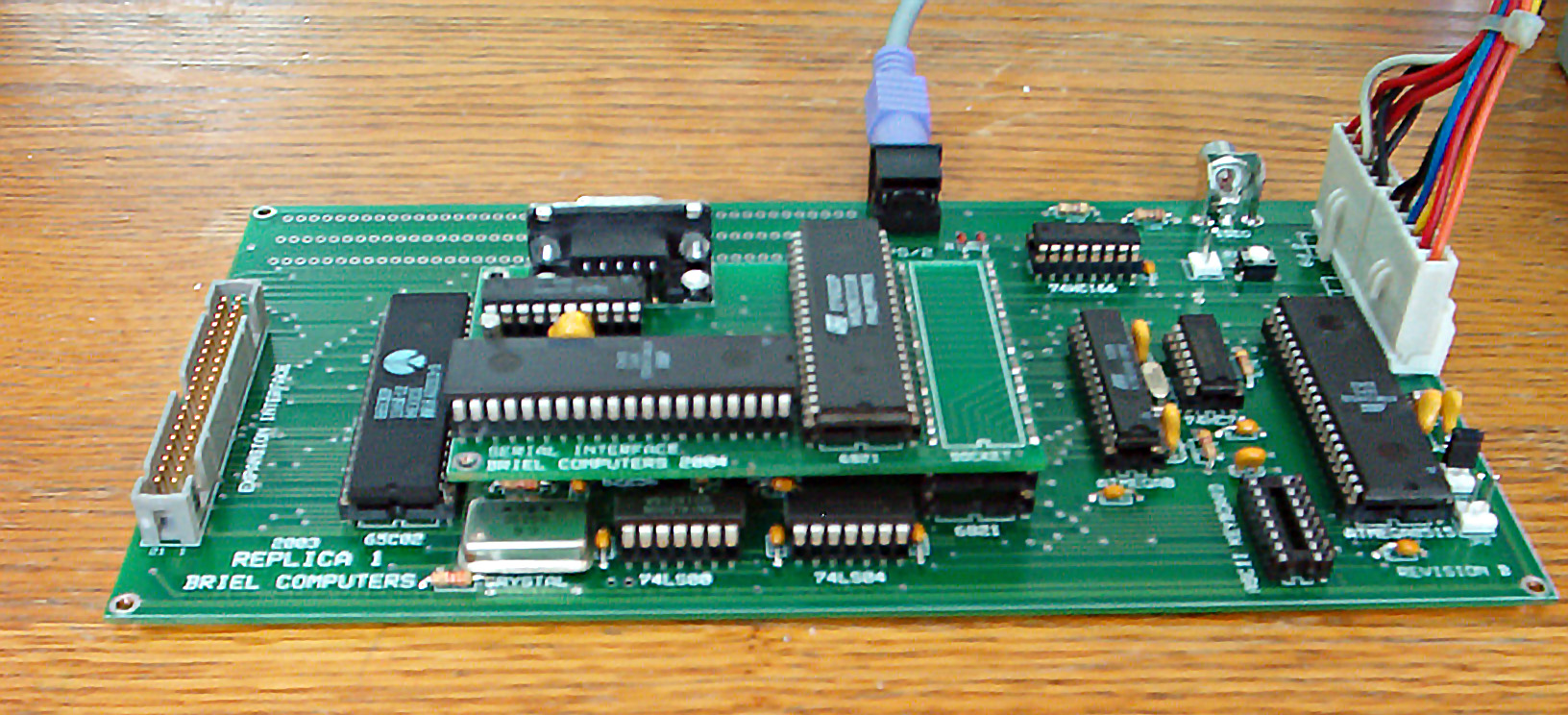
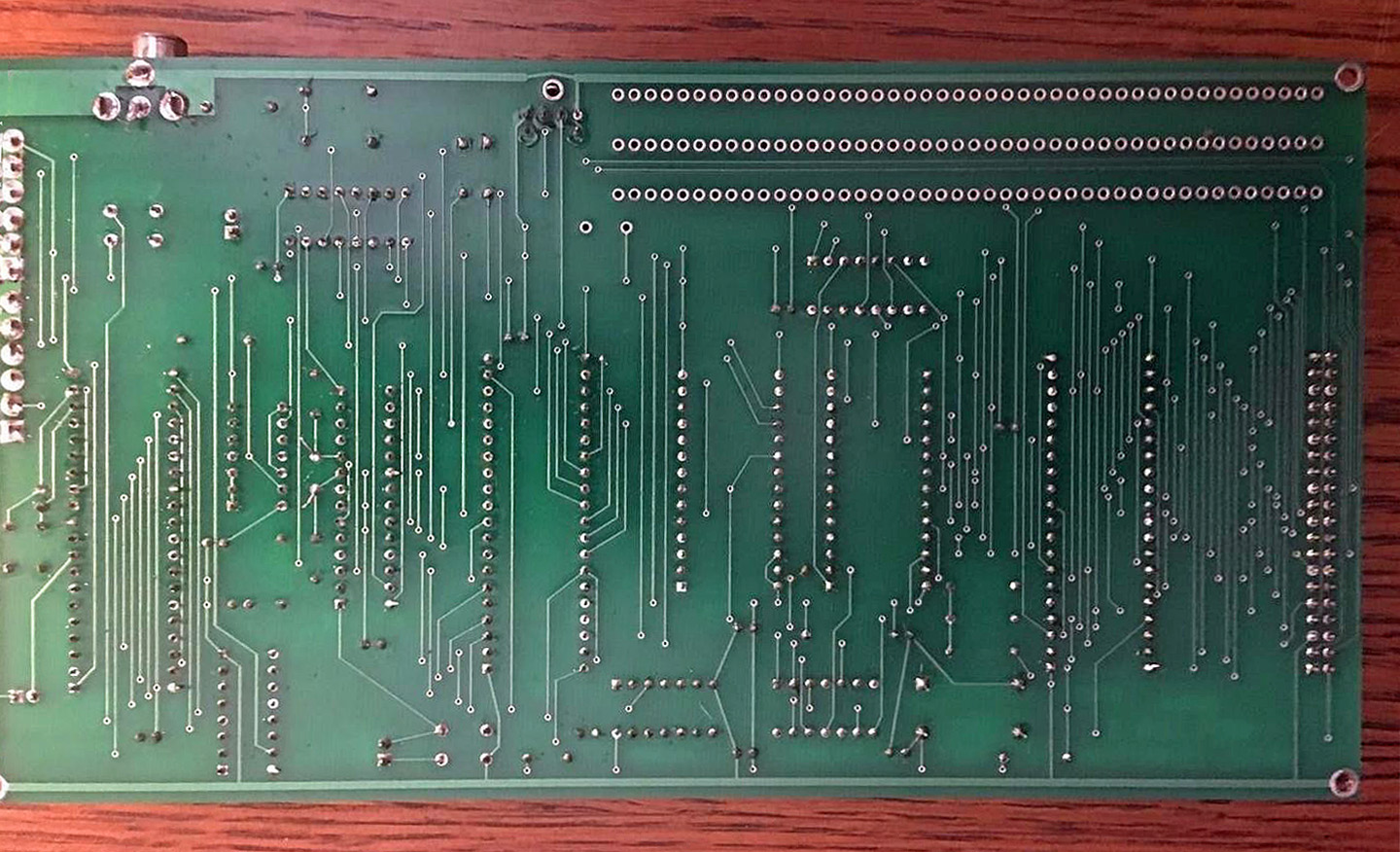
As an extra and optional a serial I/O board for Revision C  is used to also allow a PS/1 keyboard as keyboard input. Made with a ATMEGA8515. The serial I/O board can also be used on the original Apple 1! There was also a Revision B with the serial I/O integrated on the main PCB, see the photos below.


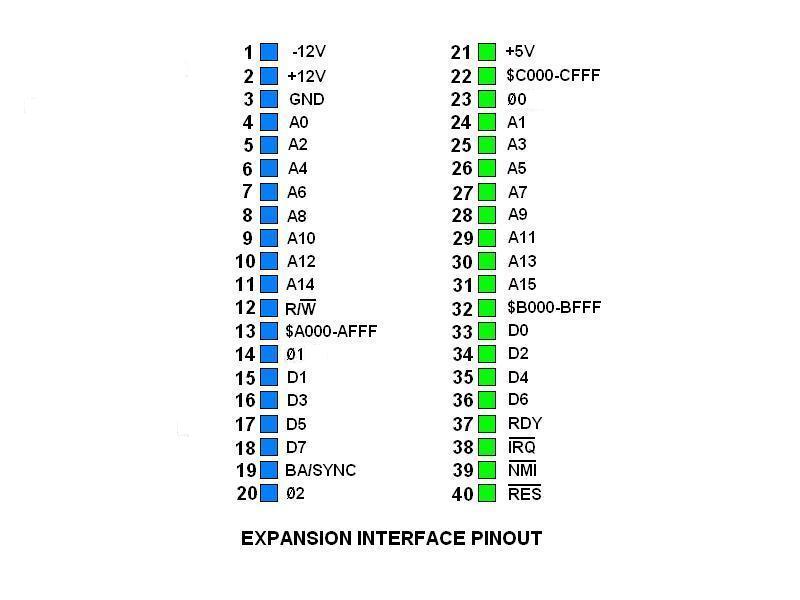
The Apple 1 expansion slot is replaced with a 40 pin connector, with the same signals at the same position but mechanically incompatible with the Apple 1.

The WOZmon monitor and Apple 1 Integer Basic are burned into the EEPROM.

The announcement by Vince Briel on Applefritter in 2005:

The Briel Computers Replica 1 is a fully functional clone of the Apple 1 © computer created by Steve Wozniak in 1976 that started Apple Computers ©. The Replica 1 is available as a kit that you solder all the components onto the circuit board, or preassembled.

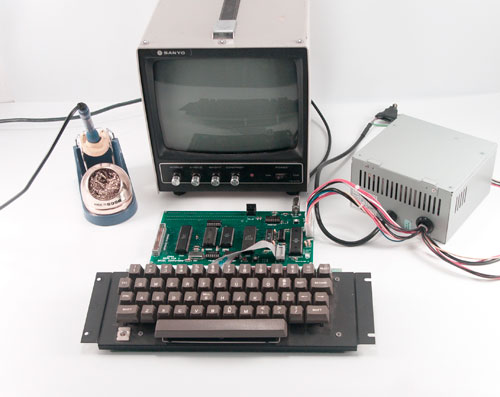
A new circuit layout was done to implement a more simple circuit and replace older no longer available IC’s. This new design allows for a smaller board yet still gives all the functionality of the original design. Just like the Apple 1, the keyboard and power supply are not included. Simply add your own PC 386-Pentium© class power supply, a composite TV or monitor and a PS/2 keyboard or Apple II© style ASCII keyboard and you are set.
The serial I/O board is a unique design made to work with both the Replica I and the Apple 1. It is a piggy-back board that goes in the 6821 socket and is transparent to the computer. With this design anything that goes to the video display is sent to the serial I/O board and anything that comes in through the serial I/O is treated like a keystroke. This method reduces the speed of the I/O board to 2400bps but gives the advantage of being able to save BASIC programs as a text file. No setting switches or running software required. Just install it, set up Hyper Terminal, connector your serial cable (not included) and your all set.

Revision B

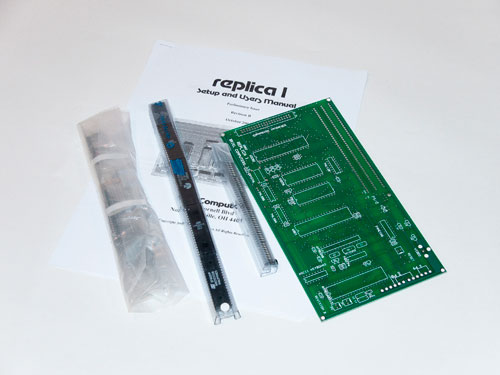
Replica 1 Setup and Users Manual
Revision C January 2005
Replica 1 Serial I/O board
Setup and Install Manual January 2004
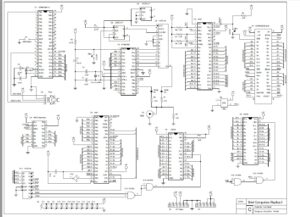
Replica 1  Circuit Diagram
Replica 1 firmware source Replica 1  keyboard encoder
Video Rev C
Serial I/O

Hardware bug

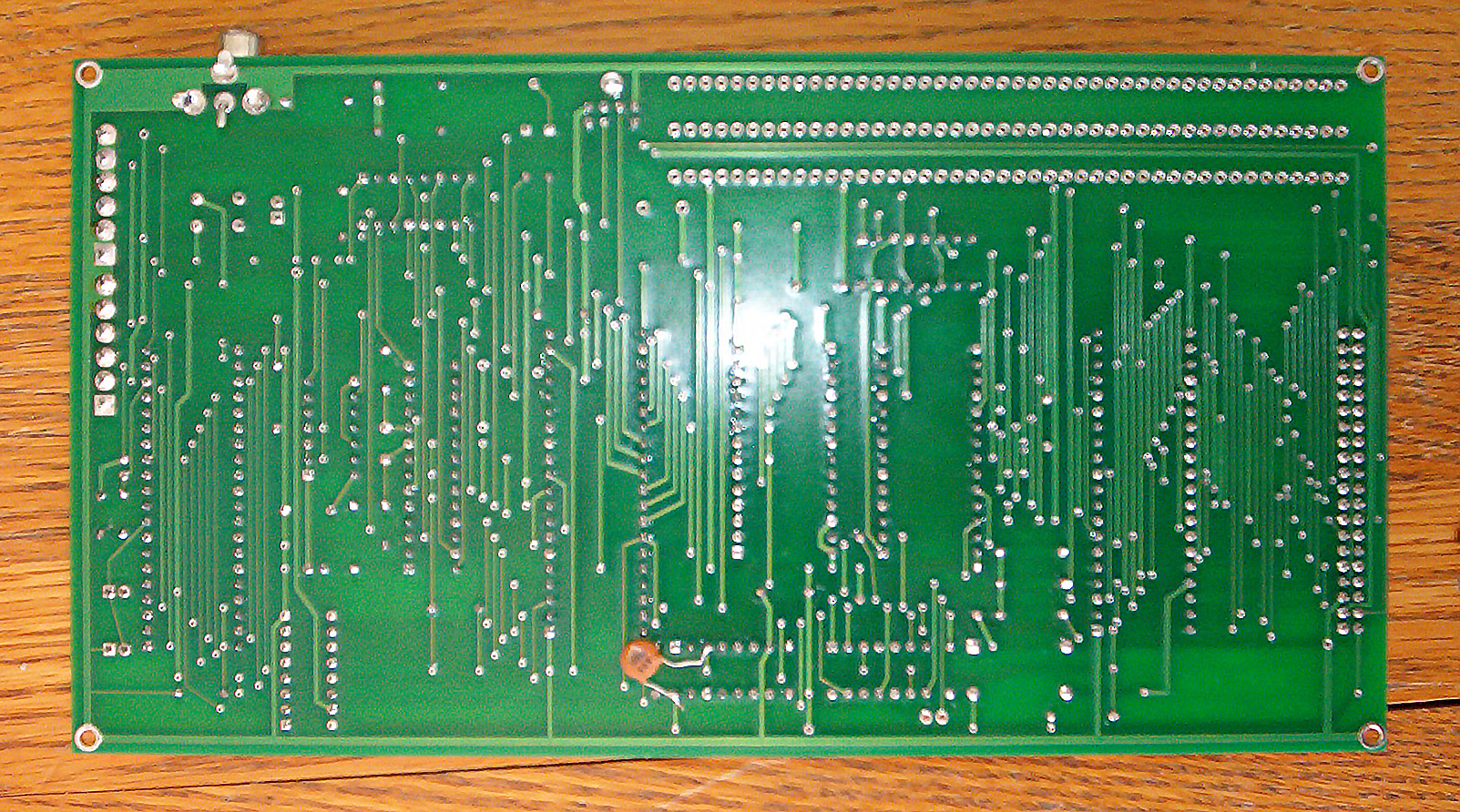
There is a hardware bug that may occur on the replica 1 boards. It causes occasional dropped characters from the display. There is a fairly easy fix but it does require soldering.
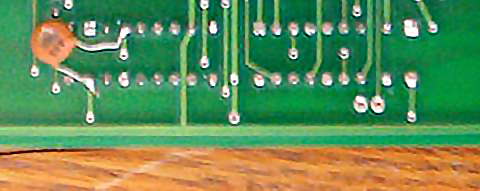
Requirements: .01uF ceramic disc capacitor, soldering iron (25W preferred) and solder.
Locate the chip labeled 74LS04 on the circuit board. Pin 3 is on the side that is closer to the edge of the board. Pin 14 is on the other side of the chip top pin.
So, the pins are labeled as follows:

|(74LS00 is here on the board)
|
|
|74LS04
|
|__8_____7
|__9_____6
|_10_____5
|_11_____4
|_12_____3*
|_13_____2
|*14_____1
|
|----- this is the edge of the board
|
|----------- 6821 is here on the board
|

Pin 1 and 14 are closer to the 6821. Connect the ceramic capacitor on the bottom of the board to pins 3 and 14. Make sure the capacitor doesn’t touch any of the other pins on the chip. This will eliminate all dropped characters.

Revision B has the serial I/O on the main PCB


post

Replica 1 Briel

The beginnings
In 2003 Vince Briel, working with Tom Owad, got the idea to design an Apple 1 replica. He looked at the Apple 1 circuit and took the easy parts: the 6502 and 6821, RAM, ROM.
The difficult part is the video circuit with hard to get parts and replaced that with a ATMega processor. He also added a PS/1 keyboard input and combined that with the parallel keyboard input circuit. The result was a functional replica of the Apple 1 on real hardware.
Vince then started Biel computer selling Replica 1 kits and assembled boards. Many revisions followed, hundreds were sold. The latest incarnation, the Plus, is still for sale, not by Vince who stopped in 2015, but by ReactiveMicro, also for sale there the CFFA1 mass storage card.

See also The Brielcomputers website for design files of several revisions..

My experience with the Replica 1 begin with the Replica 1 SE in 2007, the same period Vince made the Micro-KIM

What you can find here:

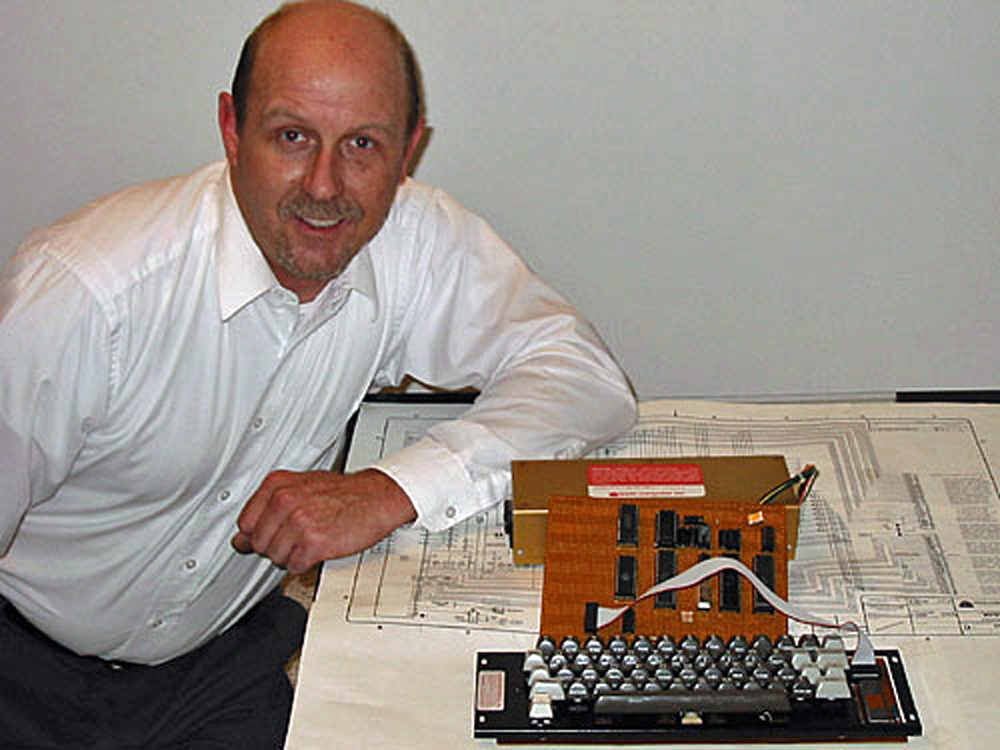
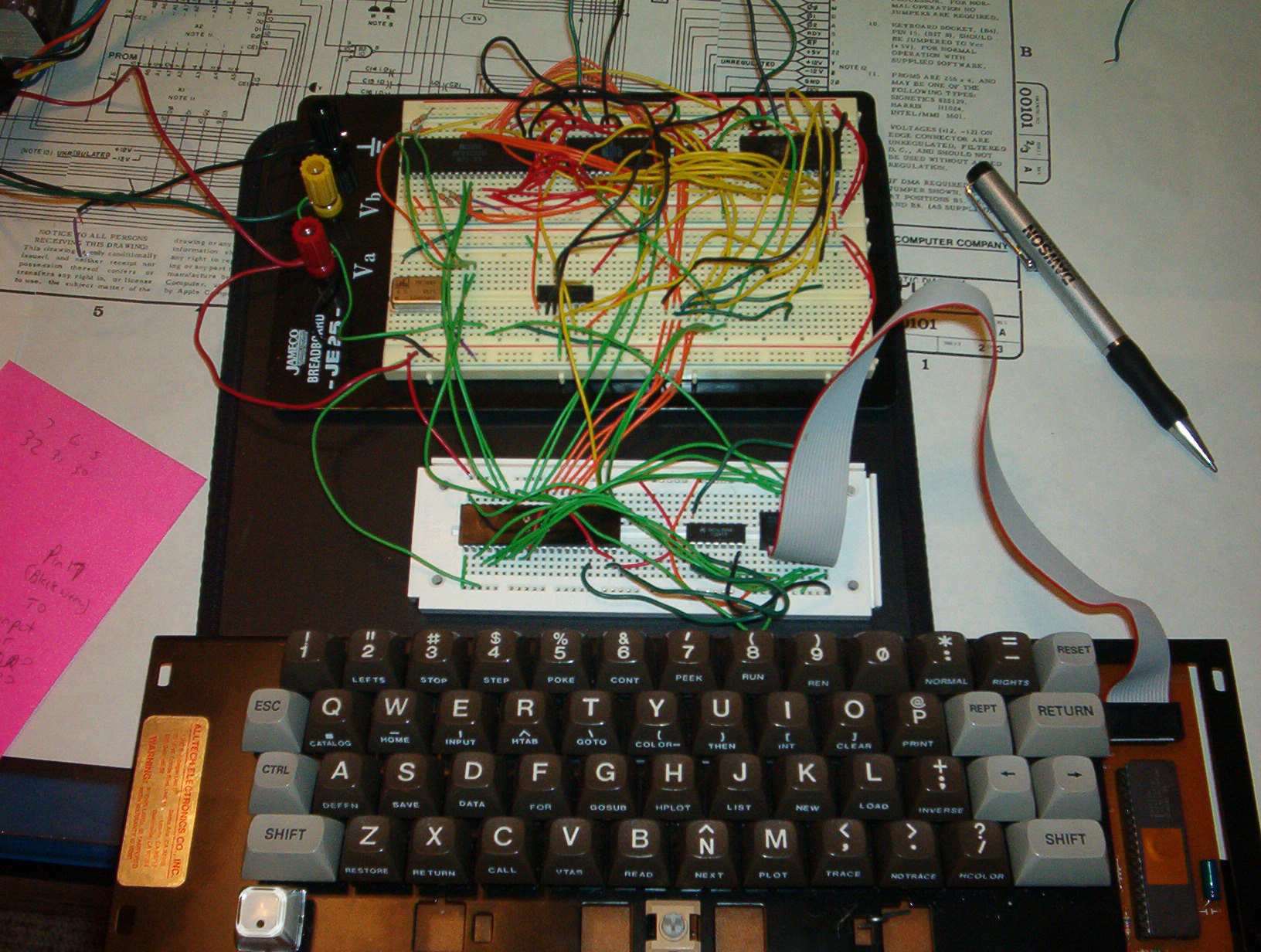
Some photos of prototypes of the Replica 1:

Vince Briel looking proud of the working prototype!


Apple 1 Replica Creation Back to the Garage
Tom Owad’s book on the Apple 1, the Replica, electronics and much more.

You can read the book online at Applefritter or buy a cheap PDF version.

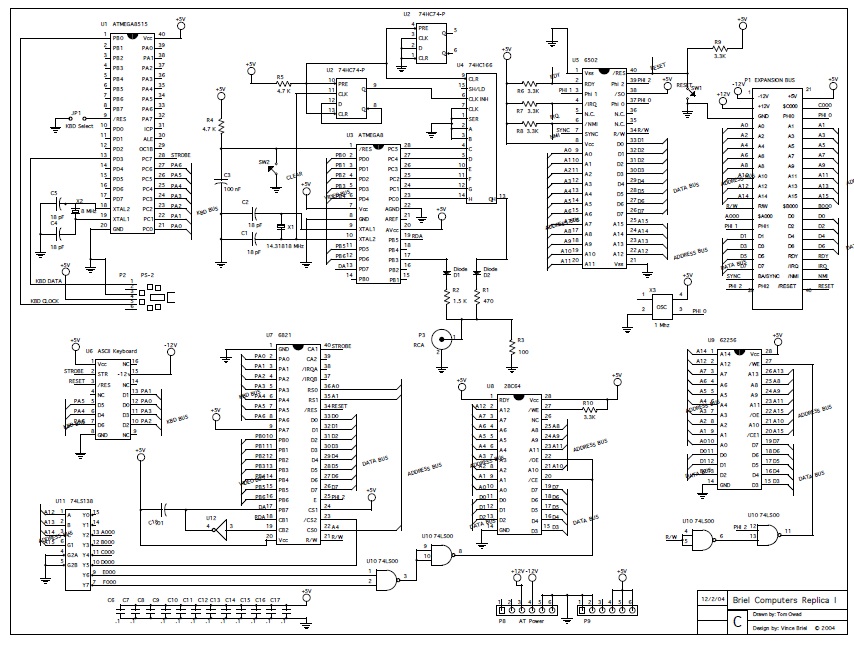
On the companion Cd you will find an early PCB design by Tom working with Vince. Here the circuit diagram.

Apple 1 Replica design by Vince, drawn by Tom Owad

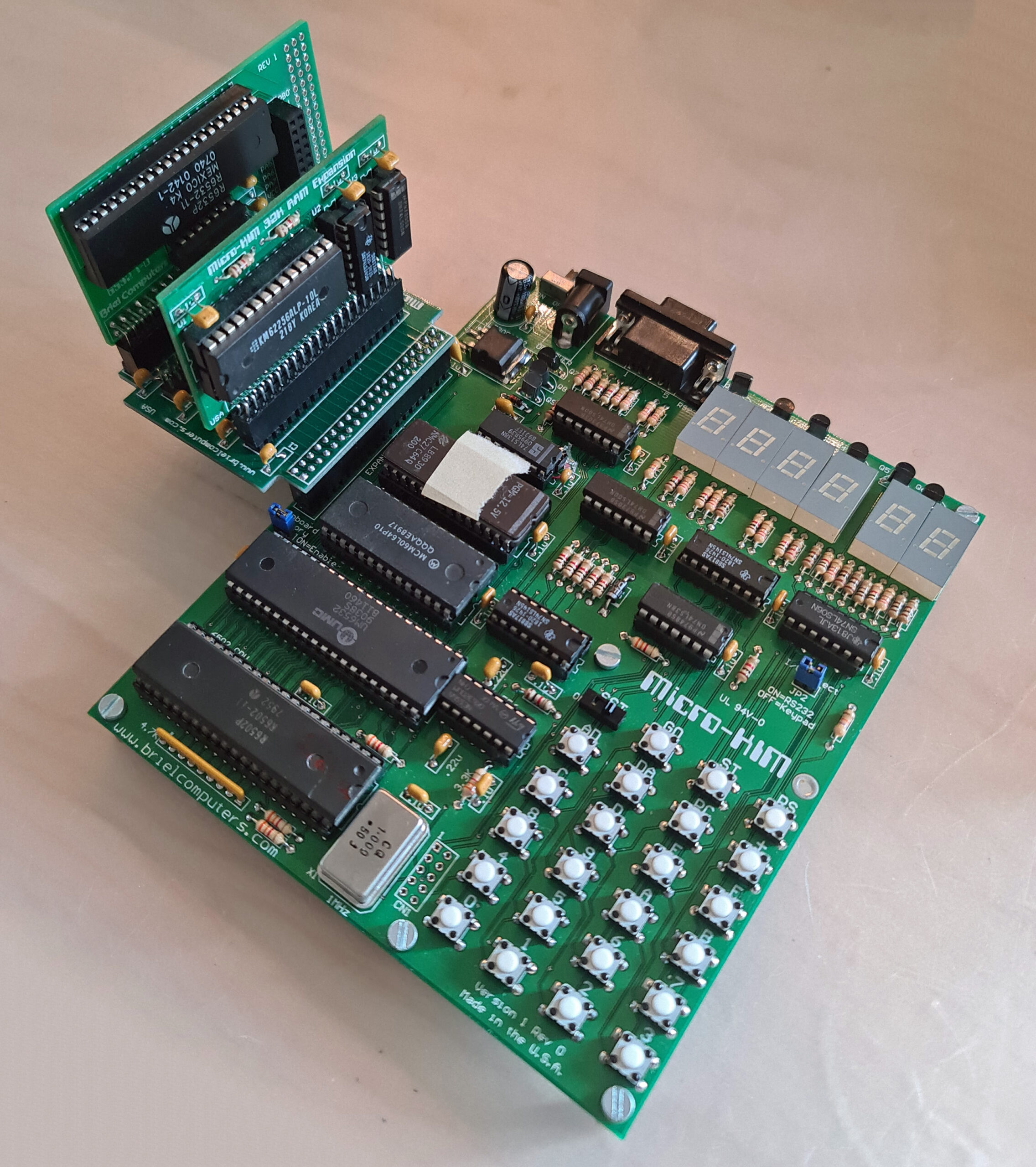
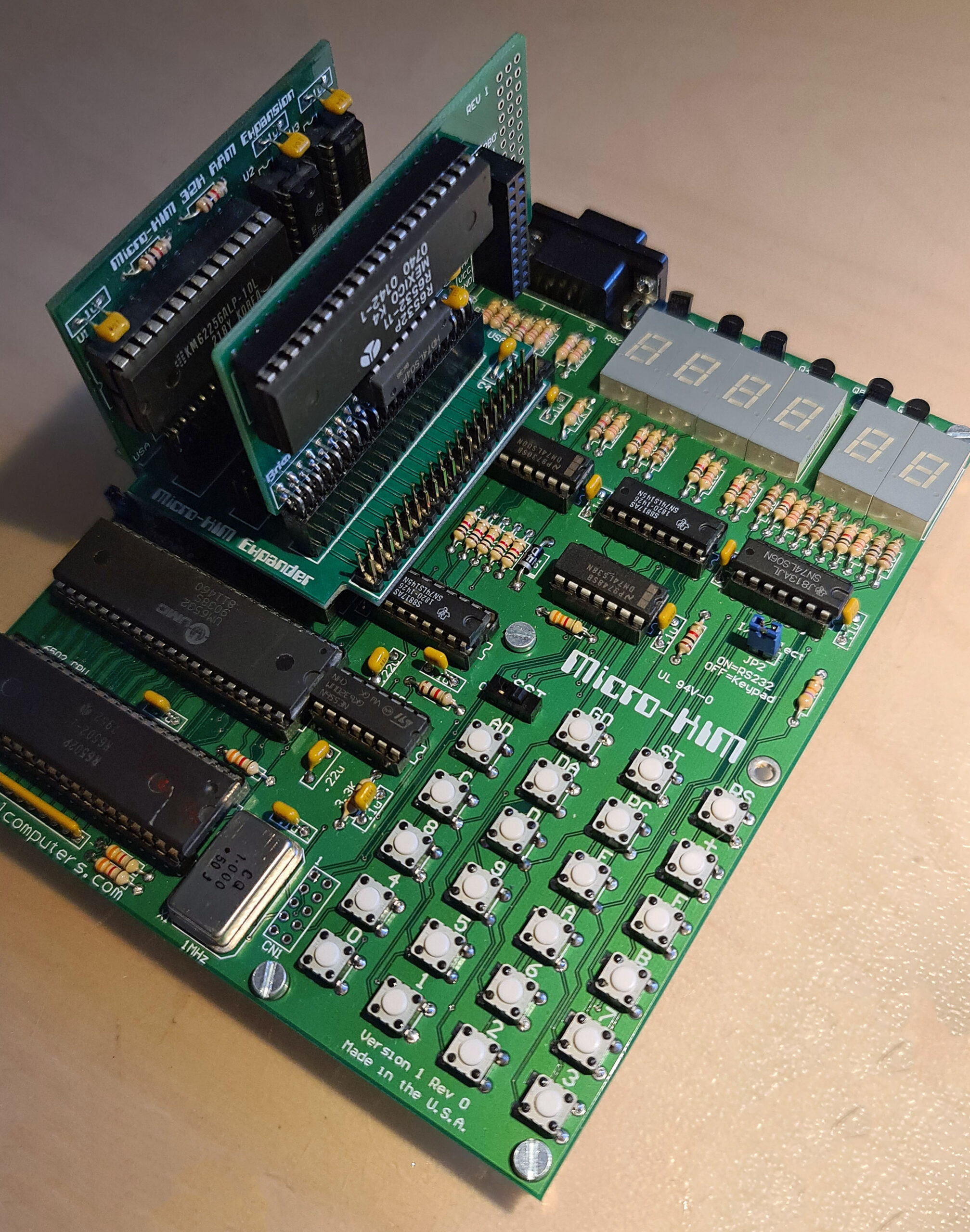
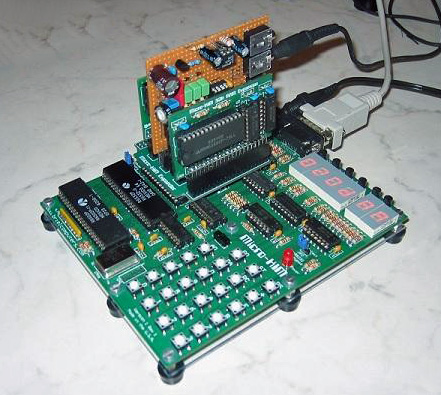
Micro-KIM RAM, EPROM and Expansion boards

Optional add-ons to make the Micro-KIM a real KIM-1, with the second 6530/32 and a 32K RAM card to give enough RAM to run real programs like KB9 Basic.

The expansion connector is made for this. With the expansion board up to four cards can be added.

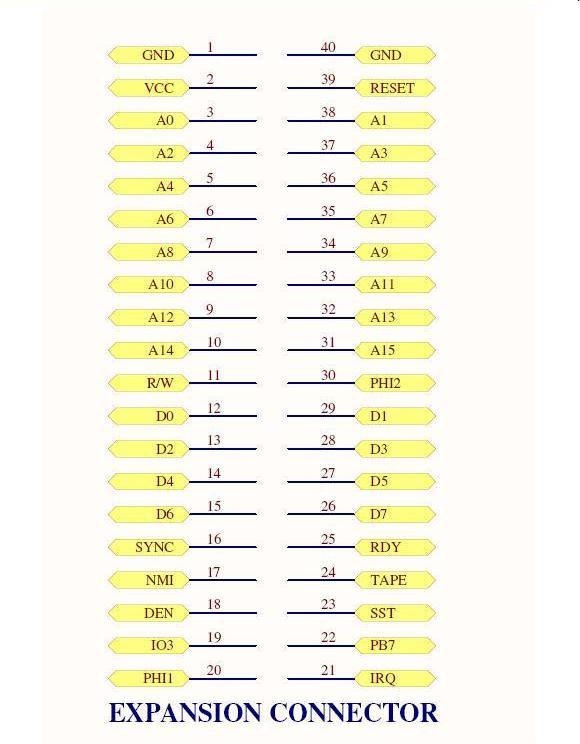
A 40 pins male connector. Pin 1 is labeled on the board and is near the edge at the upper-left corner
of the connector.

Here he description of the expansion connector. Also see the Circuit diagram.

1 and 40 two pins for ground to give proper grounding to optional expansion boards.
2 VCC, this is a 5V signal which powers the circuit
3-14, 31-38 CPU address lines A0-A15 used to address memory or devices
11 R/W read/write signal. Low when writing, high when reading memory
12-15, 26-29 CPU data bus. Used to transfer data to/from RAM/EPROM or devices
16 Sync. This signal goes high during when an instruction is being fetched for the CPU
17 NMI. Non-Maskable Interrupt signal to the CPU. Active low to generate
18 DEN, Onboard memory decode Enable line.
Control the enabling of the onboard memory
19 IO3 is the pre-decoded signal for the 2nd optional 6532.
Attach to CS1 pin 38 on 6532
20 PHI1 Phase 1 clock signal. 180 degrees from phase 2
21 IRQ Interrupt request signal. Active low generates an IRQ.
22 PB7 is I/O port pin PB7 from 6532 required to complete cassette interface
23 SST Single step signal used to control CPU with single step
24 TAPE this signal is used to complete the cassette interface.
25 RDY used to stop the CPU in single step circuit
30 PHI2 phase 2 main clock signal to the 6502
39 RESET 6502 RESET line, when pulled low will reset the 6502

32K RAM

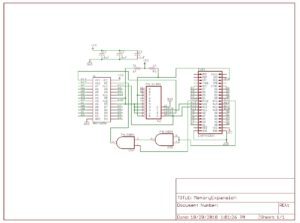
Circuit diagram of memory expansion

Second EPROM
The Micro-KIM is already prepared for a second 6532. The ROM for it is in place, the address decoding is also available. This card brings the second 6532 with the free I/O and timers to connector.

The revision I have needs a wire to connect the missing ground line to the 74LS04 (tip from azog, Silent Q).

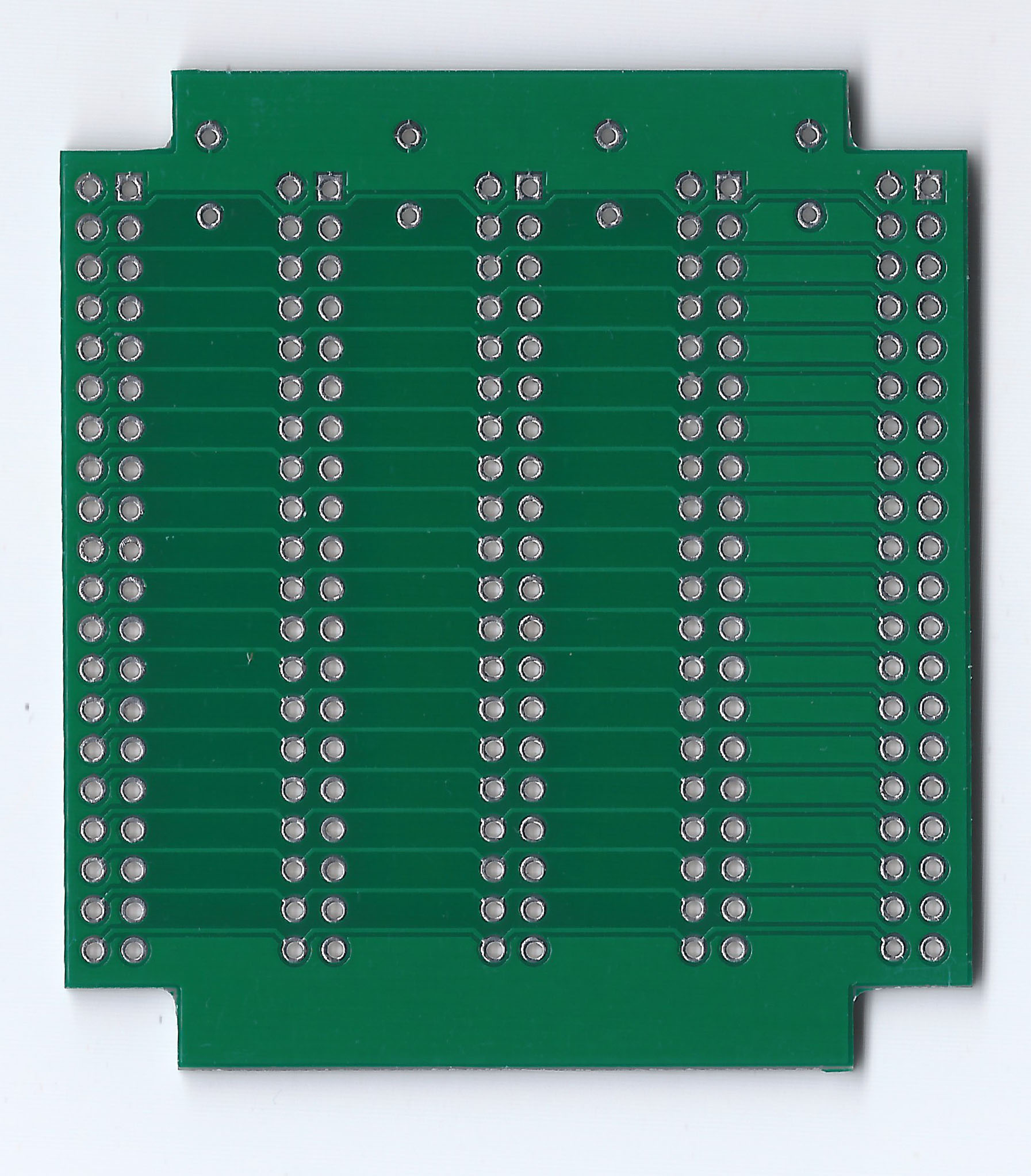
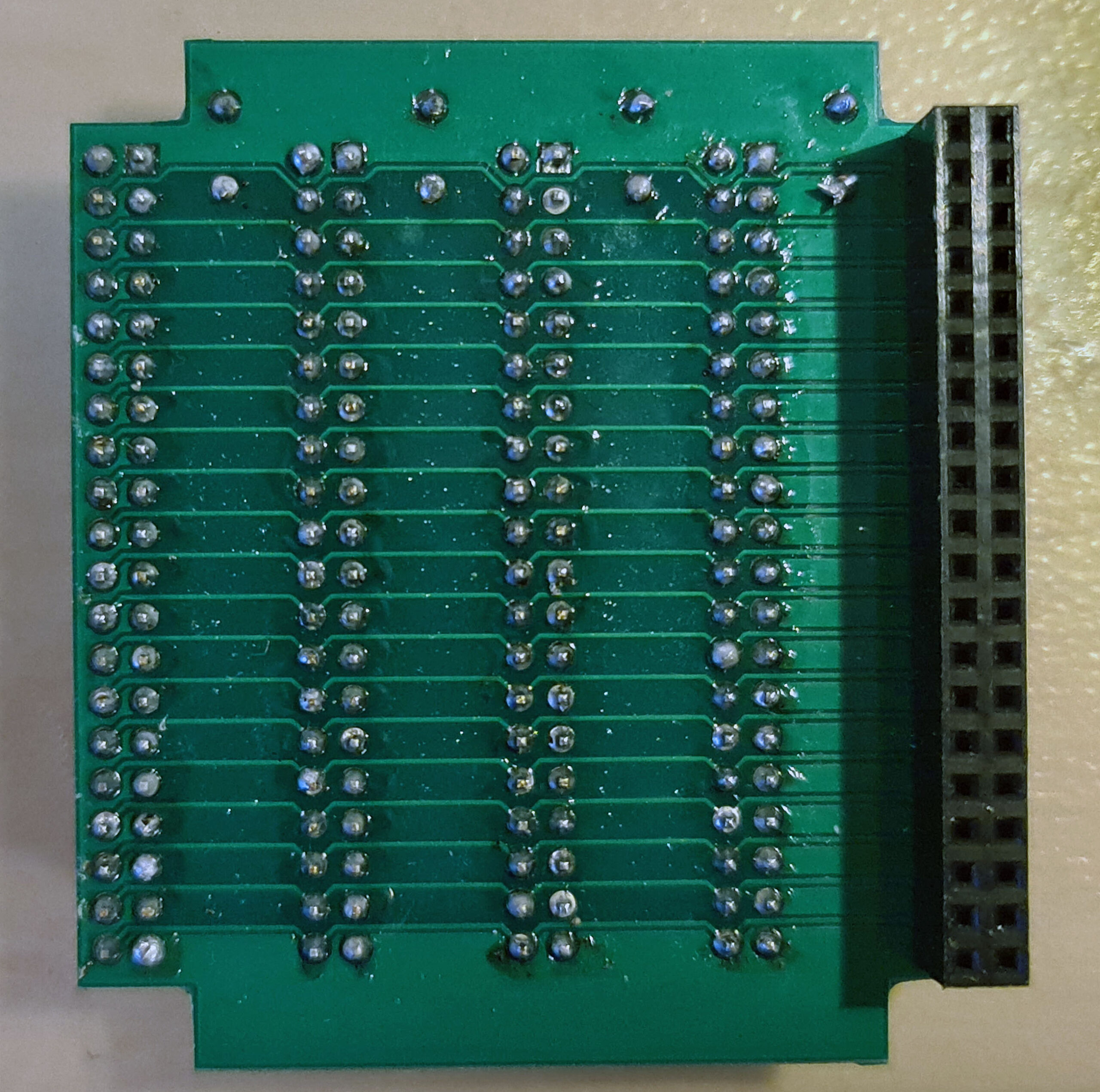
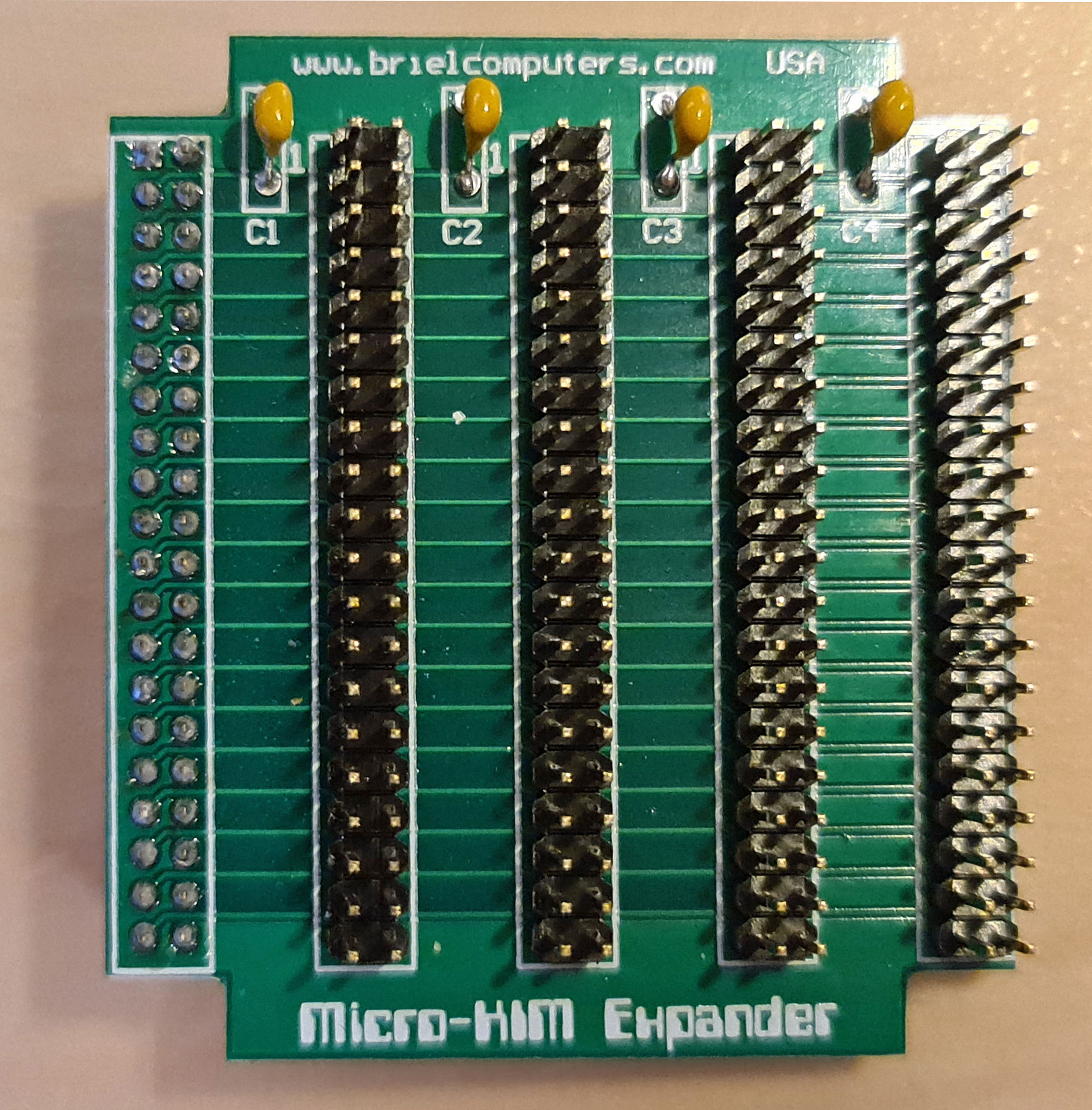
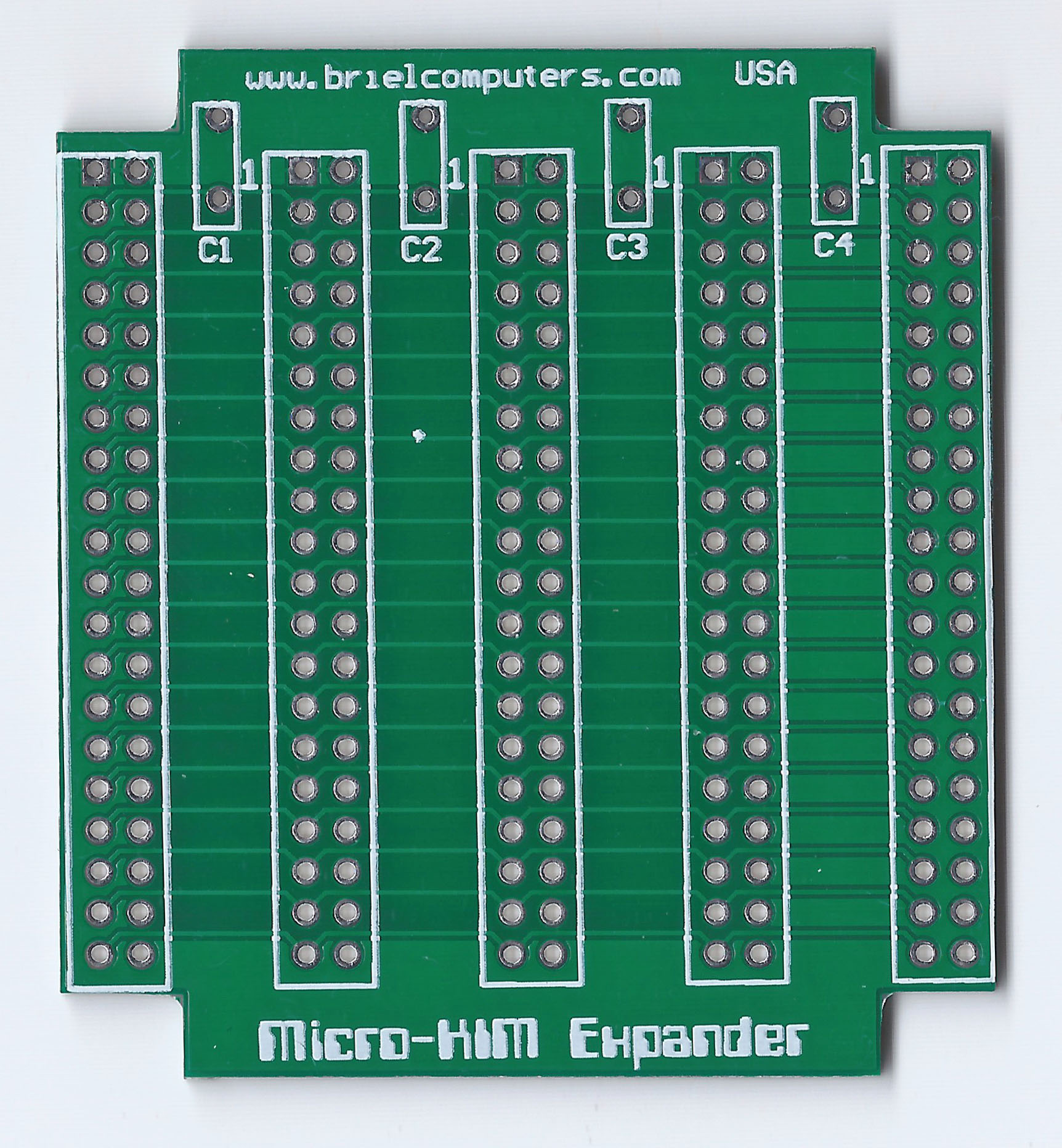
Expansion motherboard

With two expansion boards, both quite essential as shown above and one expansion connector, is not enough.
So the expansion board brings the expansion connector to four connectors, just one on one connected.
As you can see on the Cassette interface for the Micro-KIM page this makes for interesting additions.
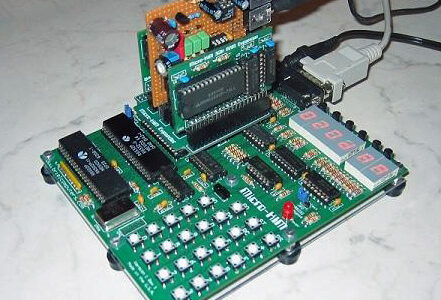
The expansion board can be placed in two ways. The first way iverhanging the Micro-KIM for a compact solution. Or hanging outside, which makes attaching wires to expansion boards less risky. Always take care of the right orientation of the expansion boards, notice the ‘1’ on the baords and the exapnsion connector on the Micro-KIM.


post

Cassette interface for the Micro-KIM


(information and design by Norbert).

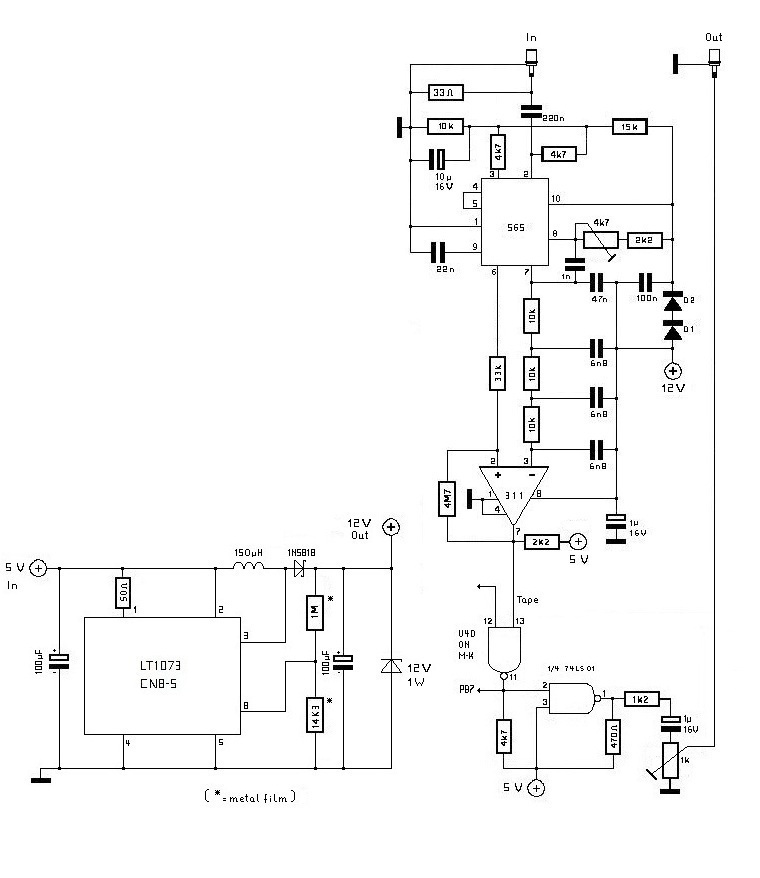
Cassette interface for the Micro-KIM.

With small changes Norbert took the circuit described in the 3rd book of Elektor Junior computer. The +12 V problem he solved taking a LT1073 dc/dc converter to generate this voltage. Everything is working fine: Micro-KIM is connected to the soundcard of the computer to store and reload programs.

N39 is needed because there is not a port present or reachable on the Micro-KIM board, so it takes 1/4 74LS01. With a pullup resistor of 3k9 connect the unused inputs to +5V, so the whole thing will not oscillate.
For the +12 V generation a LT1073 CN8-5 was used. The diagram is shown on page 12 of http://www.datasheetcatalog.com/datasheets_pdf/L/T/1/0/LT1073.shtml (5V to 15V Step-Up Converter). It is important to use exactly the values of the resistors (metal oxid series) shown there. The LT1073 CN8-5 is presently still available for 4,20? at www.reichelt.de . They also have got the LT1073 CN8, but it did not work in this context. The no-load voltage measured at the output of the LT1073 is much higher (arround +40V) than the desired +12V. But with load it reduces to about +11.8 V and remains constant there. A 12V/1W zener diode protects the 12V output of the LT1073.

Build an Elektor Junior

Page on building now an Elektor Junior.
Two designs complete with PCB design (Bram Prosman), reports of a complete build ( Philippe Roehr, Philippe Roca).


Junior revival Bram Prosman

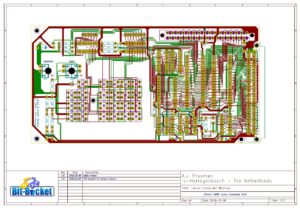
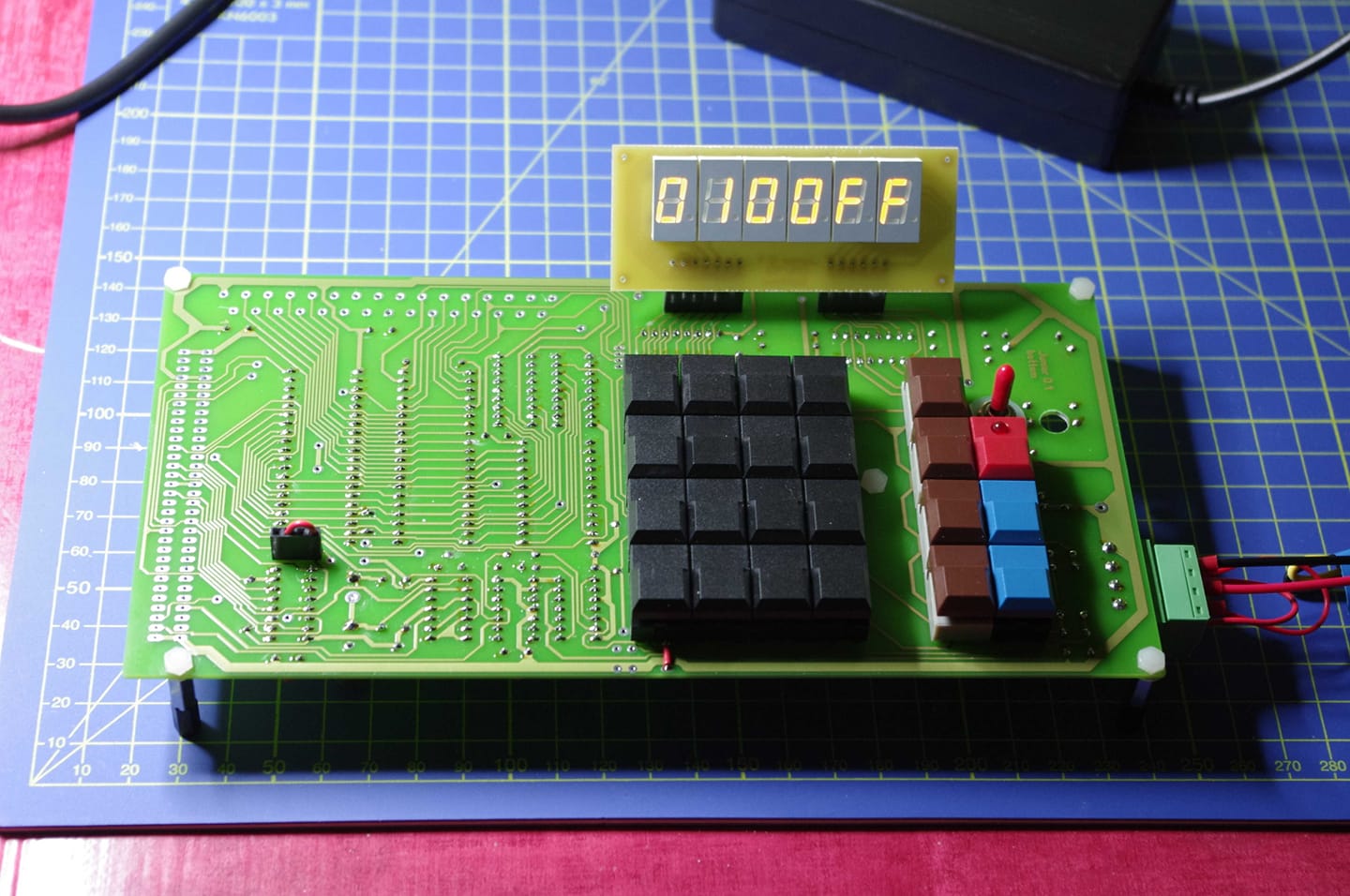
In 2018 Bram Prosman started with his Junior Computer Revival.

His story and the source of documents and image on his website, check there for updated files

I copied over here his 2.0, 2.1 and 2.2 designs of the basic Junior.

Memory map Junior Computer
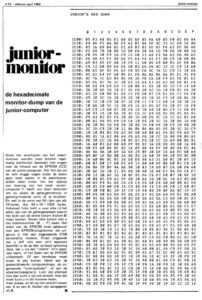
1980 04 72 Junior Monitor
Junior Computer Monitor Listing

Junior Computer Monitor Original TASM source
TASM_32 for Windows 10, 64 bit

Version 2.0
Built and tested. Note the design flaws in Version 2.0, read this first!

Junior Computer Schematics V2.00
Junior Computer PCB BOTTOM V2.00
Junior Computer PCB BOTTOM V2.00 Gerbers

DISCLAIMER – Please note Bram has not tested yet the V2_1 and V2_2 PCB’s!

Version 2.1 and 2.2
Built and tested. Note the design flaws in Version 2.0, read this first!
Version 2.x added support for smaller push buttons instead of the rare and expensive original used Digitasten.

Junior Computer Schematics V2.1
Junior Computer PCB V2.1
Junior Computer PCB V2.1 Kicad design files
Junior Computer PCB Gerbers V2.1
Junior Computer Schematics V2.2
Junior Computer PCB V2.2
Junior Computer PCB V2.2 Kicad design files
Junior Computer PCB Gerbers V2.2

DIY Build a Junior

The design of the Elektor Junior is well documented in the Elektor articles, books and other articles like the KIM Kenner. In many languages, the archive here is as complete as possible, but you could see some pieces of information in only one language section. The hardware components for the most part are not exotic, especially for the time of publication.
The software in the form of (sources of) the ROMs and applications such as Microsoft Basic and even Operating systems like OS65DV3 is also easy to find.

So with all this information available it is no surprise to see modern versions of the Junior. Some try to stay as close to the original design, others just take the ideas and implement it in a more modern an d convenient way.

Some obstacles in building a Junior are:

  • the original PCB’s are only available as low quality magazine articles quality. And even then be careful, the original article mixed up front an back!
  • the EPROM for the Junior monitor is a 2708 UV EPROM. A very old hard to get part, hard to program and requiring power supplies like -5V and +12V besides to usual +5V.
  • the expansion card used a 82S33 PROM for the address decoding. Also an obsolete part and hard to program.

What designers can do:

  • design the PCB’s again. Kicad e.g.
  • replace the 2708 with an EPROM like the 2716 or bigger or an EEPROM like the 28C16 or bigger
  • use a GAL or discrete logic for the 82S33 on the expansion board
  • use a modern SRAM IC and increase RAM memory a lot
  • modify the address decoding to fit the modern ROM and RAM
  • obtain parts like the 6502, 6532 and 6522
  • replace the hard to get 1 MHz crystal with a can oscillator
  • simplify the power to +5V

Here are some examples of builds:


post

Lab-Volt manual scan

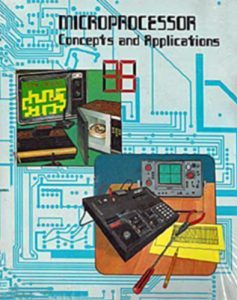
Thanks to John at 6502.org the scan of this book is available, now stored on archive.org due to size.
See also the Lab-Volt page

The description of the trainer is in the book
Microprocessor Concepts and Applications
Publisher: Lab-Volt
Download here for archive.org
post

KB9 and OS65Dv3.3 Junior software