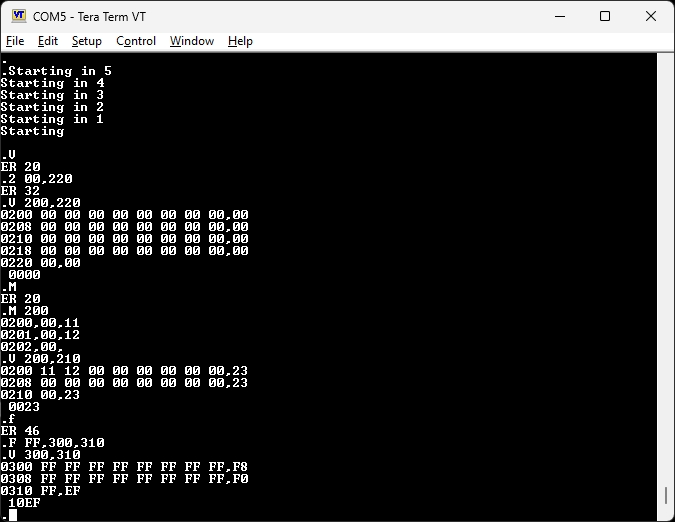
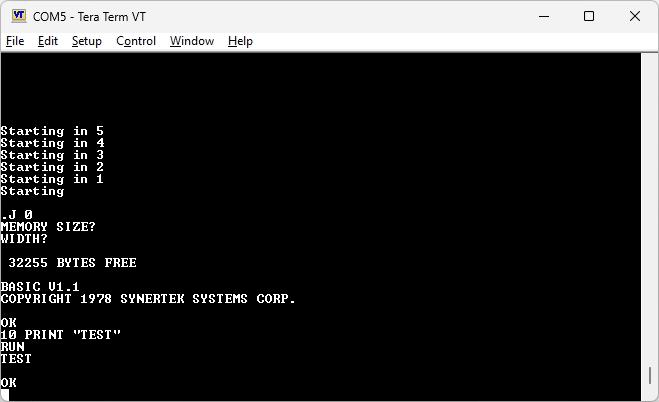
Emulation of a Synertek Sym-1 on a Raspberry Pi Pico 1 (W).
By andysa on the emulation forum on 6502.org
Here is the archive with source, documentation and the binary .uf2 file ready to run on a Pico,
It is based on Jonathans Fouvers “pico-6502 emulator” and “Fake6502”.
You will need this archive to compile the source of PicoSYM.
picoSYM Memory Map
- 32K RAM (0000 – 7FFF)
- Supermon V1.1 (8000 – 87FF)
- 1541DOS (9000 – 9FFF)
- VIA (A000 Block)
- System Ram (A600 – A67F)
- RAE assembler (B000 – BFFF / E000 – EFFF)
- Basic (C000 – DFFF)
- Basic Trig functions (F5C0 – F6EE)
PicoSYM emulates a SYM-1 with the Supermon V1.1 Monitor, Basic, RAE Assembler & Editor and 1541DOS at the typical addresses. The 1541DOS implementation uses “Port A” of an emulated VIA to connect to SD2IEC style floppy disk emulator modules. It has been tested with reasonable success with both the UIEC-SD and pi1541.
These SD2IEC type modules need to be connected to the RPi Pico GPIO ports via a suitable 3.3v/5v level converter and 7416 open collector inverter. (Refer SYM-1 1541 DOS manual and connection diagram within the ZIP file or the 1541 DOS page here)
The 1541DOS relies heavily on the VIA Timers, which required much experimentation with the emulator code in order to get operational. As such, the reliability has not been fully confirmed, however Loading, Saving of files and directory listings does appear to be functional and repeatable at this stage.
The only noticeable bug is with the Directory Listing reporting of “Blocks Free”, which contains erroneous characters. This is due to the 1541DOS simplistic decoding of the received IEC filesize data. This worked fine back in the day given the 170KB storage capacity of a floppy disk.
With the larger capacity of modern SD cards however, the reported free block size is larger than what the 1541DOS routines can accommodate. Partitioning SD cards to a smaller capacity should get around this problem in the short term, however andysa is in the process of patching the necessary subroutines in 1541DOS.
Usage
——-
To use the emulator, put the Raspberry Pi Pico in bootloader mode, by holding the ‘BootSel’ button while connecting it to a computer.
The Pico will appear as a drive. Drop the UF2 file to it.
Open a comms utility such as Putty, at 115200 baud (or use 2400 for a real SYM-1 experience!).